

Artificial Intelligence, Software, Technology
What Can the Seedance 2.5 AI Video Generator Actually Do for Content Creators?
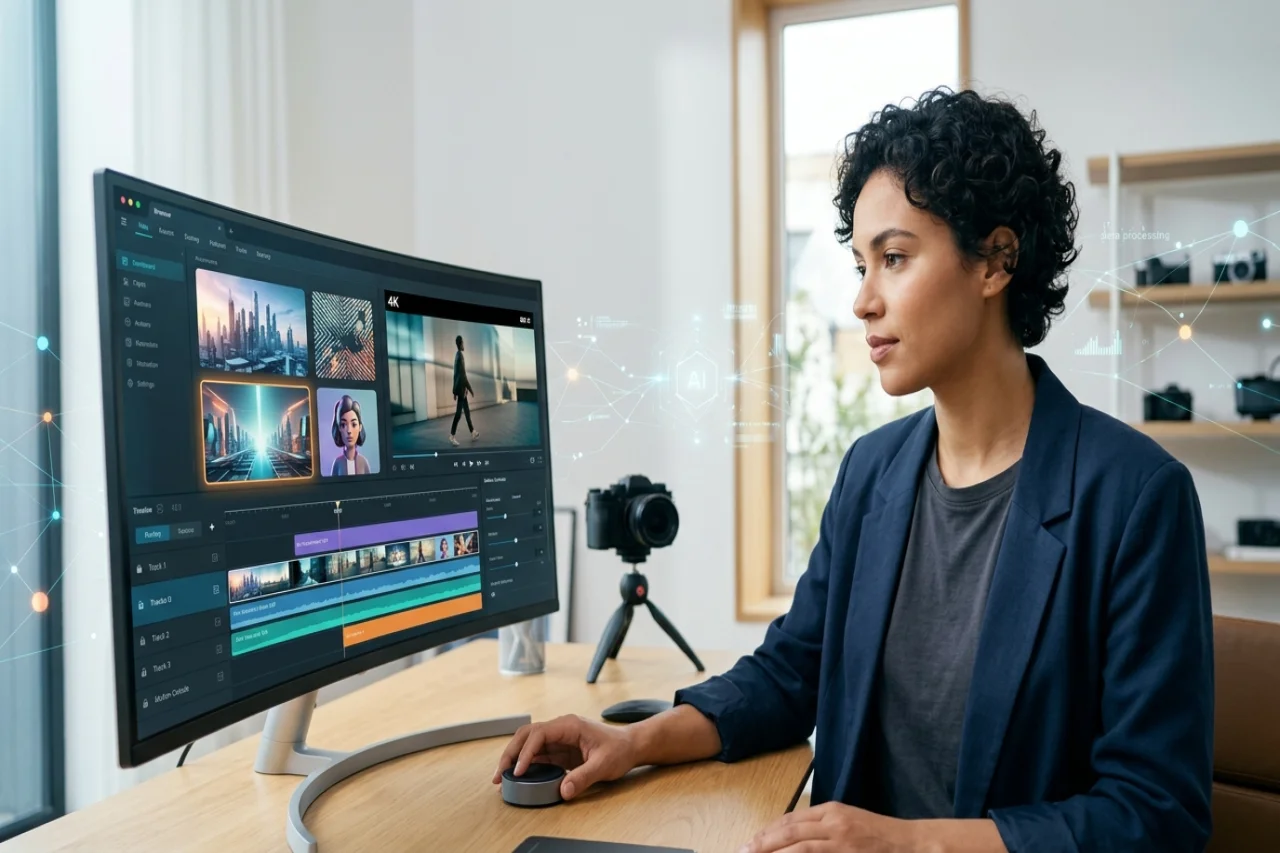
Producing video used to mean cameras, editing software, and hours of manual work. For most teams, that workload is the real barrier, not a lack of ideas. The Seedance 2.5 AI video generator aims to close that gap by turning written scripts and images into finished clips. It belongs to a growing class of text-to-video AI tools that reduce the technical steps between concept and export. This article looks at what the tool does, where it helps, and where you should still keep expectations realistic.
Why AI Video Tools Are Gaining Ground
Video demand keeps climbing across marketing, education, and social channels. The problem is that traditional production does not scale well. When one person handles filming, editing, and voiceover, output stays slow and inconsistent.
AI video creation tools address this by automating repetitive steps. Instead of building each scene by hand, you supply a script or an image and let the system assemble a draft. That draft still needs review, but the starting point arrives much faster.
This matters for smaller teams especially. A single marketer or creator can now produce more AI-generated video content without hiring a full crew. The trade-off is that you give up fine manual control for speed, so knowing when that trade works is part of the skill.
What Is Seedance 2.5?
Seedance 2.5 is a generative AI video model that converts inputs, such as text or images, into moving footage with corresponding pacing and audio.
A few technical points define its current capability:
- 4K video generation for higher-resolution output suitable for professional use
- R2V motion control, which gives you more control over how objects and camera movement behave in a scene
- Support for multiple reference inputs, so you can guide the visual style more closely
- Synchronized audio, so voice and sound align with the generated visuals
These features describe what the model can support, not a promise of perfect results every time. Generative video still varies in quality depending on your prompt, your references, and the complexity of the scene you request.
How Seedance 2.5 Fits Into a Video Creation Workflow
A Seedance 2.6 AI video generator can be incorporated into a broader video creation workflow by generating footage from text, images, and other supported inputs. The resulting clips can then be refined using standard video editing tools.
For example, video editing platforms such as CapCut can be used to refine generated footage by adding elements such as subtitles, music, transitions, and visual effects. This allows AI-generated content to serve as a starting point rather than necessarily being treated as a finished video.
This type of workflow can reduce some of the manual steps involved in creating initial footage. However, editing and human review may still be necessary to correct inconsistencies, adjust timing, and ensure that the final video meets the intended requirements.
Core Features Worth Knowing
AI video generation tools can include a range of features designed to support different stages of video production. Availability varies by model and platform, so it is important to check which capabilities are supported by the specific tool being used.
Digital avatars: Some AI video platforms provide digital avatars that can serve as on-screen presenters. Certain tools also allow users to create a custom avatar from provided video footage, which can be useful for maintaining a consistent presenter across multiple videos.
AI templates: Templates can provide a starting structure for formats such as tutorials, educational videos, and informational clips. They may reduce the amount of manual layout and editing required during the initial production stage.
Text-to-video generation: Text-to-video tools convert written prompts or scripts into video footage. Depending on the model, the generated output may include visuals, motion, pacing, and audio. Human review is still important for identifying visual inconsistencies, factual errors, or other issues before publication.
Brainstorming support: Some platforms include tools for generating topic ideas, scripts, or storyboard outlines. These features can assist with early-stage planning, although generated suggestions should generally be reviewed and adapted to the intended audience and purpose.
A Practical Workflow to Create Videos With AI
The exact process varies depending on the AI video generator and editing software being used, but a typical workflow follows a similar sequence:
- Choose an AI video generation tool and start a new project.
- Enter a prompt or script, or prepare reference images and other supported source material.
- Select available settings such as visual style, aspect ratio, voiceover, resolution, and duration.
- Generate the initial video and review it for accuracy, consistency, and tone.
- Refine the footage using editing software. For example, tools such as CapCut can be used to add subtitles, music, transitions, or other effects.
- Review the completed video and export it in an appropriate format and resolution.
The review step is particularly important. AI-generated footage can misinterpret prompts, introduce visual inconsistencies, or include unintended details. Treating the initial output as a draft and reviewing it before publication can help identify and correct these issues.
Where These Tools Help, and Where They Do Not
AI video creation tools work well for specific situations. They also have clear limits, and it helps to name both before you commit.
They tend to help when you need:
- Short-form social content produced on a tight schedule
- Marketing drafts you can iterate on quickly
- Educational or explainer clips with a repeatable format
- Personal projects where speed matters more than fine control
They may fall short when you need:
- Highly specific brand footage that requires exact framing
- Complex narrative scenes with precise continuity
- Content where every frame must be manually controlled
Knowing this distinction saves time. A text-to-video AI tool can support a fast turnaround, but it does not replace deliberate production when the stakes are high. The best results usually come from pairing AI generation with human review and editing.
Privacy and Practical Considerations
Any online video tool that processes your uploads deserves a moment of thought. When you upload a clip to clone an avatar or supply reference images, that data passes through the platform's systems. Review the service's data handling terms before you upload anything sensitive.
This is a reasonable habit for any AI content creation tool, not a warning specific to one product. Understanding what you share, and where it goes, helps you use these tools with more confidence.
You should also plan for iteration. First outputs rarely match your vision exactly, so budget time for prompt adjustments and edits. That expectation keeps the process productive rather than frustrating.
Conclusion
Seedance 2.5 illustrates how AI-assisted video production can reduce some of the manual work involved in turning scripts, images, and other inputs into video footage. Depending on the platform used to access the model, generated clips can be incorporated into a broader editing workflow using tools such as CapCut or other video editors. However, AI-generated video is generally most useful as a starting point rather than a replacement for human review. Checking visual consistency, factual accuracy, audio, pacing, and other details before publication can help maintain quality while still taking advantage of the efficiency offered by AI-assisted production.
Comments
Comments are available to signed-in users and are moderated to keep the discussion useful and respectful. Spam, automated submissions, and low-value promotional comments are removed. Outbound links may be approved when they are relevant and genuinely helpful to readers, but they are displayed as plain text rather than clickable hyperlinks.
No comments have been published yet.
Please sign in to submit a comment.