

Virtual Private Network, Network, Privacy
Understanding VPNs: What They Are, How They Work, and Why They Matter
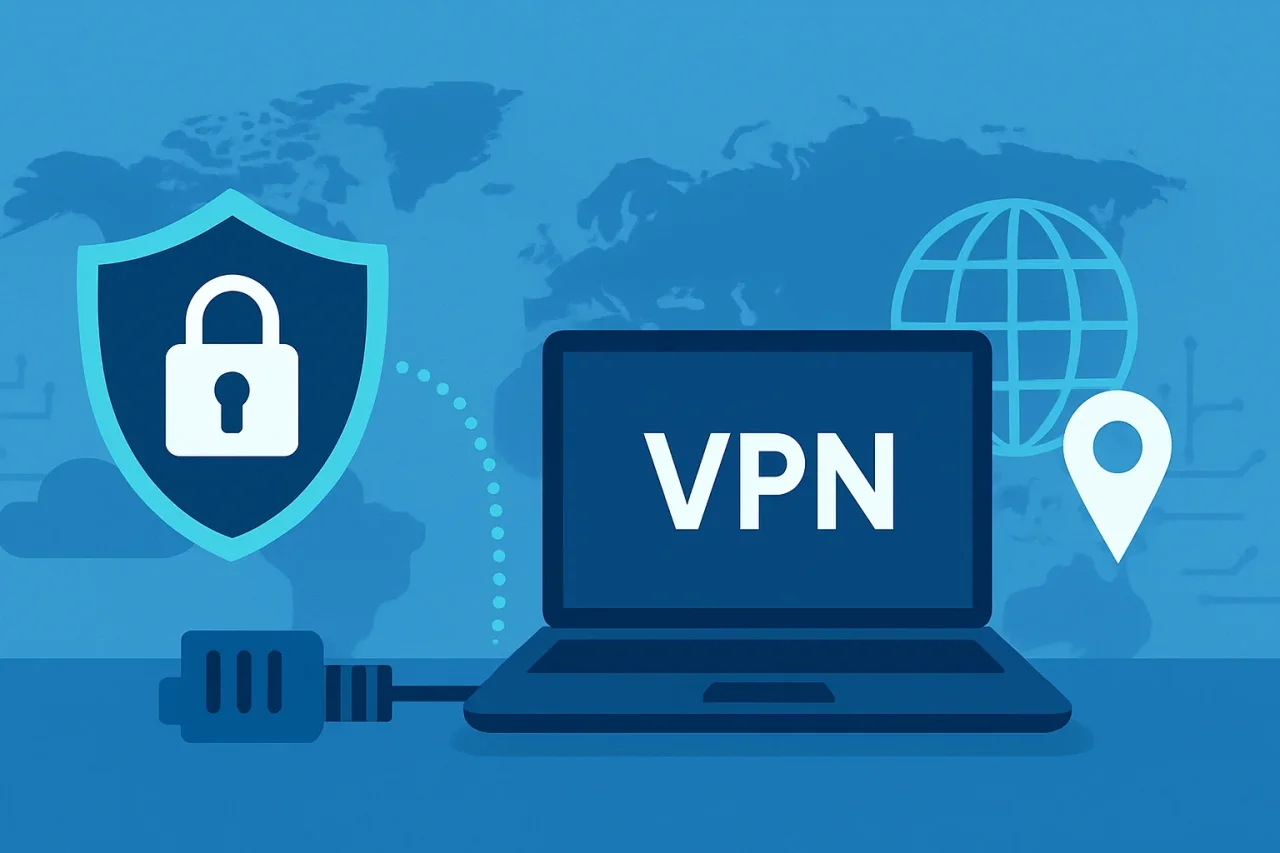
It's more important than ever to keep your privacy and safety online these days because everything is linked. The rise in assaults and the growing digital footprint have prompted people to seek out virtual private networks (VPNs). The aim of these users is to preserve their data and improve the overall experience when surfing the net. But first of all, what is a VPN? What does it do? And why would you care?” Let’s take a look at the interesting world of VPN technology.
A virtual private network, or VPN, is one of the most frequent ways you may protect your privacy. In this article, we will explain what a VPN is, how it works, the advantages and cons of using one, and when it makes sense to use one .
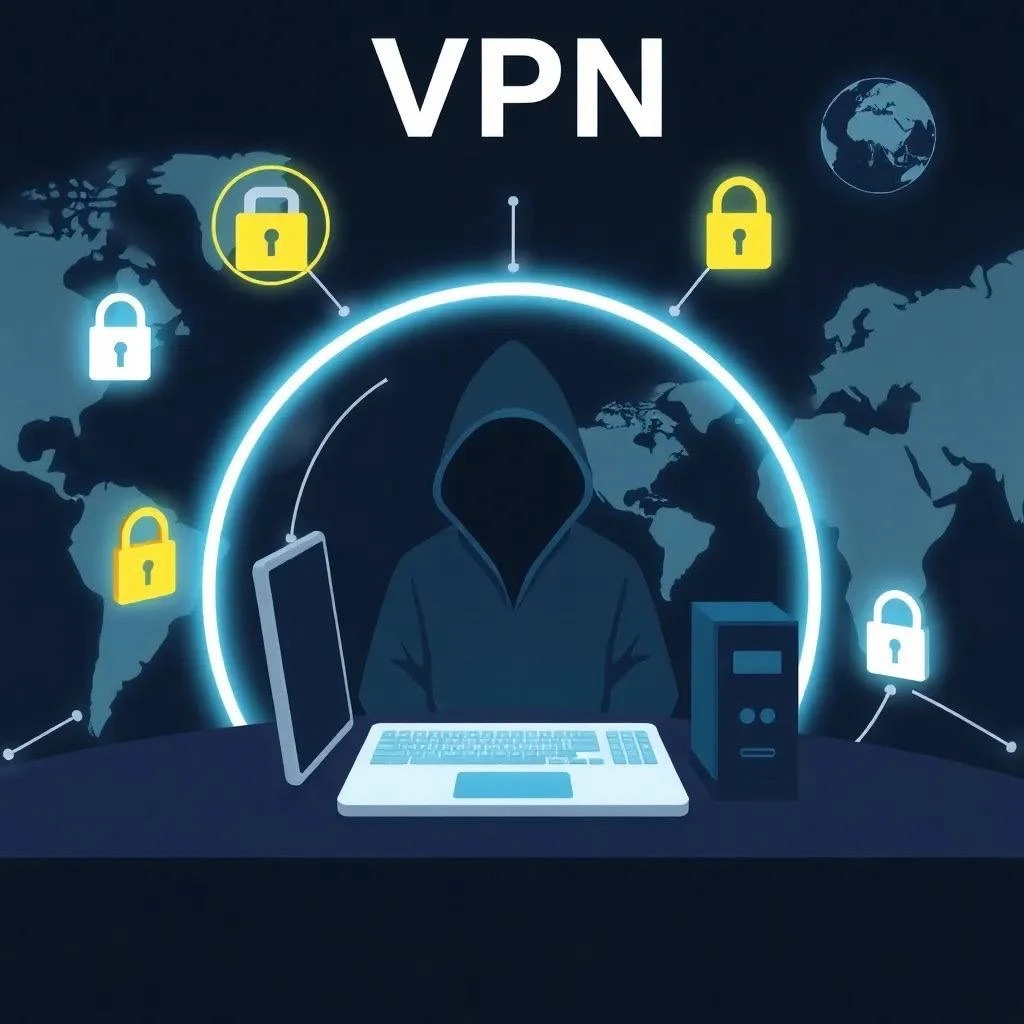
What Is a VPN?
There is a service called VPN, or Virtual Private Network, that makes a safe and encrypted link between your device and the internet. It's kind of like a private tunnel inside the huge freeway that is the internet. Anyone, like hackers, marketers, or even your internet service provider, can't see what you do online through this tunnel.
Originally, VPNs were created for corporations so workers could securely access the company networks from home or elsewhere. Most people are able to utilize VPNs for personal reasons by now.
Many individuals use them to be private, get around geo-blocks, and protect their data on public Wi-Fi.
How Does a VPN Work?
When you connect to the internet without a VPN, your data travels from your device to the websites or services you use in plain sight (even if the sites themselves use encryption like HTTPS). Your IP address, a unique identifier tied to your internet connection, is visible, revealing your approximate location and allowing websites to track your activity.
A VPN changes this dynamic by routing your internet traffic through a remote server operated by the VPN provider. Here’s the typical process:
- Encryption: When data leaves your device, it is encrypted by your device to a code, making the information difficult to intercept or decipher.
- Tunneling: This encrypted data is tunneled across a secure tunnel to the VPN server.
- IP Address Masking: The VPN server then forwards your inquiry on to the targeted website or service, but replaces your real IP address with the VPN server’s own IP address.
- Data Retrieval: The website’s response is sent back to the VPN server, which encrypts it again and sends it to your device via the secure tunnel.
This has two big advantages. One is that your data is protected against interception. The other is that your actual location and identity are hidden from the sites you are visiting .
Types of VPNs
VPN technology isn’t one-size-fits-all. There are several types:
- Remote Access VPN: Most common for individuals, for securely connecting to the Internet or a private network from anywhere.
- Site-to-Site VPN: Used by organizations to connect their remote office sites securely over the internet.
- Mobile VPN: Creates a VPN connection when switching networks or traveling.
Why Use a VPN?
People use VPNs for many kinds of reasons, and these reasons often overlap. Here are some of the most frequent reasons:
1. Confidentiality and Anonymity
A VPN might help obscure your web activity from the endless online tracking. Websites, advertisers, and maybe your government are spying on your IP address and your online behavior. VPNs also hide your IP address so no one can track activities to you.
2. Security on Public Wi-Fi
Hotels, airports, and coffee shops all offer Wi-Fi networks that are known to be unsafe. If you don’t protect your data, hackers can steal your passwords, install malware on your machine, and eavesdrop on your communications. These dangers can't reach your link because it is protected by a virtual private network (VPN).
3. Bypassing Geo-Restrictions
Some content on the internet is not available in some countries due to licensing limitations or government regulations. Depending on where you are, streaming services, social media sites, and news sites may not allow you to see them. When you visit a site, it believes you are in that country as your connection is sent through a VPN server there .
4. Zero Censorship
Some governments prohibit access to some websites or services in some countries. Activists, journalists, and regular people use VPNs to get over this censorship and access the free internet.
5. Security for Remote Jobs
With telecommuting being the standard, VPNs offer a safe way for employees to connect to company networks and secure vital data from online risks.
Common Misconceptions About VPNs
VPNs are popular, but sometimes misunderstood. Some refuted fallacies:
- VPNs are not 100% anonymous: A VPN won’t make you anonymous online, but it will conceal your IP address and encrypt traffic. Websites can still track you using cookies, browser fingerprinting, or by logging into an account.
- VPNs Can Slow You Down: The process of encryption and routing can make a VPN slow down your internet speed; however, the best VPN providers have spent a lot of time and money building up a huge number of high-speed servers and optimized networks to combat this. You still have the benefits of improved security and anonymity, but if you choose a popular VPN provider with a large server network and robust architecture, you can keep your connections fast and consistent.
Conclusion
Virtual Private Networks (VPNs) provide an additional layer of online privacy and security by encrypting internet traffic and masking users' IP addresses. Whether used to protect connections on public Wi-Fi, access remote networks, or reduce online tracking, VPNs can play an important role in maintaining digital privacy. However, VPNs do not guarantee complete anonymity or protection against every cyber threat. Understanding how VPNs work, their benefits, and their limitations can help users make informed decisions about when and how to use them as part of a broader online security strategy.
Comments
Comments are available to signed-in users and are moderated to keep the discussion useful and respectful. Spam, automated submissions, and low-value promotional comments are removed. Outbound links may be approved when they are relevant and genuinely helpful to readers, but they are displayed as plain text rather than clickable hyperlinks.
No comments have been published yet.
Please sign in to submit a comment.