

Virtual Private Network, Network, Privacy
Travel Technology: How VPNs, Mobile Networks and Digital Tools Make Trips Easier
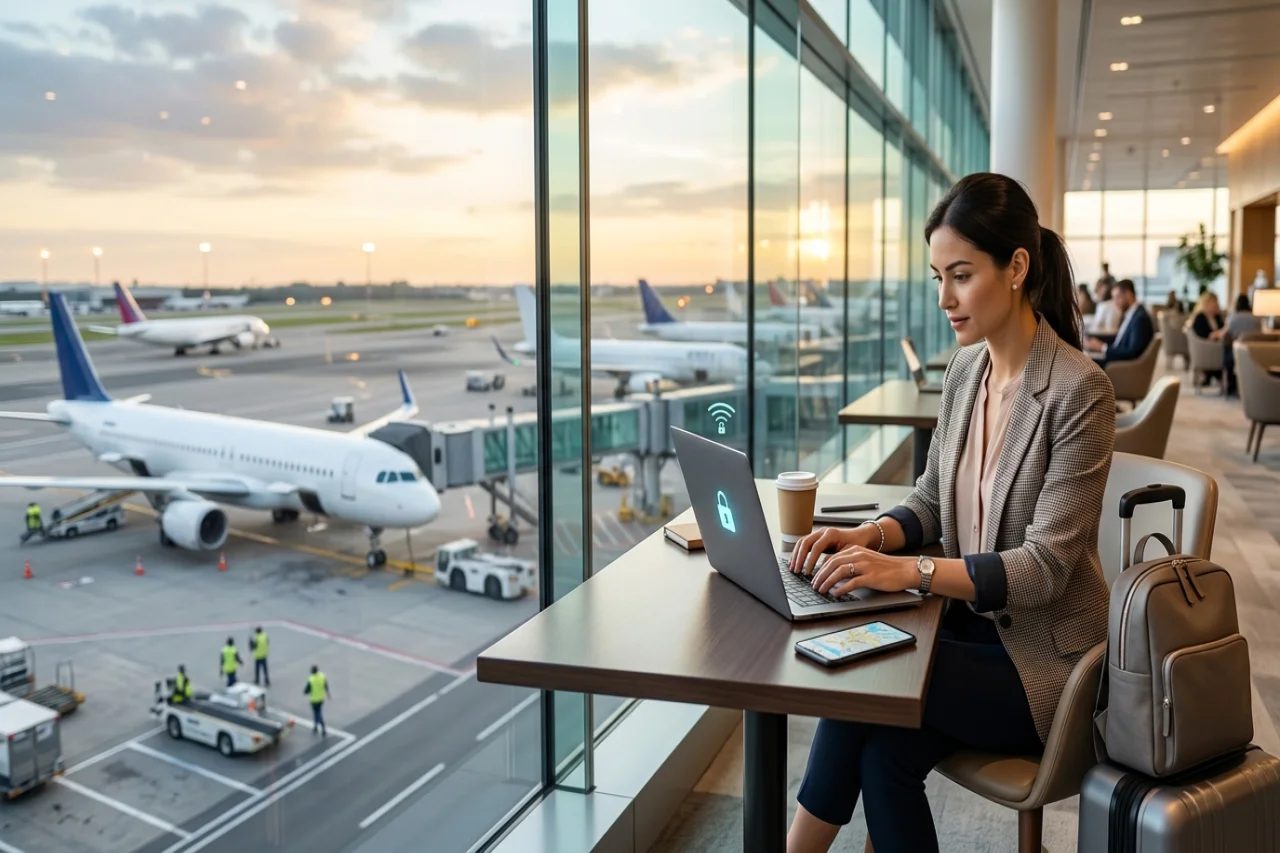
Many frequent travelers are working professionals. When traveling for work, a stable connection helps you attend meetings and communicate with colleagues without unnecessary delays. Secure internet access can also help protect work accounts when using shared networks. Your technology setup should support you from arrival through departure.
Public Wi-Fi and a VPN can help with connectivity, but they must be used carefully. Local mobile networks can keep calls and messages moving, while reliable transportation can save time between meetings. Online rental platforms such as Renty.ae are one option travelers can use to research available vehicles and transportation options in Dubai. This guide explains how to travel efficiently and stay connected while working away from home.

Digital Security and VPN Access
Public networks can create security risks. Travelers should understand how to protect their data and use VPN services responsibly.
Securing Data on Public Wi-Fi
Public places such as hotels, airports, cafés, and shopping centers often provide free Wi-Fi. However, other people using the same network may attempt to intercept unsecured traffic. Fake hotspots that imitate the name of a legitimate business are another potential risk.
Ask an employee for the correct network name before connecting. Take additional precautions when accessing banking services, company systems, or client portals. Avoid entering sensitive information if you cannot confirm that the network is legitimate.
Choosing the Right Travel VPN
Choose a reputable VPN that works in the places you plan to visit. Free services can be slow and may not provide adequate privacy protection. Look for strong encryption, a clear privacy policy, and reliable server performance.
Install and test the VPN before traveling. Saving the setup instructions offline can also be helpful if you experience connectivity problems. Because VPN regulations vary, check the applicable local laws and company policies before using one. In the UAE, for example, VPNs may be used for legitimate purposes such as securing business connections, but using one to access restricted services or commit an offense can lead to significant penalties.
Accessing Communication Services
The availability of internet calling and messaging services varies among countries and networks. Before traveling, check whether your preferred communication apps are supported at your destination. In the UAE, voice and video calls through some popular messaging apps may be restricted, while licensed calling apps are available as an alternative.
Keep an alternative method available for contacting clients, colleagues, and family members. Business platforms such as Zoom, Microsoft Teams, and Google Meet may also be useful, although their availability and performance can depend on the local network.
Mobile Connectivity for Working Professionals
Your mobile plan can affect how easily you work while traveling. Preparing your mobile connection in advance can help prevent delays after arrival.
Setting Up a Travel eSIM
First, confirm that your phone supports eSIM technology. Many recent smartphones do, although carrier-locked devices may have restrictions.
Mobile operators and international eSIM providers offer travel plans that can often be ordered online. After purchasing a plan, you will usually receive a QR code or activation instructions. Install the eSIM using a secure internet connection before departure when possible. Some destinations may require identification before activating mobile service.
Comparing Mobile Network Providers
Compare available network providers before purchasing a plan. Consider the plan length, data allowance, coverage, speed, and price. Some travel plans include calls and text messages, while others provide mobile data only. In the UAE, for instance, the two main operators, e& and du, both offer visitor plans, and a passport is typically required to activate service.
Check coverage near your hotel, workplace, conference venue, or other important destinations. Reviews and coverage maps may help you identify the most suitable provider.
Managing Remote-Work Data Needs
Video calls use considerably more data than emails or text-based messages. Estimate your data requirements by considering the number and length of your weekly meetings.
Choose a plan with additional data if you expect to work online every day. Check whether the plan permits hotspot sharing, particularly if you need to connect a laptop or tablet. Install the provider’s app to monitor usage and add more data before the allowance runs out.
Digital Tools for Easier Transportation
Transportation apps can help travelers monitor traffic and move efficiently between meetings and other commitments.
Navigating Traffic With Live Maps
Navigation tools such as Google Maps, Apple Maps, and Waze can provide directions and live traffic information. Depending on the service and location, they may also display road closures, hazards, crashes, and public transportation routes.
Review your route before leaving and allow additional time during busy periods. In Dubai, for example, major routes such as Sheikh Zayed Road can become congested during morning and evening rush hours. Downloading offline maps can help you continue navigating if the mobile signal becomes weak or unavailable.
Managing Tolls, Tickets and Parking
Many transportation systems now use digital tools for tolls, tickets, and parking payments. Research the applicable payment methods before beginning your journey. Dubai, for instance, uses the automatic Salik toll system on major roads, and drivers can pay for public parking through the RTA app or by SMS.
When using a rental or shared vehicle, ask how tolls and parking charges are handled. Providers may pass these costs to the customer and sometimes add an administrative fee. Reviewing these terms in advance can help you avoid unexpected charges.
Conclusion
A few practical technology choices can help you remain productive while traveling. Use secure connections, choose a mobile plan that matches your data requirements, and confirm that your communication tools will work at your destination.
Navigation and transportation apps can also make unfamiliar journeys easier to manage. Preparing these services before departure can support a smoother and more productive first day.
Comments
Comments are available to signed-in users and are moderated to keep the discussion useful and respectful. Spam, automated submissions, and low-value promotional comments are removed. Outbound links may be approved when they are relevant and genuinely helpful to readers, but they are displayed as plain text rather than clickable hyperlinks.
No comments have been published yet.
Please sign in to submit a comment.