

IP Address, Virtual Private Network, Privacy
Travel eSIMs: IP Addresses, Privacy & Mobile Security
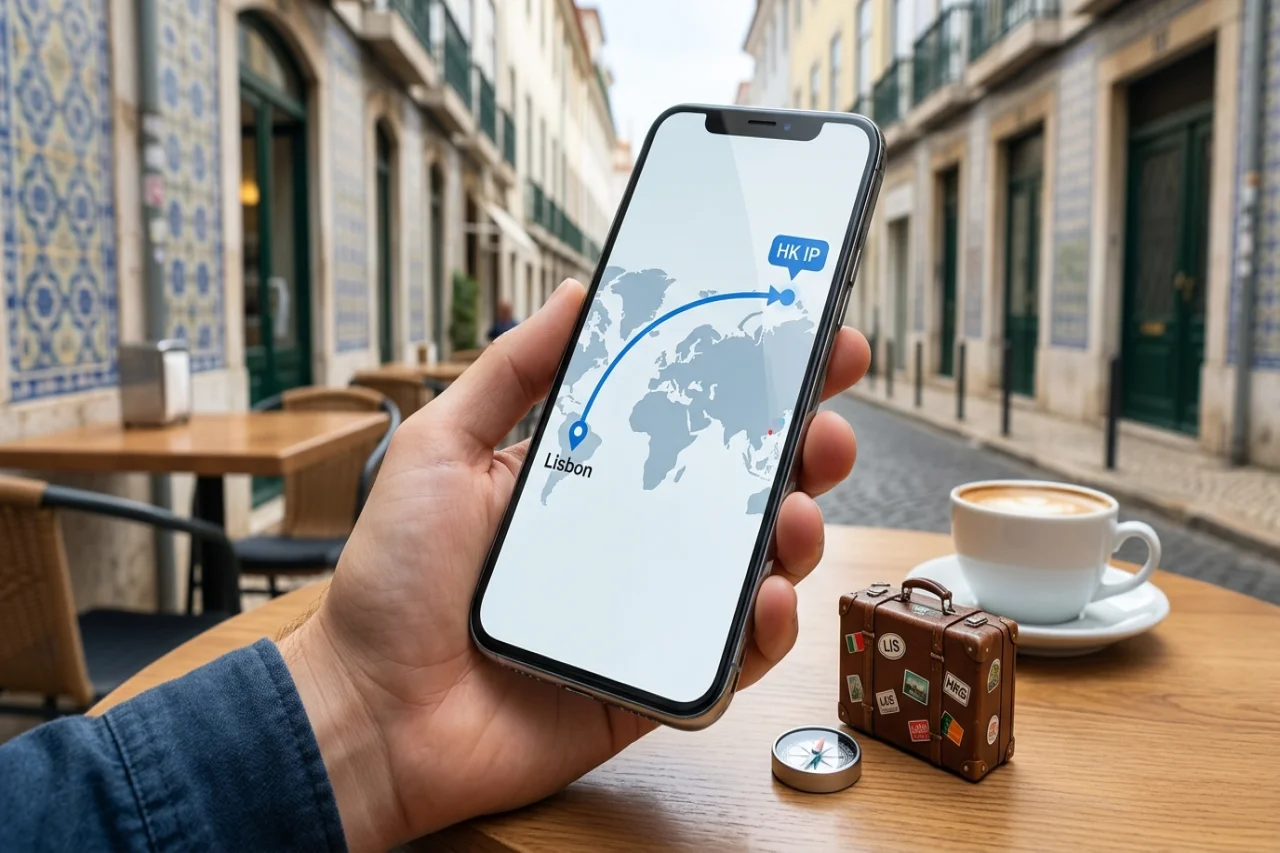
How travel eSIMs affect IP addresses, privacy, and mobile security comes down to one thing: whose network your data actually exits through. Most travel eSIMs route your traffic back to the provider's home carrier, so a plan bought from a Hong Kong-based company can give you a Hong Kong IP address while you're standing in Lisbon. That changes what websites see, what your bank thinks, and which country's data rules apply.
That mismatch is usually harmless and occasionally very annoying. Streaming services may serve you the wrong catalog. Your bank's fraud system may flag a login that appears to come from a country you've never visited. Two-factor codes sent by SMS can go missing entirely if your eSIM is data-only and your regular number is parked on a disabled line.
Here's what's really happening underneath the convenience — how carrier routing shapes your visible location, what your provider can log, and the handful of settings worth checking before takeoff.
What IP Address Do You Actually Get on a Travel eSIM?
Here's the part that surprises most travelers: the IP address you get rarely matches the country you're standing in. A travel eSIM usually roams on a local radio network, but your data session often "breaks out" at the provider's gateway somewhere else.
- A Thailand plan might surface an IP registered in Singapore or Hong Kong.
- A European regional plan frequently exits through the Netherlands, Germany, or the UK.
- Run an IP lookup from a café in Lisbon and you may see Amsterdam.
CGNAT adds another layer. Nearly every mobile carrier uses it, so your phone shares one public IPv4 address with hundreds of other subscribers. IPv6 gives you a prefix instead, still tied to that same gateway region.
That mismatch shapes real things: which content libraries load, whether your bank's fraud system flags the login, and how ad platforms and AI-driven systems that profile IP data read your session.
What is the downside of having an eSIM?
The trade-offs are practical rather than dramatic:
- Unpredictable geolocation: banking apps, streaming, and government portals may behave as if you're in a third country.
- No physical transfer: if your phone dies, you can't pop the SIM into a borrowed handset.
- Activation depends on connectivity: you generally need Wi-Fi to install the profile, so do it before you fly.
- Device limits: older and some region-locked phones still don't support eSIM at all.
When your phone attaches to a partner network abroad, the operator has to decide where your data actually leaves the mobile core and hits the public internet. With local breakout, the visited network hands your session to its own gateway, so you get an IP address registered in the country you're standing in — handy for local maps, transit apps, and bank pages that expect a domestic connection. With home routing (in LTE and 5G, the S8 Home Routing architecture), the visited network tunnels your traffic back to your provider's gateway before it breaks out, so the exit IP belongs to the home operator's country, not yours.
eSIM activation requires internet connectivity, making setup challenging before traveling when offline
Most travel eSIMs sold as data-only plans lean on home routing through the issuing operator's core, which is why a user in Lisbon can appear to be in Hong Kong, the UK, or Germany depending on the provider. Some regional eSIM plans may instead route traffic through infrastructure closer to the travel destination. For example, SafarieSIM offers regional plans that travelers can consider when comparing routing and connectivity options. It's worth checking how a particular plan handles traffic before you rely on the booking and mapping tools in roundups, such as lists of travel sites that simplify trip planning.
Does a Travel eSIM Hide Your Location or Change Your Virtual Country?
No — and it helps to be blunt about that, because plenty of marketing copy implies otherwise. A travel eSIM is a real carrier subscription, not a privacy tool. What it can change is which network your traffic exits from: with local breakout in Japan, sites see a Japanese IP belonging to a partner like KDDI or SoftBank; with home routing, the same device may surface as a European IP even while you're standing in Tokyo. That's an artifact of routing, not anonymity. Your carrier still knows which cell towers you're attached to, and that record is tied to your account.
It also won't fool most apps. Mobile operating systems hand off apps' GPS coordinates, nearby Wi-Fi networks, Bluetooth beacons, and the device's time zone — signals that override whatever your IP suggests. Google Maps, ride-hailing apps, and banking apps lean on those first, which is why a banking app may still flag a login as foreign.
If the goal is actually controlling what a network sees, you need a VPN or encrypted DNS layered on top. Businesses handling staff travel should treat it the same way they'd approach scalable privacy controls that don't slow the company down: policy first, connectivity second. Expect inconsistent access to country-locked streaming and government portals either way.
Do eSIMs Act Like a VPN — and Where the Comparison Breaks Down
Two things get mixed up here constantly: changing the IP address a website sees, and protecting the traffic itself. A travel eSIM does the first one almost by accident, as a side effect of where your provider's gateway is located. A VPN does the second on purpose, and lets you pick the exit point. The distinction decides what you actually need to install before a trip, so the answers below separate what a travel eSIM genuinely does from what the marketing implies.
Do eSIMs act as VPNs?
No. The confusion is understandable, because both can change the IP address a website sees. But that's where the resemblance stops. A VPN wraps your traffic in an encrypted tunnel and sends it to an exit server you choose. Travel eSIMs hand you a data session on a partner network — your packets leave the phone in the clear (beyond whatever TLS the app already uses) and exit wherever that provider's gateway sits. You don't pick the exit point, and you can't change it without buying a different plan.
The practical gaps matter. A VPN hides DNS lookups and SNI from the network operator; an eSIM carrier still sees every domain you resolve unless you turn on encrypted DNS yourself. A VPN gives a consistent exit country; eSIM routing can shift mid-trip as you roam between partner networks. And eSIM profiles are usually tied to a payment method and sometimes passport-level KYC, so "anonymous" isn't the right word for them.
Useful combination: an eSIM for connectivity, a VPN on top when you need the encryption.
Can an eSIM Be Hacked? Real Risks vs. Online Myths
The honest answer is less dramatic than the forum threads suggest. The chip in your phone is a tamper-resistant secure element, and profiles arrive over an encrypted channel tied to the device — that part holds up well. The weak points sit around it: your account with the provider, the email inbox that can reset it, a fake reseller holding your passport scan, old roaming signaling flaws that leak SMS, and hotel Wi-Fi. The sections below separate those real risks from the myths, and point to the settings that actually reduce them.
Is it possible for an eSIM to be hacked?
Not in the way most forum posts imply. The eSIM itself is a tamper-resistant secure element, and profiles are downloaded over an encrypted channel tied to the device's keys — nobody is cloning it over the air from a nearby table. What can be compromised is everything around it: your account with the provider, the email inbox tied to that account, or your unlocked phone. A SIM swap attack doesn't break the chip; it tricks support staff into moving your number to someone else's device.
eSIMs themselves are secure, but the accounts and devices they connect to can be compromised through social engineering or weak authentication methods.
The realistic risks worth your attention while traveling:
- Fake resellers and QR codes: A profile bought from an unknown site may come with a dead plan or a sketchy support channel holding your passport scan.
- Signaling weaknesses in roaming: SS7-era interconnect flaws can expose SMS and coarse location, which is why app-based authenticators beat SMS codes abroad.
- Hotel and airport Wi-Fi: Far more dangerous than any cellular network, and the reason to keep mobile data on.
Switching to a travel eSIM doesn't erase your data trail — it moves it to a new set of companies. The provider you bought the plan from holds your account details: email address, payment method, device EID, and, if the destination country requires registration, a passport or ID scan. It also knows which plan you activated and when, which is a rough itinerary in itself. Meanwhile, the local carrier whose towers you're actually using sees the signaling layer: your IMSI, the cell sites your phone attaches to, session start and stop times, and how much data moved. That tower-level record is far more precise than any IP-based lookup.
Content visibility is a separate question. With HTTPS, the network sees the destination domain through DNS queries and the TLS handshake, plus packet sizes and timing — not the pages themselves. Two practical habits help: use encrypted DNS (DoH or DoT) so lookups aren't readable by whoever runs the APN, and read the provider's privacy policy for retention periods and whether logs are shared with the underlying carrier or regulators.
eSIM vs. Physical SIM: A Security Comparison Table
| Factor | Physical SIM | eSIM |
|---|---|---|
| Theft from a lost phone | Card can be removed and used in another handset | Profile stays locked to the device |
| Activation channel | In person or by mail | QR code or app download — phishable if the code is fake |
| SIM swap fraud | Carrier ships a replacement card | Carrier re-provisions remotely; speed can help an attacker |
| Travel switching | Swap cards, risk of losing one | Several profiles stored, one active at a time |
| Anonymity | Prepaid cards vary by country | Tied to an account, email, and payment method |
Neither option wins outright. The eSIM removes the physical attack surface but introduces an account-based one, so your provider login deserves the same security attention as your banking app: a unique password, a hardware- or app-based second factor, and alerts for any profile changes you didn't request.
Geo-Blocking, Streaming, and Banking Apps on a Foreign IP
This is where the routing question stops being abstract. Whichever country your data exits into becomes your country as far as most services are concerned: Netflix quietly swaps your catalog, BBC iPlayer and US sports streams refuse to play at all, and your bank may flag the same login as suspicious. Data-only plans add a second problem — no inbound SMS on the travel line, so one-time codes sent to your home number go missing just when you need them. The two sections below cover what to expect from streaming, and what to settle with your bank before you leave.
Streaming: same subscription, different catalog
Once your traffic exits through a local breakout in Lisbon or Bangkok, every site you visit sees a Portuguese or Thai address — and content platforms act on that.
- Netflix won't block you, but it swaps your catalog for the local one, and titles you queued at home may vanish from your list.
- BBC iPlayer, Hulu, and most US sports streams refuse to play outside their licensed region.
- Spotify and some subscription services allow a grace period for travelers before asking you to confirm your home country.
If a show matters, download the episodes over Wi-Fi before you fly.
Banking apps and SMS codes: sort this out before departure
Banking apps are the sharper edge. A login from a foreign IP that doesn't match your usual pattern often triggers step-up verification, a device re-enrollment prompt, or a temporary card freeze. Some banks block app access from specific countries outright. Before leaving, file a travel notice, move two-factor codes from SMS to an authenticator app, and confirm that your home number can still receive messages if your eSIM uses a different line. A VPN back to your home country can restore access, though it may conflict with the bank's own fraud rules.
Most travel eSIMs are data-only. That means no local phone number and, crucially, no inbound SMS — so any bank, airline, or exchange that texts a one-time code to your home number will go quiet unless you keep your original line active for roaming or switch that account to an authenticator app before you fly. Plan that migration a week out, not in an airport queue, because some banks require a cooling-off period before a new 2FA method takes effect.
Losing the profile, and why speeds differ between resellers
The second headache is recovery. An eSIM profile lives in your handset's secure element, and once installed, most providers won't let you scan the same QR code again. Lose the phone, factory-reset it, or hand it to a repair shop, and the plan can vanish with no physical card to pop into a backup device. Keep the activation email, your order ID, and the provider's support channel saved offline.
Also expect uneven quality. Different resellers buy wholesale access from different local networks, so two users standing side by side in the same city can see very different speeds, priority levels during congestion, and whether tethering is even permitted.
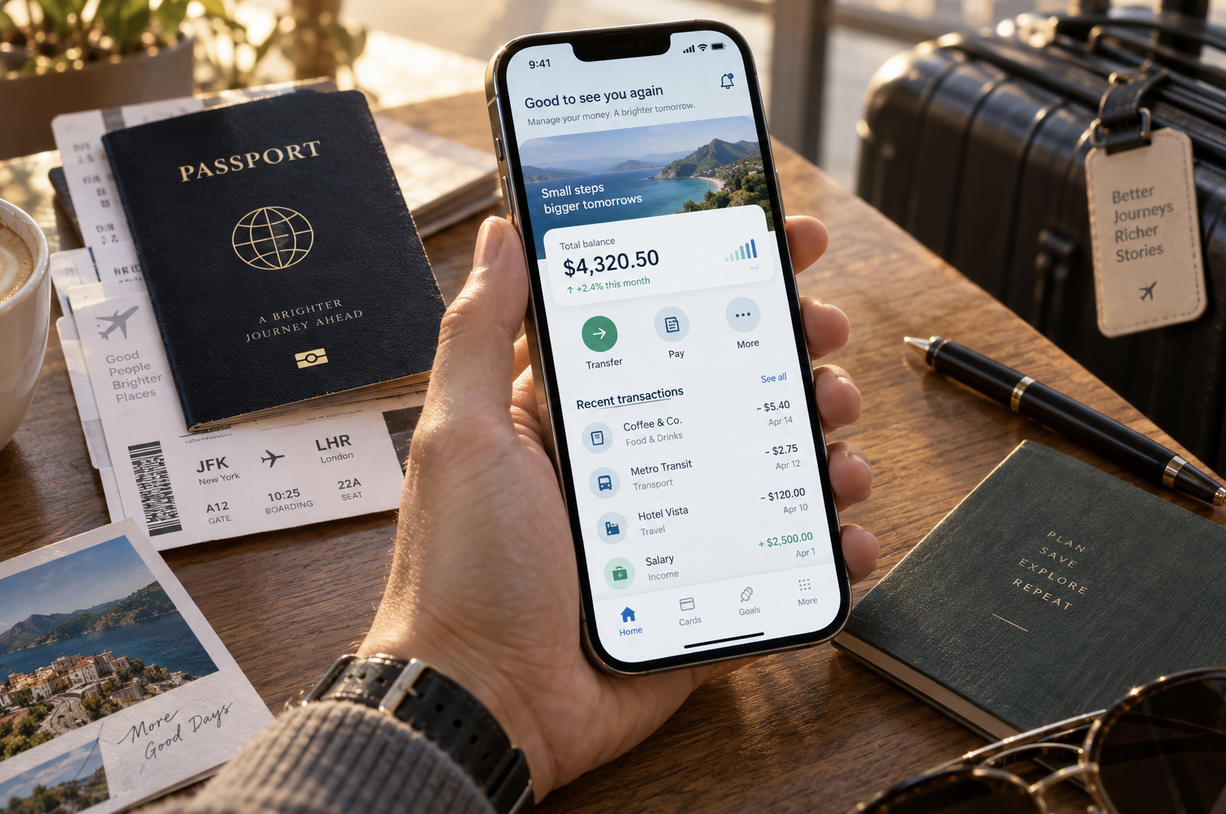
Banking apps often require additional verification when accessed from foreign IP addresses during travel.
Practical Security Settings to Configure Before You Land
None of this takes long, and all of it is easier at home than in an arrivals hall with no data. The checks below do three jobs. First, get the profile installed, labeled, and pointed at the right line while you still have Wi-Fi. Second, close the gaps that matter more abroad than they do at home — encrypted DNS, saved hotel networks, a SIM PIN, a VPN you've actually tested. Third, work out who is behind the plan you bought and what they write down about you. Ten minutes the night before saves the scramble at the gate.
Set up the profile while you still have Wi-Fi
- Do this at home. Troubleshooting an eSIM profile in an airport with no data is miserable.
- Install the travel profile, but leave it disabled until you land.
- Label the line clearly — most phones let you rename it something like "Japan data" — so you don't accidentally roam on your home line.
- Turn off data roaming on the primary line.
- Set the travel eSIM as the default for cellular data, and keep calls and texts on your home number. That split is the main reason two-factor codes still reach you.
- Check the voice setting: on iPhone, Settings > Cellular > Default Voice Line; on Android, Network & Internet > SIMs.
Settings that matter more abroad than at home
Four changes are worth making before departure:
- Enable encrypted DNS (DNS over HTTPS or TLS), so the local carrier in whatever country you land in can't read your lookups in plaintext.
- Switch on "Ask to Join Networks," and forget saved hotel Wi-Fi after checkout.
- Lock the SIM with a PIN and turn on the carrier-lock or SIM-change alert if your device supports it — useful if the handset is stolen on an international trip.
- Test your VPN on the travel profile before you fly; some providers' apps misbehave on first activation.
How to vet the provider behind the plan
Most travel eSIM brands are resellers sitting on top of a handful of wholesale carriers and aggregators. The useful question isn't "is this provider trustworthy?" but "who is actually behind it, and what do they write down?" Look for a provider that names its underlying network partners by destination, states a concrete log retention period rather than "as required by law," discloses which country your traffic is routed to, and explains what identity data it collects. Some regions — Thailand, India, parts of the Gulf — require passport-level registration for prepaid service, so a provider operating there may be legally obliged to collect ID.
Other practical signals: profiles delivered by QR code or activation code rather than a mandatory account-bound app; no tracking SDKs in that app if one is required; a plain answer on whether the carrier does DNS filtering or transparent proxying; and clear deletion steps when you stop using the plan.
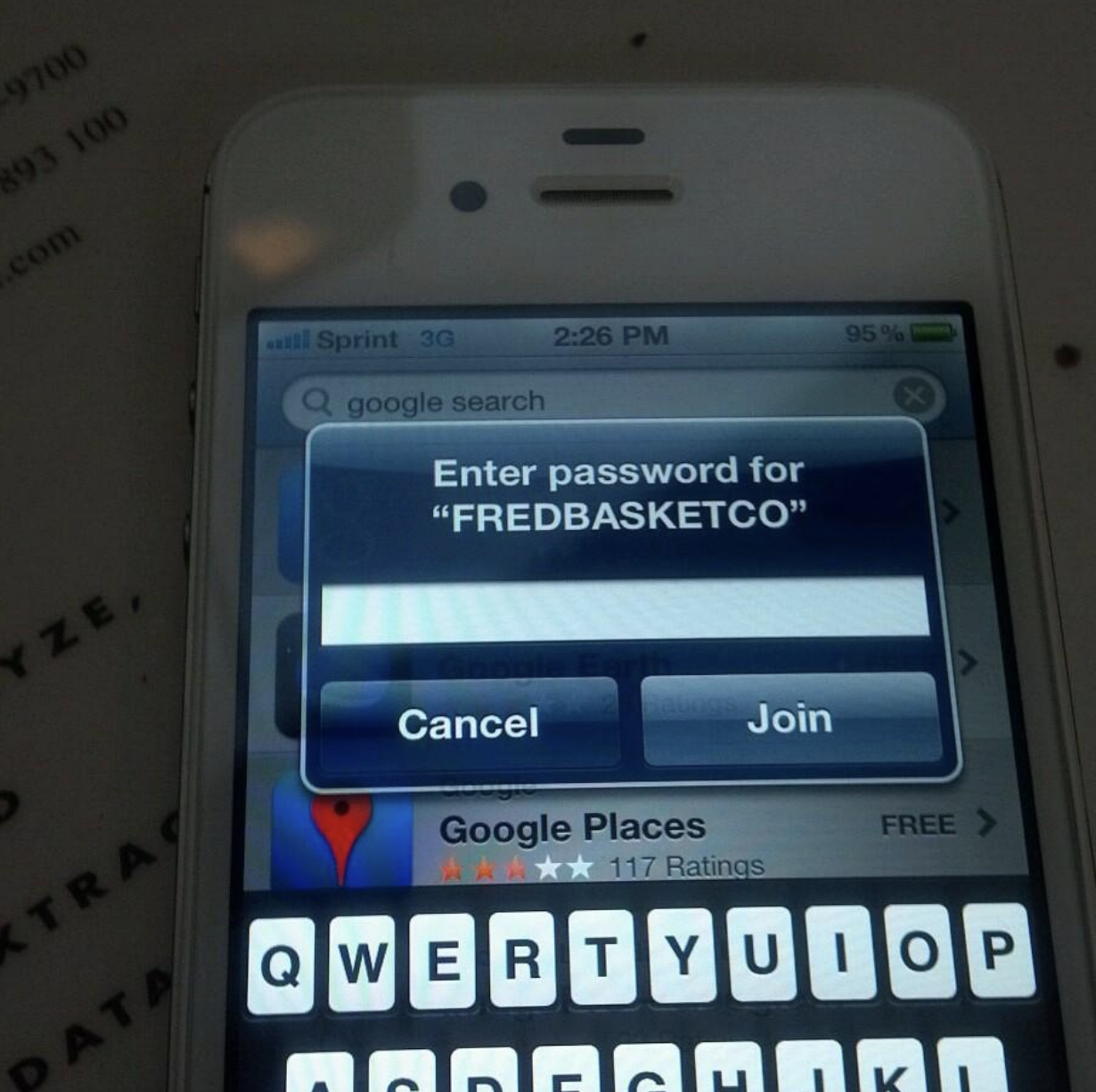
Configure security settings on your phone before traveling, including DNS encryption, SIM preferences, and data roaming options.
How does eSIM technology affect privacy?
The eSIM standard itself is neutral — it's a secure element plus a remote provisioning server. What changes privacy is the paperwork around it: your travel eSIM purchase ties a payment method and email to an IMSI, so the profile is pre-linked to your identity in a way an anonymous shop-bought SIM never was. The chip is harder to steal; the account behind it is easier to trace.
Most confusion about travel eSIMs comes from mixing up two separate things: the profile stored on your phone, and the carrier infrastructure that actually carries your packets. The profile is just credentials. The routing — and therefore the IP address you present to websites — depends on which networks your provider has roaming agreements with and where their gateway sits.
If you remember one rule, make it this: an eSIM changes who assigns your address, not who can see your traffic. Encryption, device settings, and the apps you trust still do the heavy lifting.
Conclusion
Travel eSIMs make staying connected abroad easier, but the IP address you receive may not match your physical location. Where your traffic exits depends on the provider's routing setup, which can affect geolocation, streaming access, banking apps, and other location-sensitive services.
An eSIM also isn't a replacement for a VPN or other security measures. Before traveling, install your eSIM while you have reliable internet access, secure important accounts with app-based authentication where possible, review your provider's privacy practices, and configure your cellular and security settings. Understanding how the connection works can help you stay connected while reducing unnecessary privacy and security risks abroad.
FAQ
FAQ
01 Does every eSIM give you a different IP address?
Yes, usually a new one per session, drawn from a shared carrier pool. Hundreds of travelers may share a single public address through CGNAT.
02 Can I keep my home number while using a travel eSIM?
Yes: keep the physical SIM active for calls and texts, with data switched to the eSIM.
03 Do travel eSIMs work with two-factor SMS codes?
Only if your original number stays reachable. Move critical accounts to an authenticator app before you fly.
Comments
Comments are available to signed-in users and are moderated to keep the discussion useful and respectful. Spam, automated submissions, and low-value promotional comments are removed. Outbound links may be approved when they are relevant and genuinely helpful to readers, but they are displayed as plain text rather than clickable hyperlinks.
No comments have been published yet.
Please sign in to submit a comment.