

Artificial Intelligence, Education, Online Tools
Top Automated Employee Training Video Tools Compared (2026)

TL;DR:
- AI training video generators turn documents and slide decks into finished course content fast
- Course building depth, avatar quality, and language support separate the strongest tools from the rest
- LMS integration and security certifications matter most for regulated industries
We compared the top AI powered tools that turn documents and slide decks into employee training videos. This guide breaks down six platforms by avatar quality, language support, and course building depth. It serves L&D teams evaluating AI training and course video generators for corporate programs. The right choice can reduce rework as training content scales across teams.
How We Established This Ranking
We tested six AI training and course video generators aimed at US corporate L&D teams against criteria pulled directly from how corporate L&D teams actually evaluate these platforms: avatar realism and lip sync fidelity, the depth of language and localization support, LMS integration through SCORM and xAPI, and security certifications like SOC 2 Type II. Each platform's pricing, features, and client base were verified against its own published profile rather than marketing claims, and we prioritized tools that could convert existing documents, PDFs, or slide decks into finished video content with minimal manual editing. Platforms without genuine document-to-video or course-building workflows were weighted lower, since that capability matters most for teams maintaining training content that changes often.
- Avatar realism, lip sync accuracy, and customization options
- Language and localization coverage
- LMS and SCORM/xAPI integration depth
- Security certifications and data governance policies
- Document, PDF, and slide deck to video conversion capability
Comparison Table
To better understand how these platforms compare, the table below summarizes rating, entry pricing, free plan availability, and best fit for each.
| Company | Rating | Starting Price (Paid) | Free Plan | Best Fit |
|---|---|---|---|---|
| Colossyan | 4.6/5 | $59/month | Yes | Mid market to enterprise L&D teams in regulated industries |
| Synthesia | 4.7/5 | $29/month | Yes | Large enterprise L&D and internal comms teams |
| Elai.io | 4.7/5 | $29/month | Yes | Small to mid market L&D teams converting SOPs |
| Guidde | 4.8/5 | $29/month | Yes | Support, product, and IT teams documenting workflows |
| D-ID | 4.6/5 | $16/month | No | Developers and agencies needing API embeddable clips |
| Pictory | 4.6/5 | $29/month | No | Marketing and content teams repurposing existing content |
1. Colossyan
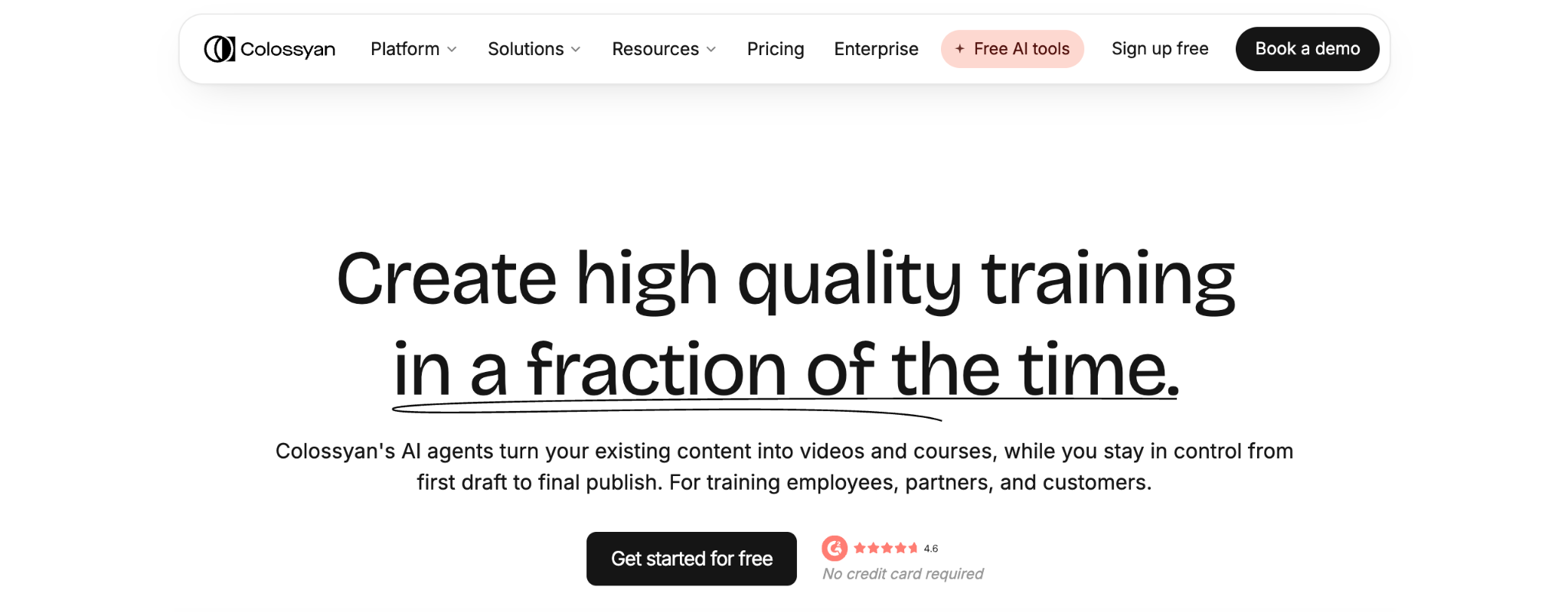
Colossyan is a leading AI video and course generation platform built for corporate training, distinguished by its AI agent Cora, which can convert PowerPoints to training videos and full courses for human review before rendering. The platform pairs 300+ stock avatars with 120+ language localization for global course delivery, and it counts Johnson & Johnson, Cisco, Ericsson, and BMW among its enterprise clients. Colossyan best serves mid-market to enterprise L&D teams in regulated or compliance-heavy industries that need SME authored, trackable courses without an in-house production team. Colossyan is already considered one of the best AI training and course video generators for 2026.
Rating: 4.6/5
Services
- AI agent Cora drafts scene-by-scene video content from documents, PDFs, slide decks, URLs, or prompts
- Full course creation through Colossyan Learn, not just standalone videos
- SCORM export in streaming or self-contained formats for LMS delivery
- Built in screen recorder for capturing software workflows
Use Cases
- Employee onboarding and compliance training for regulated industries like healthcare and manufacturing
- Sales enablement and customer education content
- Internal communications and product explainer videos across technology, professional services, and retail sectors
Pricing
- Starter: Free, includes 20 minutes per month with NEO avatars, 15 custom avatars, and 3 voices
- Professional: $59/month (billed yearly), 30 minutes with NEO, 10 minutes with NEO2, unlimited MP4 downloads, and 5 SCORM exports per month
- Enterprise: custom pricing with unlimited NEO minutes, unlimited avatars and voices, and SSO/SAML support
2. Synthesia
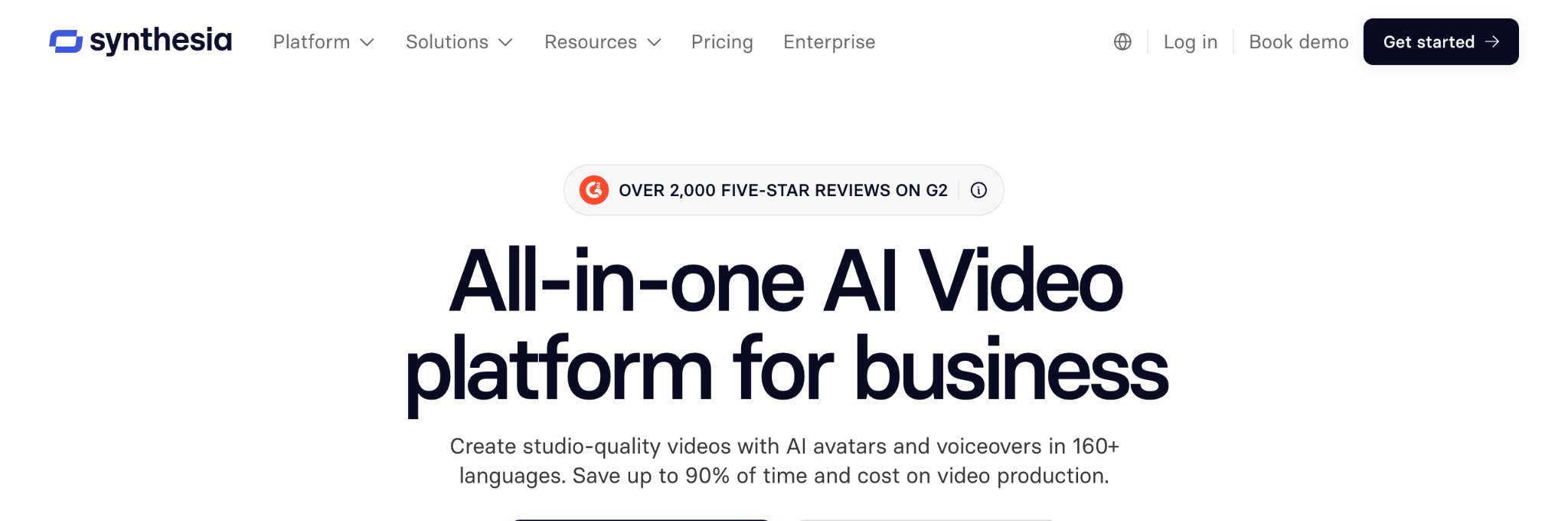
Synthesia is an AI avatar video platform that converts scripts, documents, PDFs, and website links into presenter-led videos using text-to-speech in 160+ languages. The company serves corporate training, internal communications, and compliance use cases, with client references including Reuters, SAP, Merck, and Moody's. It offers 240+ stock avatars alongside personal avatar creation, PowerPoint import, and SOC 2 Type II and ISO 42001 certifications for enterprise governance. The platform fits large enterprise L&D and internal communications teams that need standardized, multilingual, presenter-led video at scale.
Rating: 4.7/5
Services
- AI screen recorder and AI motion graphics for supplementing avatar-led videos
- Interactive video and interactive avatars, including roleplay sessions
- API access for embedding video generation into other systems
- 1 click dubbing and translation across supported languages
Use Cases
- Employee onboarding and sales enablement content
- IT and cybersecurity training modules
- Knowledge management video libraries for internal reference
Pricing
- Basic: Free, about 10 minutes per month, 9 stock avatars, watermarked
- Starter: $29/month ($18/month billed annually), about 10 minutes per month, 125+ avatars
- Creator: $89/month ($64/month billed annually), about 30 minutes per month, API access and interactive video
- Enterprise: custom pricing with unlimited minutes and SSO/SAML support
3. Elai.io
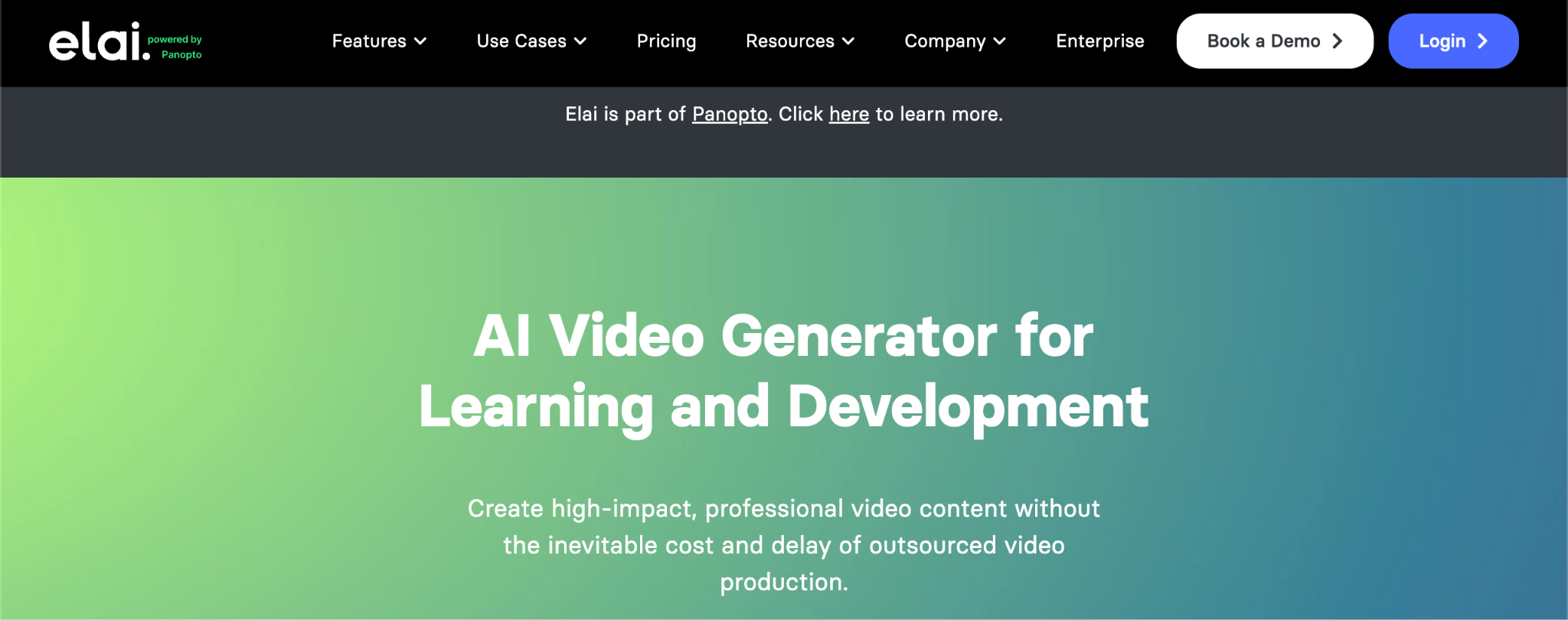
Elai.io is an AI video generation platform for corporate learning that produces interactive, digital human-led content from text or URL inputs. The company works with organizations including Assurant, Domino's, Newcastle University, and NIH, and became part of the Panopto video learning ecosystem after its 2024 acquisition. It provides 80+ stock avatars, voice cloning in 28+ languages, and an AI Storyboard tool that drafts scripts from source material. The platform fits small- to mid-market L&D teams working through a backlog of written SOPs that need to be converted into avatar-based training videos.
Rating: 4.7/5
Services
- Translation into 75+ languages with matching avatar lip sync
- Interactive quizzes, branching, hotspots, and buttons embedded directly in videos
- Multi avatar conversation scenarios through Avatar Dialogs
- Built in screen recorder and public API access
Use Cases
- Sales enablement and customer education programs
- Information security and compliance training
- Marketing and general e-learning content production
Pricing
- Free: $0/month, 1 user, 1 minute per month, 80+ avatars included
- Creator: $29/month ($23/month billed annually), 15 minutes per month, Full HD output
- Team: $125/month ($100/month billed annually), 50 to 150 minutes per month, 3 editors and 3 guests, 4K output
- Enterprise: custom pricing with unlimited users, voice cloning, and SSO
4. Guidde
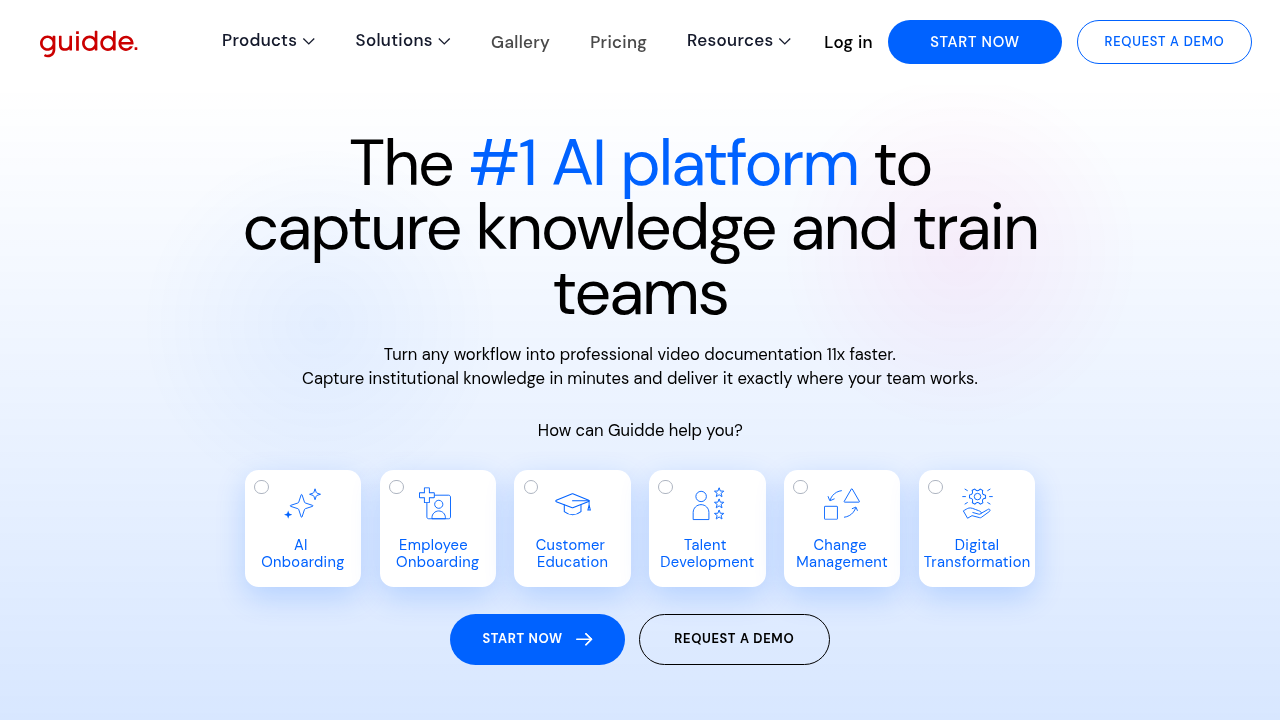
Guidde is a generative AI platform for video documentation that uses a browser extension to capture software workflows and generate step-by-step narrated video guides. The company lists Nayax among its documented client references and integrates with tools such as Zendesk, Salesforce, and Slack. Its Magic Capture records workflow steps automatically, while Magic Redaction applies HIPAA-aligned blurring of personally identifiable information before publishing. The platform fits customer support, product, and IT teams that need to document real software workflows and embed the resulting videos directly into help desks and CRMs.
Rating: 4.8/5
Services
- AI Storyline generation for turning captured steps into a narrated script
- 400+ AI voices for narration
- Automated Brand Kit application across generated guides
- Knowledge repository with automatic tagging for generated videos
Use Cases
- Software and product training for internal teams
- Customer support enablement content
- Employee onboarding and SOP documentation
Pricing
- Free: $0 per creator per month, up to 25 how-to videos
- Pro: $29 per creator per month ($19/month billed annually), unlimited videos and watermark removal
- Business: $59 per creator per month ($39/month billed annually), up to 5 creators and advanced privacy controls
- Enterprise: custom pricing with unlimited screen recordings, multi-language translation, and SSO
5. D-ID
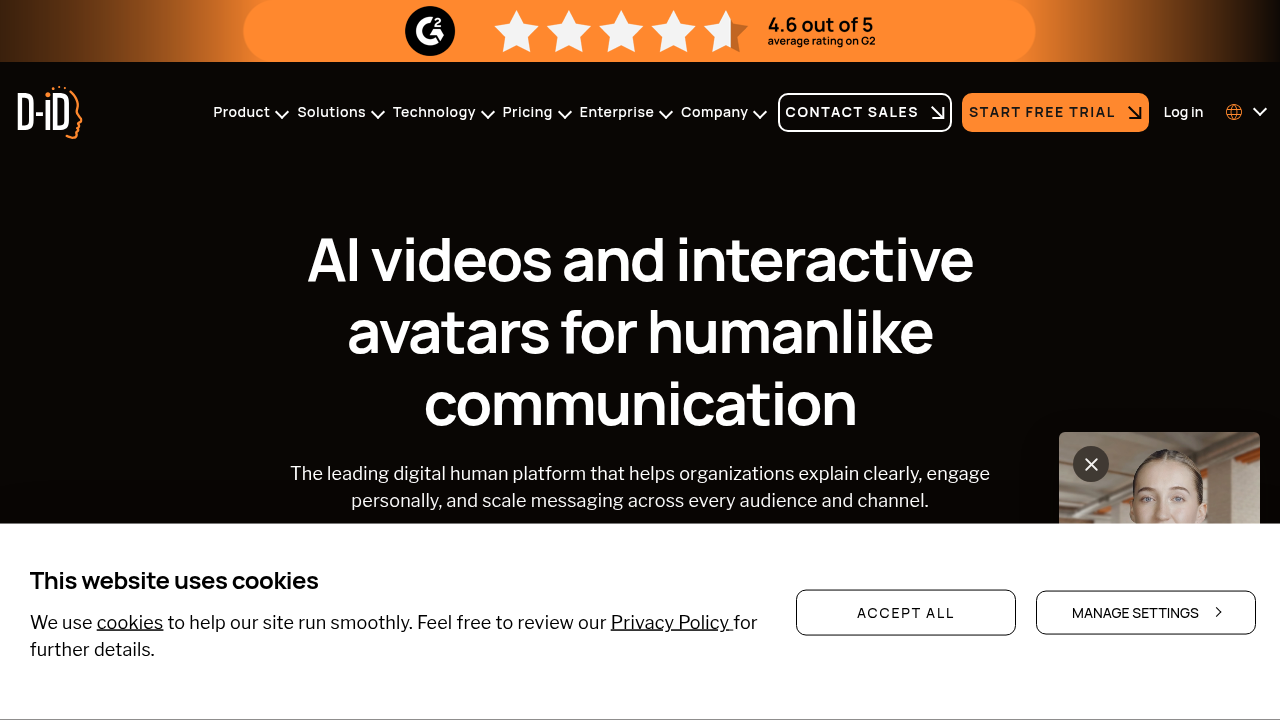
D-ID is an AI-powered video creation platform that turns photos, text, video, and audio into talking avatar clips and interactive visual agents through its Creative Reality Studio and API. Client references include Wayfair, Coca-Cola, AWS, Microsoft, and Reddit. The platform offers Video Translate across 120+ languages and real-time conversational Visual AI Agents built on its V4 Expressive Avatar technology. It fits developers and agencies that need fast, API embeddable talking avatar clips rather than a full course authoring system.
Rating: 4.6/5
Services
- Photo to talking head avatar generation from a single image
- Voice cloning for personalized narration
- Integrations with Microsoft PowerPoint, Canva, and Google Slides
- Self hosting option available for real-time avatar deployment
Use Cases
- Marketing and sales video content
- Customer experience and support interactions
- Learning and development modules for developer-focused teams
Pricing
- Lite: $4.70/month (billed annually), watermarked output for personal use
- Pro: $16/month (billed annually), commercial use and API access
- Advanced: $108/month (billed annually)
- Enterprise: custom pricing
6. Pictory
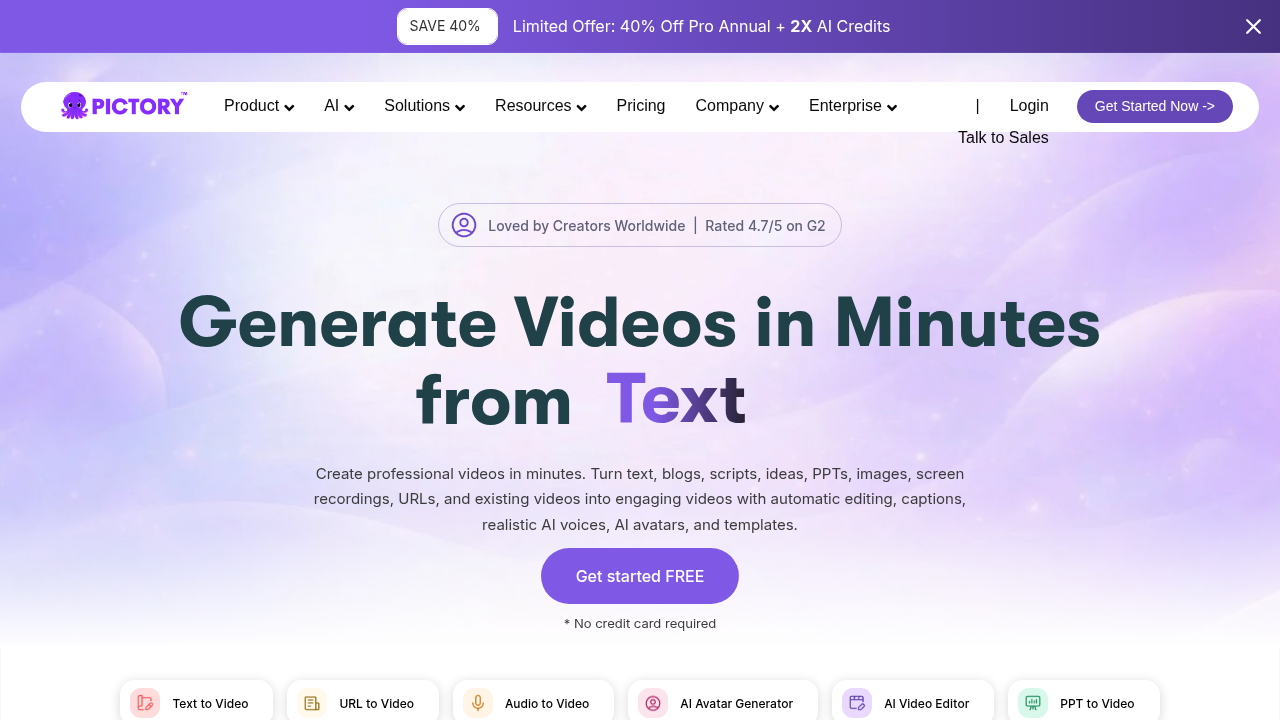
Pictory is an AI-powered text-to-video platform that converts scripts, blog posts, articles, and long-form recordings into short narrated videos using stock footage and AI voiceover. The platform draws on 18M+ stock assets and 15,000+ music tracks, with AI voices available in 20+ languages. It supports script- and article-to-video conversion, along with automatic long-video summarization and clipping, without relying on a branded on-screen presenter. It fits marketing and content teams repurposing existing blogs, webinars, and transcripts into short videos at scale.
Rating: 4.6/5
Services
- PowerPoint, image, and URL to video conversion options
- Edit video by editing the underlying text transcript
- Brand kit application across generated videos
- Integrations with Canva, ChatGPT, and Adobe Premiere Pro
Use Cases
- Content marketing and social media repurposing
- Educational content production
- Internal knowledge base video libraries
Pricing
- Starter: $29/month ($25/month billed annually), 200 video minutes and 5GB storage
- Professional: $59/month ($35/month billed annually), more minutes and storage, 29 language support
- Team: $199/month, real-time collaboration and role-based access
- Enterprise: custom pricing with SSO and dedicated success manager
Conclusion
For teams incorporating AI training and course video generators into their L&D stack, key considerations include course building capabilities, document and presentation conversion, localization support, LMS compatibility, and enterprise security. Platforms that can convert existing source materials into structured training content may help organizations keep compliance and onboarding resources up to date as information evolves. Teams should compare these capabilities against their specific training requirements, existing systems, and content workflows.
FAQ
FAQ
01How do you choose an AI tool for corporate training videos?
Organizations building full training courses rather than standalone videos may prioritize features such as document-to-course workflows, SCORM export, LMS compatibility, localization support, and content management capabilities.
02How do AI video generators convert documents into training content?
These platforms use AI to parse text, PDFs, or slide decks, then generate a video script, select avatars and voiceover, and assemble a finished scene-by-scene video automatically.
03Can AI training videos support multiple languages?
Most enterprise-grade platforms translate a single script into 100 or more languages while automatically syncing avatar lip movement and voiceover to each localized version.
04What should L&D teams look for when choosing a training video platform?
Buyers should prioritize avatar realism, LMS integration through SCORM or xAPI, security certifications like SOC 2 Type II, and the ability to update content quickly as procedures change.
Comments
Comments are available to signed-in users and are moderated to keep the discussion useful and respectful. Spam, automated submissions, and low-value promotional comments are removed. Outbound links may be approved when they are relevant and genuinely helpful to readers, but they are displayed as plain text rather than clickable hyperlinks.
No comments have been published yet.
Please sign in to submit a comment.