

Virtual Private Network, Cybersecurity, Privacy
Top 5 Features to Look for in an iOS VPN App
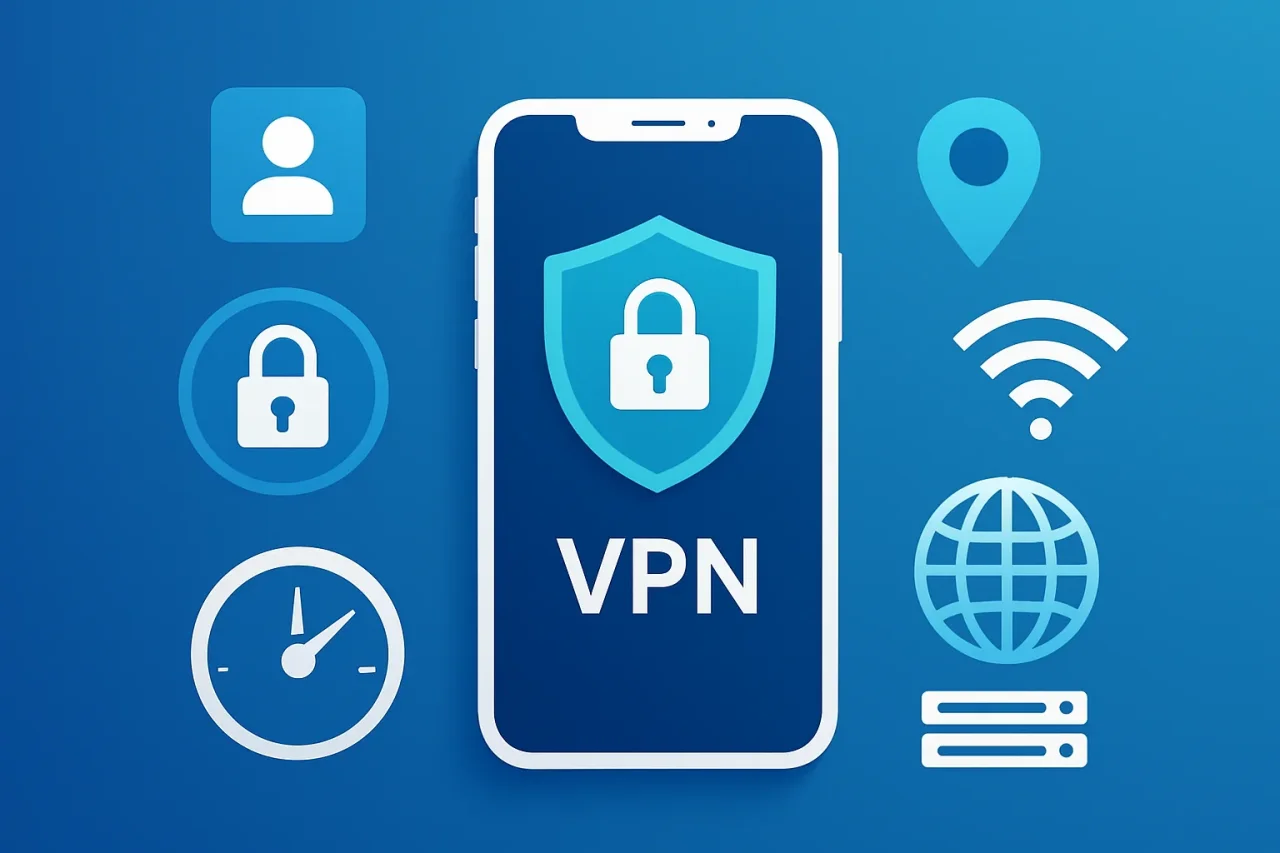
We live in a world of security breaches and data threats. Your online privacy matters now more than ever. 91% of online buyers feel that they have lost control of how companies use their data. A VPN for your iPhone or iPad can help you regain control of your privacy. However, we have an abundance of options. Finding the right one among hundreds of choices can feel overwhelming.
Let's take a look at the top five features you should consider when selecting an iOS VPN app. This post will make your life a little easier by highlighting a few features to consider.
1. Security and Encryption
The main job of any iOS VPN app is protecting your data. Look for apps with AES-256 encryption. This format is the same encryption standard used by major banks and military organizations.
A recent study by the Internet Society found that 72% of iOS users rank security as their top concern when choosing apps to install on their device. Focusing only on encryption does not resolve all your security concerns.
Look for a VPN that supports modern protocols like WireGuard, OpenVPN, or IKEv2. These protocols ensure a safe and secure connection. You can check your email at a coffee shop or do bank transactions on public wifi. These protocols will keep you safe.
2. No-Logs Policy and Third-Party Verification
Your VPN provider should not keep records of your online activities. A strict no-logs policy ensures the company doesn’t store information about the websites you visit. The same applies to the files you download and your IP address.
About 83% of VPN users quote privacy as their top priority. The best providers back up their no-logs claims with independent audits from security firms. These third-party audits verify that the company actually follows their privacy promises. Using a verified no-logs VPN makes sure your digital footprint remains solely yours.
3. Fast Internet Connection
Your VPN always slows down your internet connection. This slowdown is because of the data encryption that takes place when you use a VPN. A reliable VPN provider ensures this issue is minimal and maintains at least 80% of your usual internet speed.
More than 40% of users abandon VPN apps that slow down their internet speed too much. The best VPNs use optimized servers for speed. They also use modern protocols like WireGuard. Such protocols can deliver three times faster output.
You will notice these improvements most prominently when streaming videos or joining video calls. A quality VPN keeps your device running smoothly without buffering or lag.
4. User-Friendly Interface and Automation Features
Your VPN should not sacrifice user-friendliness for added features. It should be simple and intuitive to use. You should look for apps with a clean interface and one-tap connection options. Nearly 70% of users prefer VPNs that connect automatically when they join unknown networks.
Features like kill switches and split tunneling are essential. Kill switches block internet traffic if your VPN disconnects. Split tunneling lets you choose which apps use the VPN and which do not. These features should be easy to find and activate.
Your phone starts using mobile data every time you leave your home. A reliable VPN will automatically secure your connection without needing you to turn it on every time.
5. Wide Server Coverage and Specialized Features
A positive VPN experience depends on the number of servers and locations your VPN offers. The more locations you get, the better the experience. Top providers offer thousands of servers across 50+ countries.
Most VPN users value the ability to access content from anywhere they want. Go beyond basic coverage. Look for specialized servers optimized for streaming, gaming, and extra privacy options.
When traveling abroad, you should be able to connect to your home country server and watch your favorite shows. Additionally, you can access restricted services in your current location.
Final Thoughts
Free VPNs come with significant drawbacks among iOS VPNs. More than half of free VPNs contain privacy leaks and security vulnerabilities.
Quality VPNs cost between $3 and 10 per month. Many offer annual subscriptions with significant discounts. It is a minor cost to bear in the face of growing security threats. Many providers also offer free trials and money-back guarantees. This type of service helps you test features before making a purchase.
Your online privacy deserves protection. Focusing on these features will help you find an iOS VPN that keeps you secure without getting in your way.
Comments
Comments are available to signed-in users and are moderated to keep the discussion useful and respectful. Spam, automated submissions, and low-value promotional comments are removed. Outbound links may be approved when they are relevant and genuinely helpful to readers, but they are displayed as plain text rather than clickable hyperlinks.
No comments have been published yet.
Please sign in to submit a comment.