

Online Tools, Software Testing, Web Development
Top 10 Best Website Accessibility Testing Tools for WCAG Compliance
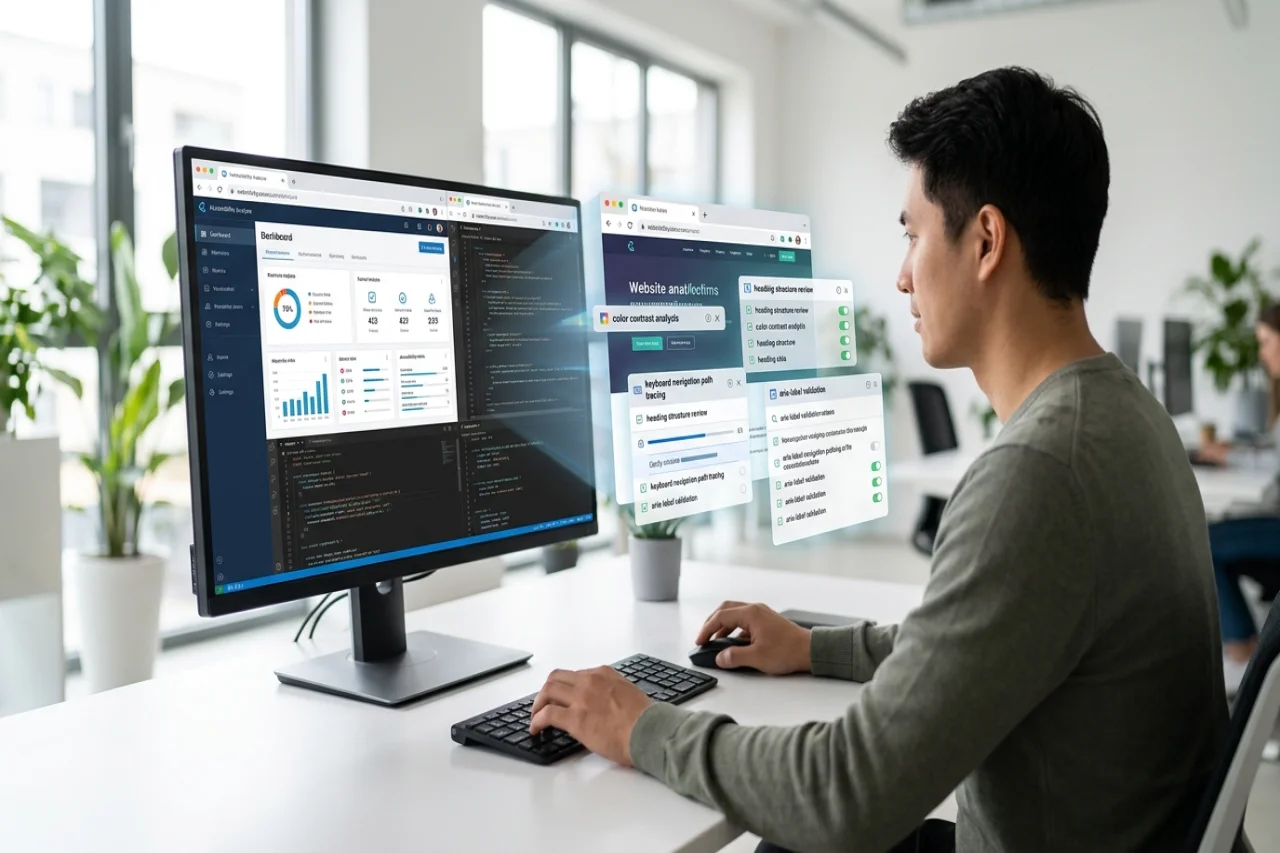
Let's be honest: accessibility is easy to forget. It should be baked into every website build, every content update, and every SEO push. But somehow, issues still slip through the cracks.
Just how often? A recent report from WebAIM found that 95.8% of the top one million homepages had detectable WCAG failures. So if your site has no accessibility issues, congratulations, you’re in an extremely small club.
The good news is that you don’t have to take this task on alone. From quick browser checks to full enterprise platforms that watch your site around the clock, there's a tool for almost every need and budget. Below are 10 of the best accessibility testing tools for WCAG compliance, so you can pick the one that fits your site.
What are the 10 best accessibility testing tools for WCAG compliance?
The best tools do three things well: they spot common accessibility issues, check your site against the right WCAG criteria, and help your team actually fix what they find. Which one is "best" for you depends on your site's size, how often it changes, and how much manual review you want alongside the automated checks. Here's our top ten:
1. Recite Me
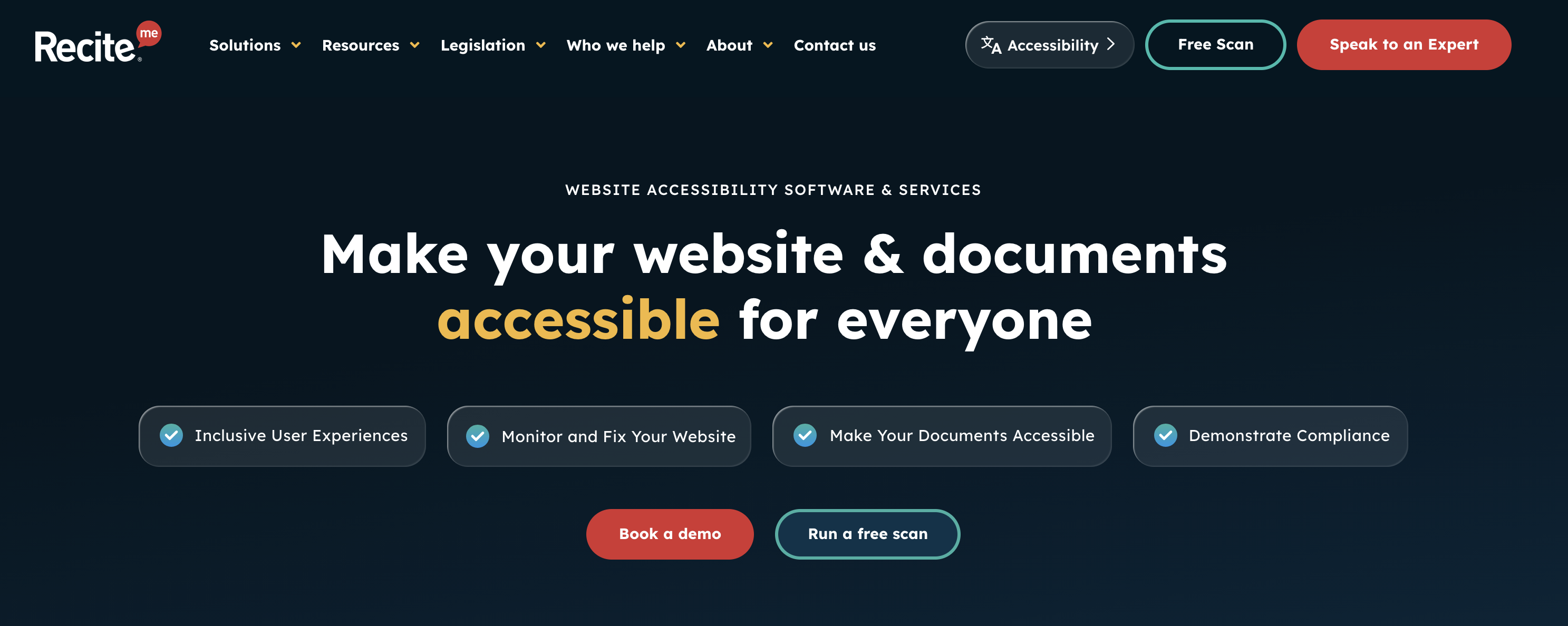
If you want to test your whole website, not just one page, Recite Me provides one of the best digital accessibility platforms. Its full-site scanning tool crawls your pages, images, links, and PDFs, checking everything against WCAG 2.2 success criteria.
What sets Recite Me apart is what happens after the scan. Its accessibility dashboard gives your team a shared view of every issue, so nobody is working from a different spreadsheet or an outdated PDF. On top of that, AI-powered features can suggest fixes, generate code your developers can use straight away, and even write alt text for images. For larger sites that need ongoing monitoring and a team working from one source of truth, Recite Me is hard to beat.
2. WAVE by WebAIM
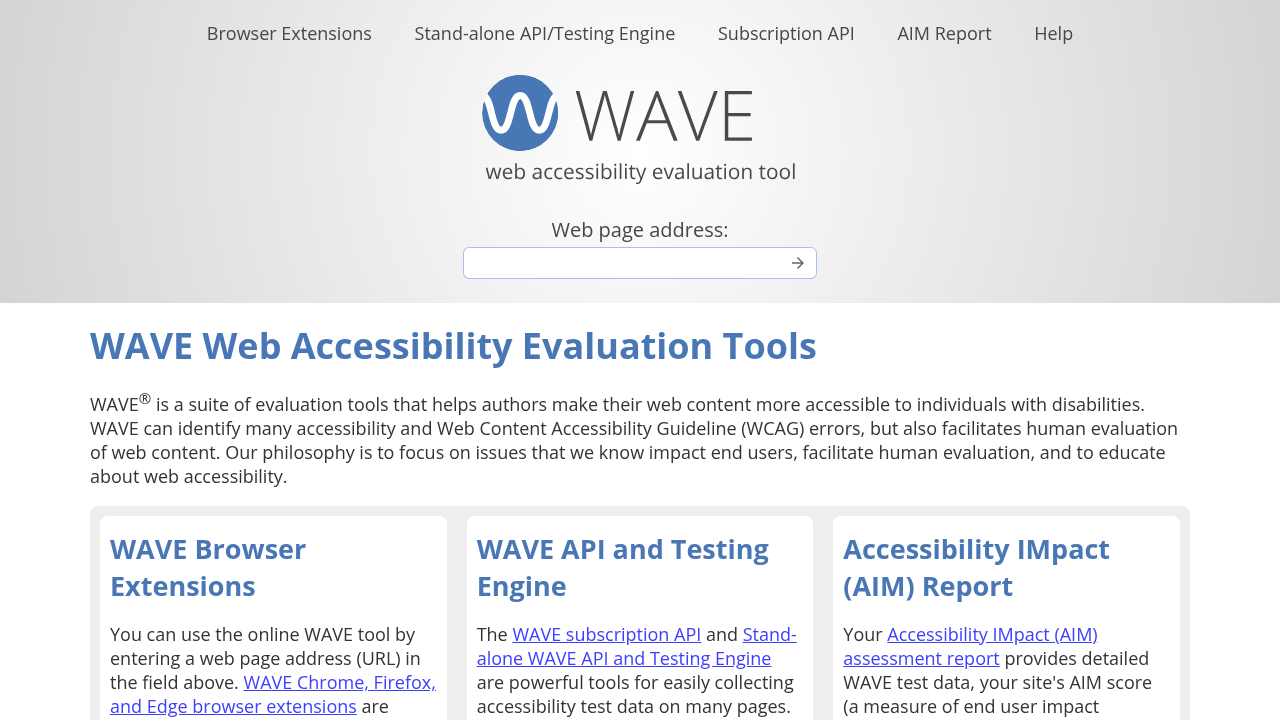
WAVE takes a different approach to WCAG conformance. Instead of handing you a list of errors to decode, it shows you exactly where the problems are. To get started, just enter a page URL, and WAVE adds icons and indicators directly onto the page, right next to the content they affect.
Of course, the tool identifies the most common WCAG errors, but you also get details on structural elements like headings, landmarks, ARIA, and contrast. The reference panel explains what each finding means, why it matters, and which WCAG success criteria it ties back to, so you can actually understand the issue instead of just ticking a box.
3. WebAbility.io
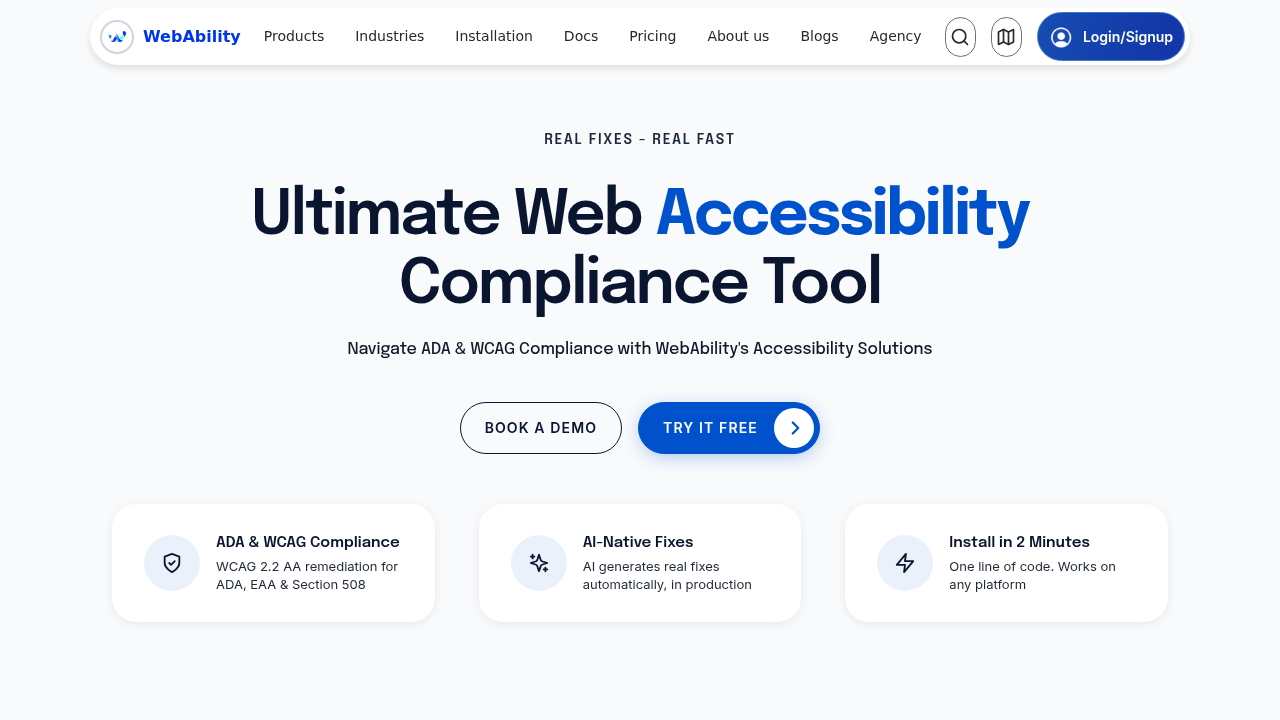
WebAbility.io takes a more hands-on route. It combines automated testing with manual audits carried out by IAAP-certified auditors, covering WCAG 2.2 success criteria. Every issue found gets a severity rating, so you know what to tackle first, along with recommendations for fixing it.
If a quick automated scan isn't going to cut it and you want real accessibility specialists looking at your site, this is the more thorough option.
4. Acquia
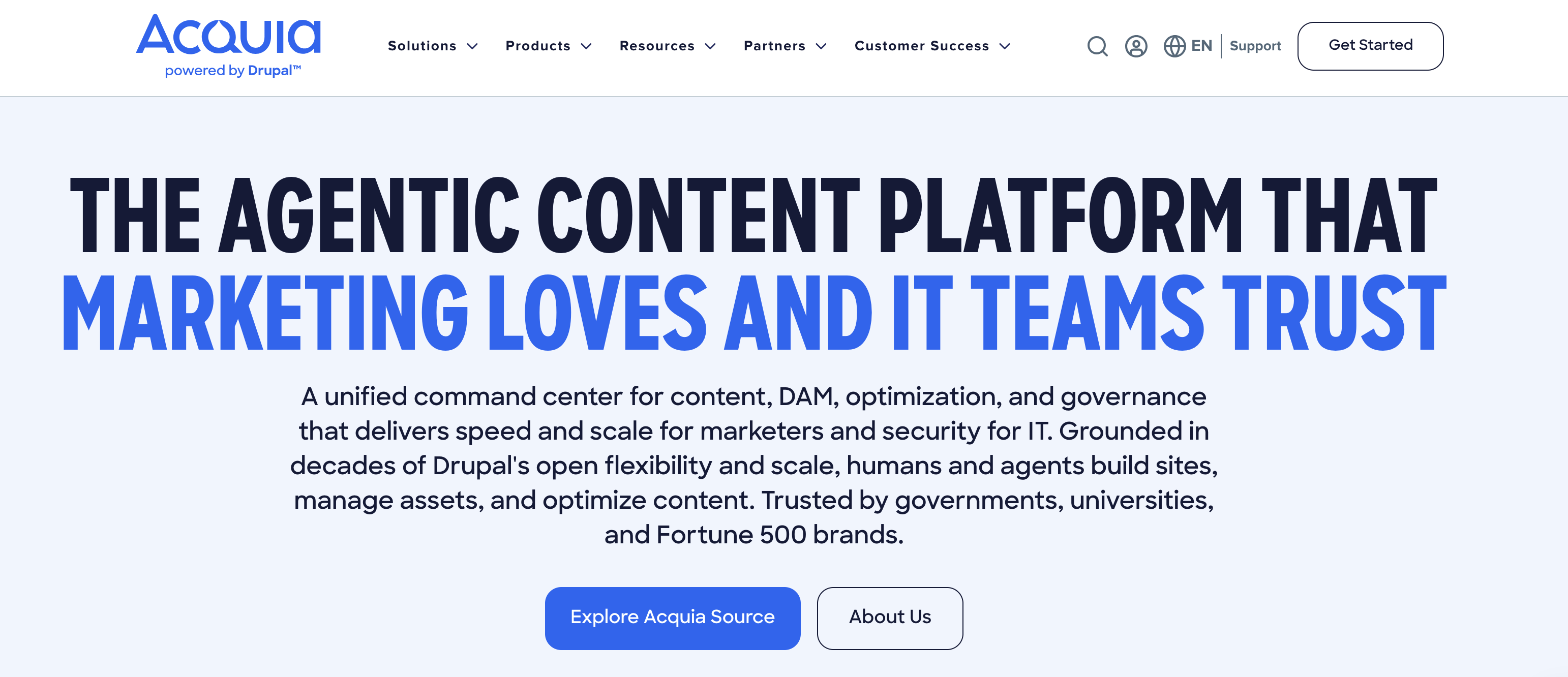
Acquia is a web governance platform, making it a solid pick for mid- to large organizations that want to manage accessibility as an ongoing job. Its testing tool scans for WCAG 2.2 violations at levels A, AA, and AAA. Anything it picks up is highlighted in a custom dashboard, giving teams a clear overview of how each web page and domain is performing.
Required accessibility fixes can be assigned directly to team members, helping to bring accountability to your workflows. There are also accessibility guides and additional resources, which can be helpful for educating your team on best practices.
5. Microsoft Accessibility Insights
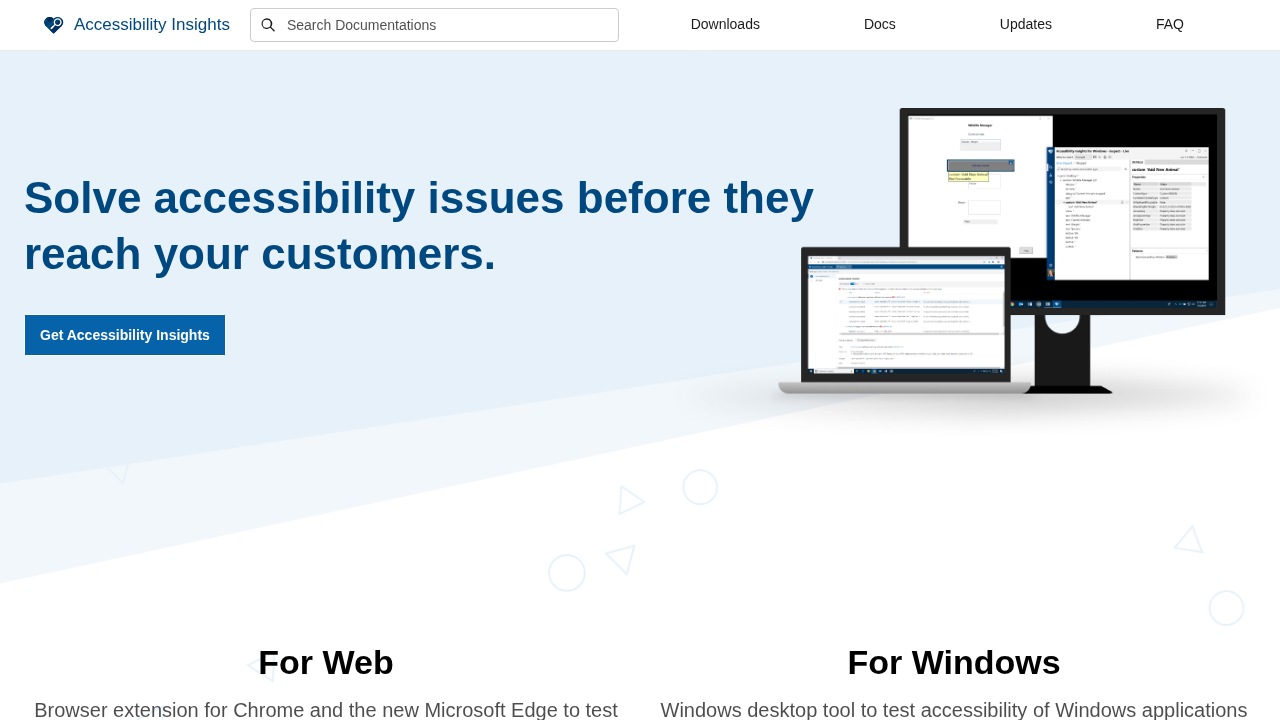
This one’s free, but don’t let that fool you into thinking it’s no good. Microsoft Accessibility Insights can actually be incredibly useful, especially if you’re looking for a quick overview of your website's performance. The tool combines automated checks with guided manual testing in a way that’s easy for beginners to understand.
You can also expect features like FastPass for a quick once-over scan, while a more detailed assessment tool walks you through tests that require a human eye. Then there’s the browser extension, which is perfect for testing pages as you build them, instead of rushing to audit pages after publication.
6. EqualWeb
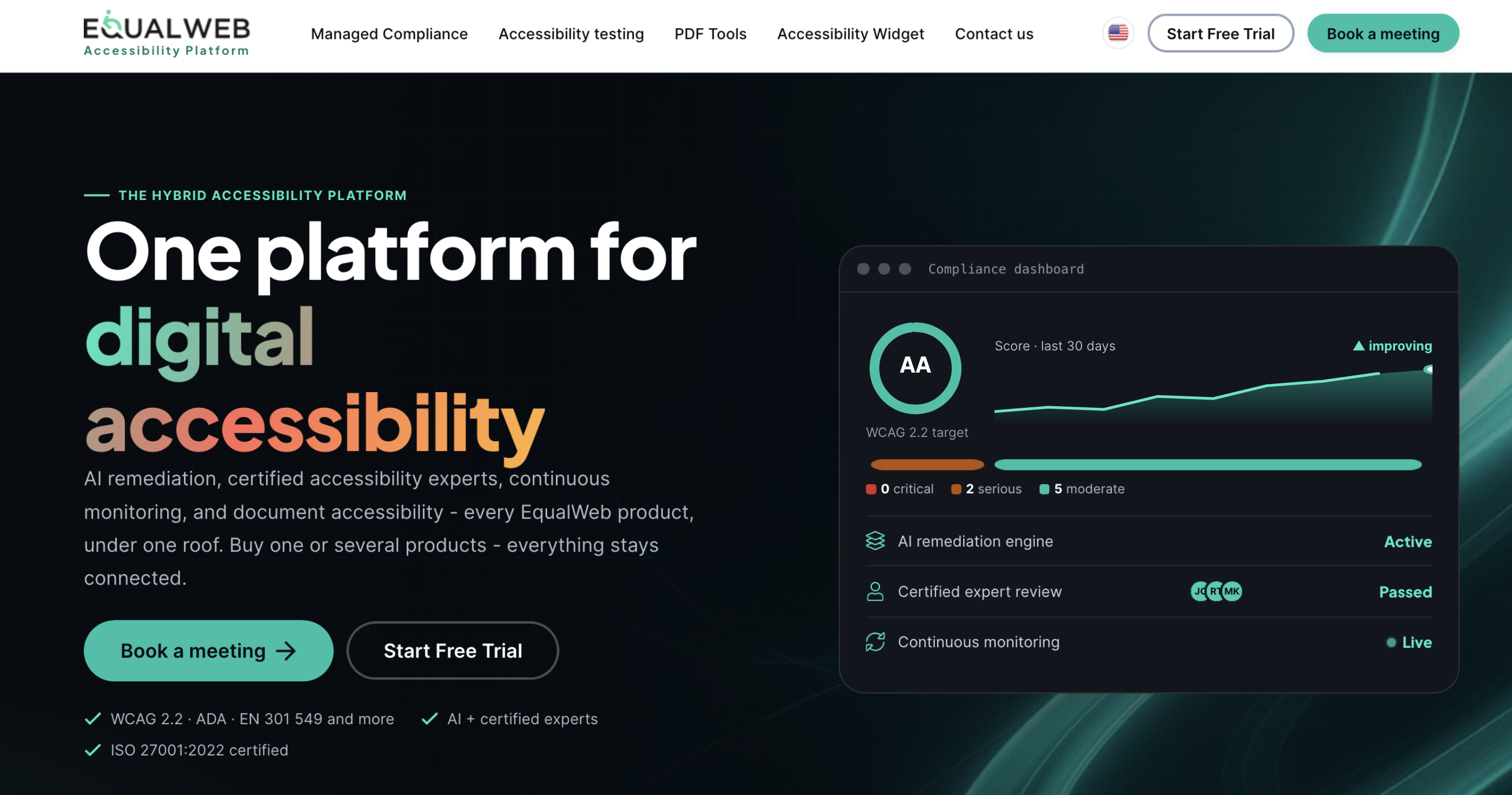
EqualWeb is another accessibility checker tool that keeps things simple. It scans each of your web pages against every level of WCAG 2.2 compliance and returns a list of issues found, along with a score.
That score matters more than it sounds. It gives you an easy way to show progress to people outside the development team, whether that's a manager, a client, or the whole company.
7. Silktide
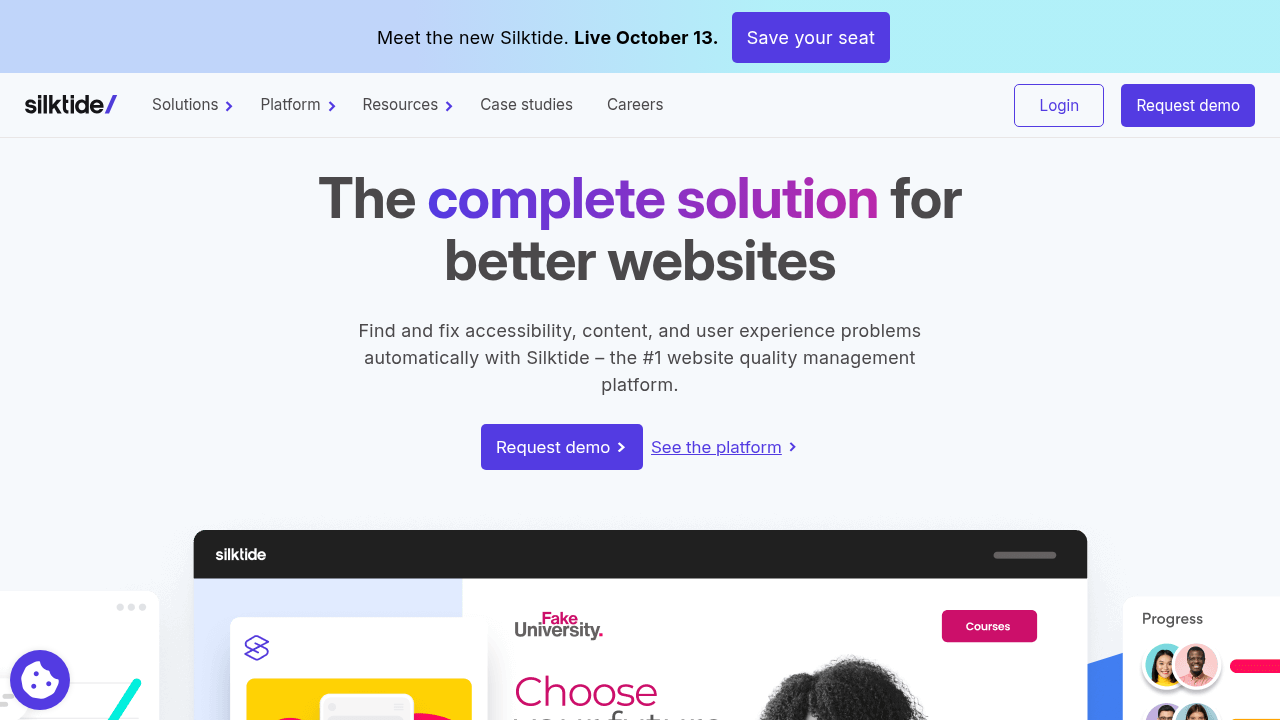
Silktide is a bit different because accessibility is only one part of a wider website quality platform. Its accessibility testing covers WCAG 2.2, mixing automated checks with assisted checks for anything that needs a human review.
Accessibility problems don't only come from developers. Uploading an image without alt text, publishing an inaccessible document, or writing a confusing heading structure can all cause issues, and those usually come from marketing and content teams. Checking for accessibility issues alongside other site quality checks helps make it part of everyday work, not a separate task nobody owns.
8. DubBot
DubBot checks sites against WCAG 2.2 at A, AA, and AAA levels, then ranks issues by severity so your team knows what to fix first. It's the kind of simplicity and efficiency you’d want to see from a testing tool.
Each issue lists the context that team members need to implement fixes too. This includes the relevant WCAG requirement, where it shows up in the page code, and a plain summary of how to fix the issue. You can create tasks inside DubBot too, so you're not copying everything into a separate spreadsheet. Plus, it can inventory the PDFs on your site and flag accessibility issues like missing tags, metadata, and alt text, which are easy to miss when checks only focus on webpages.
9. AccessibilityChecker.com
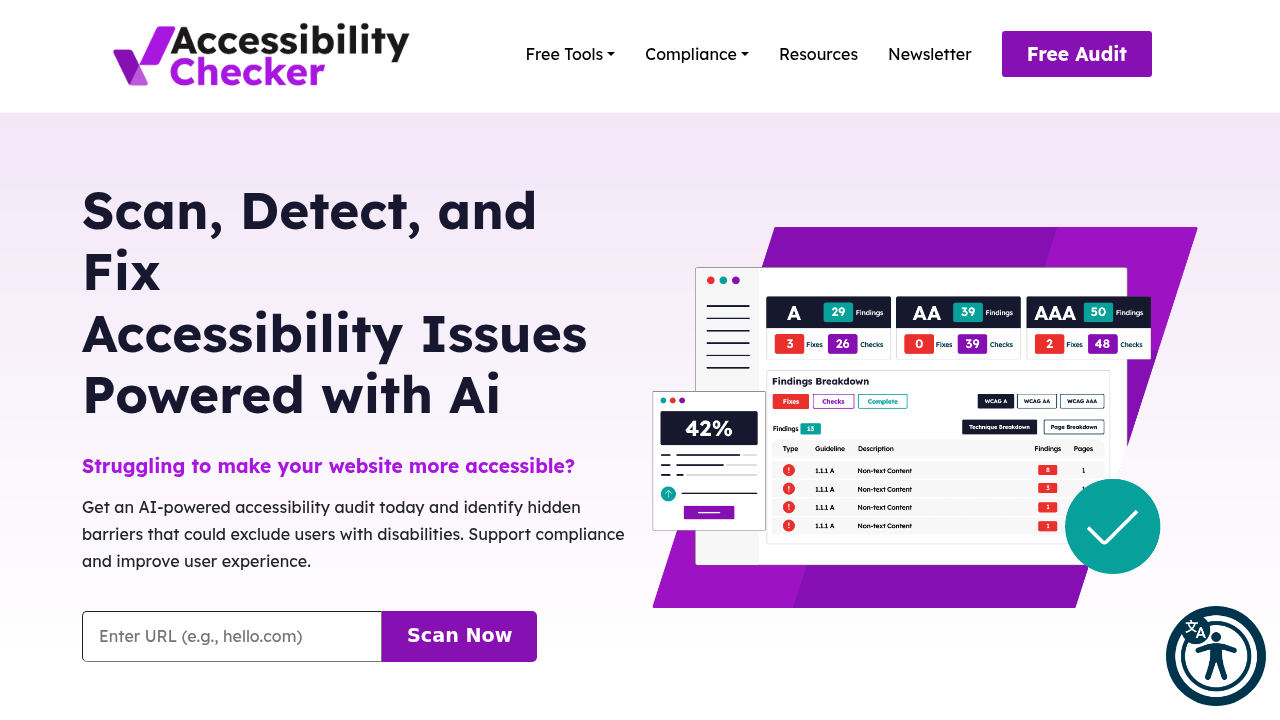
AccessibilityChecker.com is a solid starting point if you just want to type in a URL and get answers. Its AI-powered checker scans your site against WCAG 2.2 success criteria and gives you a clear action plan, with no complicated setup required.
It also supports ongoing testing through programmatic scanning, which catches new issues as you add content or make changes to your site. That makes it more useful than a one-off check if you want accessibility to stay part of your regular maintenance routine. Plus, the website offers support with additional accessibility tools, training, and document templates.
10. BrowserStack
With BrowserStack, you can easily scan your website for common accessibility issues, including those that are non-compliant with WCAG standards. You can also test the entire user journey, from keyboard navigation to screen reader usage, and more. This makes it far easier to catch problems as you build your site.
And this isn’t a one-time thing; the testing tool lets you set up recurring scans for continuous monitoring. The catch? BrowserStack can be quite technical at times, especially for content or marketing teams. We would only recommend it if you’ve got a team of experienced developers.
Final take: the best WCAG accessibility testing tools
There's no single "best" tool here; it depends on what you're trying to do. Managing a large website that needs ongoing monitoring? Recite Me, Acquia, Silktide, and DubBot are all strong picks. Building accessibility straight into your development workflow? BrowserStack and Microsoft Accessibility Insights connect closely with testing and development.
Need a deeper, more detailed audit? WebAbility's mix of automated and manual testing gives you that extra layer of assessment, while WAVE is great when you want to see issues in context on the page itself. And if you just want to run a fast initial check with minimal setup, AccessibilityChecker.com and EqualWeb are good places to start.
FAQ
WCAG accessibility testing tools FAQs
01Can an accessibility checker guarantee WCAG compliance?
No, automated checkers catch many common issues, but not every barrier. Manual testing and testing with assistive technologies are still needed for a full picture.
02How often should a website be tested for accessibility?
It’s worth testing for accessibility every few weeks or months. It’s especially important to test after major website or content overhauls.
03Why is accessibility testing important for websites?
It finds barriers that stop people from accessing information, completing forms, navigating pages, or using online services that could otherwise go unnoticed for months.
Comments
Comments are available to signed-in users and are moderated to keep the discussion useful and respectful. Spam, automated submissions, and low-value promotional comments are removed. Outbound links may be approved when they are relevant and genuinely helpful to readers, but they are displayed as plain text rather than clickable hyperlinks.
No comments have been published yet.
Please sign in to submit a comment.