

IP Address, Cybersecurity, Geolocation
The Geolocation Angle: Why Card Payments Fail When Customers Travel (And How Acceptance Tools Keep Up)
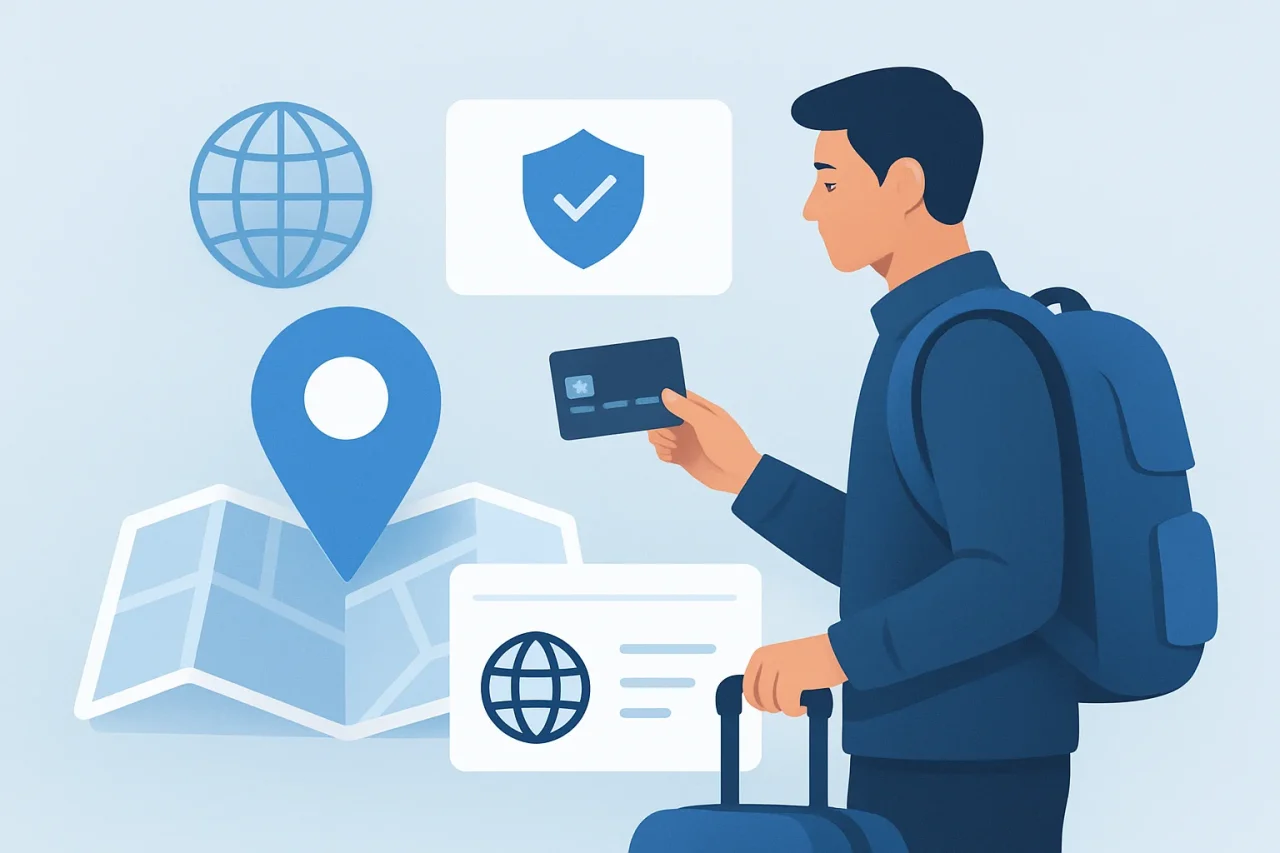
A card gets declined in a hotel lobby nine hundred miles from home, and the customer blames your shop. That's the whole problem in one sentence. You did nothing wrong, the card was fine, and the transaction still died somewhere between the swipe and the bank.
Most owners never think about location when they set up checkout. Then a traveler walks in, the terminal hesitates, and you're standing there apologizing for a banking system you don't control. Understanding why that happens is the difference between a smooth second attempt and a customer who posts about it.
The fix starts with how your payments stack is built. If you work with a credit card processing company that offers mobile and online acceptance tools, you already have more levers than a plain counter terminal gives you. The rest is knowing which lever to pull.
What actually happens when a card crosses a border
Every card transaction carries invisible baggage: the cardholder's billing country, the merchant's location, the network that routes the payment, and the fraud rules layered on top. When the first and second don't match, a bank's fraud model gets suspicious.
So it triggers a hold. Not a decline exactly, more of a pause with a request for proof. The customer sees a red light and assumes the worst.
This is where geography stops being background noise and becomes the core of the transaction. Card issuers watch for payments that appear far from where a cardholder usually spends. A tourist buying coffee with a card that was last used three time zones away looks, to a machine, a lot like a stolen card.
Why the network under the transaction matters to you
Payment networks don't talk to each other directly. They rely on shared addressing and naming conventions, and the domain system that underpins all internet traffic is governed by ICANN. That matters because online payment links, hosted checkout pages, and email receipts all ride on that same infrastructure. When a link resolves oddly or an email lands in a spam folder, a traveler can't complete a payment that would have worked perfectly in person.
I've seen vendors lose sales because the payment link ended up in a spam quarantine, not because anything was wrong with the card. The customer just never saw it.
Three fixes you can set up this week
You don't need a fraud analyst. You need a few defaults changed and a habit or two adjusted.
- Turn on email and text receipts. A written record helps the customer's bank clear a suspicious charge faster when they call in.
- Ask about travel before you run the card. A quick "are you visiting from out of town?" flags the transaction before it fails.
- Keep a second acceptance channel ready. A payment link on your phone covers the moment a terminal won't cooperate.
That third one is the underrated move. A physical terminal in a fixed spot is a single point of failure. A link you can send from your phone isn't.
Card data and location data aren't the same risk
Here's where owners get sloppy. They assume that because a payment went through, the transaction was safe. Payment security standards exist for a reason, and the PCI Security Standards Council publishes the baseline rules merchants are expected to follow. Location data doesn't change that baseline. A traveler paying from a hotel Wi-Fi network is still a customer whose card data deserves the same protection as anyone standing at your counter.
So keep these separate in your head. Location is a fraud signal. Card handling is a security discipline. Confusing the two leads to bad decisions, like storing card numbers in a notebook because "the customer is a regular."
Geolocation tells you where a payment came from. It says nothing about whether the person holding the card is careful, honest, or standing in front of you.
The geolocation signals worth watching
You don't need a dashboard full of maps. You need four things you can actually act on.
| Signal | What it tells you | What to do |
|---|---|---|
| Billing country | Where the customer's card is registered | Note it before running a large charge |
| Device location | Where the payment is physically happening | Use it to spot the mismatch early |
| IP address region | Where an online payment originates | Flag differences from the billing country |
| Transaction history | Whether this card usually spends locally | Give regulars a pass on small amounts |
Used together, these four signals explain almost every confusing decline you'll encounter. Used alone, any one of them is just noise.
A scenario that plays out more than you'd think
Picture a bicycle rental shop two blocks from a cruise terminal. On a Tuesday in July, a family from another country walks in, picks two bikes, and hands over a card that has never touched a terminal in this city. The operator runs it, up pops a verification request, and the family looks suspicious.
Here's how a prepared shop handles it. The counter person asks where they're visiting from, mentions the card may need a quick phone call to the bank, and offers to hold the bikes while that happens. If the call drags, they send a payment link instead. Two minutes of patience beats losing a rental and a story in a travel forum.
I'd take that approach over a strict "no foreign cards" policy every single time. The policy loses money. The patience loses nothing.
The cross-border picture is only getting bigger
People move around for work, study, and vacations at a scale that would have seemed extraordinary a few decades ago. The World Bank tracks international migration and travel trends, and the direction has been steady: more people, more often, spending money far from home. For any business that serves the public, a card that doesn't match your local zip code stops being an edge case and becomes Tuesday.
That's the lens I'd use when shopping for acceptance tools. Ask yourself one question: if a traveler walks in tonight and their card gets flagged, what's my next move? If the answer is a shrug, your setup has a hole in it.
What to do before the next traveler walks in
Run a five-minute audit. Open your payment app, confirm mobile and link-based payments are enabled, and make sure your receipts go out by email or text. Then test it yourself with a small payment from a different network if you can.
Write down what you'd say if a decline happens. A calm script, "let me try a different way to take your payment," turns a bad moment into a forgettable one. Improvised apologies turn it into a complaint.
And check your online payment links on a phone using mobile data, not just your office Wi-Fi. The failure often lives in the network, not the customer.
Small business owners increasingly serve a customer base that's physically scattered, and the tools that keep checkout working have to follow. Build for the traveler now, before the traveler catches you unprepared. When was the last time you tested your checkout from a stranger's perspective?
Comments
Comments are available to signed-in users and are moderated to keep the discussion useful and respectful. Spam, automated submissions, and low-value promotional comments are removed. Outbound links may be approved when they are relevant and genuinely helpful to readers, but they are displayed as plain text rather than clickable hyperlinks.
No comments have been published yet.
Please sign in to submit a comment.