

IP Address, Virtual Private Network, Geolocation
Server IPs vs. Residential IPs: How Major Websites Detect That You're Using a VPN
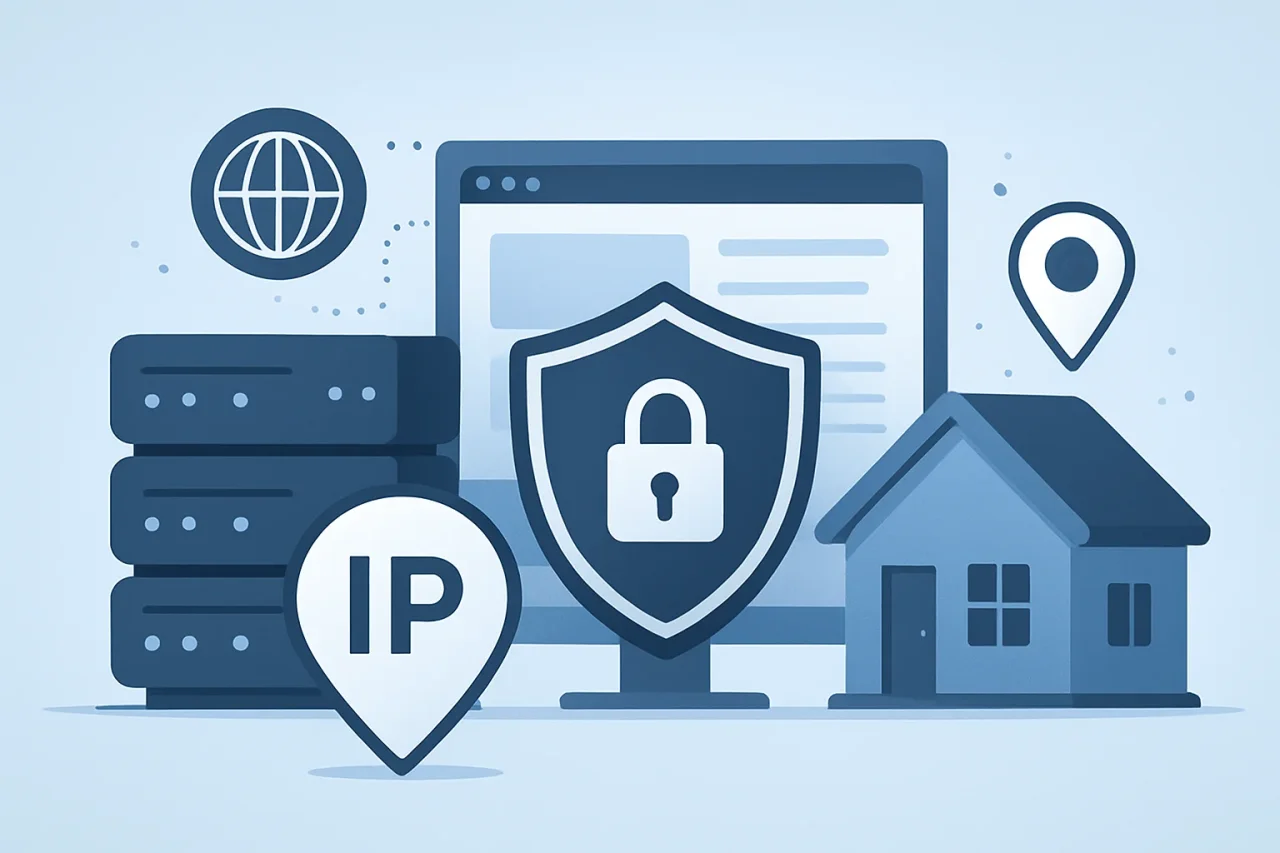
Before you even browse, some major websites can tell you're using a VPN. The first thing is typically the IP address: it's from a hosting company, data center, consumer ISP, mobile carrier, or a known proxy network. A typical VPN server can lead to additional checks on banking, streaming, travel, advertising, and e-commerce websites. A residential VPN service changes that first signal because the connection appears to come from an ISP-assigned residential range rather than a data center subnet.
How major websites detect VPN server IPs
A website isn't required to “see” into your VPN tunnel to suspect VPN usage. It only accesses the public IP address associated with its server. It can then compare that IP address to geolocation and network intelligence databases.
Those databases can provide you with information like country, region, city, ASN, ISP name, organization name, connection type, proxy status, and hosting classification. The site can handle it differently if the IP is in a cloud provider, a hosting company, or a VPN subnet.
This does not always mean an instant block. Many sites use risk scoring. A data center IP may trigger a CAPTCHA. A login from a new country may trigger email verification. A payment attempt from a known proxy range may require stronger identity checks. The IP address is often the first risk signal, not the whole decision.
Server IPs vs. residential IPs: the network label test
The main discrepancy between server IP addresses and residential IP addresses is how they're allocated. Server IP addresses typically reside within IP address ranges provided by a web hosting company, cloud service provider, colocation provider, or Virtual Private Network (VPN) service provider. IP addresses assigned to households and small businesses by Internet service providers are typically residential IP addresses.
| Signal | Server IP addresses | Residential IP addresses |
|---|---|---|
| Common owner | Hosting provider, VPN company, cloud network | ISP, cable provider, fiber provider |
| Typical database label | Hosting, data center, VPN, proxy | Cable/DSL, ISP, residential |
| Website reaction | More likely to trigger checks | More likely to resemble normal users |
The subnet type matters. If a regular VPN uses data center IPs, the website may not need to prove anything else. The IP range already looks like infrastructure rather than a normal home connection.
Why data center IPs give regular VPNs away
Data center IPs are useful for VPN providers because they are easier to buy, route, maintain, and scale. A provider can rent servers in many countries and assign thousands of users to those servers. That is efficient, but it creates patterns that major websites know well.
A typical data center VPN creates several visible clues:
- Many unrelated users appear from the same subnet.
- The ASN belongs to a hosting or cloud company.
- The IP has a history of high-volume login attempts.
- Geolocation may shift often across user sessions.
- The connection type does not match a normal household ISP.
- DNS, WebRTC, or browser time zone data may disagree with the IP location.
The problem is not encryption. Encryption can work perfectly while the IP reputation still looks suspicious. A VPN can hide traffic contents from the local network or ISP, yet still present a public endpoint that websites recognize as a VPN server.
How residential IP addresses change VPN detection
Residential IP addresses differ as they are associated with IP address ranges of regular users of Internet service providers. The IP check can detect a cable, fiber, DSL or mobile ISP, not a hosting provider. That makes this session more like regular Internet traffic.
The clear motivation behind why individuals compare regular VPN server IP addresses with a home VPN IP address. By using a VPN with residential access, you can diminish one of the most dominant VPN markers: hosting/ data center label.
But, residential access is not a magic bullet. The combination of IP data with many other signals, such as device fingerprint, browser version, login history, payment country, account age, cookies, and traffic behavior, also enables a website to combine. When this happens, the IP will not save the session.
For instance, if the user is located in Chicago but has the browser set to Berlin, the account was registered in Spain, and the payment card country is France. Even if the IP is residential, it could be a fraud system that's alerted.
How websites combine IP data with behavior
Major websites rarely rely on one field. They layer several checks and assign risk. That is why one VPN may work on a news site but fail on a streaming platform, ad network, or bank.
| Check | Low-risk example | Higher-risk example |
|---|---|---|
| IP ownership | Local consumer ISP | Data center ASN |
| Location match | IP, time zone, and account country align | IP country changes every login |
| Traffic pattern | Normal page views | Rapid requests across many accounts |
Here is a practical sequence many security systems follow:
- Read the visitor’s public IP address.
- Check ASN, ISP, organization, and connection type.
- Compare the IP against proxy, VPN, Tor, and hosting databases.
- Compare location against account history and payment data.
- Review browser, device, cookie, and session behavior.
- Decide whether to allow, challenge, limit, or block the request.
This is why VPN detection often feels inconsistent. The same IP may pass at one site and fail at another because each platform weighs signals differently.
When a VPN with residential access makes sense
A VPN with residential access makes the most sense when IP classification matters more than raw server count. This can apply to privacy-conscious browsing, location testing, ad verification, fraud research, app QA, cybersecurity checks, and web compatibility testing.
For example, a marketing team may need to verify how a landing page appears to normal users in a certain country. A cybersecurity analyst may need to test whether a login flow treats residential users and data center users differently. A product team may need to reproduce a user complaint that appears only on a local ISP range.
In those cases, a residential VPN, such as Mysterium VPN, gives a more realistic network profile than a standard data center endpoint. The aim is not to bypass security controls. The aim is to test the web as ordinary users experience it.
Practical checklist before using residential VPN IPs
Before choosing residential VPN IPs, check the policy, technical fit, and risk profile. Residential access should be transparent, consent-based, and aligned with website terms.
Use this checklist:
- Confirm that residential IP sourcing is legitimate and consent-based.
- Check whether the provider explains how residential access is obtained.
- Test IP classification in more than one database.
- Compare ASN, ISP, and organization values.
- Avoid sudden country changes on sensitive accounts.
- Keep browser time zone and account location consistent.
- Do not automate behavior that would violate platform rules.
- Use business testing accounts where possible.
- Document test conditions so results are repeatable.
This checklist matters because residential IPs can be misused. Ethical use is about accuracy, privacy, and controlled testing, not evasion.
One layer of detection
The reason why it's different is that server IPs and residential IPs are from different parts of the internet. Common VPN server IPs are often in ranges typically used by hosting providers or data centers, making them easier for major sites to categorize. Residential IP addresses are typically from consumer ISPs, which can look more like normal home traffic.
A VPN with residential access can reduce one of the clearest VPN signals: the data center label. It cannot guarantee access everywhere because websites also check behavior, browser data, account history, and payment risk. The most reliable approach is to treat IP type as a single layer within a broader trust model. For privacy, testing, and legitimate research, residential access can make web sessions look more realistic. For anything that violates platform rules, the same detection systems will still find other clues.
Related Articles
June 29, 2026
The Role of IP Address Data in Enhancing Intent Data Platform Accuracy
IP address data powers account identification, visitor tracking, and buyer-signal accuracy for intent data platforms. Without clean IP intelligence, intent platforms produce noise...
Read More
April 28, 2026
Mask Your IP on Windows Without Wrecking Your Daily Workflow
People who live in IP tools usually know too much to trust slogans and too little time to babysit every session. That is why this section matters. In IP lookups, DNS tooling, and w...
Read More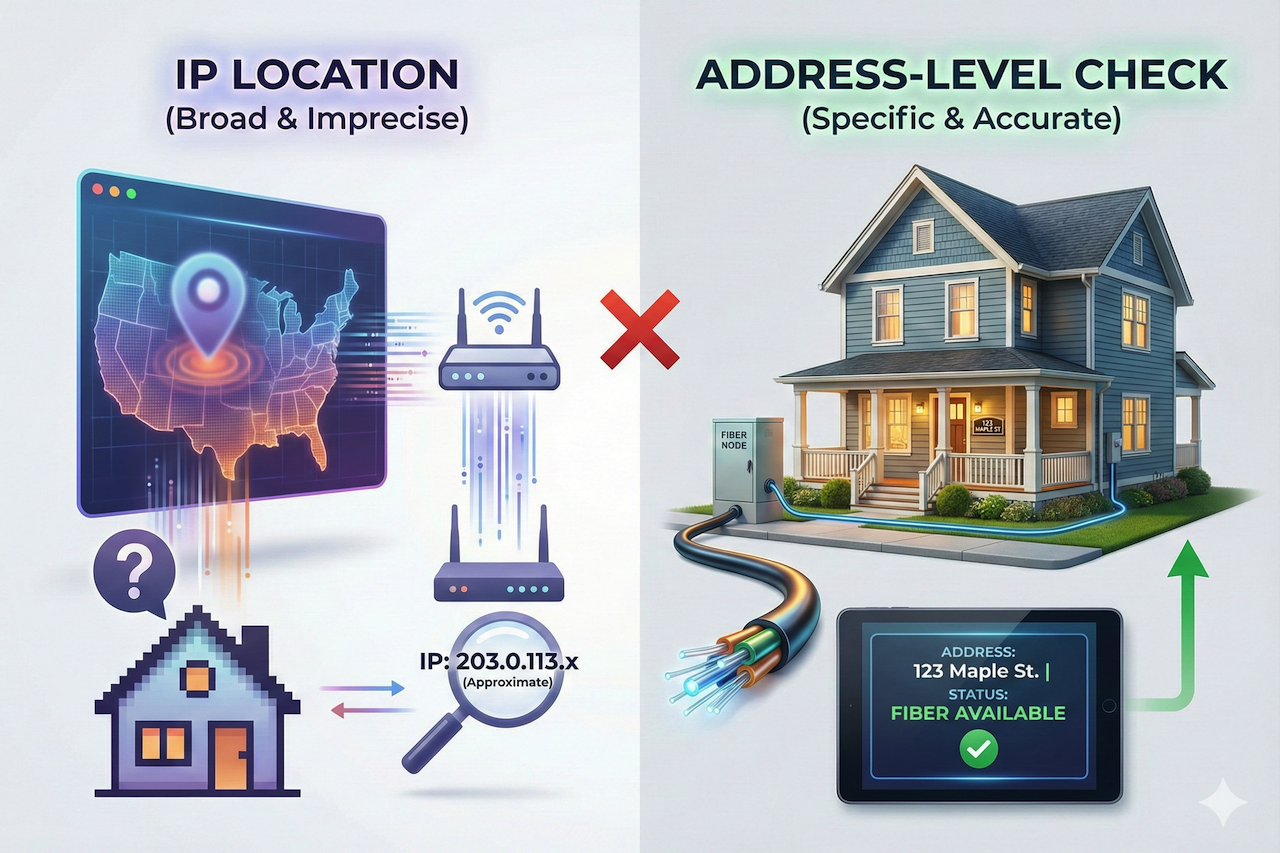
January 27, 2026
How IP Address Location Helps Determine Fiber Internet Availability
When users want to know whether fiber internet is available at their home, one of the first tools they often turn to is an IP address location lookup. IP geolocation can reveal...
Read More
Comments
Comments are available to signed-in users and are moderated to keep the discussion useful and respectful. Spam, automated submissions, and low-value promotional comments are removed. Outbound links may be approved when they are relevant and genuinely helpful to readers, but they are displayed as plain text rather than clickable hyperlinks.
No comments have been published yet.
Please sign in to submit a comment.