

Secure Email Communication Across Email and Live Chat
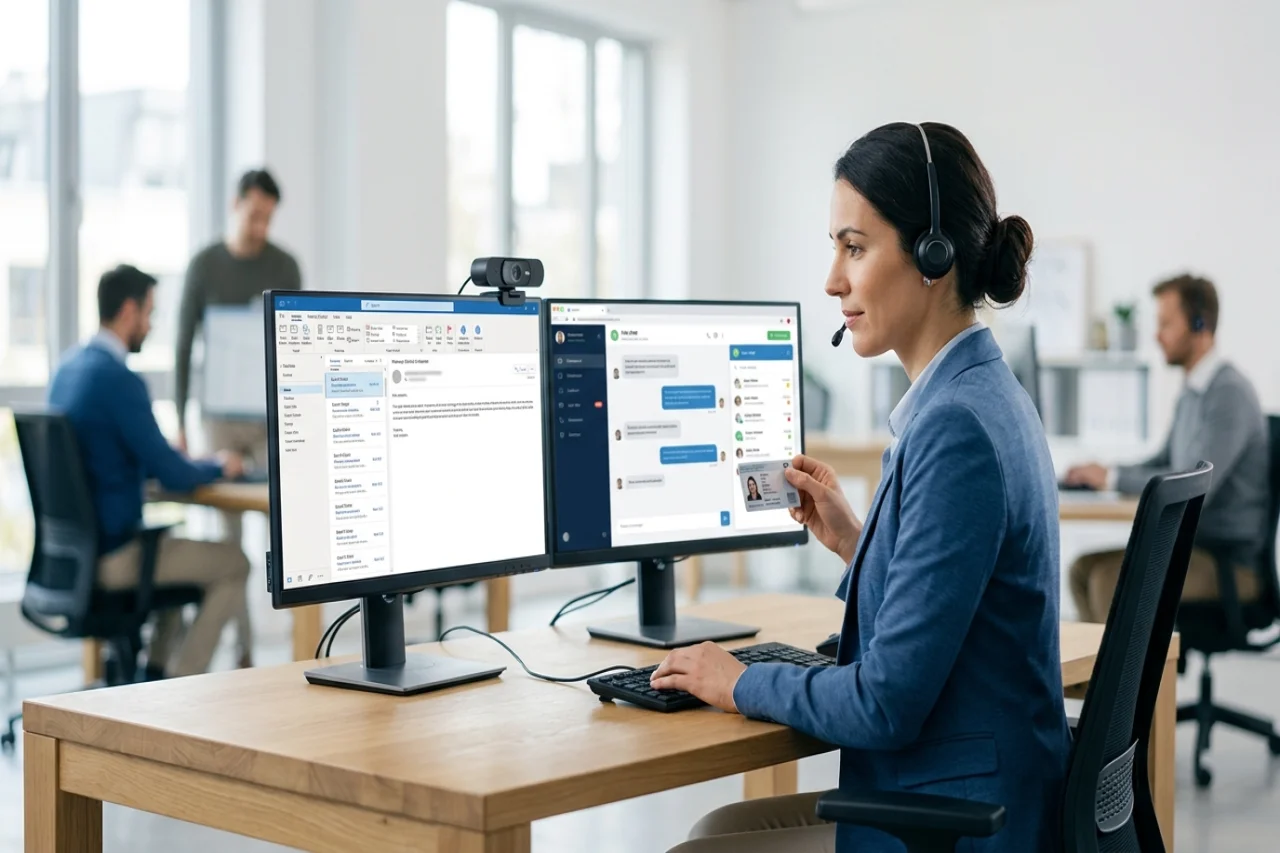
The dangerous message is not always the clumsy one. It may arrive in an old thread, use the right signature, and ask for something that sounds ordinary, such as replacing a payment account or resending a document. Secure email communication depends on recognizing that the requested action matters more than the message's polished appearance. Customer support teams also need boundaries between email, live chat, and authenticated account tools. Straightforward questions can be answered quickly. Requests involving money, credentials, ownership, or private records require a second check via a contact method already trusted before the message arrived.
Give each conversation a proper place
A shared mailbox tends to collect everything. Product questions, invoices, password problems, attachments, and complaints end up in a single queue, even though they do not all deserve the same handling. Basic questions can often be answered through the chat widget on the company’s real website. A live chat comparison can provide information about platform types, integrations, operator limits, transcript history, and pricing. The purpose is not to declare chat safer than email. It is to stop treating one inbox as the entrance for every possible request. A channel decision should reduce confusion without lowering the standard of identity verification.
| Conversation | Where it belongs |
|---|---|
| General service question | Official website chat |
| Signed approval or contract discussion | Company email |
| Change to account ownership | Authenticated customer process |
| New banking instructions | Separate check using a known contact |
| Confidential document exchange | Approved protected file service |
Secure email communication cannot rely on the sender name
The display name at the top of an email is easy to imitate. Domain authentication provides stronger evidence, but it has limits too. SPF identifies servers permitted to send for a domain. DKIM helps verify whether a signed message was altered after being sent. DMARC connects those checks to a published policy and reporting. None of them can guarantee that the person using a legitimate mailbox is still its rightful owner. A compromised account may send authenticated mail and continue an earlier conversation. For employees communicating securely by email, an unexpected request still warrants scrutiny even if it passes every visible technical check.
Chat transcripts need rules of their own
Moving simple support questions into live chat reduces some inbox traffic, but it creates another store of customer information. Transcripts may include names, phone numbers, order references, addresses, and details about account trouble. Operators sometimes ask for extra information because it feels convenient, not because the issue requires it. That habit makes a later account compromise more damaging. Chat administration should answer a few practical questions before launch: who can search old conversations, who may export them, and what happens to access when someone leaves? Secure email communication and responsible chat management belong in the same policy because customer data can flow between the two systems.
Before opening chat to customers, verify:
- Each operator uses an individual account.
- Administrative access is limited to named employees.
- Former staff can be removed without delay.
- Transcript retention has a business reason.
- Connected systems receive only necessary information.
- Visitors are told not to share passwords or payment card details.
- The team knows where sensitive requests must be redirected.
Secure email communication needs an outside check
A suspicious email cannot verify itself. If a message announces different supplier banking details, replying to the sender only returns the question to the same mailbox. Calling the telephone number written in that message creates the same problem. Confirmation should use a number, portal, or contact record saved before the request appeared. Live chat needs an equivalent boundary. A visitor who knows a customer’s email address or order number may still lack authority to reset access or obtain private records. The frontline employee should not improvise the proof required for each case. The business needs an agreed-upon check and a named person to approve the next step.
| Request | Risk | Safer check | Decision owner |
|---|---|---|---|
| Changed bank account | Money goes elsewhere | Call a previously stored number | Finance manager |
| Password reset | Account access is stolen | Follow the established identity process | Support supervisor |
| Unexpected file | Malware reaches a workstation | Confirm through another channel | Security contact |
| Record export | Customer data reaches the wrong person | Check identity and authority | Data owner |
Do not spread a suspicious message while reporting it
Employees often forward a strange email to several coworkers because they want a second opinion. That can place the same attachment or deceptive link in more inboxes. Copying the visible text loses technical details, while a screenshot may hide the actual sending address. A better reporting path keeps the original available to the security team without distributing it widely. Strong secure email communication includes this response step, not just filtering at the gateway. The employee’s job is not to investigate the attacker. It is to stop interacting, preserve what matters, and report the event through the method the organization has already chosen.
- Stop opening links, files, or reply windows.
- Note whether any credentials or information were entered.
- Use the designated reporting control or security address.
- Preserve the original message and its headers.
- Verify the claimed sender through an earlier trusted record.
- Review the affected account and reset access when required.
Handled this way, a suspicious email remains a contained incident instead of becoming a threat that the organization spreads internally.
Conclusion
Secure business communication depends on matching each request with the right channel and level of verification. Email and live chat can both support efficient customer communication, but neither should be trusted solely because a message appears legitimate. Clear access controls, appropriate data handling, independent verification for sensitive requests, and established reporting procedures can help reduce risk while keeping everyday communication practical.
Comments
Comments are available to signed-in users and are moderated to keep the discussion useful and respectful. Spam, automated submissions, and low-value promotional comments are removed. Outbound links may be approved when they are relevant and genuinely helpful to readers, but they are displayed as plain text rather than clickable hyperlinks.
No comments have been published yet.
Please sign in to submit a comment.