

Cybersecurity, Privacy, Web Development
QR Codes, Privacy, and Safe Redirects: A Practical Guide for Digital Campaigns
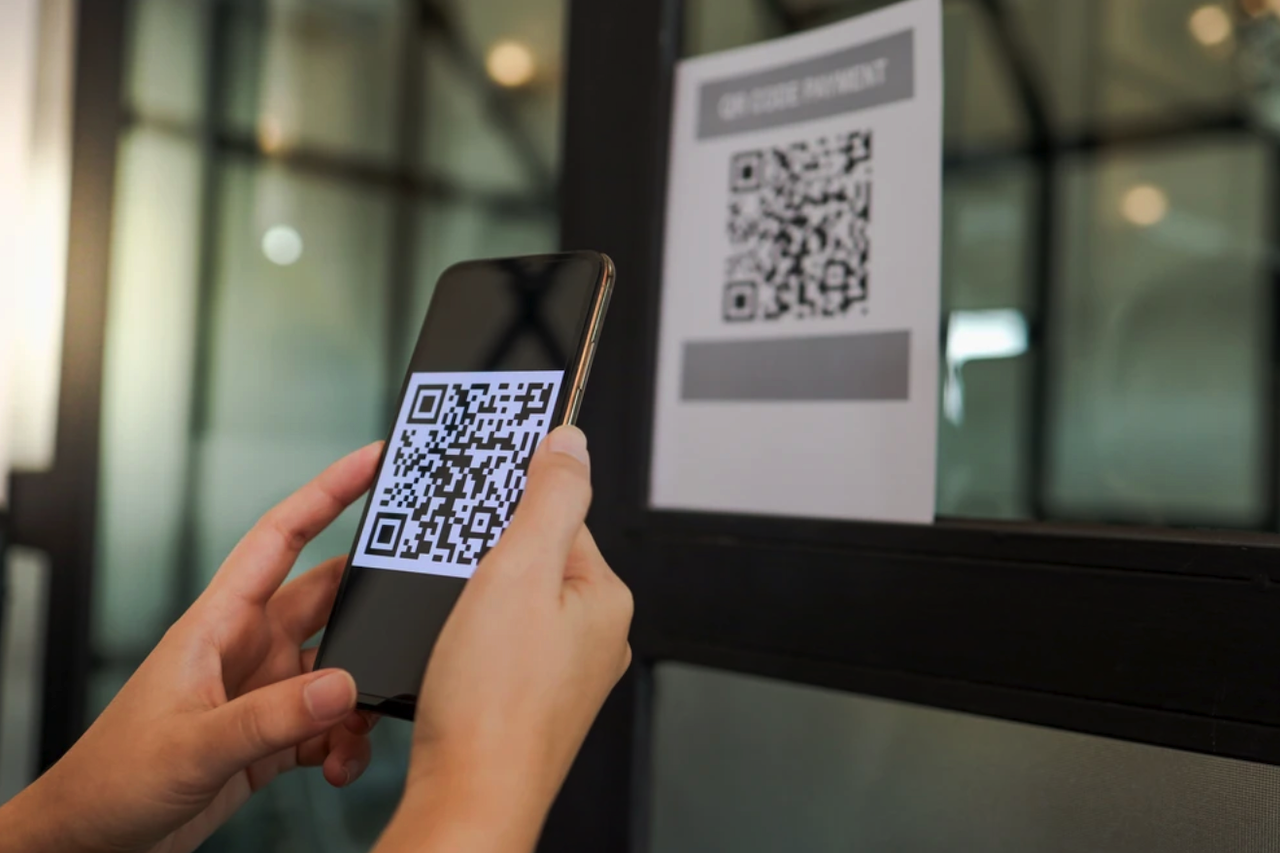
QR codes remove friction from many everyday interactions. A customer can open a menu, join a Wi-Fi network, register for an event, download an app, or continue a campaign on a phone without typing a long address. That convenience is precisely why QR codes appear on packaging, posters, receipts, product displays, business cards, and direct mail.
However, a QR code also hides its destination until it is scanned. Unlike a visible web address, the pattern itself provides little information about where it leads. A well-managed QR campaign therefore needs more than an attractive code. It needs a trustworthy destination, a controlled redirect, sensible data collection, and a plan to keep the link safe throughout the campaign's life.
This guide explains how organizations can use QR codes while protecting both users and campaign data.
Why a QR Code Deserves the Same Security Review as Any Other Link
A QR code is an encoded instruction. In most campaigns, that instruction is a URL. Scanning the code does not make the destination safer than clicking a link in an email or text message.
The U.S. Federal Trade Commission has warned that scammers can place malicious links inside QR codes, direct people to convincing imitation websites, or encourage them to install malware. Its consumer guidance recommends inspecting the URL displayed by the scanner, being cautious about unexpected messages, and keeping devices and accounts protected with up-to-date software and multifactor authentication (FTC consumer alert).
Legitimate publishers should treat that warning as a design requirement. A user should be able to understand who owns the experience, where the link will go, and what information the destination will request. Trust should be visible before and after the scan.
Use a Recognizable, HTTPS-Protected Domain
The safest campaign URL is usually a domain controlled by the organization running the campaign. A recognizable hostname helps users distinguish a legitimate destination from a lookalike address. HTTPS protects data in transit and allows the browser to validate the site's certificate.
Short domains can make QR patterns simpler, but shortening should not come at the cost of transparency. If a third-party shortener is necessary, the organization should understand who controls it, how long the link will remain active, and whether its destination can be changed without authorization.
The landing page should immediately confirm the context. It can repeat the campaign name, brand, offer, event, or action described next to the printed code. If the poster says "View the conference schedule" but the landing page immediately asks for payment details, the experience feels suspicious even when the domain is genuine.
Separate the Printed Code from the Final Destination
Printing the final page URL directly into a QR code seems simple, but it creates an operational problem: the code becomes obsolete if the page moves. A controlled redirect provides a stable campaign address while allowing an authorized team to update the destination.
For example, a printed code might point to a permanent path such as
example.com/q/spring-event
That path can initially redirect to registration, later to an event agenda, and finally to a recording archive. The physical code remains valid throughout the campaign.
This flexibility requires controls. Redirect changes should be restricted to authenticated users, logged, and reversible. The system should validate destinations and reject unsafe URL schemes. The OWASP Cheat Sheet Series provides guidance on unvalidated redirects and explains why applications should avoid accepting arbitrary, user-supplied destinations without validation.
Teams managing many codes may use a centralized tool to keep campaign links, destinations, and downloadable assets organized instead of maintaining disconnected spreadsheets and ad hoc short links. QRArray's QR code platform is one example of a platform designed to support this type of centralized QR code management.
Collect Only the Scan Data You Actually Need
QR analytics can answer useful questions: How many scans occurred? Which campaign placement performed best? When did interest peak? Which broad device or country categories were most common?
The principle of data minimization should guide the setup. If aggregate campaign performance is enough, there is little reason to build a detailed profile of each individual scanner. Before collecting data, define:
- The business question each field answers
- How long the information will be retained
- Who can access raw and summarized reports
- Whether consent or a privacy notice is required
- How deletion and access requests will be handled
- Whether data is shared with another processor
An IP address can reveal approximate network location and may be treated as personal data under applicable privacy rules. Precise location, persistent identifiers, and cross-site tracking require even more care. Legal requirements vary by country and campaign, so organizations should obtain appropriate privacy advice rather than assuming that a scan is anonymous.
For most performance reporting, a small set of aggregated fields is sufficient: timestamp, campaign identifier, broad device category, referrer where available, and coarse location derived under a documented retention policy. Avoid placing personal details directly in the QR URL because URLs can appear in browser history, analytics logs, screenshots, and support tickets.
Design the Physical Placement Against Tampering
Security is not limited to software. A sticker placed over a legitimate QR code can redirect users before they ever reach the intended system. Public posters, parking meters, self-service kiosks, and unattended signs deserve periodic inspection.
Useful physical safeguards include printing a short, readable domain next to the code, adding a clear call to action, using tamper-evident materials where appropriate, and keeping a reference photo of the approved placement. Staff should know how to report a damaged or replaced code.
The code should also be large enough to scan comfortably from the expected distance. Strong contrast, an intact quiet zone, and testing on several ordinary phones reduce failed scans. Decorative colors and logos should never make the pattern unreliable. A trustworthy campaign that does not scan consistently will encourage users to try unsafe workarounds or abandon the interaction.
Protect the Landing Experience
The destination page should be mobile-first because most scans originate from phones. It should load quickly, state its purpose clearly, and avoid unexpected downloads or permission requests.
If a form is involved, request only information needed for the transaction. Explain why sensitive fields are required. Payment and authentication pages should use established, protected workflows rather than custom forms assembled for a single campaign.
Campaign owners should also monitor the destination after launch. A formerly safe page can become risky if its domain expires, a connected service is compromised, or an old redirect is reassigned. Monitoring should cover certificate errors, unexpected redirect chains, changes in response status, and destinations that no longer match the campaign.
Give Campaign Owners an Audit Trail
A professional QR program needs accountability. Each code should have a clear owner, purpose, creation date, current destination, and review date. Changes should record who made them and when.
Access should follow the principle of least privilege. A designer may need to download a print asset without changing its destination. A marketing manager may manage campaign links but should not automatically be granted organization-wide administrative rights. When a team member leaves, access should be removed without breaking the codes they created.
For large deployments, use naming conventions and folders that connect codes to real campaigns. A name such as retail-window-vilnius-spring-2026 is easier to audit than QR-final-3. Archive inactive campaigns without immediately deleting their history, and define what users should see when an old code is scanned.
A Safer Scanning Experience Is Also a Better User Experience
Security and usability are aligned in a well-designed QR campaign. The user sees a familiar domain, understands the promised action, reaches a fast mobile page, and is not surprised by the information requested. The campaign owner can update the destination without reprinting materials and can measure performance without collecting unnecessary personal data.
Before publishing a code, test the complete journey from the printed artwork to the final action. Review the URL, redirect, page content, permissions, analytics, privacy notice, and physical placement. Then repeat that review during long-running campaigns.
QR codes are simple at the point of use, but reliable deployment depends on disciplined link management. Treat each code as a maintained digital entry point rather than a static image, and it can remain useful, measurable, and trustworthy for its entire lifecycle.
Comments
Comments are available to signed-in users and are moderated to keep the discussion useful and respectful. Spam, automated submissions, and low-value promotional comments are removed. Outbound links may be approved when they are relevant and genuinely helpful to readers, but they are displayed as plain text rather than clickable hyperlinks.
No comments have been published yet.
Please sign in to submit a comment.