

Virtual Private Network, Privacy, Travel
Public Wi-Fi vs. Mobile Data Abroad: How to Protect Your Privacy When You Travel
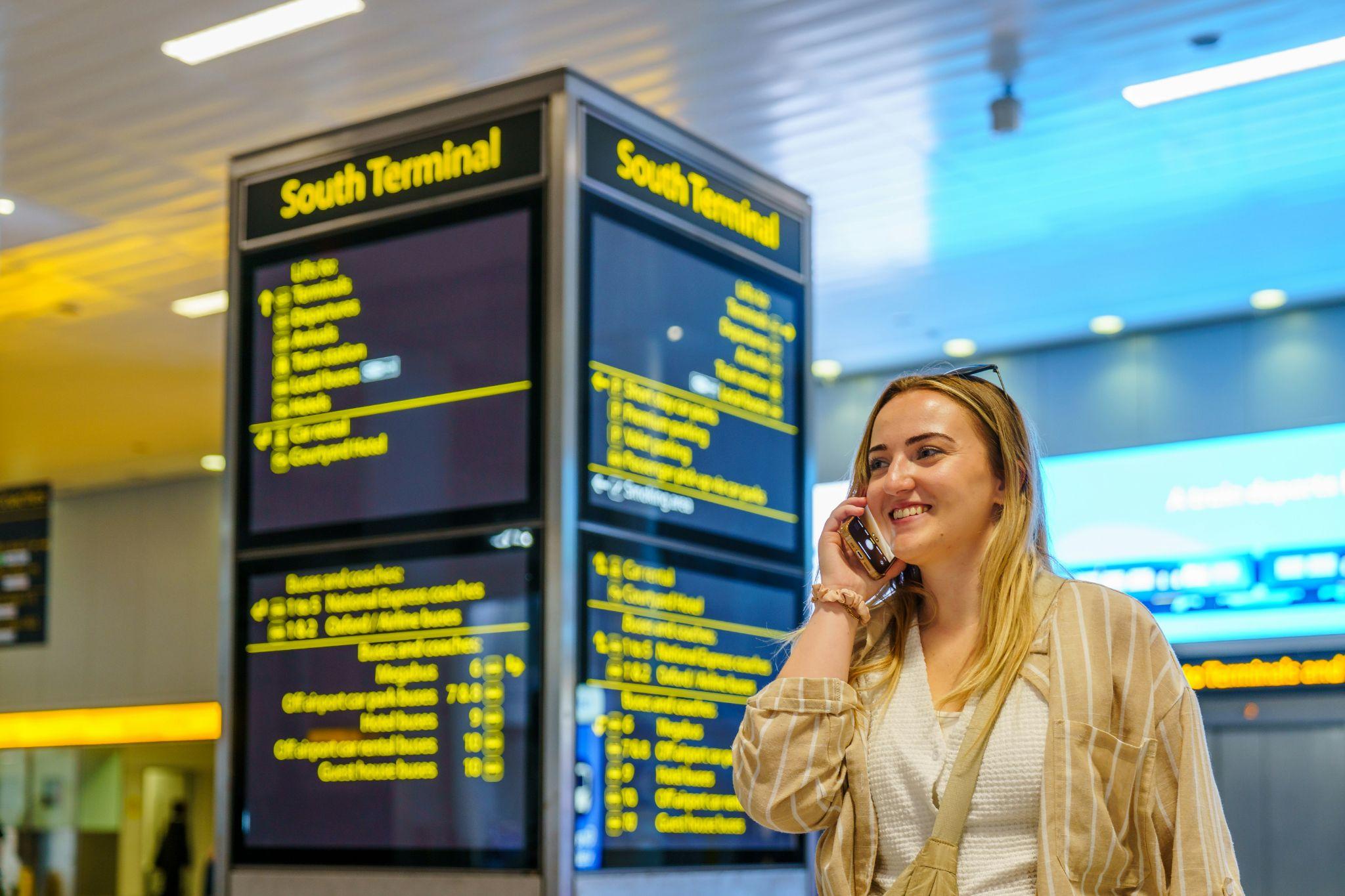
Free Wi-Fi in the airport and internet access in another country work quite differently, meaning their vulnerabilities will differ as well. This article will examine these vulnerabilities and the settings that need to be adjusted before boarding an airplane.
Two Doors Out of the Arrivals Hall
Until recently, the choice was made almost automatically: roaming often turned into an unpleasant bill after the trip, so hotel Wi-Fi seemed like the only sensible option. Today, this math looks different. Services like telvoya.com allow you to install an eSIM profile once and then buy additional data packs for each new country, so price is no longer the decisive argument.
It is privacy that becomes the one. However, both a hotspot and a mobile connection protect your data at various stages of your travel, and neither works equally well everywhere. That is why it is good to know how each of them functions before relying on it for your passwords and bank applications.
The Hotspot With a Familiar Name
Let us start with the good news. The US Federal Trade Commission recognizes in its recommendations that, thanks to ubiquitous encryption, connecting to public Wi-Fi today is usually safe. Most websites and applications have long been working over HTTPS.
However, encryption is powerless if the user hands over the data to an attacker themselves. In 2024, authorities charged a man who, according to investigators, deployed "evil twins," fake free networks with familiar names, in several airports and even aboard domestic flights. Those who connected were greeted by a fake login page requesting email or social network credentials, and, according to the police, dozens of other people's credentials were found on the seized devices.
The legal hotspot still gathers much more than is visible. The authorization form that appears in hotels or airports typically requests an email address, telephone number, or access to social media networks, and any further action taken with this information will be at the discretion of the network owner, not the user. So, nowadays, the key danger of public Wi-Fi lies in network spoofing.
Mobile Data Takes the Long Way Home
Mobile internet works differently. The radio channel between the phone and the tower in 4G and 5G networks is encrypted, and there is simply no authorization page along the way that could be faked. But mobile connectivity has its own feature as well.
Classic roaming and most travel eSIMs use so-called home routing: traffic goes through a tunnel to the gateway of the operator that issued the SIM profile, and only from there does it enter the internet. In other words, the phone is located in one country, while geolocation services by IP often show another, sometimes even on a different continent.
The side effect on privacy is rather pleasant, since websites see the gateway address rather than the city where the traveler is located. The flip side is that banks and streaming platforms sometimes view such an IP with suspicion, so it is worth checking the location of your IP through an IP lookup service right after turning on the eSIM.
For clarity, let us bring together who and what sees what on each channel:
| Party or risk | On public Wi-Fi | On mobile data abroad |
|---|---|---|
| Other users nearby | Your device and any unencrypted traffic on open networks | No shared local network with other users |
| Network owner | Domains, timing, and your device's Wi-Fi address | Domains, timing, and your subscriber identity |
| Fake network risk | Easy to stage with a portable access point | Requires specialized radio equipment |
| Websites and apps | A local IP of the venue's internet provider | The IP of a gateway that may sit in a third country |
| VPN provider, if used | Your destinations, hidden from the venue | Your destinations, hidden from the carrier |
The comparison shows that a completely invisible option does not exist, and a VPN merely shifts trust from the cafe or carrier to your own provider. That is precisely why you should choose such a service meticulously, especially if it is a free app without a clear log retention policy.
Five Minutes of Settings Before Takeoff
Most of the protection is set up back at home, and we advise starting with the following:
- Disable auto-connect to open networks so your phone does not jump into a "familiar" hotspot without asking;
- Keep the private Wi-Fi address enabled, and on an iPhone running iOS 18 or newer, choose rotation mode for guest networks;
- Enable "HTTPS-only" mode in your browser and two-factor authentication for email and banking;
- Do not enter passwords on hotspot authorization pages and do not install anything they offer to download;
- Keep banking apps and work email on mobile data, leaving Wi-Fi for maps, music, and video.
Authorities have already commented on such an incident, stating that there is no need for a legitimate free Wi-Fi network to request your personal information and recommending the use of a high-quality VPN. In any case, there is no substitute for thinking twice before providing any information on an unfamiliar network’s page.
Packing Privacy Along With the Charger
Public Wi-Fi is no longer as dangerous as it used to be, but it still remains a network controlled by someone else. Mobile data closes most vulnerable spots, although it changes the set of intermediaries. It is wisest to use both channels consciously and trust your most valuable data to the one you feel more confident in.
Comments
Comments are available to signed-in users and are moderated to keep the discussion useful and respectful. Spam, automated submissions, and low-value promotional comments are removed. Outbound links may be approved when they are relevant and genuinely helpful to readers, but they are displayed as plain text rather than clickable hyperlinks.
No comments have been published yet.
Please sign in to submit a comment.