

Proxy Latency Explained: Where the Milliseconds Go and How to Measure Them
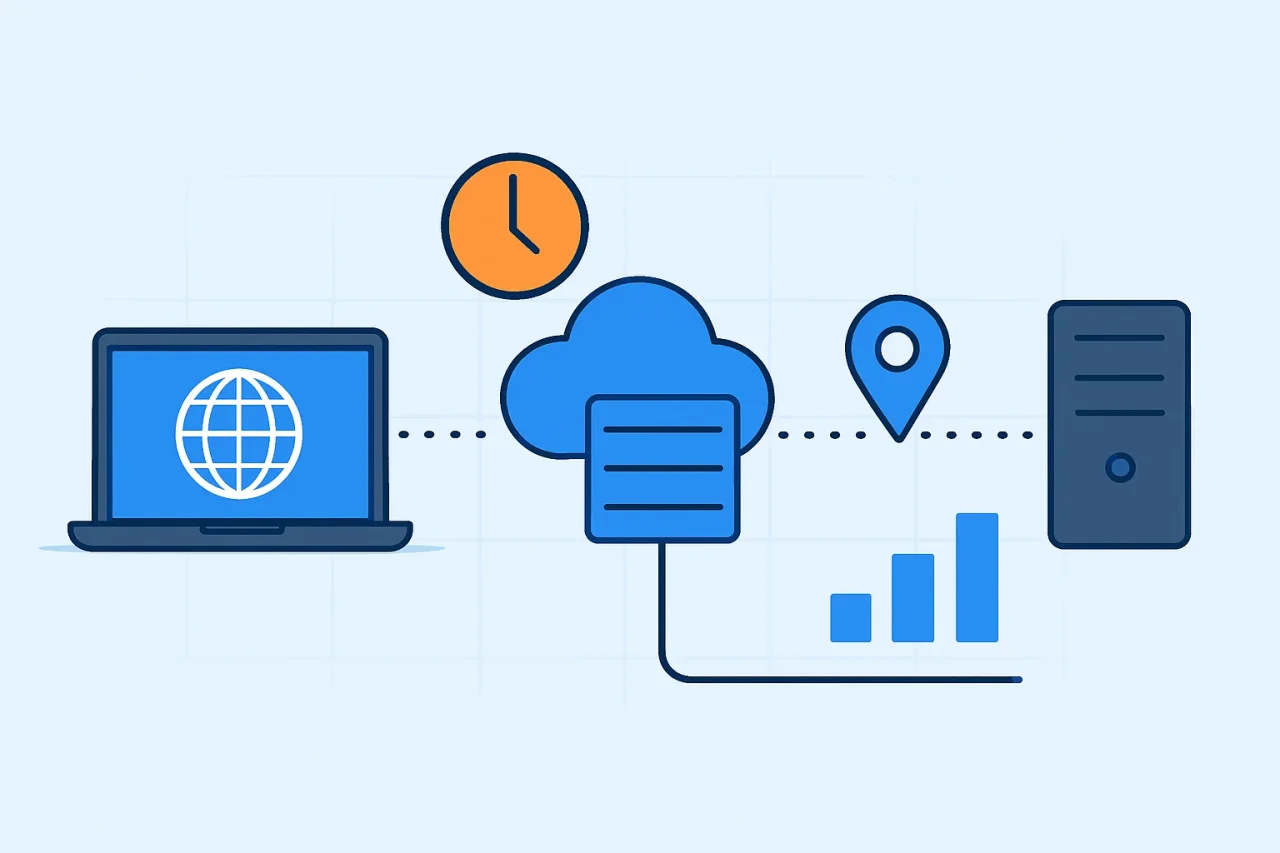
Routing traffic through a proxy always costs time. The request travels a longer path, crosses more machines and often repeats connection setup along the way. For someone browsing, a few hundred extra milliseconds is a minor annoyance. For a price monitor, a rank tracker or an ad-verification job sending millions of requests, it decides how many workers you need and how long each run takes.
Yet proxy speed is one of the hardest numbers in networking to compare. Two providers can both advertise "under 100 ms" and mean completely different things. This article breaks a proxied request into its parts, separates the delays you can remove from the ones physics fixes in place, and shows how to run a benchmark that tells you something real.
The four legs of a proxied request
A direct HTTPS request has one path: from your client to the website. A proxied request has several:
- Client to gateway: Your script connects to the provider's entry server, often called the gateway or ingress.
- Gateway to exit node: The provider forwards your traffic to the machine whose IP address the website will see. That can be a data center server, a home router, or a phone on a mobile network.
- Exit node to target: The exit opens its own connection to the website.
- The return trip: Every response retraces the same chain in reverse.
Each leg adds propagation delay plus a little processing time. Residential and mobile exits introduce another variable: the last mile. A home broadband line or a cellular radio link is slower and far less predictable than a data center uplink. That is why residential and mobile proxies are usually slower than datacenter proxies. It is a property of the network path, not a sign that something is broken.
The floor you cannot engineer away: distance
Light in optical fiber travels at roughly two-thirds of its speed in a vacuum, about 200,000 km per second. That works out to roughly 1 ms of round-trip time for every 100 km of fiber. New York and London are about 5,570 km apart, so no network can return a response between them in less than about 56 ms. Real cables rarely follow the shortest line, so actual figures are higher.
For proxy users, the lesson is that the geography of every leg counts, not just the location of the exit IP. If your scraper runs on one continent while the gateway and exit sit on another, every exchange between client and exit pays for the ocean crossing. As the next section shows, a fresh HTTPS connection needs several of those exchanges before any data arrives. Running your client close to the provider's gateway is usually the cheapest latency win available.
Handshakes: the hidden multiplier
Opening a connection costs round trips before any useful data moves. A TCP connection needs one round trip for its three-way handshake. TLS then adds one more round trip with TLS 1.3, or two with TLS 1.2. Cloudflare's explainer on what happens in a TLS handshake walks through each message if you want the details.
Through a proxy, these costs stack. Consider an HTTPS request sent through an HTTP proxy, using the CONNECT method, on a brand-new connection:
- The client and the gateway complete a TCP handshake.
- The client sends a CONNECT request. Before answering, the proxy opens its own TCP connection to the target.
- The client and the website complete a TLS handshake through the tunnel, across every leg.
- The client sends the HTTP request and waits for the response, again across every leg.
That is at least four round trips, two of them spanning the full chain, before the first byte of the page comes back. SOCKS5 follows a similar pattern, with an extra exchange to negotiate the authentication method and another to send a username and password.
The fix is connection reuse. With HTTP keep-alive and a connection pool, the setup cost is paid once, and later requests pay only for the request itself. HTTP/2 goes further by carrying many requests over a single connection. There is a trade-off, though. In most setups, a new exit IP means a new tunnel, so rotating the IP on every request also means paying the full setup cost on every request. If your task does not need a fresh IP each time, a sticky session that keeps the same exit is often much faster.
DNS deserves a mention too. When the proxy resolves hostnames itself (for example, with the socks5h:// scheme in curl), your client skips a local DNS lookup and stops leaking the domains you visit to your local resolver. The website's CDN also sees a lookup from the exit's region, so it answers with servers near the exit rather than near you.
Exit health and the cost of failure
Residential and mobile exits come and go. A phone loses signal, a home router reboots, a device leaves the pool. A dead exit that still accepts connections is worse than a slow one, because your request waits for a full timeout before it fails.
Two client settings limit the damage. First, set a short connect timeout, separate from the read timeout, so dead paths fail in seconds rather than minutes. Second, make retries request a fresh exit instead of reusing the same session, because a second attempt on a broken path inherits the first attempt's problem. Track error rates and timeouts alongside latency: a pool with a slightly higher median but far fewer timeouts often finishes jobs sooner.
Why most latency numbers mislead
Most published proxy speed figures fall into at least one of these traps:
- Averages instead of percentiles: A mean is dragged around by outliers, and even the median (p50) hides the slow tail. Scraper throughput is often limited by the 95th and 99th percentiles, because slow requests tie up connection slots. Useful reports give p50, p95 and p99.
- No stated client location: Latency measured from a server next to the gateway says little about latency from your office or cloud region.
- Cold versus warm connections: A test that reuses connections and one that opens a fresh connection per request measure different things.
- Toy requests: A HEAD request to a 1 KB endpoint measures the path, not the time needed to download a full page with images and scripts.
- Latency without success rate: A fast request that gets blocked is worth nothing. Speed only matters for requests that succeed.
- Short test windows: Residential pools change with the time of day, so an hour of testing can miss evening congestion.
Credible benchmarks disclose their methods. For example, a proxy provider's documented latency methodology outlines the request type (HTTP HEAD), the payload (a 1 KB target), the sample size (50,000 requests), the testing period (seven days), and the statistic used (p50). It also acknowledges limitations, including the fact that median values may obscure performance variations. When evaluating benchmark results, reviewing the testing methodology is essential for making meaningful comparisons. A millisecond figure without a clearly defined methodology provides limited context.
How to run your own proxy latency test
You do not need special software to get useful numbers. A short script and a careful method are enough:
- Measure a direct baseline: Send the same requests from the same machine without a proxy, so you know what the proxy adds.
- Test from where you will run: Benchmark from the server or cloud region your production jobs use.
- Separate cold and warm runs: Measure fresh connections and reused connections separately, and report both.
- Use two targets: Test a fast, neutral endpoint and your real target. The difference shows how much delay is due to the target itself.
- Collect enough samples: Several hundred requests spread across at least a full day give far more stable percentiles than a quick burst.
- Record the tail and the failures: Log p50, p95, p99, error rate and timeouts.
- Verify the exit: Every few dozen requests, log the exit IP and check its country, city and ASN with an IP geolocation lookup. This confirms that rotation and geo-targeting work as expected. A data center ASN on an exit sold as residential is a red flag.
For a quick per-request breakdown, curl's built-in timers are hard to beat:
curl -x http://user:pass@GATEWAY:PORT -o /dev/null -s \
  -w "connect=%{time_connect} tls=%{time_appconnect} ttfb=%{time_starttransfer} total=%{time_total}\n" \
  https://example.com/
Here, time_connect marks the TCP connection to the proxy, time_appconnect marks the end of the tunnel setup and TLS handshake, and time_starttransfer marks the arrival of the first byte. Comparing these values across runs shows whether delay comes from distance, setup, or the target itself.
Where proxy latency comes from
| Source of delay | Typical cost | What you can control |
|---|---|---|
| Distance (fiber propagation) | About 1 ms round trip per 100 km | Run your client near the gateway; avoid exit regions the task does not need |
| TCP handshake | 1 round trip per new connection | Keep-alive and connection pooling |
| TLS handshake | 1 round trip (TLS 1.3) or 2 (TLS 1.2) | Reuse connections; prefer TLS 1.3 |
| Proxy setup (CONNECT or SOCKS5 negotiation) | 1 to 3 extra round trips to the gateway | Reuse tunnels; use sticky sessions when a fresh IP is not required |
| Last mile at the exit | Variable; highest on cellular links | Use datacenter, or ISP exits where targets accept them |
| Dead or overloaded exits | A full timeout per failure | Short connect timeouts; retry on a fresh exit |
The bottom line
Proxy latency is the sum of four things: distance, connection setup, last-mile conditions and failures. Physics fixes the first, but setup costs and failures are largely in your hands. Reuse connections, keep your client near the gateway, fail fast on dead exits, and judge every speed claim by its method. Benchmarks built on percentiles, warm and cold runs, success rates, and verified exit IPs are the only ones worth comparing.
Comments
Comments are available to signed-in users and are moderated to keep the discussion useful and respectful. Spam, automated submissions, and low-value promotional comments are removed. Outbound links may be approved when they are relevant and genuinely helpful to readers, but they are displayed as plain text rather than clickable hyperlinks.
No comments have been published yet.
Please sign in to submit a comment.