

How to Compare Proxy Types and Network Characteristics
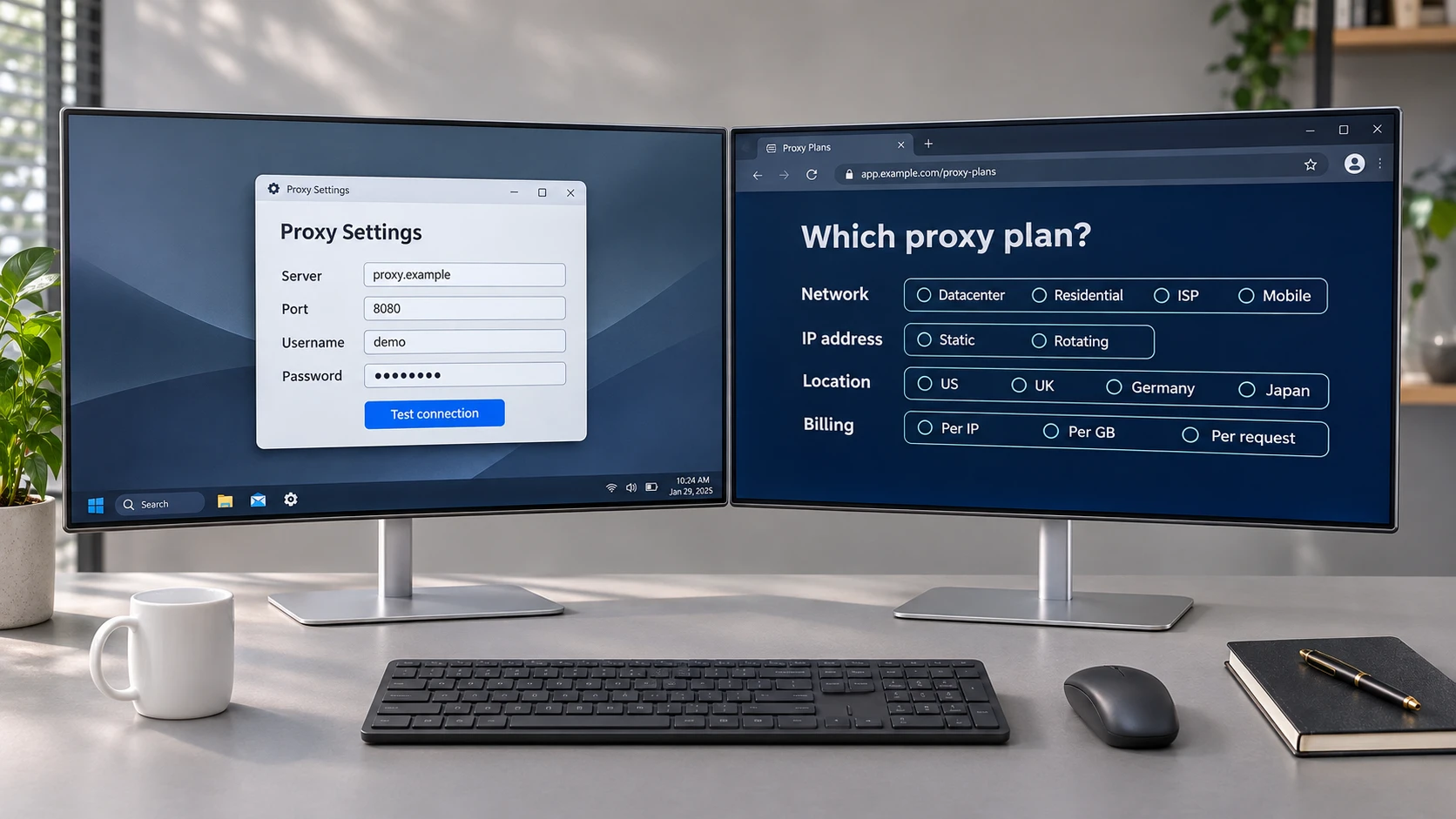
The software asks for a proxy. There’s a box for the server address, another for the port, and two more for a username and password. It looks like the sort of thing that will take a minute once you have the details. Then you encounter terms such as datacenter, residential, ISP, and mobile proxies. The software said nothing about any of those.
These terms describe different aspects of how proxy networks operate, including where IP addresses originate, how connections are routed, and whether addresses remain consistent between requests. For example, ProxyData's guide to choosing a proxy service discusses terminology related to proxy networks, IP address types, and connection characteristics. Understanding these distinctions can help clarify how different proxy configurations affect network behavior. A word that tells you where an address comes from can tell you very little about what happens once you start using it.
Why the Names Overlap
Take “residential” and “rotating.” When the words appear in separate descriptions, they may seem like alternatives. Then you encounter the term “rotating residential” and discover you can have both. The first distinction concerns the network. Residential proxies use home internet connections, while datacenter proxies use addresses on hosting networks. Rotation describes how addresses are assigned. A proxy network can use residential connections and assign a different address from its pool on successive requests. Both descriptions fit the same configuration.
“Mobile” is easy to misread for a different reason. In everyday use, it usually brings to mind the device in your hand. In proxy terminology, it refers to a mobile carrier's network. Software running on a desktop can use a mobile proxy. A test that depends on how a website responds to a cellular connection can therefore involve a mobile network even when the device running the test stays on a desk.
“ISP” takes a little more unpacking. The letters stand for internet service provider, which is also what most people call the company that supplies their home broadband. In proxy terminology, ISP generally describes a connection hosted in a datacenter using addresses registered to an internet provider. You may also encounter the term “static ISP.” The word “static” carries its own piece of information here. It indicates that an address is intended to remain consistent over a defined period rather than changing frequently.
How Proxy Connections and IP Addresses Behave
The length of time an IP address remains assigned is worth a closer look. Some proxy configurations maintain a fixed address for an extended period, while others assign addresses dynamically. This distinction matters when applications depend on consistent network identification or when changing an address would require updating access permissions elsewhere.
With a rotating proxy network, even the word “same” needs a time frame. A sticky session allows multiple requests to share a single address, which matters when software must navigate a series of pages in a single visit. The network may specify how long it will try to hold that address. A session can also end sooner if the connection supplying it goes offline. Keeping an IP long enough to finish a visit and being able to return to it next week are different characteristics.
The size of a proxy network also has a scope of its own. A network containing millions of IP addresses may distribute those addresses across many locations and connection types. Pool size alone tells you little about how many addresses will be available in one country when an application runs. It also tells you little about whether a particular address can be selected or maintained across multiple sessions.
A geographic coverage map is a good example of why the wording matters. A country can appear on the map because the network contains addresses associated with that location. However, an application may draw from a worldwide pool and automatically receive an address. Other configurations may allow country selection or provide access to particular regions depending on network availability. Geographic coverage and the ability to select a specific location are therefore separate characteristics.
How Network Activity Affects Data Usage
Proxy connections also differ in how network traffic is measured and handled. Some configurations track data transferred over the connection, while others emphasize the number of available IP addresses or the number of concurrent connections. Understanding these measurements is useful when examining how applications interact with proxy networks.
Two programs can visit the same pages just as often and generate very different amounts of traffic. One may retrieve only the text it needs, while the other loads the photographs on every page. A count of pages or requests gives you no reliable way to estimate that difference. If the software records the data it transfers in a typical week, that figure provides a more useful starting point for understanding its network requirements.
Traffic patterns can also change depending on how frequently an application runs. Running the same job more often can increase data use without increasing the number of IP addresses required. Similarly, an application that maintains long sessions may behave differently from one that establishes a new connection for every request.
These differences are relevant when evaluating network performance, connection stability, and resource consumption. The number of IP addresses available does not necessarily determine how much traffic an application generates or how efficiently it uses the network.
Understanding the Differences Between Proxy Networks
The four fields in the software make configuring a proxy look simpler than it is. Connections that use the same basic server address, port, username, and password format can behave differently depending on the underlying network.
Residential, datacenter, ISP, and mobile describe where proxy IP addresses originate or how they are classified. Rotation and sticky sessions describe how addresses are assigned and maintained. Geographic coverage describes where addresses are associated with locations, while traffic measurements help explain how applications use network resources.
Understanding these distinctions makes it easier to interpret proxy configurations and recognize why two connections may behave differently even when they appear similar. Educational resources, such as those published by ProxyData, provide examples of how proxy terminology is explained in the context of network types, IP geolocation, routing, and connection characteristics.
Comments
Comments are available to signed-in users and are moderated to keep the discussion useful and respectful. Spam, automated submissions, and low-value promotional comments are removed. Outbound links may be approved when they are relevant and genuinely helpful to readers, but they are displayed as plain text rather than clickable hyperlinks.
No comments have been published yet.
Please sign in to submit a comment.