

IP Address, Virtual Private Network, Proxies
How Mobile Apps Detect and Respond to VPN and Proxy Users
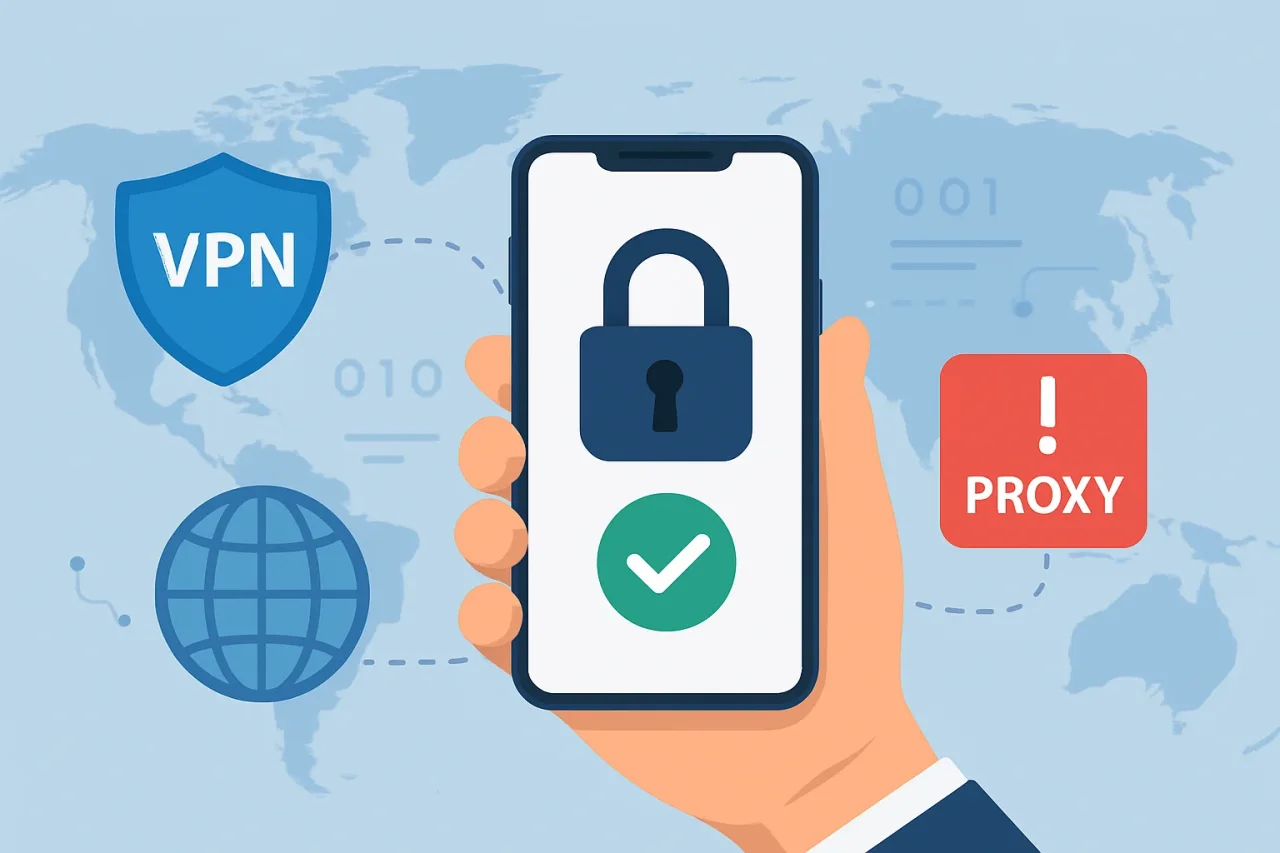
The use of VPNs and proxy servers has become ubiquitous among internet users. People use them for enhanced privacy, to access geo-blocked content, to secure a public Wi-Fi connection, or to hide their identity online. But for businesses, VPN and proxy use raises security compliance and fraud prevention issues, particularly in app development.
Many developers ask, how do apps detect VPN without impacting legitimate users? The solution is network and device behavioral risk scoring. Few contemporary mobile applications are based on only one mode of detection. Instead, they use various techniques to find out whether the user is connecting through a VPN or proxy.
This article will cover the how and why of mobile app user detection of VPN and proxy users, and how developers can respond without degrading user experience.
Why do Mobile Apps Detect VPN and Proxy Users?
VPNs are not evil. Millions of users use them for legitimate privacy and security reasons. But attackers also make use of VPNs and Proxy Servers to hide their identities and circumvent security controls.
From the perspective of businesses, being able to identify when a VPN is in use helps solve several problems, including:
- Blocking account takeover attempts
- Lowering fake account sign-ups.
- Ending location spoofing
- Licensing regions as a means of protecting digital content
- Identifying potentially fraudulent login attempts
- Supporting fraud prevention systems.
- Regulatory and compliance requirements
Rather than disallowing all VPN connections, many applications look to see if the use of a VPN session is itself an increase in overall risk for that session.
How Do Apps Detect VPN?
VPN detection has become a standard part of app development today. It is usually done by combining several independent detection methods. Neither method produces a decision but instead yields a confidence score.
1. IP Address Intelligence
The most common detection method is based on the public IP address of the user.
The applications check incoming IP addresses against databases of known:
- VPNs for commercial use
- Public proxy services
- Web hosts
- Cloud services
- Anonymous relaying networks
These databases are regularly updated by security vendors as new VPN servers are known to be activated.
If the IP address is known to be from a VPN provider or a data center, the application might identify the connection as more risky.
2. Data Center vs Residential IP Detection
Legitimate users are usually connected over residential ISPs or mobile providers.
VPNs often use cloud and data center services to achieve scalability, and these services are popular for VPNs because they offer them.
Some apps will analyze if an IP is from:
- Residential ISP
- Mobile telephone carrier
- business network
- Cloud hosting services
- Virtual Private Server
Incoming connections from cloud providers are often treated with more suspicion, particularly during the authentication or payment stage.
3. DNS Server Analysis
VPN providers typically change the DNS resolver used by their customers to their own secure DNS servers.
Some applications will look at your DNS settings for signs of:
- Public DNS servers over VPN
- Anonymizing DNS services
- DNS locations not corresponding to their expected locations
- DNS leaks: Strange resolver behavior
If the obtained DNS information is not consistent with the user’s declared location, the application may add some risk score to the session.
4. Device Network Configuration
Many mobile operating systems provide little information about currently active network interfaces.
Applications may detect:
- VPN interface
- Virtual adapter
- Tunneling protocols
- Network routing changes
For instance, in the development of an Android app, it can access APIs that indicate whether a VPN is active based on the permissions the app has been granted, as well as platform-level policies.
Because of privacy restrictions in the operating system, developer access to information is limited, and this is only one part of a broader strategy of detection.
5. Geolocation Verification
Frequent location shifts are a common sign of VPN usage.
A typical application will compare:
- IP Geolocation
- UTC Offset
- Language of device
- Region of the SIM card
- Carrier information for networks
Examples include:
- GPS pinpoints India
- IP address is in Germany
- Device time zone is still set to IST
Legitimate travel can create similar patterns, but multiple inconsistencies raise confidence that the traffic is being routed through a VPN or proxy.
How do Apps respond to VPN Users?
Once an app detects a VPN connection, its response depends on the level of risk. Here are the ways mobile apps respond to VPN users.
1. Allow Normal Access
In most cases, the vast majority of apps will enable VPN users to use the app normally, barring any other sign of suspicious activity. They only have a VPN connection log for security purposes.
2. Request Additional Verification
If a VPN is being used but suspicious behavior is also being observed, the app could ask for an MFA request, OTP, or biometrics to verify the legitimate user.
3. Restrict Sensitive Features
Some apps freeze high-risk functions, such as a user accessing account settings or making a financial transaction, until a user can be verified.
4. Enforce Geographic Restrictions
Streaming and gaming services may deny you access to region-locked content due to VPN detection, which may be used to comply with licensing agreements.
5. Block High-Risk Sessions
Along with signs of fraudulent behavior, such as the use of known fraudulent IP addresses or excessive login attempts, the use of VPNs might also cause the app to block the session to secure user accounts and information.
What are the Challenges in VPN Detection?
Detection of VPN connections is improving but is not infallible. In order to accurately identify users of VPNs without negatively impacting legitimate users, developers have a few technical and privacy challenges to overcome.
- False Positives
On corporate VPNs, university networks, or privacy-oriented services, legitimate users may at times appear as malicious users. Excessive barking can be detrimental to the user experience.
- Constantly Changing Infrastructure
VPN service providers are constantly developing their networks, adding new servers and rotating IP addresses. Detection systems require constant updating of their databases in order to be accurate.
- Privacy Regulations
Developers must strike a balance between security and user privacy. This helps to ensure compliance with GDPR and other privacy regulations by only collecting necessary device and network data.
- Evolving Evasion Techniques
Attackers are always innovating with things like residential proxies, mobile proxies, rotating IPs, and traffic obfuscation to avoid being detected. VPN detection systems are constantly changing to respond to new threats.
Conclusion
How apps detect VPN connections is important to know for app development at this time. Mobile applications are no longer based on basic IP checks. Instead, they combine IP intelligence, device signals, behavioral analysis, geolocation verification, DNS inspection, and machine learning to produce a risk assessment for each user session.
It is not about punishing privacy-conscious users, but about detecting nefarious activity and stopping fraud. Developers can improve the security of the application without sacrificing a fluid and trustworthy user experience by implementing multi-layered detection mechanisms and risk-based responses.
Comments
Comments are available to signed-in users and are moderated to keep the discussion useful and respectful. Spam, automated submissions, and low-value promotional comments are removed. Outbound links may be approved when they are relevant and genuinely helpful to readers, but they are displayed as plain text rather than clickable hyperlinks.
No comments have been published yet.
Please sign in to submit a comment.