

IP Address, Network, Geolocation
How Browser Games Work: Web Connections, Privacy and Online Gaming Performance
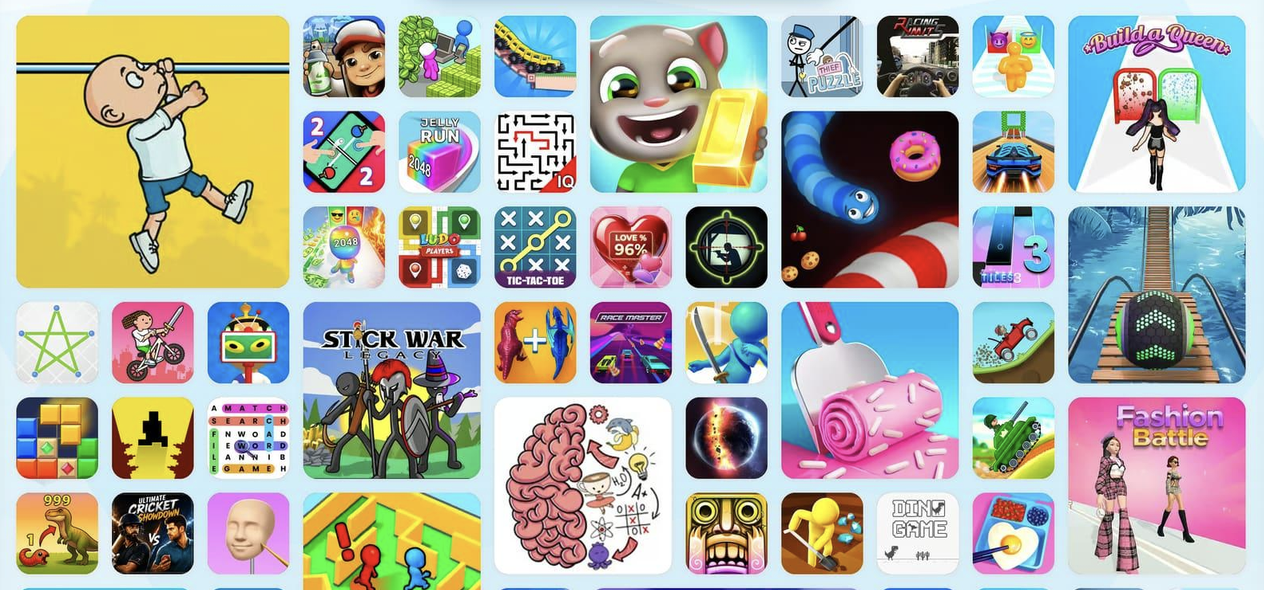
Free online browser games have made gaming more accessible than ever. Instead of downloading large applications, players can open a website and enjoy puzzles, racing challenges, arcade adventures, and multiplayer experiences directly through their browsers.
Behind this convenience are several technologies that influence how games load, communicate with servers, and handle user information. Understanding these processes can help players enjoy smoother gameplay while making informed decisions about online privacy.
What Happens When You Open a Browser Game?
When someone visits a gaming website, their browser requests the necessary resources from a web server.
These resources may include HTML documents, JavaScript files, images, audio, and game assets.
Once downloaded, the browser processes the files and displays the interactive game.
For example, Sausage Flip uses physics-based movement, while Bubble Shooter involves aiming and matching colored bubbles.
Although their gameplay differs, both require the browser to load resources and process player interactions.
Some games perform most calculations locally, while others communicate with servers during gameplay.
Why Internet Connections Affect Gaming
Connection quality can influence how quickly browser games load and how smoothly online features operate.
Bandwidth affects the transfer of game files, while latency measures the delay between sending information and receiving a response.
For a single-player puzzle such as Nonogram, internet speed may matter primarily during initial loading.
However, a multiplayer game such as Smash Karts depends more heavily on timely communication between players and game servers.
High latency can cause delayed responses, inconsistent movement, or temporary interruptions.
A stable connection is therefore particularly important for real-time multiplayer experiences.
How IP Addresses Are Used
Every device communicating over the internet uses IP addressing as part of network communication.
When players connect to an online gaming server, the server generally receives the public IP address associated with their connection.
This information helps network systems route data between devices and servers.
Websites may also use IP-based information for security, fraud prevention, traffic analysis, or approximate geographical identification.
However, an IP address does not normally reveal someone's exact home address.
Players should understand that online services may process connection information even when they do not require account registration.
Browser Privacy and Gaming Websites
Gaming websites may use cookies, local storage, or similar technologies to remember preferences and support website functionality.
Some games use browser storage to save progress, settings, or achievements.
Advertising and analytics services may also collect information, depending on the website's configuration and applicable privacy rules.
Players can review browser permissions, manage cookies, and avoid sharing unnecessary personal information.
Using reputable gaming websites and keeping browsers updated can also reduce certain security risks.
Private browsing may limit information stored on a device after a session, but it does not make online activity invisible to websites or network providers.
Why Game Performance Varies Across Devices
Internet speed is only one factor affecting browser gaming performance.
The device's processor, available memory, graphics capabilities, and browser version also influence gameplay.
For example, Moto Road Rash 3D involves detailed driving environments, while Mahjong Connect uses comparatively straightforward puzzle interactions.
Different games place different demands on hardware.
Modern browser technologies such as HTML5 and WebGL support interactive graphics, but demanding games may still struggle on older devices.
Closing unnecessary browser tabs and reducing background activity can sometimes improve performance.
Content Delivery Networks and Loading Speed
Gaming websites often serve resources through content delivery networks, commonly called CDNs.
A CDN distributes copies of files across geographically separated servers.
When configured effectively, it can reduce the distance that game resources travel and improve loading performance.
This is particularly useful for websites serving players in multiple countries.
However, CDNs do not eliminate every performance problem. Large game files, inefficient scripts, and slow devices can still affect the experience.
Tips for Safer and Smoother Browser Gaming
Players can improve their experience by following a few practical habits:
- Keep browsers and operating systems updated.
- Avoid suspicious downloads and unnecessary browser extensions.
- Review website permissions before allowing access to device features.
- Use a reliable internet connection for multiplayer games.
- Avoid entering sensitive personal information into unfamiliar gaming websites.
These precautions support both security and convenience.
Final Thoughts
Browser gaming combines web technology, network communication, and interactive software to make entertainment accessible across different devices.
Whether someone enjoys Bubble Shooter, Sausage Flip, Smash Karts, or Mahjong Connect, understanding connections, privacy, and performance can help them make better gaming choices.
As browser technology improves, free online games will continue offering convenient entertainment, while responsible data handling and reliable performance remain important for players and website operators.
Comments
Comments are available to signed-in users and are moderated to keep the discussion useful and respectful. Spam, automated submissions, and low-value promotional comments are removed. Outbound links may be approved when they are relevant and genuinely helpful to readers, but they are displayed as plain text rather than clickable hyperlinks.
No comments have been published yet.
Please sign in to submit a comment.