

Network, Cybersecurity, Security
How Access Control Systems Secure the Network Behind the Door
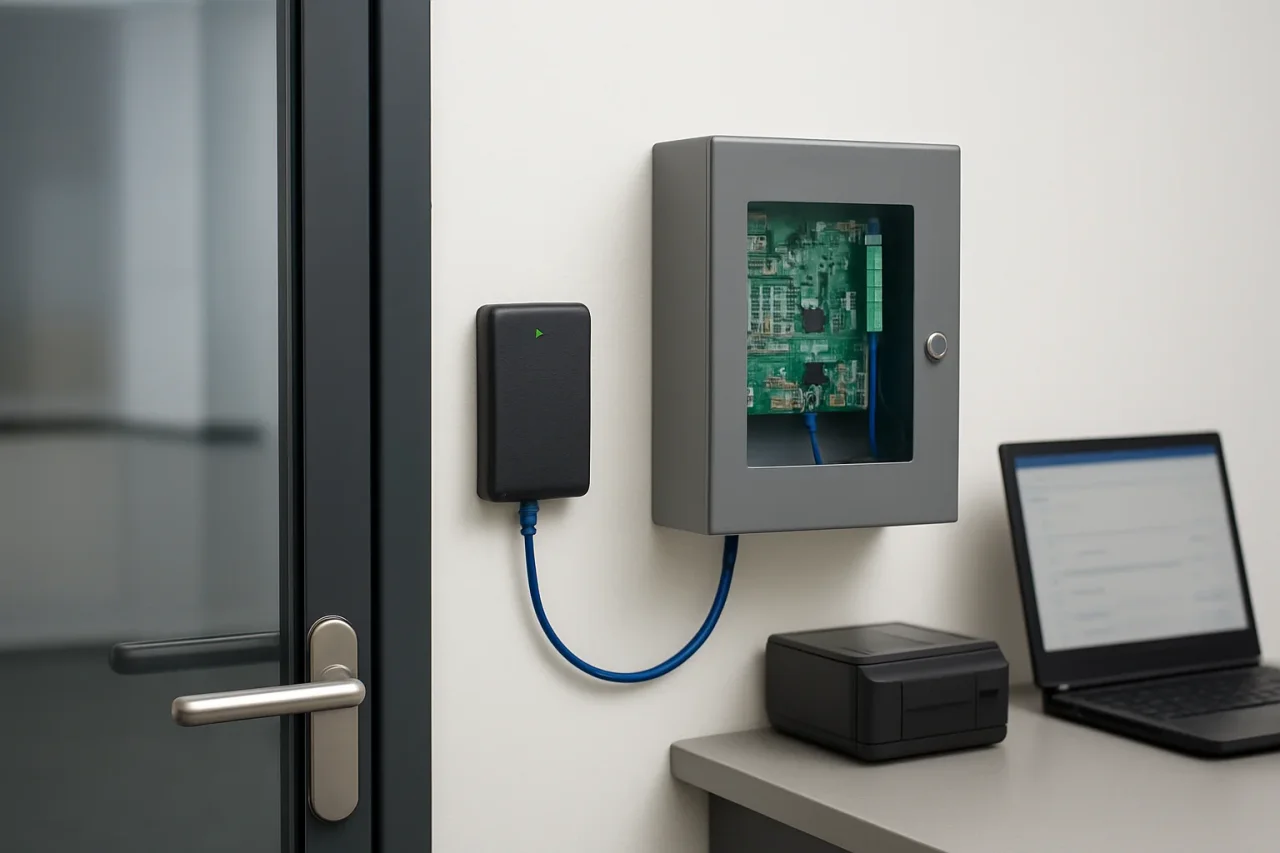
A badge reader next to an office entrance looks like a small plastic box with a blinking light. Behind it runs a cable to a door controller, and that controller may sit on the same network as laptops, printers, and sometimes the guest Wi-Fi. During system deployment, access control installation companies are responsible for configuring the hardware and network connections that allow these devices to communicate. However, the security implications of these connections can receive less attention than card formats, door hardware, and functionality. That question deserves more attention, because a controller with an IP address can be discovered, probed, and attacked like any other host.
Readers who think about IP exposure and device fingerprinting will recognize the pattern. A modern access control system has endpoints at the doors, controllers in a closet or on the ceiling, a server or cloud platform that stores rules and logs, and an admin interface someone opens in a browser. Every hop between those parts carries data that an attacker would love to read or replay.
The Door Became a Network Device
Older systems worked as closed loops. Readers were wired to a panel that sat in a locked room, and nothing connected it to the outside world. Today, many commercial installations use IP controllers powered over Ethernet under the IEEE 802.3af and 802.3at standards. They are managed via web dashboards or cloud apps and are linked to video, elevator, visitor management, and HR software for onboarding.
Convenience came with exposure. In 2016, the Mirai botnet took over hundreds of thousands of internet-connected cameras and DVRs, mostly by trying a short list of factory default usernames and passwords. Door controllers can ship with default logins too. A controller left on its default admin password and reachable from the internet gives an intruder a similar opportunity, with one extra prize: the potential ability to unlock a physical door or erase the record of who walked through it.
What surprised me, reading technical specifications and manufacturer hardening guides, was how much security depends on decisions made during system configuration. Two buildings with identical controllers can end up with very different risk profiles because of how the devices are connected, configured, and maintained.
The Wire Between Reader and Controller
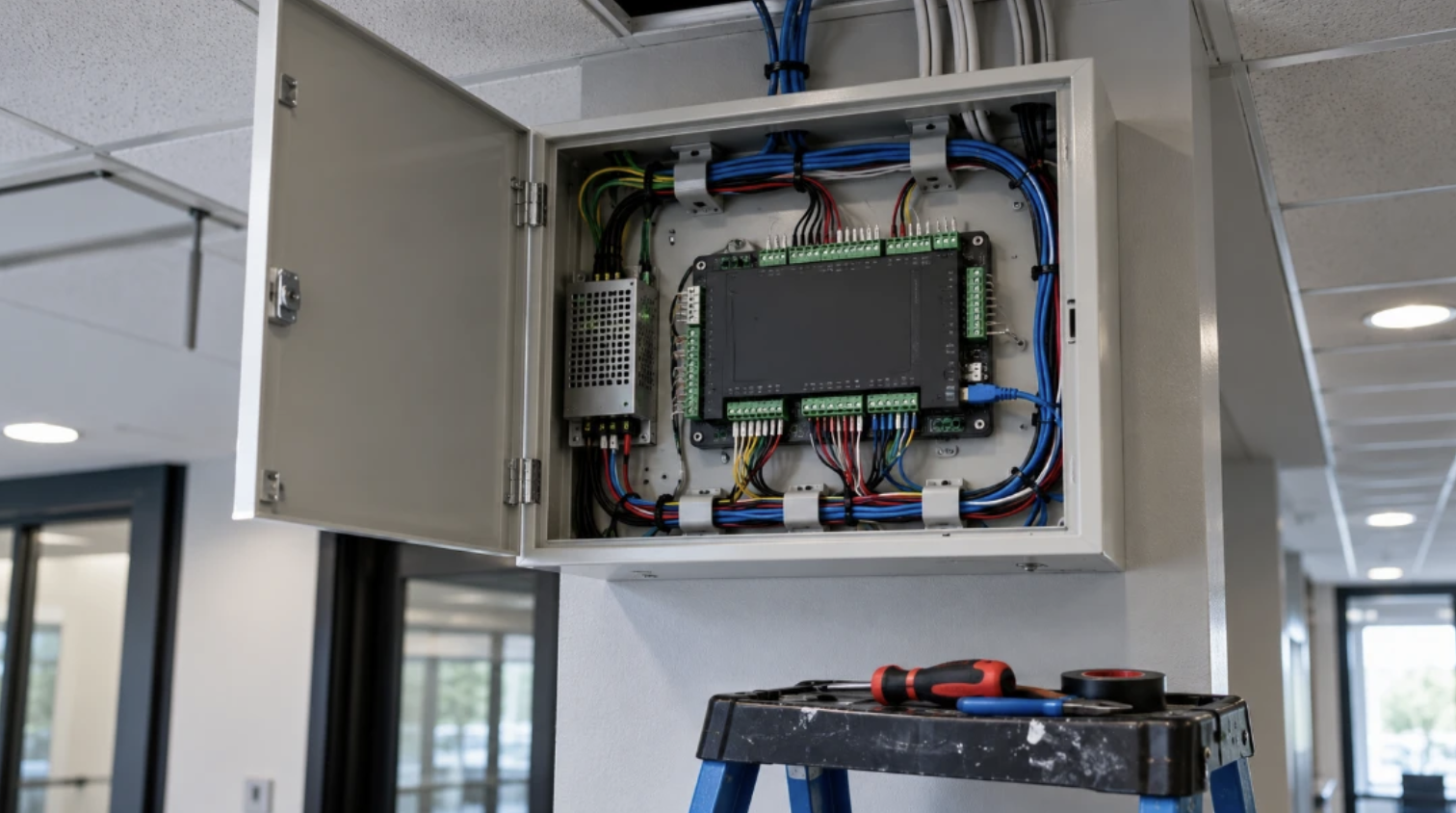
For decades, the standard link between a card reader and a controller was the Wiegand interface, a one-way signal that sends card data in plain form. Anyone who reaches those wires can capture it. At Black Hat USA 2015, researchers Mark Baseggio and Eric Evenchick demonstrated BLEKey, a device about the size of a coin that clips onto reader wiring, records every badge that passes, and lets an attacker later replay a credential from a phone.
The fix has existed for years. The Security Industry Association developed OSDP (Open Supervised Device Protocol), which was published as the international standard IEC 60839-11-5 in 2020. OSDP runs in both directions, allowing the controller to monitor communication with the reader. Its Secure Channel mode encrypts traffic with AES-128.
The catch is that many readers support OSDP and still get installed on Wiegand because the old wiring is already in the wall or the system has not been upgraded. Secure Channel also starts with a well-known default key during setup, which should be replaced with a unique key for each deployment. Simply having an OSDP-compatible reader does not guarantee that Secure Channel is enabled. The distinction matters because encrypted communication provides an additional layer of protection against credential interception and replay attacks.
Credentials That Clone in Seconds
The card in your pocket is part of the network too, in a looser sense. Many buildings still use 125 kHz proximity cards, which broadcast a fixed number without encryption. Handheld cloners sold online for well under $100 can copy one from a few inches away, sometimes through a jacket.
Higher-frequency cards are no automatic guarantee. MIFARE Classic, used in millions of transit and building cards, relies on the Crypto-1 cipher, which researchers at Radboud University broke in 2008. Current options such as MIFARE DESFire EV2 and EV3, HID Seos, and mobile credentials stored in a phone’s secure element use modern encryption and mutual authentication between the card and the reader.
Replacing every card at once can be expensive for a large tenant base, so organizations often plan a gradual migration: multi-technology readers go in first, new hires receive secure credentials, and legacy cards are retired on a schedule with a firm end date.
Layer by Layer – Where Access Control Systems Face Security Risks
It helps to look at the whole chain, from the badge to the admin login, and identify potential vulnerabilities at each point. The table below maps the most common weak points to the security measures that can help protect an access control system.
| Layer | Common weak point | Recommended security measure |
|---|---|---|
| Reader to controller wiring | Unencrypted Wiegand signal | Use OSDP readers with Secure Channel and a unique site key, and add tamper switches |
| Credentials | 125 kHz proximity cards or MIFARE Classic | Use DESFire EV3, Seos or mobile credentials and establish a migration schedule |
| Door controller | Default passwords, unused services left running | Set unique admin credentials, disable unnecessary services such as Telnet and UPnP, and keep firmware updated |
| Local network | Controllers on the same flat network as guest devices | Place controllers on a dedicated VLAN with firewall rules that restrict communication to authorized systems |
| Server or cloud platform | Shared admin logins without multi-factor authentication | Create named accounts, enable multi-factor authentication and enforce TLS for the dashboard |
| Remote access | Port forwarding from the internet to a controller | Use a VPN or the vendor’s outbound cloud connection instead of open inbound ports |
Time synchronization deserves a mention as well. Controllers that pull time from a reliable NTP source produce door logs that line up with camera footage and firewall records. During an investigation, a five-minute clock drift can make an otherwise clear event timeline useless.
Cloud Platforms Change the Threat Model
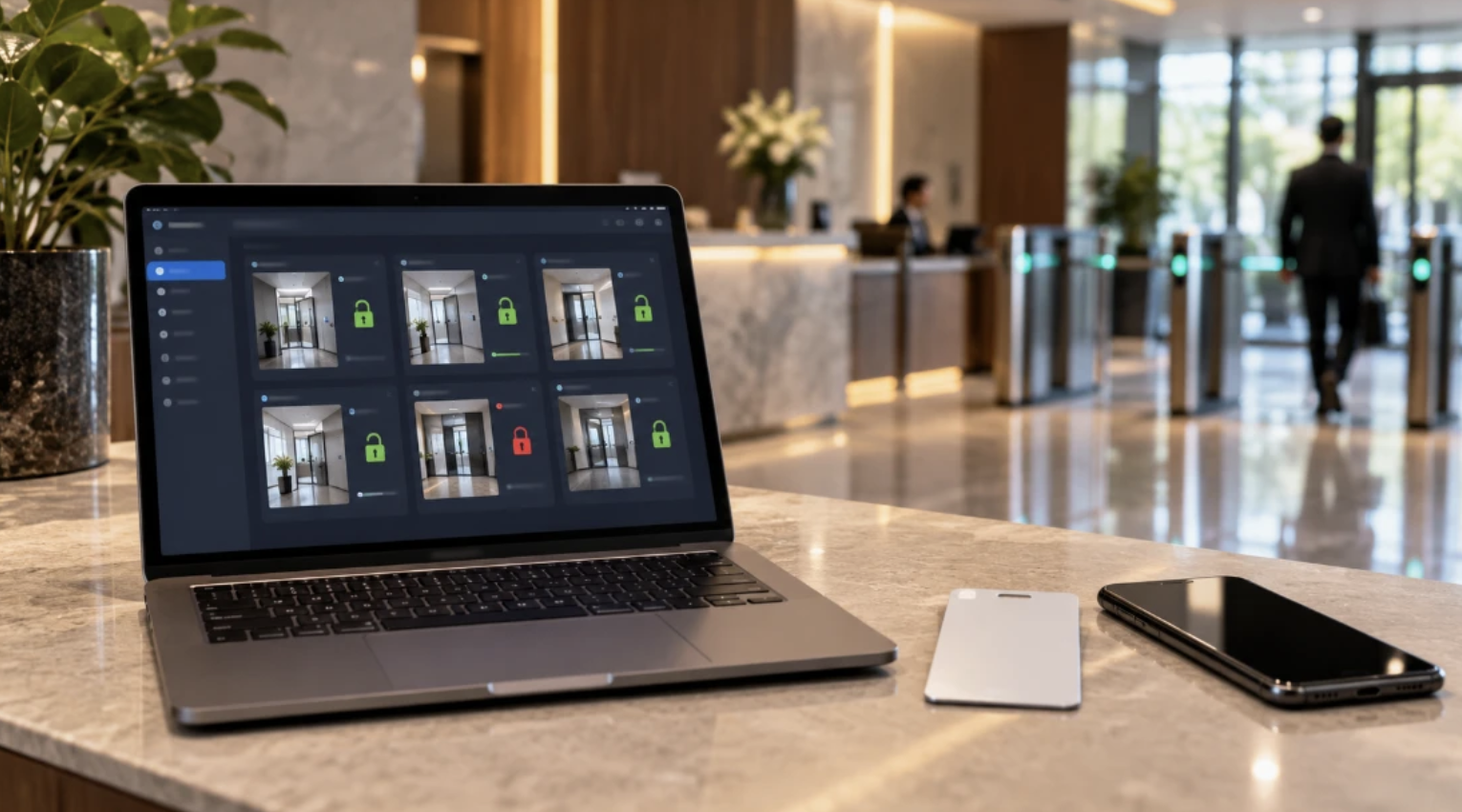
Cloud-managed systems from vendors such as Brivo, Verkada, and Avigilon Alta reverse the traditional setup. Controllers can open an outbound encrypted connection to the vendor, so no inbound ports need to be exposed, and firmware updates can be managed remotely. For many small and mid-size businesses, this can reduce two common on-premises risks: forgotten updates and unnecessary port forwarding.
The risk shifts to accounts. In March 2021, attackers reached roughly 150,000 Verkada cameras after obtaining a super-administrator credential that had been exposed online. Nobody needed to touch a camera or a cable. A single login with broad rights did the damage, and the same lesson applies to cloud access control dashboards that can lock or unlock every door a company owns.
When evaluating cloud-based access control security, important considerations include where event data is stored, how long logs are retained, whether the vendor publishes a SOC 2 Type II report, and how administrator roles can be limited. A front-desk manager who issues visitor badges has no reason to change door schedules across every location.
Key Security Considerations for Access Control Systems
Network security should be considered alongside door hardware, credential technology, and system functionality. Several technical questions can help identify potential weaknesses and determine whether appropriate safeguards are in place:
- Which reader protocol is being used, and is OSDP Secure Channel enabled?
- What credential technology is supported, and how are outdated cards retired?
- Are controllers placed on a dedicated VLAN with appropriate firewall rules?
- How are default passwords changed, and how are firmware updates handled?
- How is remote access secured without exposing unnecessary ports to the internet?
- Who controls administrator accounts, and how is access revoked when permissions change?
Clear answers to these questions help establish whether the system follows appropriate network security practices. General claims about “bank-level security” provide little useful information without details about encryption protocols, firmware management, network segmentation and administrative access controls.
What Proper Security Documentation Should Include
The final configuration of an access control system matters as much as its initial setup. Thorough documentation should include a network diagram with every controller’s IP address and VLAN, a list of installed firmware versions, the credential technology in use, a record of which accounts hold administrator rights, and the steps for revoking a lost badge within minutes.
That documentation often gets more use than the hardware manual. When an employee leaves on bad terms, a reader starts throwing errors at 2 a.m., or an auditor asks who could have opened the server room last quarter, the answers are in those records.
Organizations that schedule yearly reviews of firmware, admin accounts, and firewall rules can help keep the network behind the door as secure and up to date as the physical access control system itself.
Comments
Comments are available to signed-in users and are moderated to keep the discussion useful and respectful. Spam, automated submissions, and low-value promotional comments are removed. Outbound links may be approved when they are relevant and genuinely helpful to readers, but they are displayed as plain text rather than clickable hyperlinks.
No comments have been published yet.
Please sign in to submit a comment.