

Online Tools, Web Design, Web Development
HEIC vs. JPEG: Is Apple's Photo Format Actually Better?
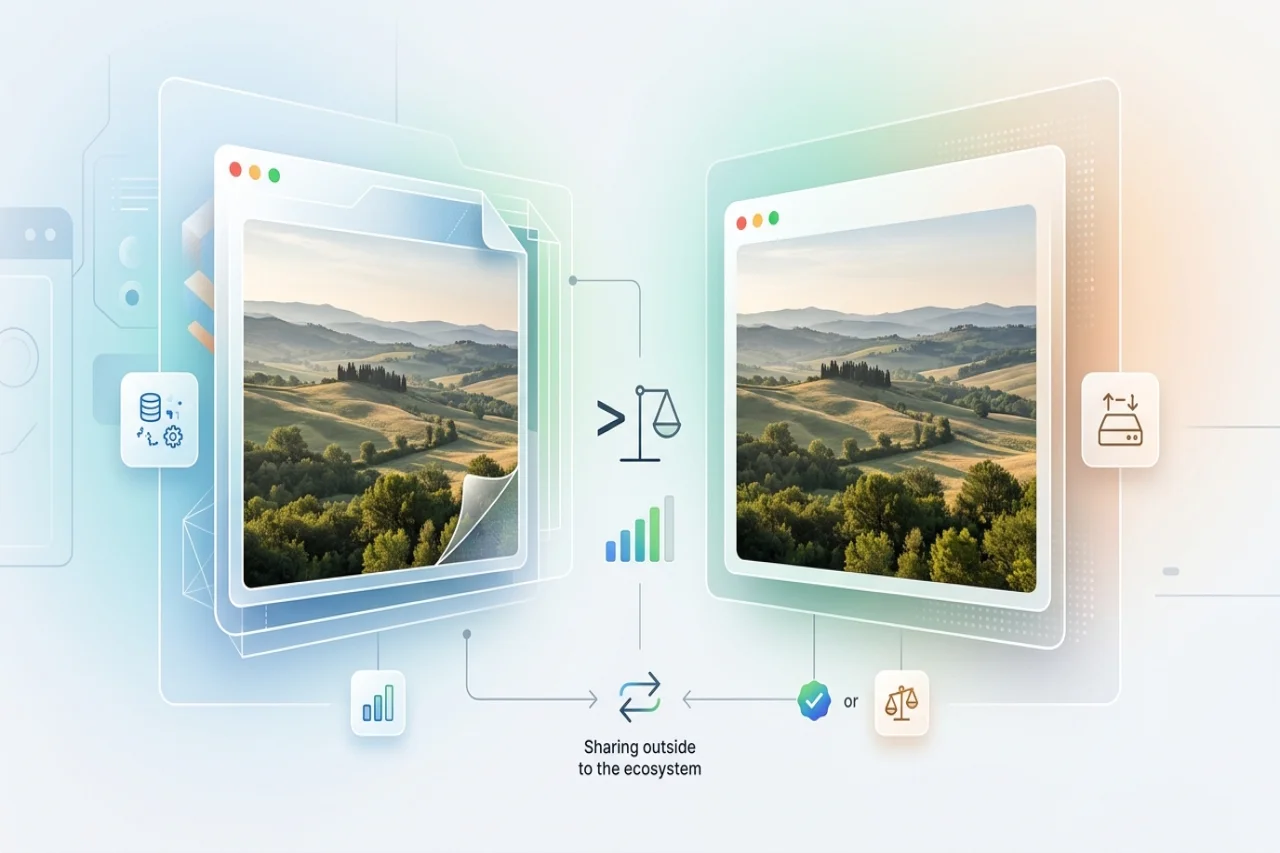
Ever taken a great photo on your iPhone, tried to upload it somewhere, and the website just refused to cooperate? Or sent a picture to someone using Windows, only to get the dreaded “I can’t open this” reply? That’s basically the HEIC problem in a nutshell. On paper, HEIC is better than JPEG in many ways. It gives you high-quality photos without taking up as much space. Pretty neat. But in real life, it can also be the reason your photo won’t upload, won’t open, or suddenly turns into a small tech support mystery. So is HEIC better than JPEG? Kind of. It depends on whether you mean better for your phone, or better for everyone who needs to open the photo later.
What Is HEIC, and Why Is Apple Using It?
HEIC (High Efficiency Image Container) is Apple's implementation of the HEIF container format, and it became the default photo format on iPhones and iPads with iOS 11 in 2017, replacing JPEG for newly captured photos. Under the hood, HEIC uses the same compression technology as HEVC (H.265) video, a significantly more efficient method than the decades-old compression JPEG relies on. If you're curious about the HEIF vs. HEIC naming itself, that's a separate question — HEIC is simply Apple's specific version of the broader HEIF standard.
The Case for HEIC Being "Better"
Roughly Half the File Size at Equivalent Quality
The headline advantage is compression efficiency: HEIC files are typically about half the size of a JPEG at the same visual quality. For a phone that's constantly taking photos and has finite storage, that adds up quickly. It's a meaningful part of why iPhone storage tiers have been able to hold more photos than older models without the format change.
It Stores More Than Just a Photo
JPEG was designed to hold a single flat image, full stop. HEIC's container can hold considerably more: the still-plus-video pairing behind Live Photos, the depth map that powers portrait mode's background blur, burst-shot sequences, and HDR gain map data for compatible displays. None of that has anywhere to live in a JPEG file.
No Visible Quality Trade-Off for the Size Savings
It's natural to assume a smaller file must mean a worse-looking photo, but that's not really the case. HEIC's compression is simply more efficient at representing the same visual detail, so at typical iPhone capture settings, the size reduction doesn't come with a visible quality penalty.
Where JPEG Still Wins
Universal Compatibility
This is JPEG's entire case, and it's a strong one: virtually every device, browser, operating system, and piece of software built in the last three decades can open a JPEG without an issue. HEIC, despite being nearly a decade old at this point, still can't make that claim: older Windows installations need an added codec, and support on Android varies by manufacturer and OS version.
Predictable Behavior Across Editing Software
Some older or specialized editing tools still don’t know what to do with HEIC files, or they handle them in unpredictable ways. JPEG has been around forever, and that history works in its favor here. Most software recognizes it immediately, which makes it the safer choice when you want things to just work.
No Conversion Step Needed for Sharing or Uploading
This is the practical cost of HEIC's efficiency: whenever the receiving end doesn't support it, someone has to convert it first. JPEG never asks that of you.
So, Is HEIC Actually Better? It Depends What You're Optimizing For
Technically, HEIC wins: smaller files, more captured data, no visible quality cost. Practically, JPEG still wins on the one thing that matters most once a photo leaves your device: whether the person or system on the other end can actually open it. HEIC is better for capturing and storing photos. JPEG is still better for sharing them widely.
When HEIC's Extra Data Doesn't Survive Conversion
Worth knowing before you assume converting is a free fix: turning a HEIC file into a JPEG solves the compatibility problem, but it also strips out the data that made HEIC worth using in the first place. The Live Photo's video component, the portrait-mode depth map, the HDR gain map — none of that carries over into a standard JPEG. You get a photo that opens everywhere, but a flatter version of what you originally captured.
Practical Takeaway: When to Keep HEIC and When to Convert
- Keep HEIC when you're staying inside Apple's ecosystem where all of that extra data is fully supported end to end.
- Convert to JPEG when you're uploading to a website, sending a photo to someone on Android or Windows, or submitting to a form or portal that rejects HEIC outright — which, in practice, is a lot of everyday situations.
- When compatibility is the issue, a browser-based converter is usually the simplest fix. You simply upload the photo, choose JPG (or PNG, WEBP, or other formats) as the output, and the converter handles the rest without requiring any installation, including in bulk when converting an entire photo library at once.
FAQ
Frequently Asked Questions
01Does converting HEIC to JPEG reduce photo quality?
The core image itself converts with no visible quality loss in most cases. What you lose isn't image quality but it's the extra data HEIC stores alongside the image, like the Live Photo video or depth map.
02Why does my iPhone still let me choose between HEIC and JPEG in Camera settings?
Apple added a "Most Compatible" option (Settings → Camera → Formats) precisely because of this trade-off. It captures directly in JPEG so photos are already share-ready, at the cost of the smaller file sizes and extra data HEIC provides.
03Is HEIC more secure or private than JPEG?
No. This is a common misconception. HEIC and JPEG handle metadata (like location data in EXIF) the same way in practice; the format itself doesn't make a photo more or less private.
04Will HEIC eventually replace JPEG everywhere?
Support has broadened steadily since 2017, but JPEG's three-decade head start in compatibility means it's likely to remain the safer default for sharing outside Apple's ecosystem for a long time yet.
Wrap Up
HEIC and JPEG aren't really competing to be the one true photo format. They're optimized for different moments in a photo's life. HEIC makes sense for capturing and storing; JPEG still makes sense for sending it anywhere you're not sure the destination can handle it.
Comments
Comments are available to signed-in users and are moderated to keep the discussion useful and respectful. Spam, automated submissions, and low-value promotional comments are removed. Outbound links may be approved when they are relevant and genuinely helpful to readers, but they are displayed as plain text rather than clickable hyperlinks.
No comments have been published yet.
Please sign in to submit a comment.