

Education, Productivity, Online Resources
Essential Practice Tools for Music Students
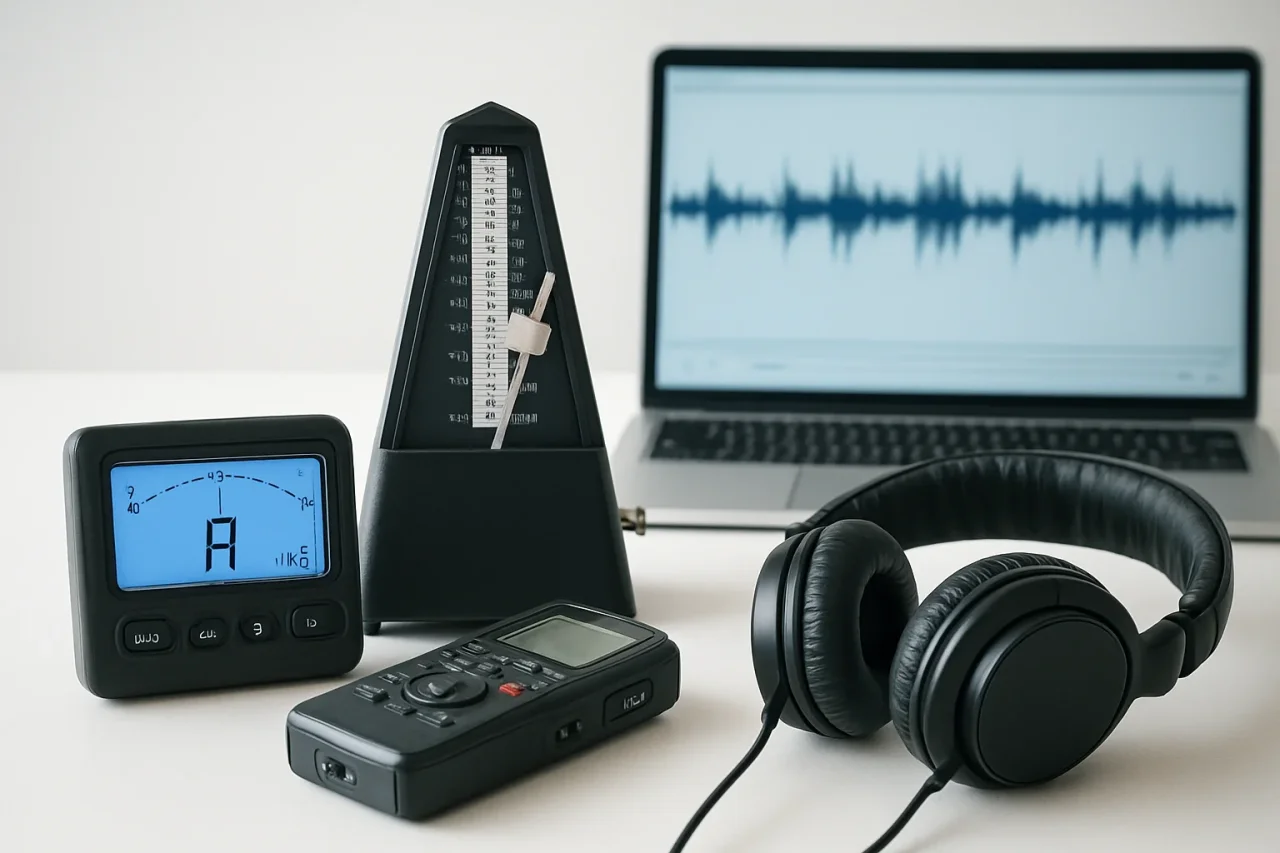
Learning music can become expensive when you spend money on instruments, lessons, sheet music, accessories, and recording equipment all cost money.
Fortunately, there are many free, helpful tools you can use for your practice. They can help you stay in tune, improve your timing, hear your mistakes, and organize your practice sessions.
A Digital Tuner
A tuner is one of the first tools every music student should have:
- Guitarists, bass players, violinists, and other string players can use it to check each string before practicing.
- Wind and brass players can use a tuner to see whether individual notes are too high or too low.
- Singers can also use one to check pitch during simple vocal exercises.
Many free tuners work through your phone or computer microphone. With its help, you can play or sing a note, and the tuner shows whether it is sharp, flat, or in tune.
An Online Metronome
A metronome produces a steady beat at a selected speed. It helps you notice when you are speeding up, slowing down, or playing unevenly.
You can use a free online metronome tool directly in your browser. Choose a tempo, start the click, and play a short exercise or section of music with it.
Beginners should start slowly. Find a speed at which you can play correctly without tension. When the section feels comfortable, increase the tempo by two to five beats per minute.
A Voice Recorder
Your phone probably already includes a basic recording app. This is one of the simplest ways to hear what is really happening during practice.
When you play, your attention is divided between reading, moving, listening, and remembering what comes next. You may not notice uneven timing, unclear notes, breathing problems, or changes in tempo.
A simple phone recording is enough for checking your performance.
A Slow-Down Tool
Some music players and browser tools allow you to reduce the speed of a recording without changing its pitch.
This is useful when you are learning a song by ear. A fast guitar solo, drum fill, piano passage, or vocal phrase may be difficult to understand at full speed. Slowing it down allows you to hear each note more clearly.
Start with a short section rather than the full song. Listen several times, find the notes or rhythm, and then play along at the slower speed.
Gradually increase the playback speed as the part becomes easier. Make sure your timing and technique remain controlled at each stage.
Slowed audio may sound slightly different from the original, so return to the normal version regularly and check how the part fits into the full song.
An Ear-Training Tool
Ear training helps you recognize musical sounds without seeing them written down.
Free websites and apps can provide exercises for:
- identifying intervals;
- recognizing chords;
- matching pitches;
- hearing major and minor scales;
- finding the direction of a melody;
- recognizing basic rhythms.
You do not need to spend a long time on these exercises. Five or ten minutes a day can improve your listening over time.
Start with one type of exercise. For example, work only on two or three intervals before adding more. If you try to learn everything at once, the sounds can become difficult to separate.
Free Notation Software
Notation software allows you to write music and hear it played back.
This can help you understand rhythm, note lengths, rests, key signatures, and how different parts work together. You can use it to create short exercises, write down musical ideas, or prepare simple arrangements.
Playback is especially useful when learning to read music. Enter a difficult bar and listen to how the rhythm should sound. Then count it aloud and play it yourself.
Do not rely completely on digital playback. Computer-generated music often sounds more mechanical than a real performance. Use it to check notes and rhythm, then make your own decisions about phrasing and expression.
A Practice Timer
A timer can help you stay focused.
Without a plan, it's easy to spend most of the session playing familiar material and avoid the sections that need work. A timer gives each task a clear limit.
A 30-minute practice session might include:
- five minutes of warming up;
- ten minutes of technique;
- ten minutes on a difficult piece;
- five minutes of playing for enjoyment.
The exact times are not important. What matters is focusing on one task at a time.
A Simple Practice Log
You can use a notebook, spreadsheet, notes app, or basic document as a practice log.
It is useful to record:
- what you practiced;
- the tempo you used;
- which section improved;
- what still feels difficult;
- what to practice next time.
The goal is to remember where you finished so you do not start every session by deciding what to do.
Final Thoughts
There are free practice tools that can make your sessions more organized. They can also help you notice problems earlier. A tuner checks pitch, a metronome supports steady timing, and recordings can let you hear your playing more clearly.
You can try out one or two tools that match your current goals. Used regularly, even simple free tools can help you practice with more purpose and make steady progress without increasing your budget.
Comments
Comments are available to signed-in users and are moderated to keep the discussion useful and respectful. Spam, automated submissions, and low-value promotional comments are removed. Outbound links may be approved when they are relevant and genuinely helpful to readers, but they are displayed as plain text rather than clickable hyperlinks.
No comments have been published yet.
Please sign in to submit a comment.