

Cybersecurity, Privacy, Security
Essential Cybersecurity Tools for Protecting Your Online Privacy
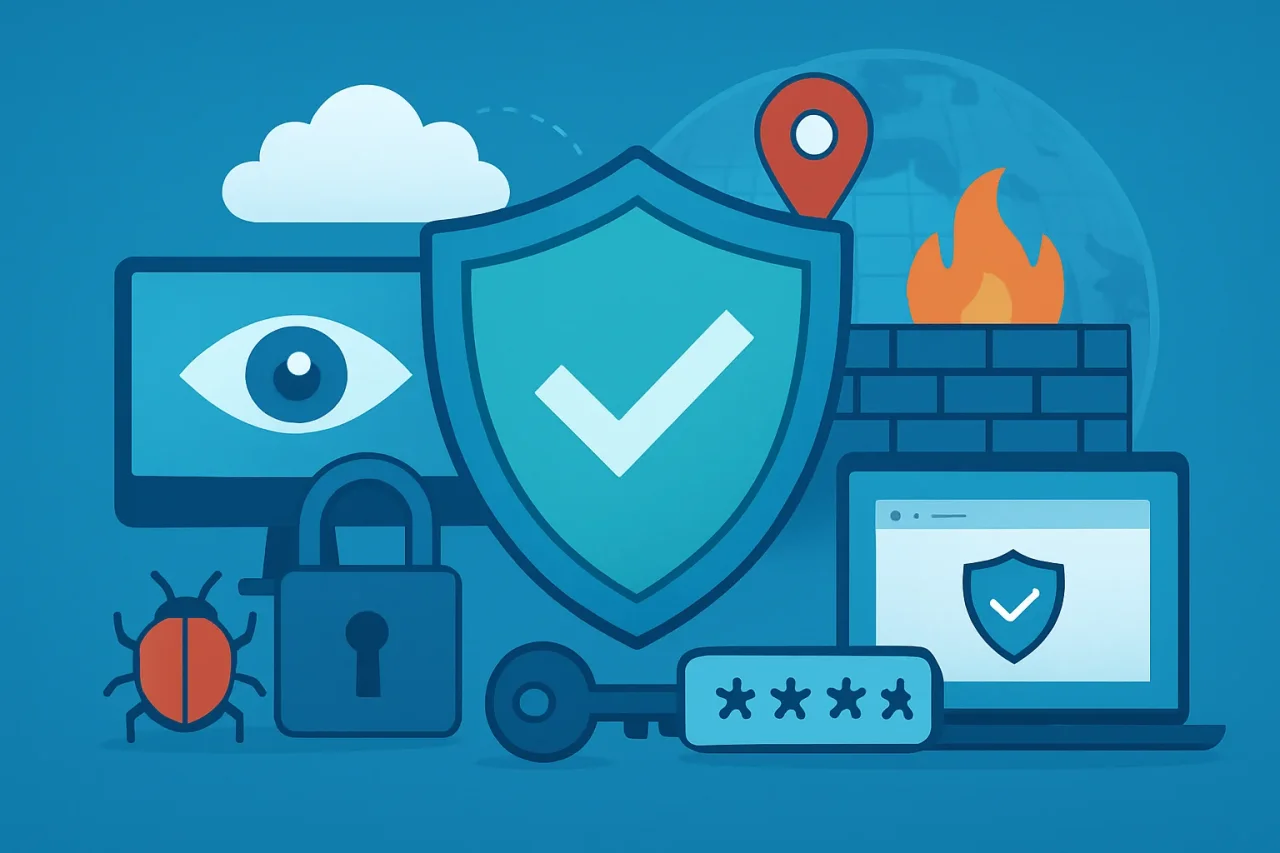
These days, online privacy and cybersecurity are basic concerns for anyone who uses the internet. Casual browsing or online banking can put your personal details at risk. The usual threats—malware, phishing scams, aggressive tracking, breached accounts, and open connections—are common enough that they deserve attention. No single tool covers it. A layered setup with a few solid tools works better.
Here’s a look at the essential ones that actually help.
Antivirus and Anti-Malware Software
Antivirus and anti-malware tools are still your first defense. They catch viruses, ransomware, spyware, worms, Trojans, and shady downloads before they run. Most scan files, watch how programs behave, and flag anything unusual. Newer ones also use machine learning to spot zero-day threats that don’t match known signatures yet.
When selecting security software, several features deserve close consideration:
- Real-time monitoring that blocks threats before they settle in
- Automatic security updates that refresh virus definitions and known attack methods
- Phishing protection that flags suspicious sites aiming to steal credentials
- Broad device support covering Windows, macOS, Android, and iOS
- Efficient performance with little effect on speed or battery
- Dedicated ransomware defense that detects and stops encryption attempts
- Firewall coordination that brings anti-malware and network tools together
Comparing McAfee alternatives gives a clearer view of different security options. You can look at features, pricing, and device support before deciding.
What works best depends on your own needs, the threats you face day to day, and how much system performance you’re ready to trade for stronger protection.
Types of Malware Defended Against
| Threat Type | Description | Common Sources |
|---|---|---|
| Viruses | Self-replicating code attaching to programs | Email attachments, infected downloads |
| Ransomware | Encrypts files and demands payment | Phishing emails, malicious ads |
| Spyware | Secretly monitors user activity | Bundled software, fake updates |
| Trojans | Disguised as legitimate software | Download sites, P2P networks |
VPNs for More Private Internet Connections
A VPN encrypts your traffic and makes monitoring much harder. It’s particularly helpful on public Wi-Fi in cafés, airports, or hotels, where data is easier to intercept. Routing through remote servers also hides your real IP and location.
It still isn’t a substitute for antivirus software. A VPN reduces network snooping and ISP tracking, but it won’t protect against malware, phishing, or someone taking over your accounts.
What to look for in a VPN:
- Strong encryption protocols – OpenVPN, WireGuard, or IKEv2
- A clear privacy policy with a strict, independently audited no-logs policy
- Reliable speeds that don’t slow down browsing or streaming much
- A kill switch that cuts your connection if the VPN drops
- A large server network with good geographic coverage
- Support for multiple devices at once (phones, tablets, computers)
Password Managers for Stronger Account Security
Reusing passwords? Bad idea. One breach puts all your accounts at risk. Password managers eliminate that problem. They generate random, unique passwords for every service and keep them safe in an encrypted vault. Autofill, breach alerts, and secure sharing come built-in.
The key is a solid master password, plus MFA for extra protection.
Multi-Factor Authentication for Extra Protection
Multi-factor authentication, MFA for short, adds another layer of protection on top of your password. So even if someone gets hold of your password, they're still locked out. They need that second factor.
People typically set it up in a few different ways. Authenticator apps like Google Authenticator or Authy generate time-based codes. Hardware keys like YubiKey provide physical verification. Or you can use one-time codes sent via SMS or email.
Each option works a bit differently. But the core idea is the same: password alone isn't enough anymore.
| Method | Security Level | Convenience | Recommendation |
|---|---|---|---|
| Authenticator Apps | High | Moderate | Strongly recommended |
| Security Keys | Highest | High | Best for critical accounts |
| SMS/Email | Low | High | Better than nothing |
| Biometrics | High | Very High | Great where available |
SMS codes are better than nothing, yet authenticator apps and hardware keys give stronger protection.
Turn on MFA for the accounts that matter most—email, banking, social platforms, and cloud services. A few minutes of setup can cut your risk noticeably.
Secure Browsers and Privacy Extensions
Your browser handles most of your online activity. That's why privacy settings and extensions matter. Secure browsers reduce tracking and block harmful scripts by default. Privacy extensions let you customize protection further based on your needs.
Recommended privacy extensions:
- Tracker blockers: Stop ad networks and analytics companies from building detailed profiles on you.
- Ad blockers: Cut visual clutter and block potential attack vectors hiding in ads.
- HTTPS protections: Force encrypted connections wherever possible.
- Cookie controls: Decide which tracking cookies stick around and which get deleted.
- Script blockers: Prevent unwanted code from running on pages you visit.
That said, be careful about what you install. Only download extensions from official browser stores. Check what permissions they ask for. And review your installed add‑ons now and then get rid of anything you don't use or trust.
Some extensions can actually collect your data or introduce vulnerabilities. That completely defeats the purpose. If you want a simpler starting point, consider browsers like Firefox or Brave. They include many of these protections out of the box.
Firewalls and Software Updates
Firewalls monitor network traffic and prevent connections that appear suspicious. Even if most operating systems have one built in, you still need to make sure it is activated and configured properly. Updates are as important.
Why updates matter:
- Patch known vulnerabilities attackers exploit
- Improve security features over time
- Address zero-day threats before they spread
Cybercriminals target outdated systems because unpatched flaws give them easy access. Enable automatic updates and install third‑party patches promptly. It's one of the most cost‑effective security habits you can adopt.
Conclusion
Privacy online needs more than a single tool. Antivirus deals with malware. A VPN protects the connection. Password managers fix weak logins, while MFA adds another layer. Browsers and firewalls handle the rest.
Each one plugs a different hole. Used together, they create real protection.
Check your setup, then tackle the weakest link. Enable MFA, test a password manager, and update your software. Start small, you can build from there.
Comments
Comments are available to signed-in users and are moderated to keep the discussion useful and respectful. Spam, automated submissions, and low-value promotional comments are removed. Outbound links may be approved when they are relevant and genuinely helpful to readers, but they are displayed as plain text rather than clickable hyperlinks.
No comments have been published yet.
Please sign in to submit a comment.