

Business, Software, Information Technology
ERP Migration Guide: When Should Your Business Move From Legacy Systems to a Custom ERP Platform?
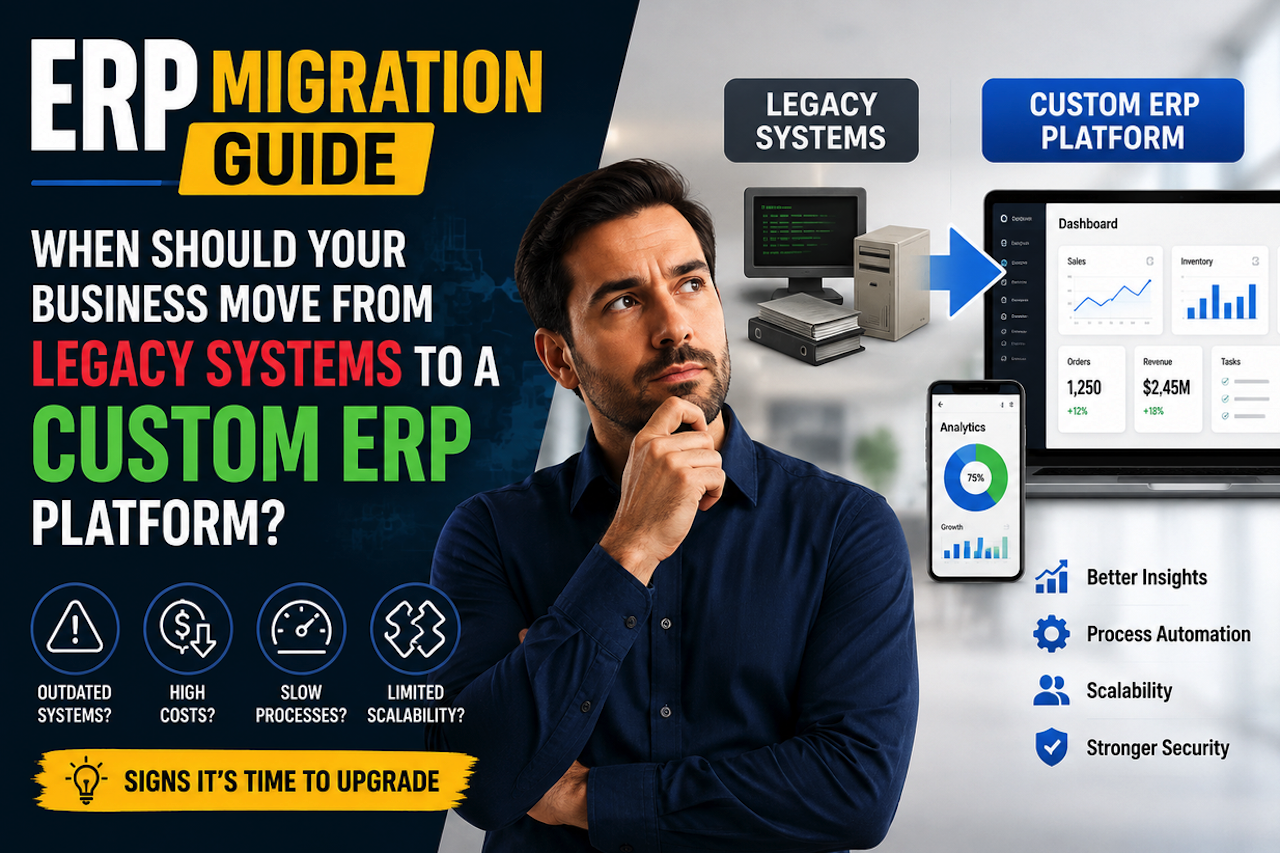
Your ERP system is running. Reports are generating. Orders are moving through the pipeline. On the surface, everything looks operational. But somewhere between the system and actual business output, there are spreadsheets your finance team updates every morning, a manual sync your ops lead runs before every weekly review, and two employees everyone quietly depends on to explain “how things actually work.”
If any of that sounds familiar, your business may already be approaching the point where its legacy ERP no longer reflects how the organization actually operates, not because the system has failed, but because your team has gradually built processes around its limitations. At this stage, organizations may begin evaluating different modernization options, from upgrading or replacing the existing platform to working with a custom ERP software development company about requirements that standard systems may not support.
The ERP That Still “Works” Is Often the Most Dangerous One
The most common assumption in ERP migration decisions is straightforward: urgency arrives when the system breaks. Crashes, lost data, failed integrations — these are the events businesses wait for before pulling the trigger on migration.
That assumption can be expensive.
A legacy ERP that technically functions, but requires constant human intervention to do so, may no longer be serving the business effectively. Research and industry surveys have repeatedly documented businesses relying on spreadsheets and external tools to compensate for gaps in their core systems. Manual workarounds are also a common operational byproduct of ERP environments that no longer align well with current processes.
The danger isn’t necessarily the system failing. The danger is the system appearing to succeed while much of the actual work happens around it.
Functional is not the same as healthy. When a team adapts its daily operations to handle what software should handle automatically, the ERP may no longer fulfill its core function. That gap accumulates quietly; it doesn’t announce itself. It shows up in overtime hours, miscommunication between departments, duplicate data entry, and institutional knowledge that lives in one person’s head instead of the platform everyone else relies on.
What Workaround Debt Actually Looks Like Inside an Operation
Workaround debt is the cumulative operational cost of maintaining manual patches, shadow systems, and tribal knowledge in place of ERP capabilities that support current business processes. It doesn’t arrive in a single incident. It builds across months and years, one small fix at a time, until the workarounds effectively become part of the system.
Most businesses carrying workaround debt don’t recognize it by name. They recognize it by feeling, a constant background friction that no one has time to fully address.
The Four Faces of Workaround Debt
- Spreadsheet sprawl: Finance and operations teams end up keeping parallel Excel trackers because the ERP can’t produce the reports or data views the business actually needs. The spreadsheets keep multiplying, version histories begin to drift, and data integrity becomes harder to maintain.
- Integration patchwork: Third-party tools get connected to the legacy system to cover missing functionality. Manual syncing between the ERP, CRM, inventory platforms, and other systems becomes a recurring task assigned to a specific person — and when that person is unavailable, the sync may not happen.
- Tribal knowledge dependency: Critical process logic lives with one or two long-tenured employees who know “how the system works.” That knowledge is not documented in the ERP. It exists in memory, personal notes, and informal onboarding conversations.
- Approval and escalation detours: Workflows bypass the ERP entirely because the platform cannot accommodate current approval chains or exception handling. Teams route decisions through email, messaging platforms, spreadsheets, or verbal sign-offs instead.
Each pattern absorbs staff hours, introduces error risk, and can sustain a false sense of system adequacy.
Why Businesses Don’t See the Signal Until It’s Costly
Workarounds feel like solutions. That’s precisely why they’re so difficult to act on.
When a manual process resolves an immediate operational problem, it registers as a fix, not as evidence of a deeper system gap. Decision-makers see operations running and interpret that as the ERP doing its job. The workaround becomes invisible because it works, and things that work don’t always get examined.
Three specific patterns reinforce this delay:
- Sunk cost anchoring: Years of implementation investment, internal training, and configuration work can make migration feel like an admission that the original decision failed. Leadership may resist revisiting that conclusion even when operational data suggests the system is no longer meeting current requirements.
- Stability illusion: When patches and workarounds are functioning, the surface-level view of operations appears smooth. Reports go out. Shipments move. Revenue comes in. The system can look stable because the people compensating for it are competent, not necessarily because the platform is performing efficiently.
- The timing fallacy: Migration gets deferred until the business reaches a “less busy” period. That period rarely arrives. In some cases, inefficient systems contribute directly to the operational pressure that makes the business feel too busy to address them.
Workarounds are therefore worth treating as measurable indicators of ERP health rather than simply as unavoidable features of a busy operation.
Identifying Your Migration Readiness Threshold
The migration readiness threshold is an internal inflection point, the moment when replacing or substantially modernizing the existing ERP shifts from a strategic consideration to an operational priority. It’s not necessarily a date on a calendar. It’s a measurable condition inside the business.
Rather than relying on a vague sense that “things feel stretched,” businesses can evaluate migration readiness through concrete internal signals.
Three Internal Signals That Can Indicate the Threshold
- Signal 1: Workaround labor consumes a significant portion of weekly hours. When staff spend substantial time managing system gaps rather than performing core functions, the ERP may be contributing directly to productivity problems. Tracking these hours can help determine whether maintaining the current system remains economical.
- Signal 2: New business processes cannot be implemented effectively inside the ERP. If every new product line, sales channel, compliance requirement, or reporting need creates another workaround instead of a straightforward system update, the platform may be approaching its functional ceiling. Growth is increasingly being managed around the ERP rather than through it.
- Signal 3: Institutional knowledge is the primary documentation. When onboarding a new employee requires a person, rather than documented processes within or alongside the system, to explain how critical workflows operate, the ERP has become increasingly dependent on institutional knowledge. The platform no longer holds enough of the logic of the business; the people do.
The threshold isn’t simply about the ERP being old. It’s about the gap between what the system supports and what the business actually does becoming too wide to manage efficiently with workarounds.
When a Custom ERP May Address Workaround Debt
One response to an aging or poorly aligned ERP is replacing it with another packaged platform. Major ERP systems provide broad functionality, established integrations, and standardized processes that can work well for many organizations.
However, packaged platforms are generally designed around processes shared across a broad range of businesses. Organizations with highly specialized exception logic, non-standard approval chains, proprietary workflows, or unusual integration requirements may still need significant configuration or supplementary systems.
This is where custom ERP software solutions may be considered. Instead of starting with the features of an existing platform, organizations evaluating this approach may work with a custom ERP software development company to document their actual workflows, including manual patches, shadow spreadsheets, approval detours, integration requirements, and exception handling.
Those workarounds can provide useful information about what a future ERP environment needs to support.
However, custom ERP is not automatically the right choice for every organization. Businesses should weigh the potential flexibility of a tailored system against factors such as implementation cost, maintenance requirements, internal resources, migration complexity, security, scalability, and long-term support.
The migration question therefore isn’t simply whether a legacy ERP is old or whether a custom system is available. It’s whether the cost and operational risk of maintaining the current environment have become greater than the cost and risk of replacing or modernizing it.
Preparing for an ERP Migration
Before selecting a replacement platform or deciding between packaged and custom approaches, businesses can begin by auditing what employees actually do outside the existing ERP.
Document recurring spreadsheet processes, manual data transfers, approval detours, duplicate data entry, unsupported integrations, reporting limitations, and processes that depend heavily on individual employees. These activities can then be mapped against the capabilities of the current ERP and the requirements of a potential replacement.
This process helps turn general frustration into measurable requirements.
A successful migration should ultimately reduce the gap between the system and the way the organization actually operates. Whether that means configuring a modern packaged ERP, adopting a hybrid approach, or developing more customized functionality depends on the complexity and requirements of the individual business.
When It May Be Time to Move On
An ERP system does not have to fail completely before it becomes a problem. Growing reliance on spreadsheets, manual integrations, undocumented processes, and workflows outside the platform can all indicate that the system is no longer keeping pace with the business.
The decision to migrate should be based on these operational realities rather than the age of the software alone. By identifying workaround debt, documenting current processes, and comparing modernization options, businesses can determine whether upgrading, replacing, or customizing their ERP is the most practical path forward.
FAQ
Frequently Asked Questions
01How Do I Calculate the Real Cost of Workaround Debt in My Business?
Start by tracking the weekly hours each department spends on tasks the ERP could potentially handle more efficiently — manual data entry, spreadsheet updates, cross-platform syncing, reconciliation, and approval detours. Multiply those hours by the organization’s fully loaded labor cost. Businesses can also consider indirect costs, including errors, delayed reporting, duplicated work, compliance risks, and the operational impact of processes that depend heavily on individual employees.
02Can Upgrading My Existing Legacy ERP Eliminate Workaround Debt, or Is Full Migration Necessary?
It depends on why the workarounds exist. An upgrade may address version gaps by providing new features, improved interfaces, integrations, security updates, or better vendor support. However, if workarounds are necessary because the underlying platform cannot support critical business processes, an upgrade alone may not resolve the structural mismatch. Businesses should compare upgrading, reconfiguring, replacing, and customizing the ERP based on their actual workflow requirements.
03What Happens to Institutional Knowledge Held by Long-Tenured Employees During an ERP Migration?
That knowledge can become an important input in the migration process. A structured discovery and documentation phase can capture process logic, exception handling, approval structures, and informal workflows that currently live primarily in employees’ heads. The goal is to preserve useful institutional knowledge by converting it into documented processes and, where appropriate, incorporating those processes into the new ERP environment.
04How Long Does Migrating From a Legacy ERP to a New Platform Typically Take?
Timelines vary significantly based on organization size, module count, data complexity, integrations, customization requirements, and the number of existing workarounds that need to be documented or replaced. The discovery and process-mapping phase is particularly important because it establishes the functional requirements for the migration. Rushing this stage can increase the likelihood of overlooked requirements, scope changes, and delays later in the project.
Comments
Comments are available to signed-in users and are moderated to keep the discussion useful and respectful. Spam, automated submissions, and low-value promotional comments are removed. Outbound links may be approved when they are relevant and genuinely helpful to readers, but they are displayed as plain text rather than clickable hyperlinks.
No comments have been published yet.
Please sign in to submit a comment.