

IP Address, Network, Web Hosting
Dedicated IP VS Shared IP: Security and Performance Differences
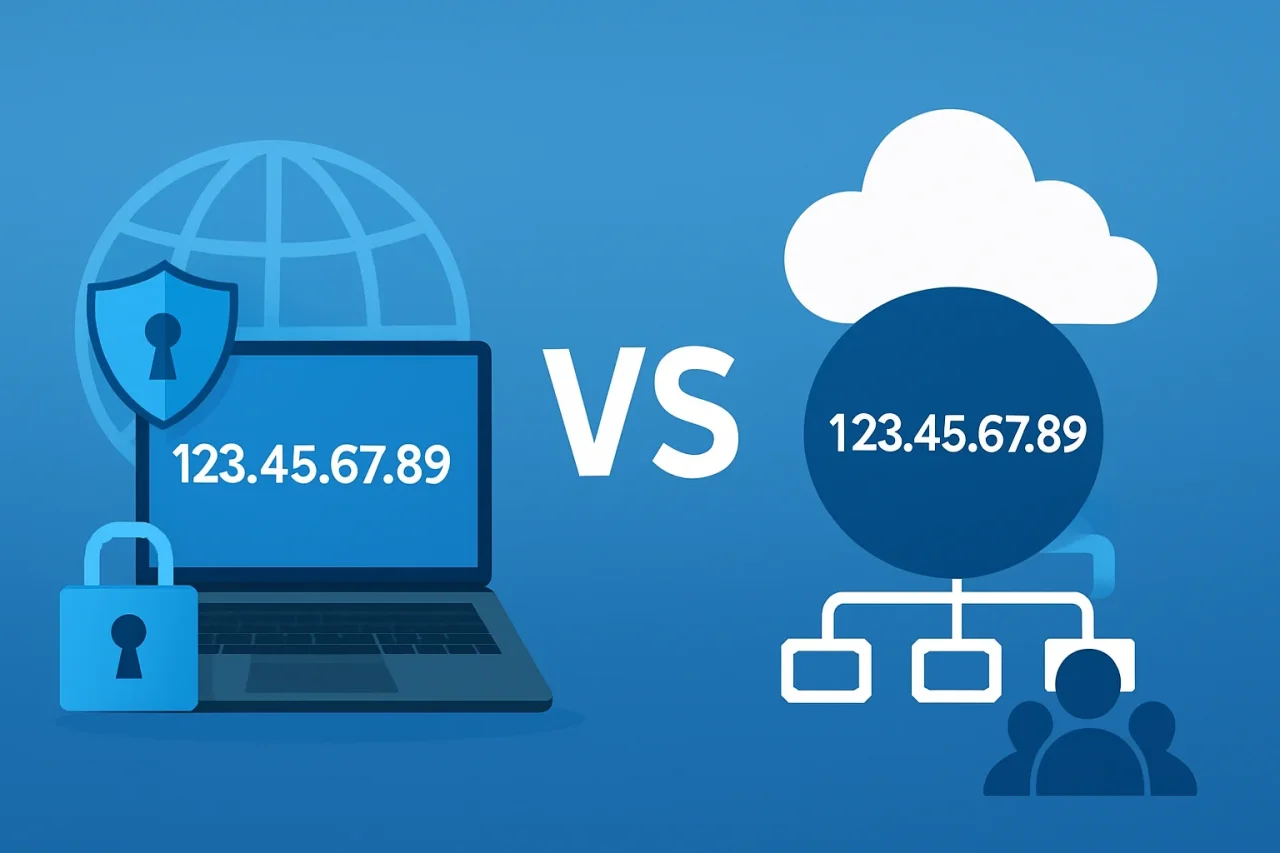
Every website and email account online runs on an IP address. But not every IP address works the same way. Some of these IPs are shared among hundreds or thousands of users on the internet, while others belong exclusively to an individual website or any online device.
That single difference can affect your site's security, your page speed, and even how much you pay each month.
In this guide, we will break down how dedicated and shared IPs differ, where each one comes in handy, and how to decide which one fits your needs.
What is an IP Address?
An IP (Internet Protocol) address is a numeric label that identifies a device's address on the internet. All websites and servers on the internet are assigned an IP address. When you search for a domain, the DNS server translates the domain name into an IP address so the request knows where to go. Or when you send an email, the mail server detects your sending IP address and decides to land your email in the spam folder or the inbox.
This means on the internet, all users and servers are identified by IPs. So the IP address is the main foundation that everything else is based on. Whether the IPs are dedicated to you or shared with dozens of other accounts has real consequences.
How Shared IP Addresses Work in Web Hosting and Email Delivery
On a web hosting server, one physical server can host many websites at the same time. Each website running on those servers needs an IP address to be reachable. Hosting providers can either assign every site a unique and dedicated IP or use one IP for all of them. They can point the same IP to each website using technologies like Server Name Indication (SNI) and route incoming traffic to the correct site.
For emails, the email providers and spam detectors check the history of the IP address that sends your email. They look at things like bounced emails, spam reports, and how users interacted with emails coming from this IP and decide if they can trust this IP or not. So in some situations, your email may end up in spam even if you didn’t do anything wrong.
IP Address Types and Differences (Static/Dynamic)
IP addresses have two types: one is static, mostly used as a public IP over the internet, and the other is dynamic, which changes periodically and is assigned to one device automatically
A static IP address is a permanent and fixed IP address that stays the same over time and is manually assigned to devices or servers. In most shared or dedicated hosting environments, they use static IPs, but in shared hosting, they can use one IP over many websites.
A dynamic IP address, on the other hand, is an IP that is automatically assigned by a DHCP server and can change periodically. It is commonly used in home internet connection setups because they are easier and cheaper.
The main difference is that static IPs offer stability and reliability and are easier to access, while dynamic IPs offer flexibility and require less management. However, for hosting a website or running servers that you want to be accessible over the internet, you should use static IPs
What Is a Shared IP Address?
A shared IP address is one IP address used by multiple websites or email accounts hosted on the same server. It’s the default setup for most shared hosting plans, and it's how most websites operate.
How Shared IP Hosting Works?
Shared hosting providers place your website alongside hundreds of other accounts, all resolving to the same IP address. The web server uses the domain name in each incoming request (via SNI or HTTP request headers) to determine which site to serve. You don’t have access to manage or configure the IP yourself; it's handled entirely by the host.
Shared IPs can be used in personal blogs and portfolio sites, testing websites, small business setups, or wherever budget matters more.
What is a Dedicated IP Address?
A dedicated IP address is a static IP address assigned exclusively to a single website, server, or email-sending account. It is not shared with other users and is reserved only for your use.
How Does Dedicated IP Hosting Work?
With a dedicated IP, your domain resolves to an address used only by you. This is an extra and additional feature in shared hosting and a standard in VPS or dedicated servers. It often requires manual DNS configuration to point your domain to your dedicated IP. Using a dedicated IP, only your traffic is going to run on this IP, so your website speed can increase effectively
Dedicated IPs are commonly used for large projects where website stability, reliability, and better control are required, or when a website needs its own SSL certificate and server configuration.
Dedicated IP VS Shared IP
As discussed in previous sections, dedicated and shared IP addresses each have their own advantages and specific use cases. The table below provides a clear comparison of both dedicated and shared IPs, which can help you understand their differences better.
| Factor | Shared IP | Dedicated IP |
|---|---|---|
| Cost | Low (included in hosting) | Higher (extra cost) |
| Setup Complexity | Easy, Managed by | Manual DNS/server configuration |
| Control | None - managed by host | Full control over the IP |
| Email Reputation | Affected by others | Fully under your control, and your reputation fully depends on your actions |
| SSL Certificates | SNI-based SSL works fine on modern browsers | Not required, but sometimes preferred for legacy compatibility |
| Blacklist Risk | One bad neighbor affects everyone (Higher) | Isolated to your own activity (Lower) |
| Best For | Small sites, low-volume email, budget priority | E-commerce, bulk email, compliance-sensitive apps |
Cost Comparison
Shared IPs are included in most shared hosting plans with no extra cost. Dedicated IPs are usually an add-on; commonly, the price starts from a few dollars to $10+ per month, depending on the host.
Or if you are not using shared hosting and you are using a VPS (Virtual Private Server) or even a dedicated server, they will come with a dedicated IP that costs more overall due to resources, not the IP itself.
But using a VPS offers a more secure platform for hosting websites, and you can use a public IP in VPS, which is dedicated to only you and available over the internet, and you can use it for any action you want, not just for hosting a website.
Beyond the dedicated IP's own price, there are some hidden costs for reputation management, monitoring blacklist status, and managing sending volume. You should consider them too
Security Differences Between Dedicated and Shared IPs
This is where the decision matters most. When it comes to choosing between a dedicated IP and a shared IP, you should consider that “always dedicated is safer”. Here you can see a breakdown of why a dedicated IP is safer.
Risk of Bad Neighbor in Shared IPs
Because a shared IP hosts multiple websites, the security posture of your site is partly tied to everyone else using this IP. If another site on the same address gets compromised, hacked, or used to distribute malware, the entire IP can be flagged by security scanners, browsers, or search engines. Even though your site did nothing wrong, you will be affected too. This is called the bad neighbor effect.
Blacklisting Risks and Email Deliverability Impact
This is the single biggest problem you can face when using shared IPs, especially for email. If even one other user sending mail from your shared IP is flagged as spammy behavior, the entire IP can land on a spam blacklist. That means your legitimate emails start bouncing or landing in spam, even if you didn’t have any fault.
With a dedicated IP, your email sending reputation is entirely your own. Good practices are rewarded, your reputation improves, and you’re never penalized for someone else’s mistake.
SSL/TLS Certificate Considerations
In the past, one IP cloud was able to serve only one SSL certificate, making dedicated IPs a requirement for HTTPS. But modern browsers now support SNI (Server Name Indication), which allows multiple SSL certificates to be served correctly on a single shared IP. For modern websites, shared IPs no longer pose an SSL problem or limitation.
The exception is that some old systems, specific payment gateways, or legacy client software don’t support SNI and may require a dedicated IP with its own certificate to work correctly.
DDoS Exposure
On a shared IP, a Distributed Denial-of-Service (DDoS) attack targeting any site on that IP can degrade or take down performance for every other site sharing this IP; this is the collateral damage of an attack that isn’t even aimed at you.
A dedicated IP can isolate that risk, and an attack against your site stays contained to your site, and an attack against someone else's site doesn’t damage yours.
Which Should You Choose?
Choosing between a dedicated IP and a shared IP depends on what you are using it for, your technical needs, and your budget.
For small business websites, blogs, portfolios, or projects with normal traffic levels, a shared IP is usually the best choice. It is included with most shared hosting plans, requires no extra setup, and provides everything that most standard websites need.
On the other hand, if you need more control over your server environment, email reputation, or application setup, a dedicated IP may be the better option. It is especially useful for websites that process payments, handle sensitive customer information, send a high volume of marketing emails, or require a more isolated and controlled environment.
Before choosing a dedicated IP, it is worth considering whether the additional cost and management are necessary for your project. For many websites, a shared IP provides enough performance and reliability, while larger and more complex applications can benefit from the extra control that a dedicated IP offers.
Conclusion
Dedicated and shared IP addresses both have legitimate use cases, and neither is universally better. A shared IP is sufficient for most personal websites, blogs, and small businesses because it is cost-effective and easy to manage. A dedicated IP becomes more valuable when you need greater control over email reputation, server configuration, compliance requirements, or high-volume services.
Before making a decision, consider your website's traffic, email-sending needs, security requirements, and budget. Choosing the option that matches your actual workload is usually more important than simply choosing the more expensive one.
Comments
Comments are available to signed-in users and are moderated to keep the discussion useful and respectful. Spam, automated submissions, and low-value promotional comments are removed. Outbound links may be approved when they are relevant and genuinely helpful to readers, but they are displayed as plain text rather than clickable hyperlinks.
No comments have been published yet.
Please sign in to submit a comment.