

Common Reasons People Change Their IP Address
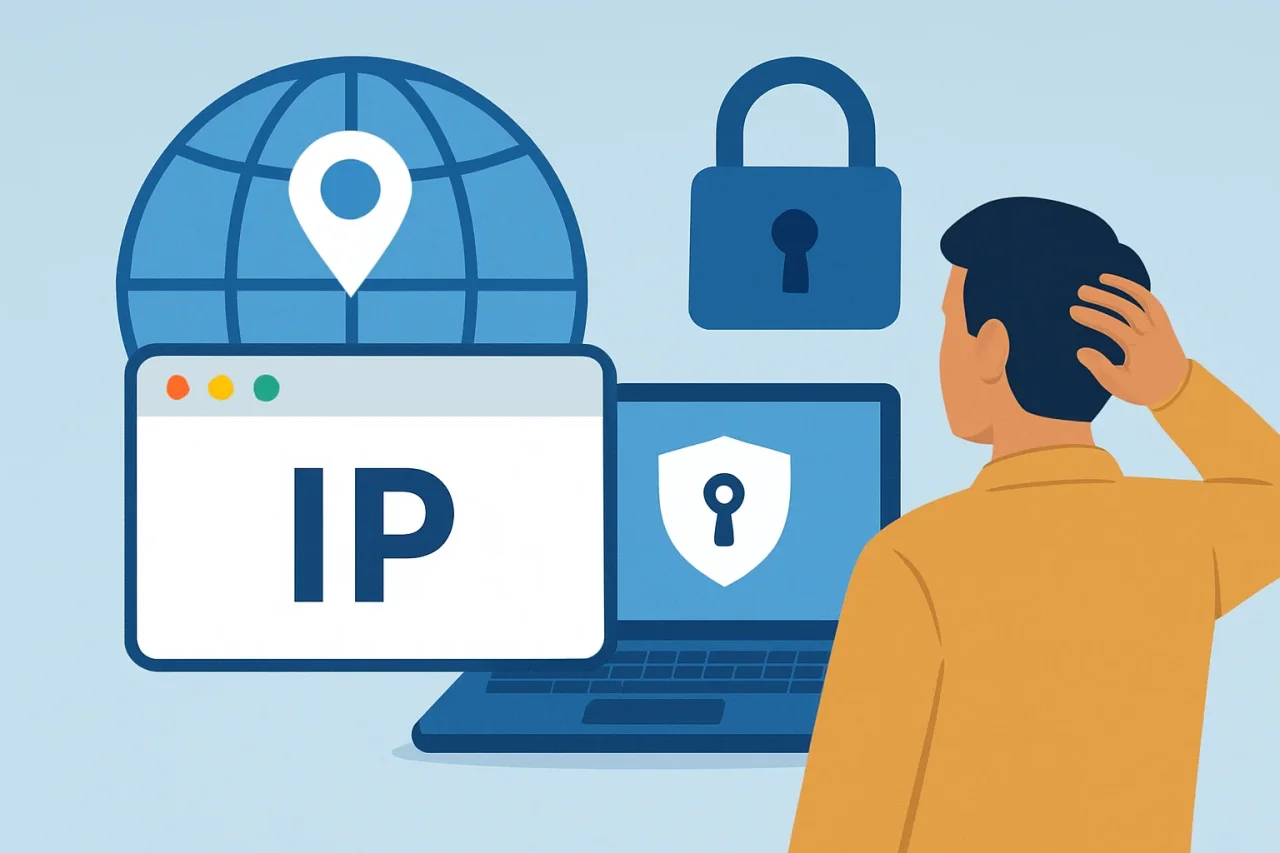
An Internet Protocol address helps online services route data to the correct connection. Public IP addresses are normally assigned by an internet service provider, while private IP addresses identify individual devices within a home or workplace network.
Most people never need to think about either one. However, they may choose to change an IP address for privacy, content, security, or troubleshooting reasons.
Improve Online Privacy
Websites can use an IP address to estimate a visitor’s general location and associate activity with a particular internet connection. Changing the public address can therefore limit simple IP-based tracking or make separate browsing sessions harder to connect using that information alone.
It does not make someone anonymous. Websites can still recognize visitors through account logins, cookies, browser fingerprinting, and other identifiers. Combine privacy tools with measures such as adjusting/optimizing browser settings, restricting unnecessary location access, and using multi-factor authentication.
Access Different Content
Search results, news pages and streaming catalogs can vary according to a user’s approximate location. Businesses may also use location information to display regional websites, languages, currencies or local services.
Because the public IP address is one signal used to estimate location, connecting through an address in another region may change the content presented. However, it does not guarantee access. Services can use additional location checks, and users should respect the terms and licensing rules of each platform.
How to Change an IP Address
Anyone researching how to change an IP address has several options. Switching from home Wi-Fi to mobile data or another network will usually provide a different public address. A VPN displays the VPN server’s address to websites for as long as the connection remains active.
Restarting a modem or router may result in a new public address if the internet provider uses dynamic allocation, but this is not guaranteed. Some providers retain the same address for extended periods, while customers with static IP services may need to contact the provider.
It’s also important to confirm whether the goal is to change the public address visible online or the private address assigned to a device within a local network. They serve different purposes.
Troubleshoot Network Issues
Changing or renewing a private IP address can sometimes resolve a local address conflict, such as when two devices have accidentally been assigned the same address. Reconnecting to Wi-Fi or restarting the router may allow its DHCP system to issue a fresh private address.
This will not fix every connection problem. An outage, damaged equipment, weak Wi-Fi signal, or incorrect DNS configuration may require separate troubleshooting.
Enhance Security
After suspicious traffic or unwanted attention, changing a public IP address may interrupt activity aimed specifically at the previous address. Nevertheless, it will not remove malware, recover a compromised account, or repair insecure router settings.
A stronger response includes changing passwords, enabling multi-factor authentication, installing updates and checking the router’s firewall and remote-access settings. Features such as UPnP can also introduce risks when they expose devices or alter network configurations.
Ultimately, changing an IP address can be useful, but its value is greatest when it forms part of a broader approach to privacy, network management and online security.
Conclusion
Changing an IP address can help improve privacy, access region-specific content, resolve certain network issues, or reduce exposure after suspicious activity. However, it is not a complete solution on its own. Understanding the difference between public and private IP addresses and combining IP changes with good security practices, such as strong passwords, software updates, multi-factor authentication, and appropriate privacy settings, provides a more effective approach to protecting your online activity and maintaining a reliable network connection.
Comments
Comments are available to signed-in users and are moderated to keep the discussion useful and respectful. Spam, automated submissions, and low-value promotional comments are removed. Outbound links may be approved when they are relevant and genuinely helpful to readers, but they are displayed as plain text rather than clickable hyperlinks.
No comments have been published yet.
Please sign in to submit a comment.