

Artificial Intelligence, Productivity, Online Tools
Clever AI Humanizer Review: Exploring Its Five Main Tools
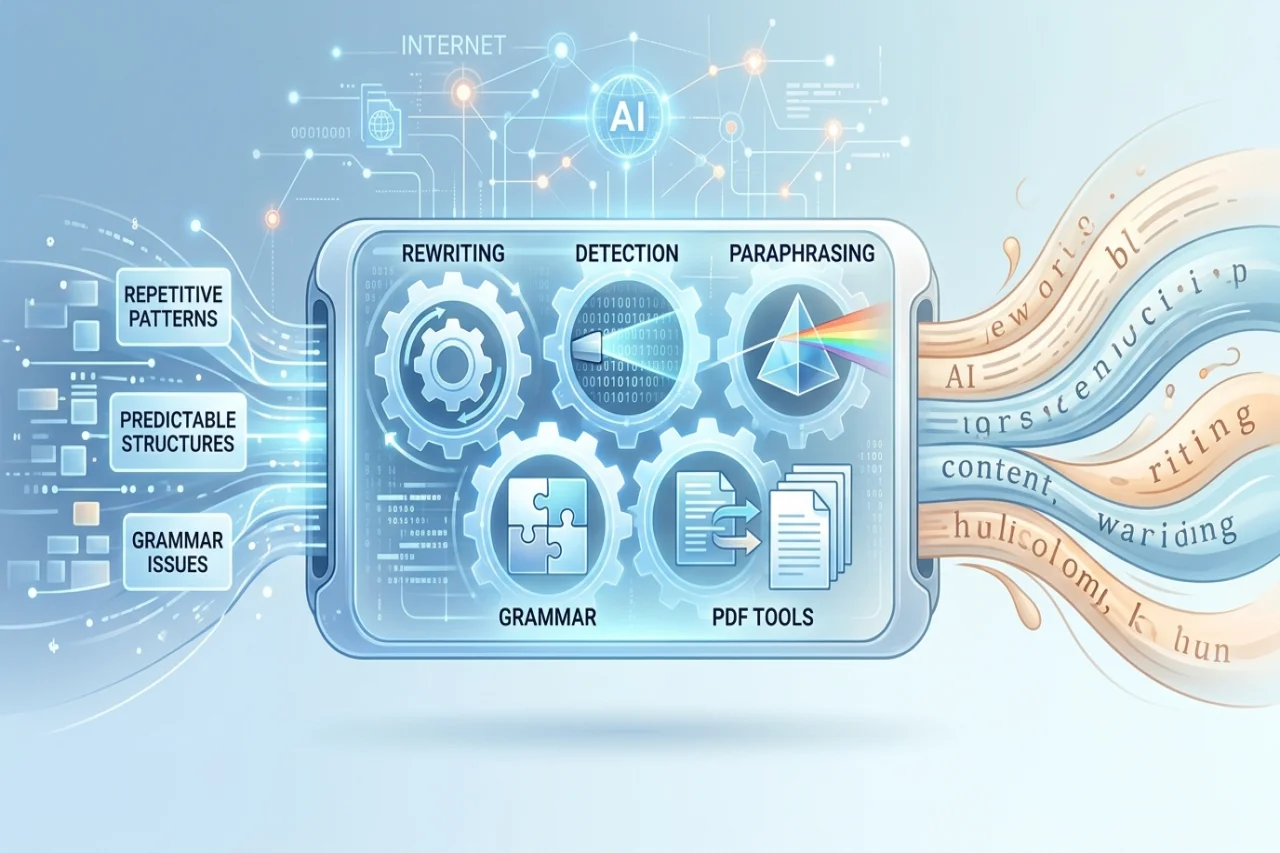
AI writing tools have made content production faster, but editing their output can take almost as much time as writing from scratch. Sentences may sound repetitive, paragraphs can follow predictable patterns, and grammar mistakes often slip through. Writers then find themselves moving between different websites to fix each problem.
Clever AI Humanizer takes a different approach by bringing five tools together: AI Humanizer, AI Detector, AI Paraphraser, Grammar Checker, and PDF Tools. We look at what each product offers, how the features work, and whether the platform is useful beyond rewriting AI-generated text.
1. AI Humanizer: More Than Replacing Words
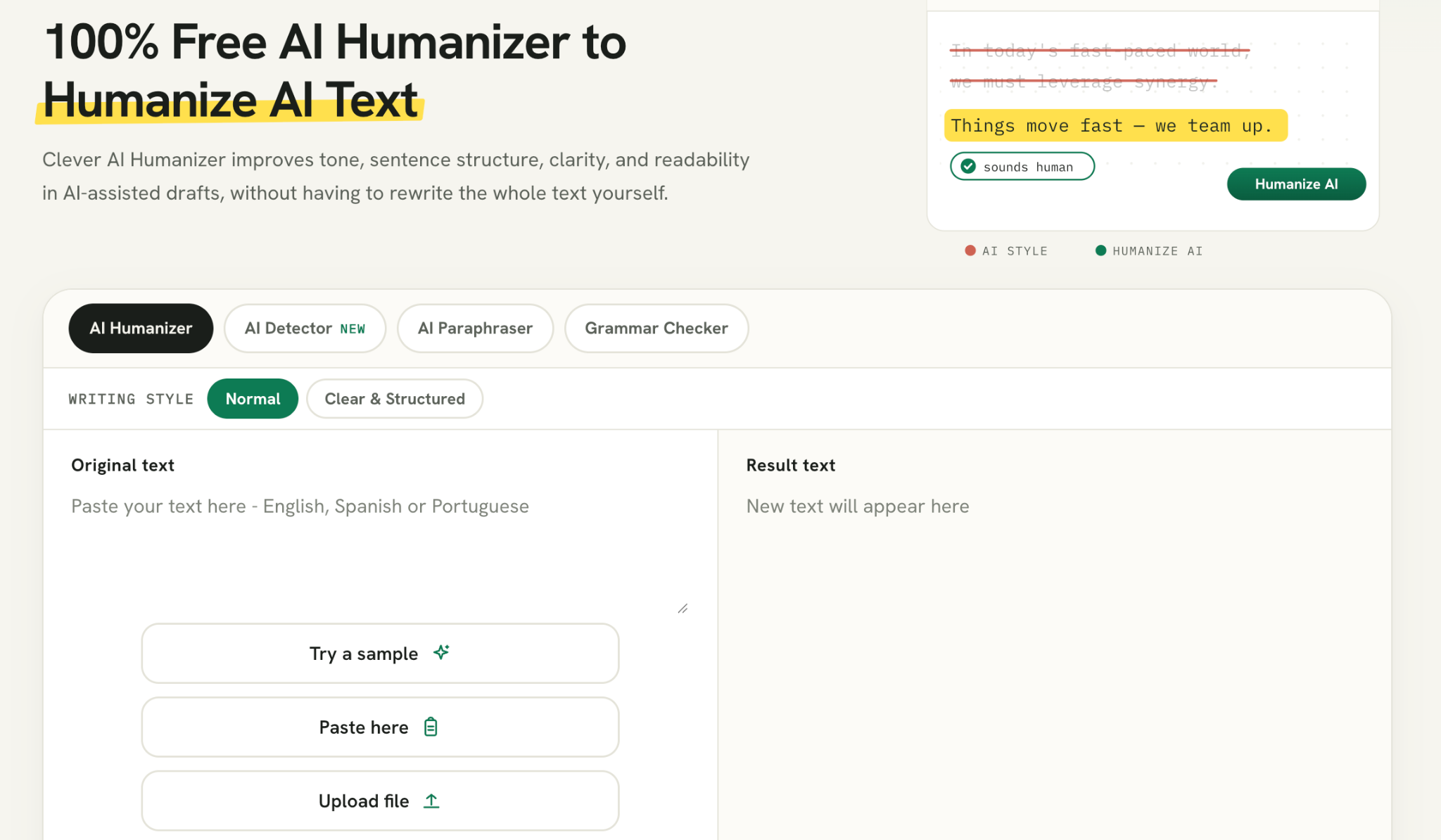
The Clever AI Humanizer is the platform's central writing tool. It rewrites existing content to improve sentence structure, readability, and overall flow. Unlike a basic paraphraser, which mainly changes vocabulary, a humanizer works on how ideas are presented throughout a paragraph.
Three aspects of this process are particularly important. Sentence-length variation changes the rhythm of a paragraph, clause restructuring adjusts how information is connected, and transition adjustment reduces repetitive expressions. Together, these changes can make an article feel less mechanical.
Users can paste their text into the editor, select a writing style, and compare the original with the rewritten version. Highlighted changes make it easier to identify passages that need another look. The tool is useful for bloggers, marketers, and SEO professionals, although facts and technical explanations still require human review.
2. AI Detector: Checking Text for AI Patterns
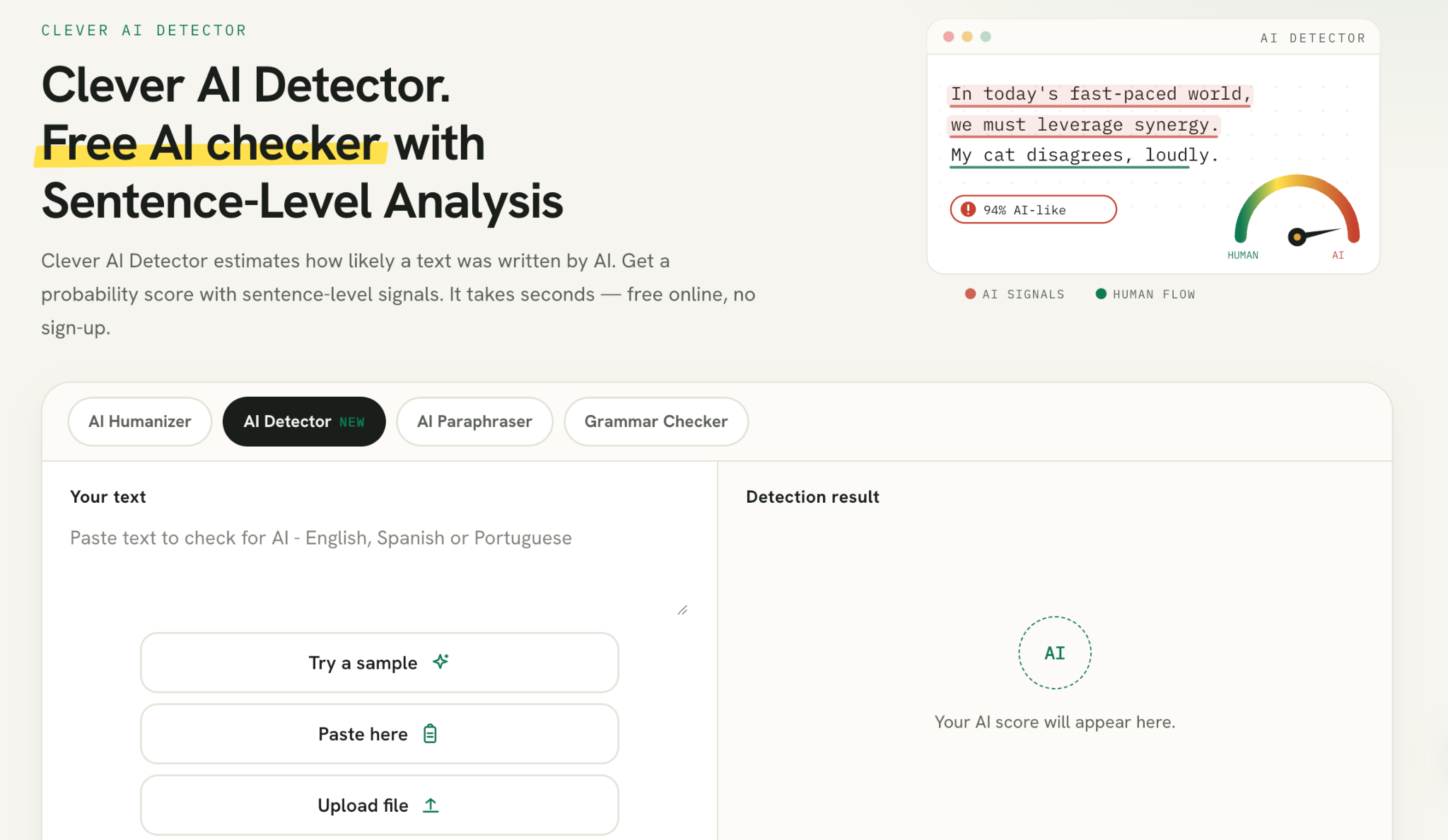
The AI Detector offers a different perspective on written content. It examines text for patterns associated with AI-generated writing and provides an estimated detection score, along with sentence-level results.
This can help writers identify passages that may need further editing. However, AI detection is not an exact science. Different detectors can evaluate the same passage differently, and human-written content can sometimes receive an AI-related flag. A percentage should never be treated as definitive proof of authorship.
For that reason, the detector is best used as an additional reference during editing. It can highlight areas worth reviewing, but readability, accuracy, and originality remain more important measures of content quality.
3. AI Paraphraser: Rewriting With More Control
Sometimes an entire article does not need rewriting. A single paragraph might be too complicated, a product description may sound repetitive, or a technical explanation could benefit from simpler wording.
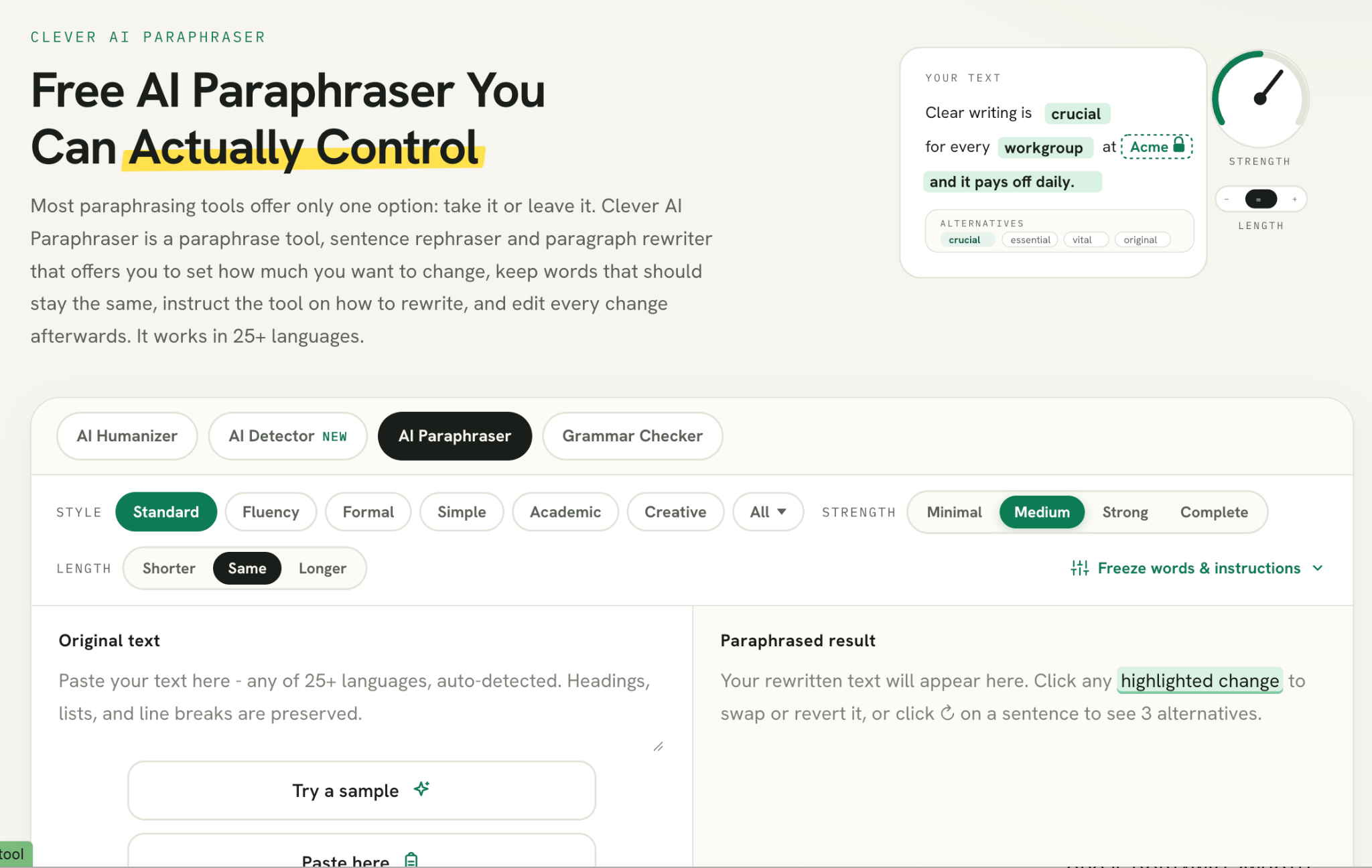
Clever AI Paraphraser addresses these situations with four rewriting strengths: Minimal, Medium, Strong, and Complete. Users can also adjust output length, provide custom instructions, and freeze specific words that should remain unchanged.
The last feature is particularly useful for SEO professionals. Brand names, product terminology, and target keywords can be preserved during rewriting rather than replaced with unrelated expressions. With support for more than 25 languages, the tool also accommodates multilingual writing workflows.
4. Grammar Checker: Improving the Final Draft
Good writing is not only about choosing the right words. Punctuation mistakes, unclear sentences, and inconsistent grammar can make an otherwise useful article difficult to follow.
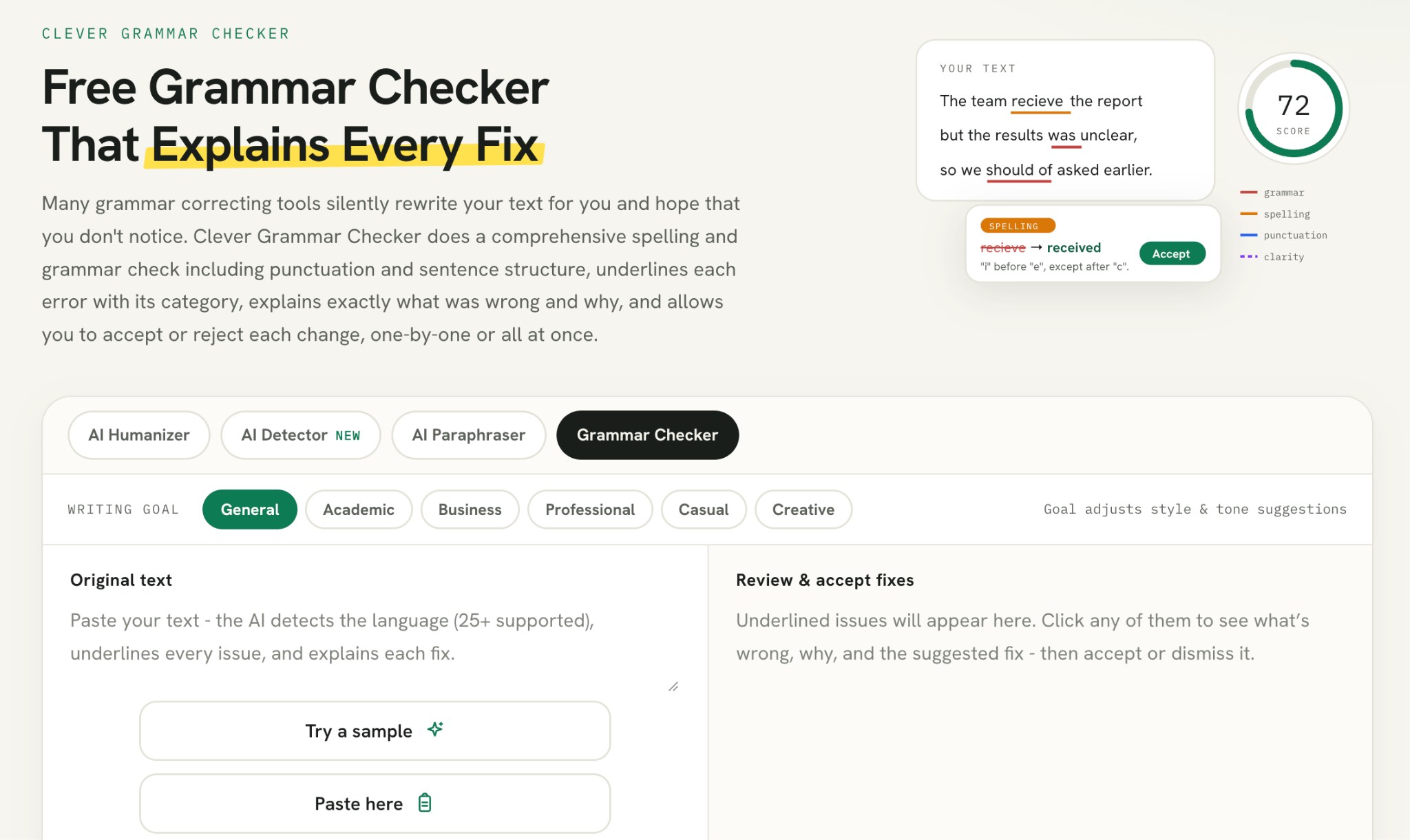
The Grammar Checker identifies language problems and provides explanations for suggested corrections. It offers separate Grammar, Clarity, Style, and Readability scores, giving writers a better idea of where their text needs attention.
Users can accept or reject individual suggestions instead of applying every correction automatically. This is a sensible approach because automated editors do not always understand the intended meaning of a sentence. The tool supports more than 25 languages and can help prepare articles, emails, and professional documents for publication.
5. PDF Tools: Everyday Document Utilities
Beyond writing, Clever AI Humanizer includes a collection of PDF utilities. These cover common document tasks such as merging files, splitting pages, compressing PDFs, adding page numbers, and converting documents between PDF, Word, and image formats.
There are also options for editing PDFs, converting JPG files into documents, and extracting images from PDF files. These functions are useful for people who regularly handle reports, contracts, presentations, and other digital documents.
Privacy is worth considering when working with sensitive files. Many PDF operations are processed directly in the browser, while certain conversions use server processing. Users should check how a particular operation handles files before submitting confidential information.
How to Use the Five Tools Together
The main advantage of having these products in one platform is the ability to move between different editing tasks without constantly changing services. Each tool has a distinct purpose, so there is no need to use all of them on every document.
For example, someone preparing a blog post could start with the AI Humanizer to improve the initial draft. The AI Detector can then provide an additional assessment of writing patterns. If a particular explanation becomes unclear, the Paraphraser can refine that passage. Finally, the Grammar Checker can identify spelling and punctuation problems before publication.
PDF Tools serve a separate purpose at the end of the process, helping users convert or organize the finished document. This is a practical workflow rather than a mandatory sequence. Writers should choose the features that actually solve their editing problems.
Performance, Advantages, and Limitations
A supplied benchmark covering 24 humanization tools provides some additional context for the main product. In that test, three AI-generated samples were evaluated using ZeroGPT and GPTZero. Clever AI Humanizer recorded an average detection score of 4.45% after one rewriting pass, compared with an initial average of approximately 93.5%. Its grammar assessment averaged 92.6/100.
These results are interesting, but they should be interpreted carefully. The benchmark used only three samples and two detection services, so it does not demonstrate how the tool will perform across all subjects, languages, or detectors. It also does not evaluate all five products as a complete platform.
The main advantages are the range of available writing utilities, multiple rewriting controls, sentence-level editing, and convenient access to PDF functions. There are limitations, too. Automated rewriting can change meaning, detector scores are not definitive, and the platform does not replace original research or plagiarism checking.
Final Verdict
Clever AI Humanizer has developed into more than a single-purpose rewriting service. Its five main product categories cover different parts of the writing and document workflow, from restructuring text and checking grammar to evaluating AI-related writing patterns and managing PDFs.
It is worth considering for bloggers, SEO specialists, students, and professionals who regularly work with digital content. Not everyone will need every feature, but having several practical utilities in one place is convenient.
The platform will not replace an experienced editor, but it can reduce the time spent on routine writing and document tasks. For users looking for an accessible collection of editing tools without paying for several separate services, Clever AI Humanizer is worth exploring.
Comments
Comments are available to signed-in users and are moderated to keep the discussion useful and respectful. Spam, automated submissions, and low-value promotional comments are removed. Outbound links may be approved when they are relevant and genuinely helpful to readers, but they are displayed as plain text rather than clickable hyperlinks.
No comments have been published yet.
Please sign in to submit a comment.