

IP Address, Privacy, Geolocation
Building Location-Aware Applications: From IP Geolocation to Real-Time Personalization
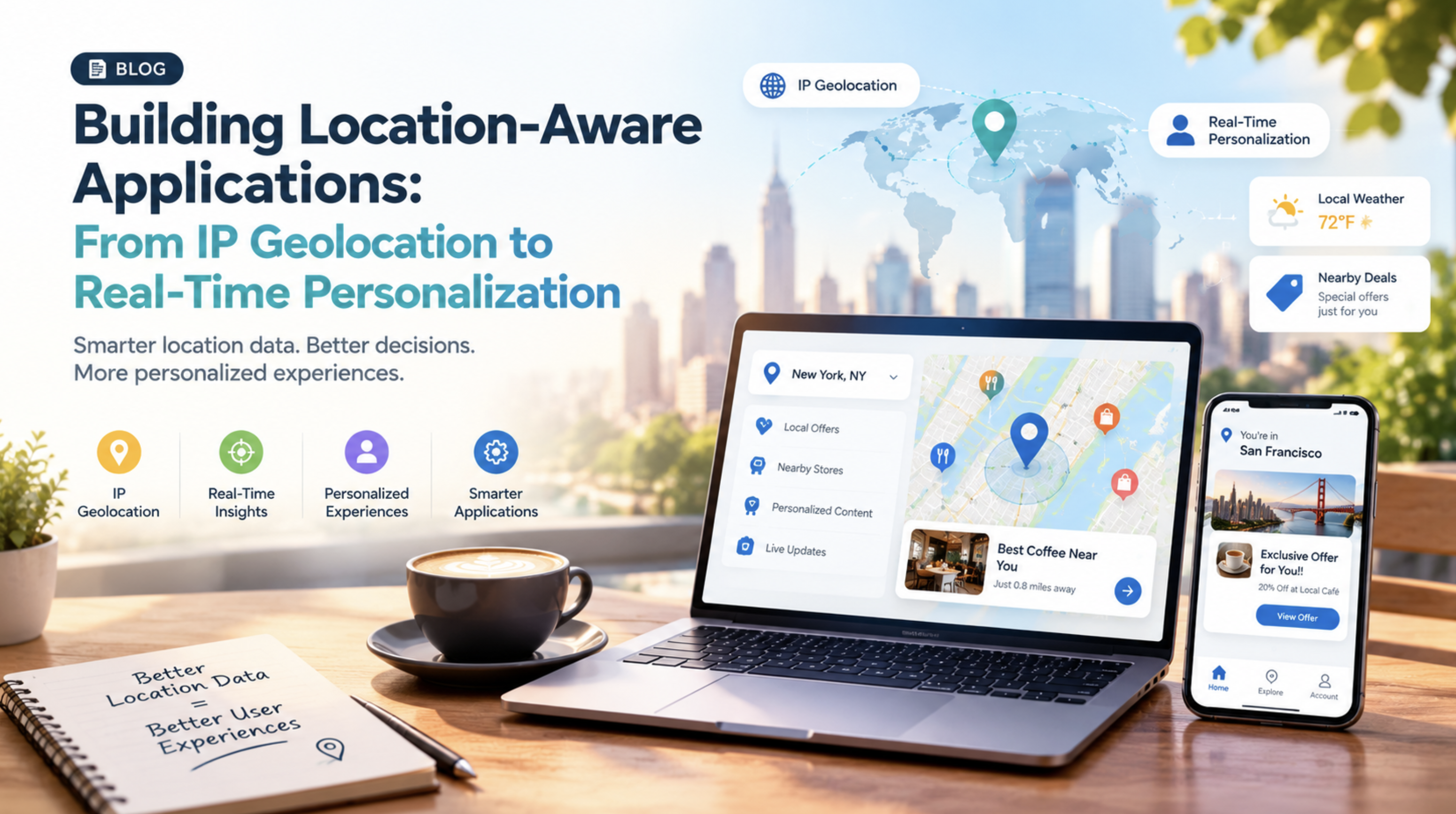
Location data comes with a catch.
It can point you in the right direction, but it can still get the details wrong. That is because an IP lookup does not read a device's actual location. It estimates it from network information. The numbers show how wide that gap can be. MaxMind, one of the most widely used IP data providers, estimates that city-level results for U.S. addresses land within 50 km of the user about 66% of the time. That means about one in three lookups is wrong.
For a location-aware application, one wrong result can quietly turn a relevant experience into a frustrating one. The fix is to collect more precise data, but privacy regulations in many regions treat location data as personal data. So every extra detail adds legal responsibility. Smart location-based application development avoids both problems, and it begins with a signal every device already sends. Here is how to build with that signal, personalize it, and keep it accurate and private.
What Is IP Geolocation and How Does It Work?
IP geolocation is the practice of estimating where a device is located from its IP address. Providers match IP ranges with BGP routing data, Autonomous System Numbers (ASNs), ISP records, and Internet Registries such as RIPE and ARIN. Some also use network latency measurements to improve the estimate. The result can include the country, region, city, ISP, and time zone, but not a street address.
As every result is an estimate, accuracy falls as the question gets more specific. MaxMind puts country-level accuracy at 99.8%, far steadier than the U.S. city figure above. That is why an IP geolocation API works best as a fast first signal. It takes an address and returns these details in milliseconds, without prompting the user for permission.
Which Location Data Sources Work Best for an Application
IP data is fast and easy, but your application may need more than a rough estimate. The best option depends on how precise your feature needs to be.
A pricing page only needs the visitor's country, while a delivery app needs a street-level pin. For that level of precision, GPS and browser location are the better fit, though they require the user's permission. When GPS is unavailable, especially indoors, Wi-Fi and cell signals can fill the gap. Users can also enter their own address, which works well as long as they keep it up to date. The table below compares these sources side by side, so you can match each one to your feature.
| Source | Accuracy | Consent needed | Best for |
|---|---|---|---|
| IP geolocation | Country to city | No | Localization, fraud checks |
| Browser or GPS | Street level | Yes | Maps, delivery, alerts |
| Wi-Fi and cell | Neighborhood level | Usually | Indoor and urban gaps |
| User-declared | As entered | Given by user | Saved addresses |
Most apps start with IP data because it works without asking for permission. From there, add GPS or Wi-Fi only for the features that truly need precision. When choosing an IP geolocation API, keep in mind that a local database can be faster and cheaper per lookup, but it may not reflect the latest data.
How to Build a Location-Aware Application
Once you know which signals fit your features, the build comes down to four steps. Strong location-aware app development chooses the right signal, collects and normalizes it, indexes it to trigger events, and plans for the moments it fails. Here is how each step works.
Start With the Right Signal
Begin by asking how much accuracy the feature needs. A travel site can read an IP address to show local prices, while a food delivery app needs a much more precise location to find nearby restaurants.
Collect and Normalize the Data
Next, send all location signals through your backend. An IP geolocation API can turn an IP address into details such as country, region, city, and time zone. When building web applications with location-aware features, this data can be processed on the server before the page loads.
Mobile apps can also use GPS, Wi-Fi, and cell signals. A normalizer can combine these into a single format that includes coordinates, accuracy, time, and speed. Speed also helps catch errors, such as a device appearing to move 50 miles in just two seconds.
Index and Trigger Events
Clean location data also needs to be processed quickly. The application can organize locations into areas and check when a device enters, stays inside, or leaves a specific area. It can then trigger actions such as sending a notification, updating nearby results, or starting a location-based feature.
Plan for Failure
Location signals can fail. Users may deny permission, GPS may stop working indoors, or an IP address may point to the wrong city. Good location-based application development plans for these cases include backup options. Start with IP data, ask for browser location when more accuracy is needed, and let users enter their address if other options fail. Once the location data is reliable, the application can use it to personalize what each user sees.
Together, these four steps turn a rough IP estimate into a location signal your application can trust.
How Location Powers Real-Time Personalization
Location can make an app more useful by changing what a user sees based on where they are. A live location feed goes through streaming tools such as Kafka or Flink. A rules engine or machine learning model decides what to update or when to send a push notification. That is location-based personalization in practice.
For instance, news apps can use an IP geolocation API to provide news headlines in the region the user is browsing from. Shopping apps can notify users with a push notification when they are near a store. The watchPosition() API is used in browsers to track the positions of users in real-time and with every update.
This way, the app becomes much more personalized and easier to use without extra effort from the user. However, the app should only update when there is significant movement and keep location data accurate and private.
How to Keep Location Data Accurate and Private
The short answer is to cross-check signals for accuracy and collect only what you need for privacy. Here is what that looks like in practice.
- Be prepared for inaccuracies, as VPNs, proxies and old records can distort IP results
- Keep in mind that mobile connections are typically less accurate than fixed broadband connections
- Use a fallback order, such as a saved address first, then browser location, then IP
- Update data source frequently to prevent stale data
- Get clear consent, because GDPR treats location data as personal data
- Gather just what is required for each feature and establish a retention time
- Anonymize data whenever possible
- Explain why you ask, since openness earns the permission your best features depend on.
Turning Location Data Into Useful Experiences
Getting users' consent to use their location is just the beginning. As devices process more data on their own and users expect more control, the strongest products will likely need less location data. A location-aware application will be successful if it can sense what a user needs at a particular time, rather than what a user is doing at a particular location. This is the true purpose of location-based application development.
Comments
Comments are available to signed-in users and are moderated to keep the discussion useful and respectful. Spam, automated submissions, and low-value promotional comments are removed. Outbound links may be approved when they are relevant and genuinely helpful to readers, but they are displayed as plain text rather than clickable hyperlinks.
No comments have been published yet.
Please sign in to submit a comment.