

Virtual Private Network, Proxies, Privacy
Browser Profile Isolation: How It Works and Why It Matters for Online Privacy
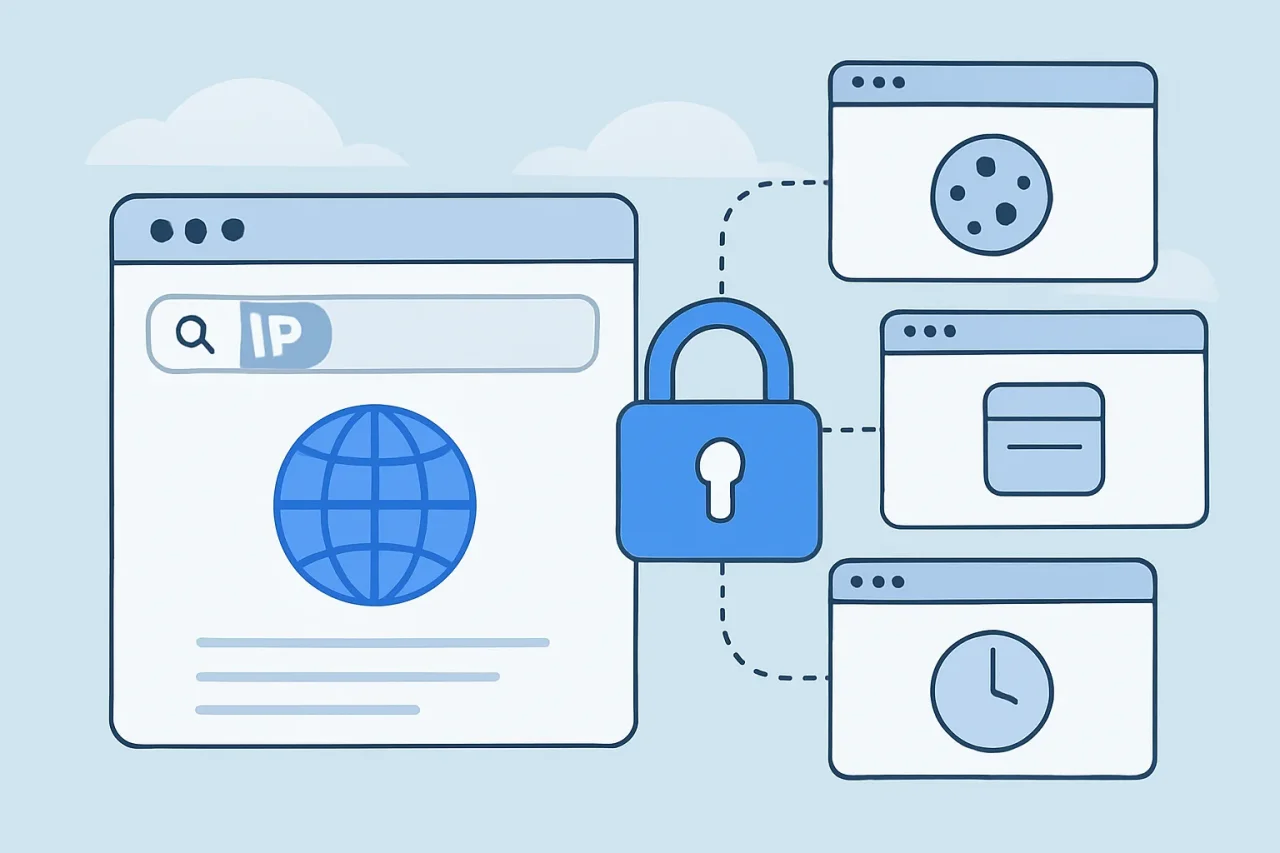
Your browser knows a lot about you. It stores the cookies that keep you signed in, the history of every site you've visited, saved passwords, form data, and the extensions you've installed. When all of that lives in one place, every website, account, and tracker you encounter shares the same environment.
Browser profile isolation changes that. Instead of one browser holding everything, you split your activity into separate, self-contained environments. Done well, it's one of the most practical privacy improvements available to everyday users and professionals alike.
What Is Browser Profile Isolation?
A browser profile is a container for everything the browser remembers: cookies, local storage, cache, history, saved logins, settings, and extensions. Most people use a single profile for everything, from personal email and banking to work tools and social media.
Browser profile isolation means running separate profiles that share none of that data. Each profile behaves like a different browser installation. A site you log into in one profile has no access to the cookies, sessions, or stored data from another, and a tracker that follows you in one profile starts from zero in the next. A specialized tool known as an anti-detection browser extends this idea by also keeping each profile's browser characteristics separate.
The idea isn't new. Browsers have supported multiple profiles for years, and privacy features such as Firefox's Total Cookie Protection already partition some data by website. Profile isolation takes the principle further by separating entire contexts of your online life, not just individual sites.
What Actually Gets Isolated
In a properly isolated profile, each of the following is kept separate:
- Cookies and sessions: Logins, preferences, and tracking cookies stay inside the profile where they were created.
- Local storage and IndexedDB: Websites increasingly store data in the browser itself, and some trackers use it as an alternative to cookies.
- Cache: Cached files can be used to recognize returning visitors, so separating them closes another tracking path.
- History and autofill: Browsing history, search suggestions, and saved form data never appear in the wrong context.
- Saved passwords: Credentials for one area of your life aren't offered in another.
- Extensions: Each profile has its own add-ons, so a tool installed for one task can't read pages you open for a different one.
Dedicated isolation tools can add two more layers: separate network settings, such as a different proxy for each profile, and separate browser characteristics like time zone, language, and screen settings. Built-in browser profiles typically don't isolate these, which matters once you consider how websites recognize devices.
Isolation vs. Private Browsing vs. VPN
These three are often confused, but they solve different problems.
Private or incognito mode gives you a temporary, empty session that's wiped when you close the window. It's useful for a one-off login on a shared computer, but it isn't a persistent environment: you have to sign in every time, and all private windows open at the same time share one temporary session.
A VPN changes the IP address websites see and encrypts traffic between you and the VPN server. It does nothing about cookies, stored data, or the browser itself. Two accounts opened in the same browser behind a VPN are still sharing one environment.
Profile isolation separates the browser environment itself, persistently. Each profile remembers its own logins and settings, and nothing crosses over between them.
The three work best together: isolated profiles to separate contexts, a VPN or proxy to manage network identity, and private windows for temporary sessions.
Levels of Isolation: From Built-In Profiles to Dedicated Tools
Isolation comes in several strengths, and the right one depends on how many contexts you manage and how strictly they need to be separated.
- Built-in browser profiles: Chrome, Edge, Firefox, and Safari all support multiple profiles. Each one keeps its own cookies, storage, history, passwords, and extensions. For separating personal, work, and one or two other contexts, this is often enough.
- Containers: Firefox Multi-Account Containers isolate cookies and storage per tab, inside a single window. They're convenient for quick side-by-side logins but share history and extensions across containers.
- Separate operating system users or virtual machines: These offer the strongest separation, since each environment has its own files, apps, and settings. They're also the least convenient for frequent switching.
- Dedicated profile isolation tools: Built-in browser profiles all run on the same device with identical browser characteristics, and they don't handle per-profile network settings. Dedicated tools fill that gap. Products such as afina.io let users run many isolated browser profiles, each with its own sessions, storage, proxy settings, and stable browser configuration, managed from one workspace. They're typically used by teams and professionals who need many separate, consistent environments rather than two or three personal ones.
Why It Matters for Privacy
Profile isolation addresses some of the most common ways your activity gets connected:
- It limits cross-context tracking: Trackers that rely on cookies or stored data can't follow you from your work profile into your personal one.
- It reduces data exposure: If a site or extension in one profile misbehaves, it can only see what's inside that profile.
- It prevents account mix-ups: Separate sessions mean you can't accidentally post, reply, or buy from the wrong account.
- It keeps sensitive activity contained: Banking, health, or confidential work can live in a profile with minimal extensions and no unrelated browsing.
What Isolation Doesn't Do
It's just as important to understand the limits:
- It doesn't change your IP address: All profiles on one connection share the same public IP unless each is paired with its own VPN or proxy.
- It doesn't make you anonymous: Logging into an account in any profile identifies you to that service.
- Built-in profiles look identical to websites: They separate stored data, but the browser and device characteristics stay the same, so sites that recognize devices may still connect them.
- It doesn't protect a compromised device: Malware on your computer can access every profile.
- It doesn't override platform rules: Separate profiles don't change what a website's terms of service allow.
Best Practices for Isolated Profiles
- Separate by context, not by site: Create profiles for areas of your life, such as Personal, Work, Finance, or one per client, rather than one per website.
- Name and color-code each profile: So you always know which one is active.
- Keep extensions to a minimum: Install them only in the profiles that need them.
- Use different sync accounts: If a profile syncs to a browser account, don't connect every profile to the same one.
- Pair profiles with network settings where it matters: If IP separation is important, assign each profile its own VPN or proxy configuration.
- Review regularly: Remove profiles you no longer use and sign out of old sessions.
Conclusion
Browser profile isolation is one of the simplest ways to take control of your online privacy. By separating cookies, storage, history, and extensions into distinct environments, you limit how much any website, tracker, or extension can learn about your other activity. It also brings practical benefits unrelated to tracking: fewer account mix-ups, cleaner workspaces, and less time spent signing in and out.
The key is to treat isolation as one layer of a broader approach rather than a complete solution. Isolated profiles separate what your browser stores; a VPN or proxy manages which network address you present; and good security habits, such as strong passwords, two-factor authentication, and careful extension choices, protect the accounts themselves. Each layer covers gaps the others leave open.
For most people, the browser's built-in profiles are the right place to start. Create a few profiles for the main areas of your life, keep them clearly labeled, and resist the temptation to let them blur together over time. If you later need network separation for specific profiles, or the number of environments grows beyond what built-in options can comfortably handle, dedicated isolation tools are the natural next step. Whichever level you choose, the principle stays the same: activities that shouldn't be connected shouldn't share a browser environment.
Comments
Comments are available to signed-in users and are moderated to keep the discussion useful and respectful. Spam, automated submissions, and low-value promotional comments are removed. Outbound links may be approved when they are relevant and genuinely helpful to readers, but they are displayed as plain text rather than clickable hyperlinks.
No comments have been published yet.
Please sign in to submit a comment.