

Ecommerce, Online Tools, Web Design
Best Photo Editors for Jewelry Photography
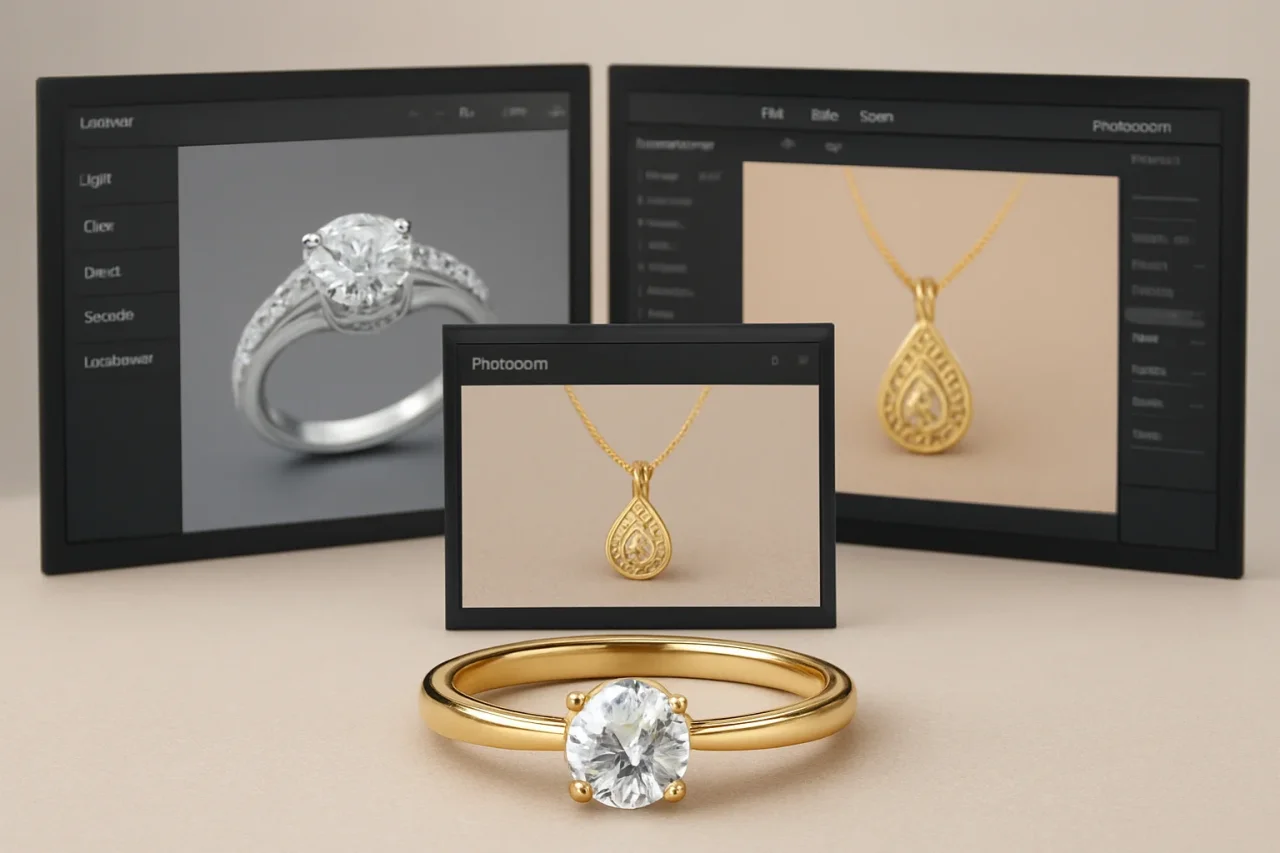
Jewelry can be difficult to present online. A ring may look bright in person but appear dull in a photograph. Tiny gemstones can lose their sparkle, silver can pick up unwanted color casts, and reflections may hide the details that make a piece special. Jewelry image editing helps businesses prepare images that look attractive while staying true to the actual piece. Simple adjustments can clarify the shape of a pendant or bring out the texture of a gold bracelet. Background tools can also give an entire collection a consistent look.
A niche handmade shop might require a handful of images to be styled by hand. At the same time, a retailer with dozens of products may be more concerned with processing large quantities of jewelry images or standardizing layouts. If you're looking for image-editing tools specifically designed for jewelry, AI options are also available. Here, we compare a few software options from a jewelry post-production perspective.
1. Luminar
Luminar is a convenient software option for businesses that want creative control over individual product images rather than a workflow built exclusively around bulk catalog processing. It offers tools for refining exposure, contrast, color, and detail. You can brighten a gemstone, bring out the texture of engraved metal, or adjust white balance to keep gold and silver tones looking believable. Layers and masks work for meticulous localized jewelry photo editing.
The editor works on the web, Windows, and Mac. Cross-device tiers also include apps for Android, iOS, Chrome OS, and Apple Vision.
Additionally, for companies looking to automate image processing at scale, Luminar Engine provides an SDK that can be integrated into their own systems. Unlike the desktop editor, it is designed for business applications and runs on-premises. Check the exact prices and available promotional offers on the official website.
Pros
- Detailed color and lighting controls help reveal gemstone facets and metal textures.
- You can refine selected areas while keeping the rest of the product image unchanged.
- Customizable presets make it easier to create a consistent look across different jewelry categories.
Cons
- Removing a background may require manual cleanup around fine chains, prongs, and intricate settings.
- The toolkit may be too broad if you only edit one specific type of photos.
- The automated high-volume processing may be resource-consuming, especially on older devices, so double-check the system requirements before purchasing.
2. Pixeroom
Pixeroom focuses on presentation rather than detailed retouching. It is especially convenient for small shops that need clean and consistent visuals. For example, a handmade jewelry seller could use the same background and spacing for earrings, bracelets, and necklaces, giving the catalog a more unified appearance.
If you are a devoted Apple user wondering how to edit product photos for compelling jewelry listings, Pixeroom is a good choice because it works on Mac, iPhone, and iPad. If you are not familiar with the Apple ecosystem but still want to try this software, the browser version is also available. There is a free plan and paid tiers with extra features. There are monthly ($4.90–$29.90) and yearly ($46.80–$286.80) subscriptions to choose from, depending on your budget and post-processing needs.
Pros
- Templates and adjustable margins make it easier to maintain consistent product-image dimensions.
- Batch export can speed up preparation when a collection contains many similar products.
- Background removal and product-centering tools help create tidy listings for online stores.
Cons
- Fine jewelry details may need additional editing in a more advanced photo editor.
- It offers fewer options for selectively correcting reflections, facets, or metal texture.
- Its focus on ecommerce layouts may feel limiting for brands seeking distinctive editorial imagery.
3. Jewelshot
Jewelshot is an AI platform developed specifically for jewelry retouching. It focuses on helping jewelry brands create polished product images, making it worth considering for retailers and designers who need a specific workflow without excessive features they might never use. Jewelshot combines background removal and color correction with lighting adjustments, presets, and AI-generated scenes. These features can help a brand create different visual styles for the same collection.
It is a web-based editor with a limited-credit free tier. The paid pricing plans are credit-based. They range from $29/month to $499/month, depending on how many images you need to edit.
Pros
- Higher-tier plans offer batch processing, which can be useful for businesses working with larger inventories.
- Jewelry-focused tools make it easier to create product imagery tailored to rings, necklaces, earrings, and other pieces.
- AI-generated scenes and presets offer options to create campaign visuals without arranging a physical set for every shot.
Cons
- A dramatic new background or lighting effect may affect details, such as gemstone color, prong placement, or metal finish.
- The subscription cost may be harder to justify for sellers who edit only a few images each month.
- Some results may require several rounds of adjustments to align with the brand's visual identity. The available credits will expire quickly, draining your budget.
Conclusion
The best jewelry photo editor is the one that fits your team’s workflow and the level of control your images require. Before committing to a subscription, test a few options with the same sample photos and compare how well they preserve the details customers care about. Pay particular attention to gemstone color, metal finish, and the accuracy of the final image. Choose a tool that meets your quality standards without adding unnecessary steps to your production process.
Comments
Comments are available to signed-in users and are moderated to keep the discussion useful and respectful. Spam, automated submissions, and low-value promotional comments are removed. Outbound links may be approved when they are relevant and genuinely helpful to readers, but they are displayed as plain text rather than clickable hyperlinks.
No comments have been published yet.
Please sign in to submit a comment.