

Best Mobile Image Editors in 2026
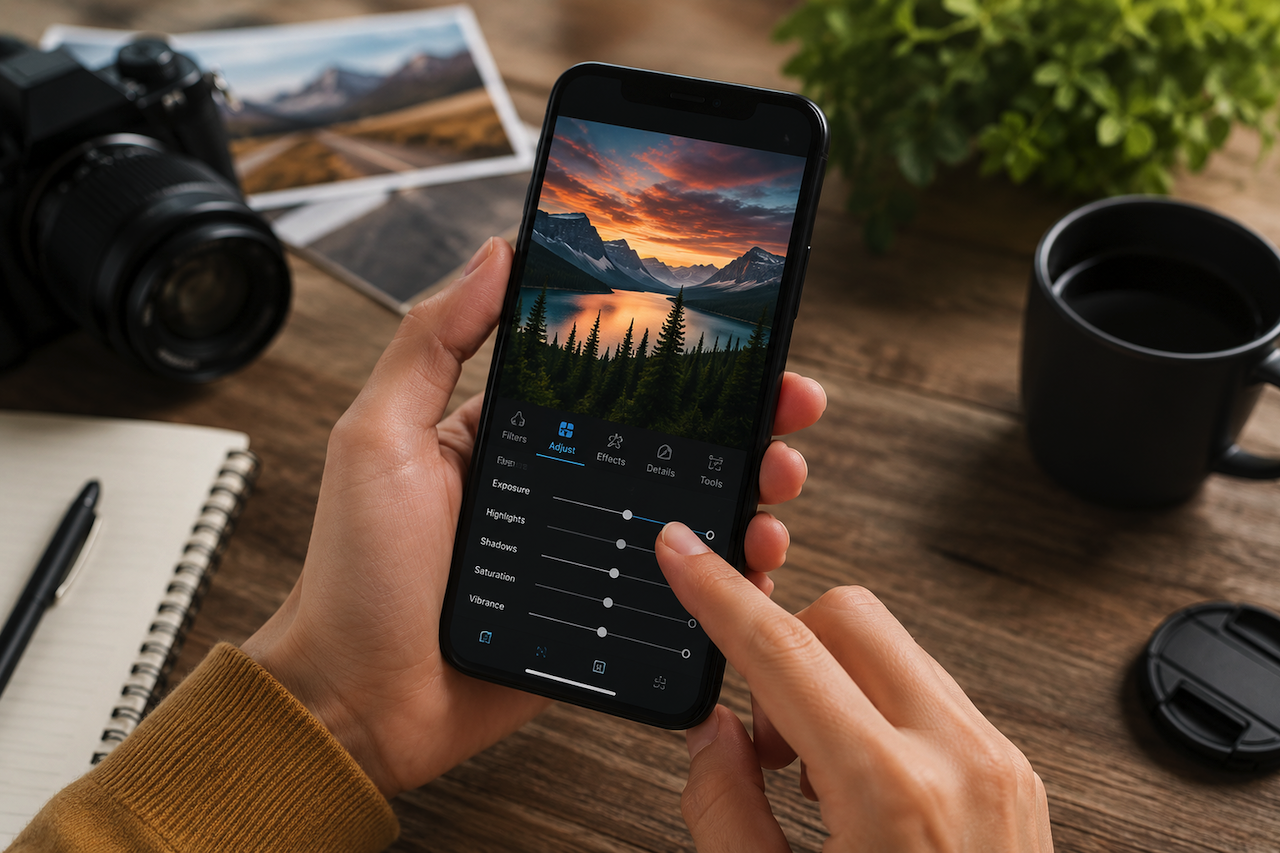
Phone photography no longer feels like a backup plan. Many photographers now shoot, improve, and share their images from the same device. Still, choosing the best photo editing app is not only about the longest list of tools. The right choice depends on your habits, your skill level, and the kind of images you want to create.
In this guide, we compare mobile image editors that can help you turn simple phone shots into cleaner, stronger, and more expressive photos.
1. Luminar Mobile
This picture editing app works on iOS, Android, and ChromeOS. It is available as a part of the Luminar ecosystem within Cross-device (~$163) and Max (~$174) pricing tiers. The app focuses on fast AI tools, including SkyAI, EnhanceAI, RelightAI, SkinAI, BodyAI, BokehAI, Erase, Curves, Details, Crop, Landscape, Monochrome, Photo Filters, and RAW file support.
Pros
- The interface is relatively straightforward for users who prefer faster editing workflows.
- Quick cleanup and genre-specific tweaks.
- RAW support for more meticulous edits with preserved metadata.
Cons
- Luminar is a desktop-first ecosystem, so the mobile version's toolkit is limited.
- If you only want a quick mobile editor, paying for a whole ecosystem is not justified.
- You might quickly outgrow the app because it lacks professional-grade retouching.
2. Polarr Pro
Polarr Pro is available on iOS, Android, macOS, Windows, and the web, with support for up to 5 users, depending on the plan. The App Store listing shows $7.99/month and $47.99/year. It is designed for users who want to create and reuse consistent editing styles across larger projects.
Pros
- Customizable workflows for teams.
- Selective tools for targeted edits.
- Batch export and watermarking for professional creators.
Cons
- The interface may seem too cluttered for inexperienced users.
- Best value appears when used regularly.
- Many users do not need so many filters and overlays for their everyday tasks.
3. Pixlr
Pixlr is aimed at social media influencers and casual users who want to make their feeds more appealing and visually consistent. It works on iOS, Android, web, and desktop, and its subscription can be used across platforms through a Pixlr account. The core app is free, but its toolkit is often limited. Users who need more advanced editing features can upgrade to the Plus version for $2.49/month.
Pros
- The app is excellent for collages, carousel posts, quick layouts, and social-first images.
- AI tools, templates, and classic adjustments are combined in a single workflow.
- The editor's user interface is uncluttered and easy to navigate.
Cons
- The pricing structure may feel confusing because the app store and website plans can differ.
- It is not the most convenient option for a camera-to-RAW workflow.
- The most important tools are locked in a paid version, which may be daunting for users who need a free editor.
4. Photoleap
Photoleap is available for iOS and Android, with the iOS App Store listing showing a free download alongside optional in-app purchases. Current App Store prices include $6.99, $7.99, $39.99, and $59.99, although pricing may vary by region. The app is geared toward users who enjoy experimenting with creative editing styles, stylized effects, and AI-assisted image generation on mobile devices.
Pros
- Imaginative edits, blended images, and stylized content.
- Top-tier generative AI features, including text-to-image, AI scenes, and smart background/object removal.
- Traditional editing tools, brushes, filters, and double-exposure effects.
Cons
- You won't need these imaginative, creative effects if you prioritize realism in your pictures.
- The interface may seem too cluttered and overwhelming.
- Heavy promotion and suggestions to use AI features may irritate some users.
5. PhotoDirector
PhotoDirector is for users who want quick AI effects, portrait fixes, object removal, and background changes. It is available on iPhone, with App Store compatibility also listing Mac with Apple M1 chip or later and Apple Vision; Google Play confirms an Android version. The App Store lists free downloads with different types of in-app purchases. Double-check them specifically for your region.
Pros
- The app receives regular feature and effect updates.
- Robust library management tools make it easy to sort, tag, and flag large volumes of images.
- Guided editing modules make this program accessible to hobbyists and inexperienced photographers.
Cons
- The pricing tiers are confusing.
- AI tools can produce unrealistic, overprocessed images.
- It is not the best option for users who prefer a traditional, manual post-processing approach.
Conclusion
The landscape of mobile image editing in 2026 is vibrant, offering diverse options tailored to a range of needs and skill levels. Whether you are seeking powerful AI tools in Luminar Mobile, creating cohesive looks with Polarr Pro, exploring the creative possibilities of Photoleap, or quick and smooth tweaks in PhotoDirector, there is an app designed for you. Each app offers a different balance of editing tools, workflow features, and creative controls. The right choice depends largely on your editing style, preferred workflow, and the type of images you create most often.
Featured Image generated by ChatGPT.
Related Articles
April 28, 2026
AI Image Editor Apps That Actually Edit by Text
Photo editing used to require layers, masks, and manual selections. Text-guided AI editors change that by letting users describe the result they want. The tool interprets the instr...
Read More
April 4, 2025
7 Tips on How to Analyze a Mobile App
Mobile apps have become essential tools for modern consumers and for businesses, they're an opportunity to connect, convert, and scale. Understanding app performance isn't just abo...
Read More
July 27, 2024
How to convert WebP to PNG Without Losing Image Quality
Have you ever faced a situation where you needed to convert WebP to PNG but worried about losing image quality? You may want to convert WebP to PNG to ensure broader compatibility...
Read More
Comments
Comments are available to signed-in users and are moderated to keep the discussion useful and respectful. Spam, automated submissions, and low-value promotional comments are removed. Outbound links may be approved when they are relevant and genuinely helpful to readers, but they are displayed as plain text rather than clickable hyperlinks.
No comments have been published yet.
Please sign in to submit a comment.