

Cloud Services, Technology, Information Technology
Best IT Asset Tracking Software 2027 for Mid-Market Teams

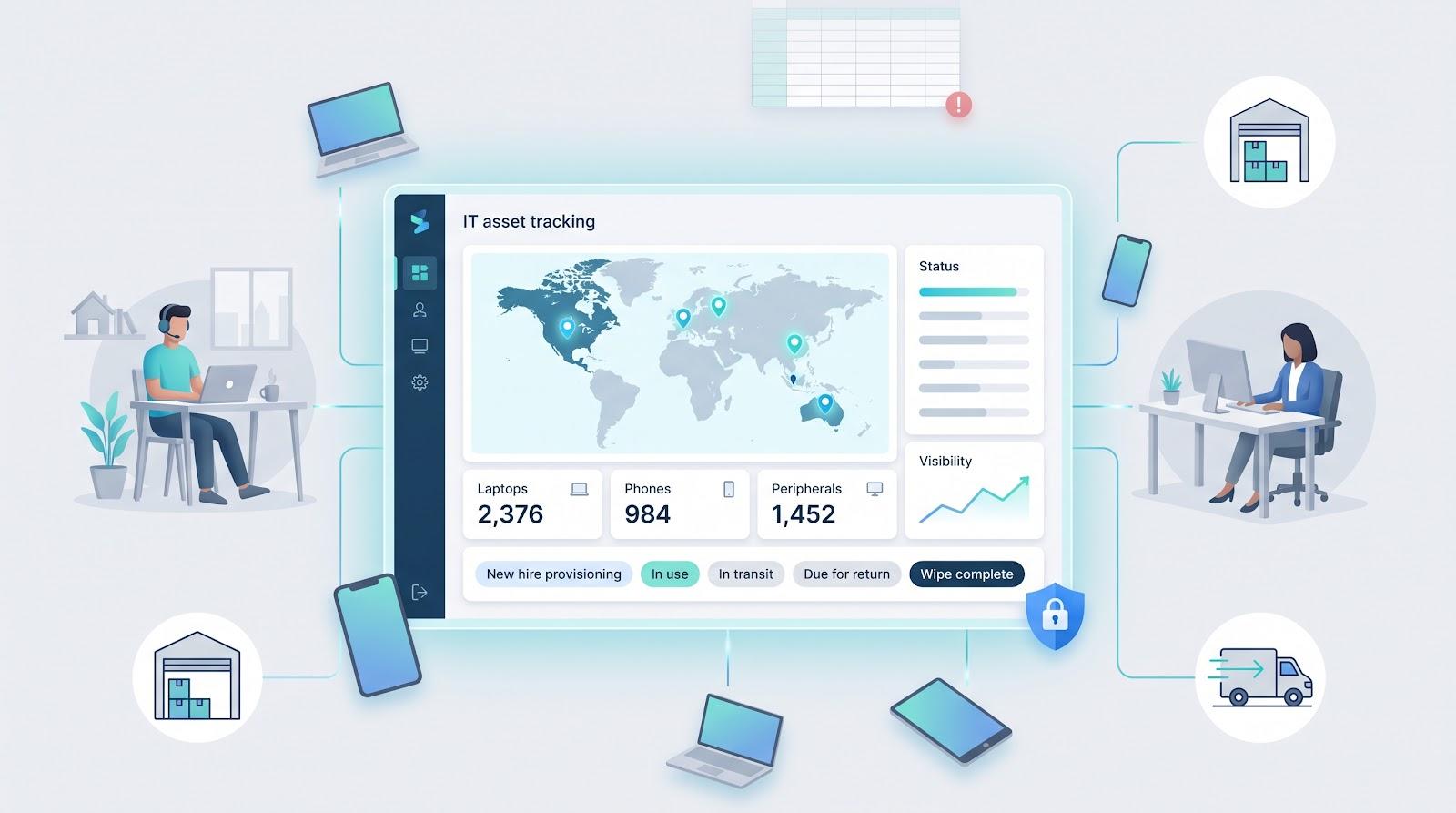
Spreadsheets can’t keep up. Managing thousands of laptops, phones, and peripherals across time zones now feels like whack-a-mole. Flexera’s latest State of ITAM Report pegs complete asset visibility at just 36 percent of organizations—a multi-year low that bleeds budgets and rattles security teams. Every missing serial number drags out audits, stalls refresh cycles, and hides licenses you already paid for. Hybrid work, cross-border shipping, and stricter compliance only widen the gap. The upside? A new wave of platforms automates discovery, plugs into HR and help-desk tools, and even retrieves and wipes hardware worldwide. We tested a dozen and ranked the standouts so you can choose the right fit fast.
How we compared the tools
Choosing the right platform is about solving real gaps, not admiring slick demos. We borrowed Worldmetrics’ independent review playbook: transparent criteria, published weights, and zero pay-to-play space.
First, we interviewed sysadmins and read forum threads to surface the biggest headaches: missing devices, messy hand-offs, surprise license bills, and global shipping drama. Next, we scored each product against nine concrete capabilities on a five-point scale, giving every brand the same weight.
Two factors mattered most: can the software discover assets for you, and will your team use it? Deployment, Usability, and Discovery Accuracy therefore receive the highest weight.
Full scorecard
- Deployment and Usability – 15%
- Automated Discovery – 15%
- Global Logistics Support – 10%
- Zero-Touch Provisioning – 10%
- Ecosystem Integrations – 10%
- Lifecycle Workflows – 10%
- Security and Compliance Features – 10%
- Reporting and Analytics – 10%
- Pricing & Customer Satisfaction – 10%
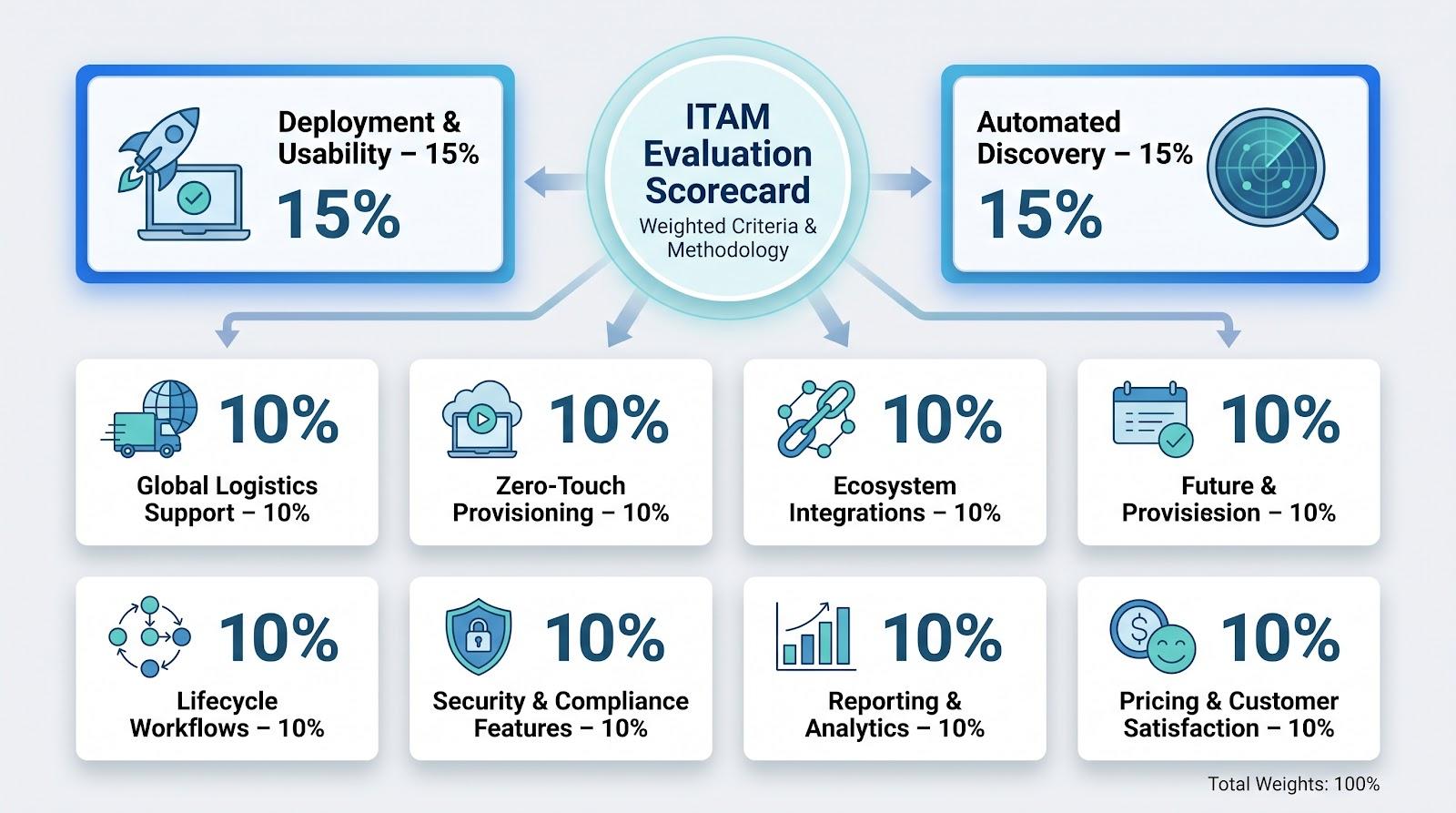
We tallied the weighted scores, broke ties with verified user ratings, and let the numbers decide the final ranking. The result mirrors the priorities mid-market IT teams juggle every day, not marketing spin.
1. Allwhere – global hardware lifecycle, handled for you
Picture sending a laptop from Austin to Zagreb without ever touching a box. That is Allwhere in a nutshell. The cloud portal lets you choose hardware, trigger zero-touch imaging, and watch shipping updates flow in like pizza-tracker alerts. When employees leave, the same dashboard books a courier, tracks the return, and logs the wipe certificate; no sticky notes, no blind spots. The platform's IT management solution brings together procurement, storage, deployment, and retrieval within a single workflow.
Reliability is the headline. Allwhere reports a 96 percent on-time delivery rate and a 91 percent on-time pickup success rate, roughly 80 percent better than the industry norm. Every saved laptop comes off your loss-prevention line item.
Integration hooks pull users from HRIS tools such as BambooHR and drop freshly imaged Macs into Apple Business Manager, so provisioning feels automatic instead of checklist-driven. The trade-off? You buy through Allwhere’s catalog, and software-only license tracking is light. If global logistics is your biggest pain, no one here solves it faster.
Why you’ll care
- Slash onboarding time, from hours of shipping emails to a few clicks.
- Track every serial number, status, and courier scan on one live map.
- Recover almost every device during offboarding and close the compliance loop.
Cost is a per-employee subscription plus hardware spend, but the hours saved on procurement, chase-downs, and customs paperwork often cover the invoice.
2. Workwize – one portal, many warehouses
If Allwhere handles global logistics, Workwize focuses on scale. Its network of regional warehouses supports international device fulfillment, allowing organizations to provision and ship hardware efficiently across multiple regions. Orders follow standardized workflows for imaging, packaging, and delivery to help provide a consistent employee onboarding experience.
You start in a clean catalog interface. Pick a pre-approved bundle, place the order, and Workwize syncs with your HR system, so every new hire triggers the same repeatable playbook. Devices are imaged, boxed, and shipped without a single PDF purchase order clogging your inbox.
Flexibility is the real differentiator. Employees can choose from a curated list, which delights designers who need a stronger GPU, while budget and compliance rules stay enforced behind the scenes. Offboarding follows the same rhythm: a departing staffer receives a QR code, books a pickup, and the dashboard shows the device back in stock before payroll closes.
The service works best when you buy through the marketplace; legacy equipment imported via CSV never reaches the same one-click ease. And while the footprint is growing beyond 100 countries, remote locations can still face longer lead times.
For teams tired of juggling customs forms and return-label emails, Workwize turns hardware operations into a background process, letting you focus on projects that move the business.
3. Firstbase – onboarding and offboarding on autopilot
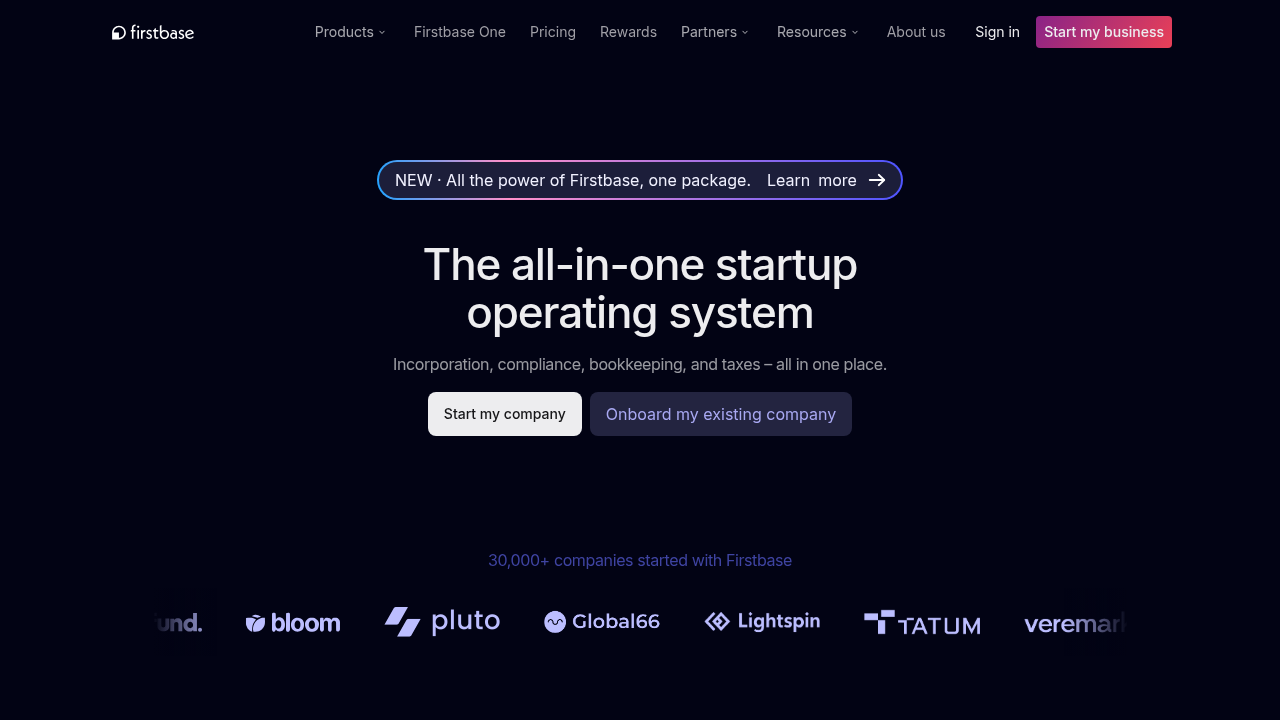
Every new-hire ticket triggers the same dance: buy the laptop, image it, chase shipping, and hope the charger lands in the same box. Firstbase compresses that effort into a single API call.
The platform listens for events from HR systems such as Workday or BambooHR. When HR sets a start date, Firstbase launches a zero-touch workflow: selects gear from its 1,500-item catalog, drops serial numbers into Intune or Apple Business Manager, and hands the courier a customs-ready parcel. IT never touches a spreadsheet or freight quote.
Offboarding is just as tight. A departure flag sparks an automatic pickup, status pings update the dashboard, and the device shows up in your inventory as wiped or redeployed before the exit interview ends.
User reviews support the promise. Firstbase holds a 4.8 out of 5 on G2, and admins praise the hours saved on onboarding. Some note occasional stock gaps in niche regions, reminding buyers that catalog convenience relies on supply chains.
If your growth curve is steep but your head-count budget is flat, Firstbase is the closest thing to a set-and-forget hardware lifecycle engine.
4. ManageEngine AssetExplorer – full-fat ITAM on a sensible budget
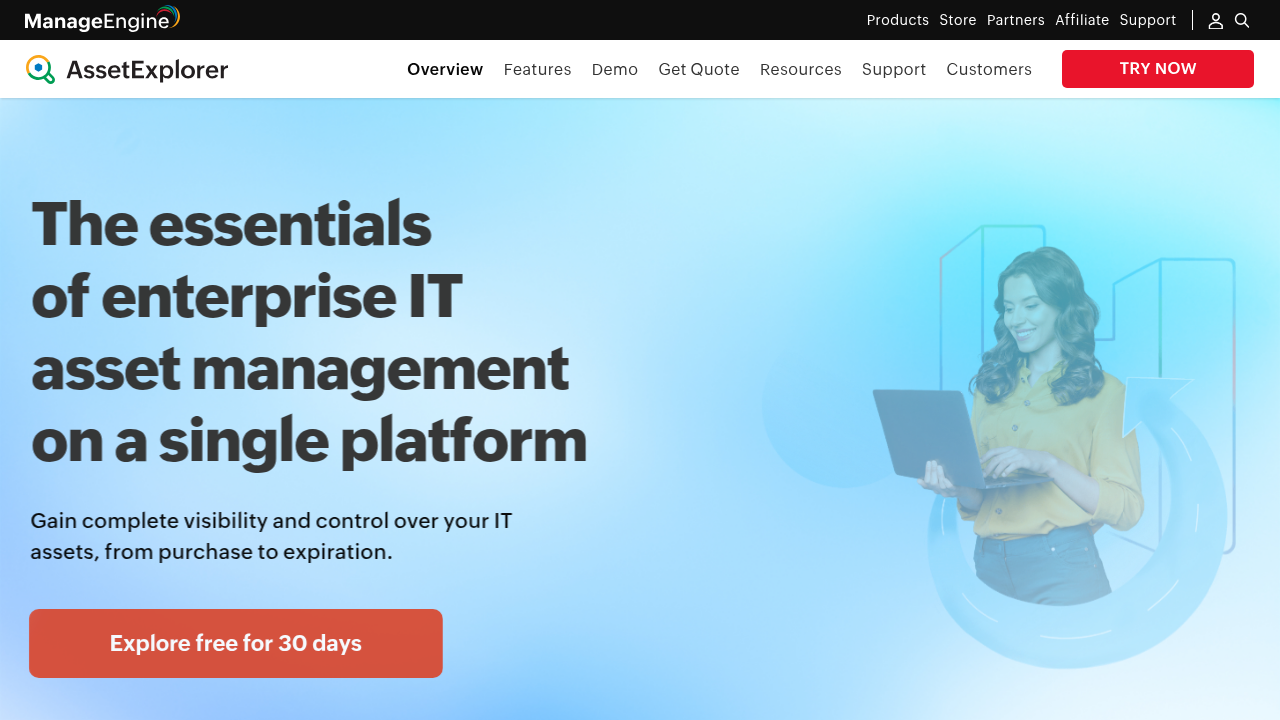
Sometimes you need discovery, license tracking, contract reminders, and an audit trail without a six-figure proposal. AssetExplorer fills that gap.
Spin up the server (or choose the SaaS option), point the discovery probe at your network, and watch hardware, software, and warranty data flow in. Agentless scans detect switches and printers, while lightweight agents follow laptops off-site. Overnight, the “unknown devices” column shrinks toward zero.
From there the tool behaves like a mini ServiceNow. You raise purchase orders, log vendor contracts, and link every incident or change ticket to a serial number. Finance appreciates the depreciation reports, and auditors trust the immutable history.
The interface shows its age with grey tabs and dense grids, but the feature-to-price ratio is hard to match. Tiered licenses start low enough for 250-asset environments, and there are no per-technician penalties.
If you already run another ManageEngine module, integration is plug-and-play. If not, AssetExplorer still stands tall as a do-it-all ITAM that respects mid-market budgets.
5. Lansweeper – the discovery bloodhound
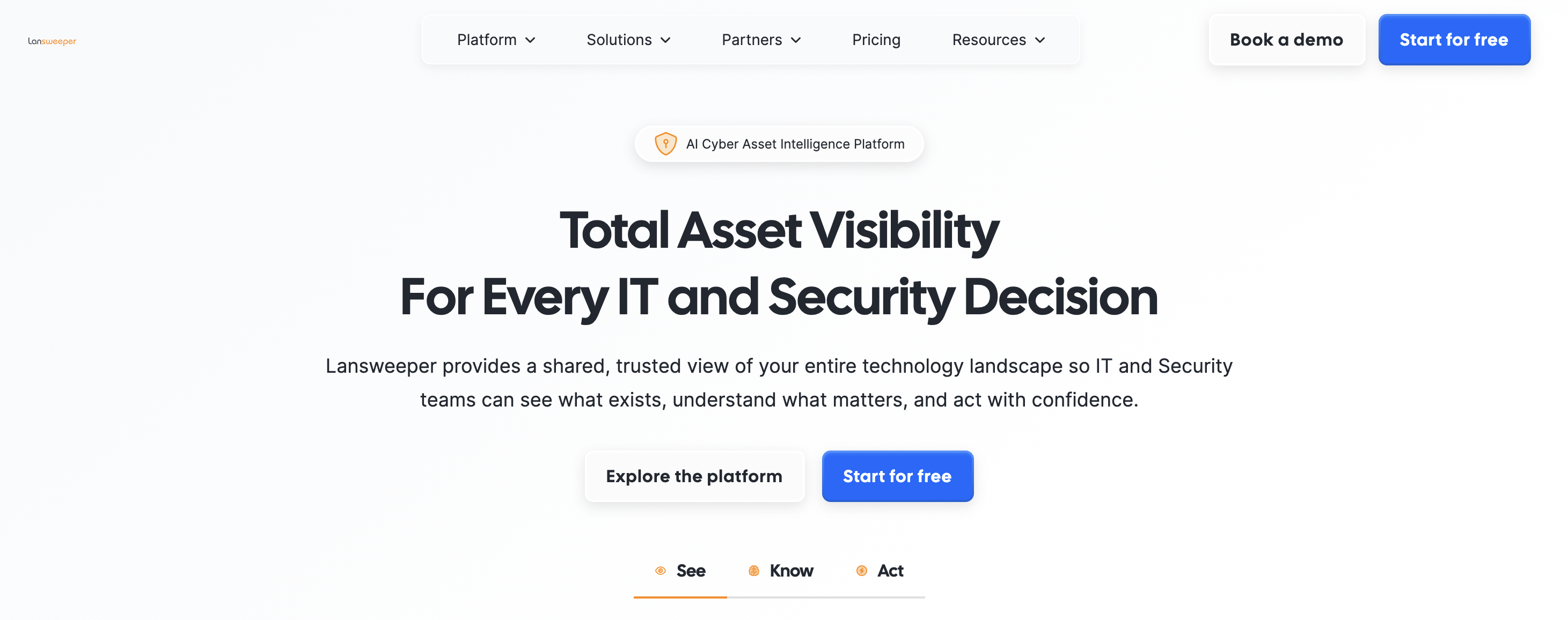
Most asset tools accept what you enter. Lansweeper verifies everything. Point its scanner at your subnets, and it uncovers every switch, printer, VM, and forgotten Raspberry Pi, no agent required.
The engine is a vast fingerprint library. Whether a device responds over SNMP, WMI, or SSH, Lansweeper collects model, firmware, installed software, and even warranty dates, then files the data into tidy dashboards and “show me” reports. Overnight, you can spot machines that need RAM, apps that break policy, and servers that have missed six months of patches.
Lifecycle workflows are lighter than a full ITAM suite, and that is intentional. Many teams pair Lansweeper’s nonstop discovery with another system for purchasing and disposals. Picture an X-ray machine that feeds clean data into whichever record-keeping tool you trust.
Licenses scale by asset count, not user seats, so you can share read-only dashboards with security, finance, and compliance without lifting the bill. When the biggest blind spot is “what is on our network,” Lansweeper is the flashlight that finds it.
6. Freshservice – tickets and assets under one roof
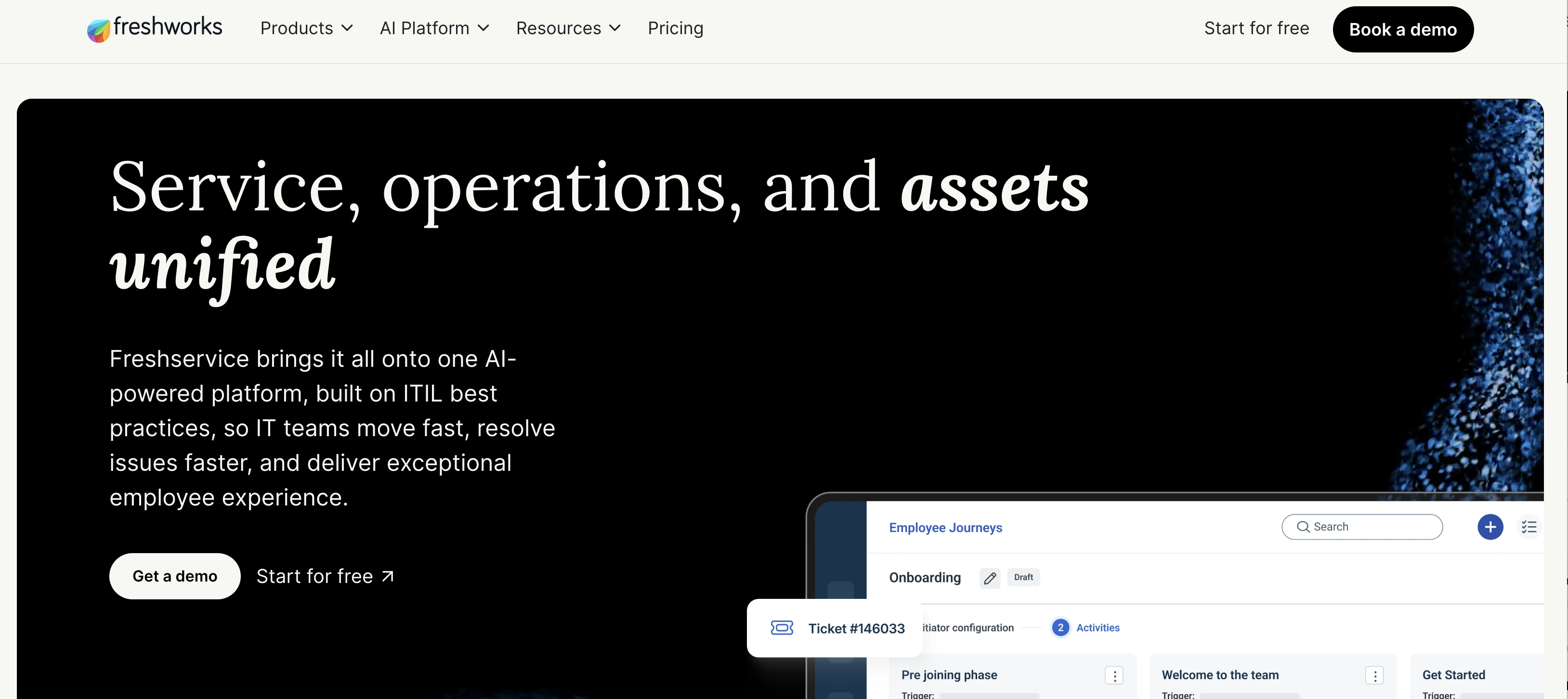
When a support request lands, context is everything. Freshservice builds that context in. Open a ticket and the user’s laptop, installed software, and past incidents sit in a side panel ready for action. No switching tabs, no guesswork.
Discovery runs through a lightweight agent or a network probe. Within a day, hardware specs, license keys, and warranty clocks appear in neatly tabbed records. Because assets share the same platform as incidents, you can automate clever touches. Flag an asset as “In Repair” the moment a hardware-fault ticket opens, then return it to “Active” when the loop closes.
Workflows are Freshservice’s standout feature. Drag-and-drop rules let you route approvals, send reminders, or create a change request if an asset slips out of compliance. The interface feels more like a consumer app than an enterprise stack, so new technicians settle in within minutes.
Pricing is per support agent, not per asset. That model saves money if five techs manage thousands of devices, but costs climb as the help-desk team grows. For organizations seeking one pane that unites service management with live asset data, Freshservice keeps everything and everyone on the same page.
7. InvGate Assets – modern UI, mid-market DNA
InvGate does not try to be everything for everyone. It targets the 500-to-5,000-employee sweet spot and polishes the details that make lean IT teams smile.
Fire up the cloud instance and a guided wizard deploys agents or agentless scans. Within hours, you have a color-coded dashboard of laptops, servers, and even AWS instances, each tied to the user pulled from Active Directory. The interface feels closer to a consumer finance app than a legacy CMDB; charts update in real time, and filters glide rather than grind.
Balance is the appeal. Discovery is solid, license tracking is competent, and the workflow builder handles everyday moves, adds, and changes without drowning you in ITIL jargon. Yet the platform stays light enough for a single admin to run between support calls.
Integrations keep growing. Out-of-box connectors for Okta, Jamf, and Jira Service Management keep asset data in sync across security, Mac fleets, and tickets. Pricing is upfront and asset-based, so finance never gets a surprise true-up.
If you suffer big-suite fatigue and spreadsheet shame, InvGate Assets offers a fresh, friendly middle path: serious power wrapped in a UI your team will enjoy using.
Emerging trends shaping IT asset tracking in 2027
1. Hardware retrieval automation and the rise of device-as-a-service
Until recently, most asset conversations stopped at deployment. The harder problem—getting devices back from departing staff scattered across time zones—was left to ad-hoc emails, prepaid labels, and crossed fingers.
That gap is closing fast. Outsourced lifecycle platforms now achieve high on-time pickup rates, helping organizations recover more devices while reducing asset write-offs and minimizing data security risks associated with unreturned hardware.
The growth of the hardware-as-a-service market reflects increasing demand for managed device logistics. Many IT asset management platforms now include courier integrations, automated offboarding workflows, and device recovery capabilities to support the full hardware lifecycle after equipment leaves the workplace.
The takeaway: ask any vendor, logistics specialist or not, how they automate retrievals, record chain of custody, and feed wipe certificates into your asset record. In 2027, tracking assets only until they ship means tracking them only half the time.
2. Sustainability and the circular asset lifecycle
The days of shredding drives and tossing laptops into e-waste bins are numbered. Regulations and shareholder ESG targets now demand a circular approach: refurbish, redeploy, resell, recycle.
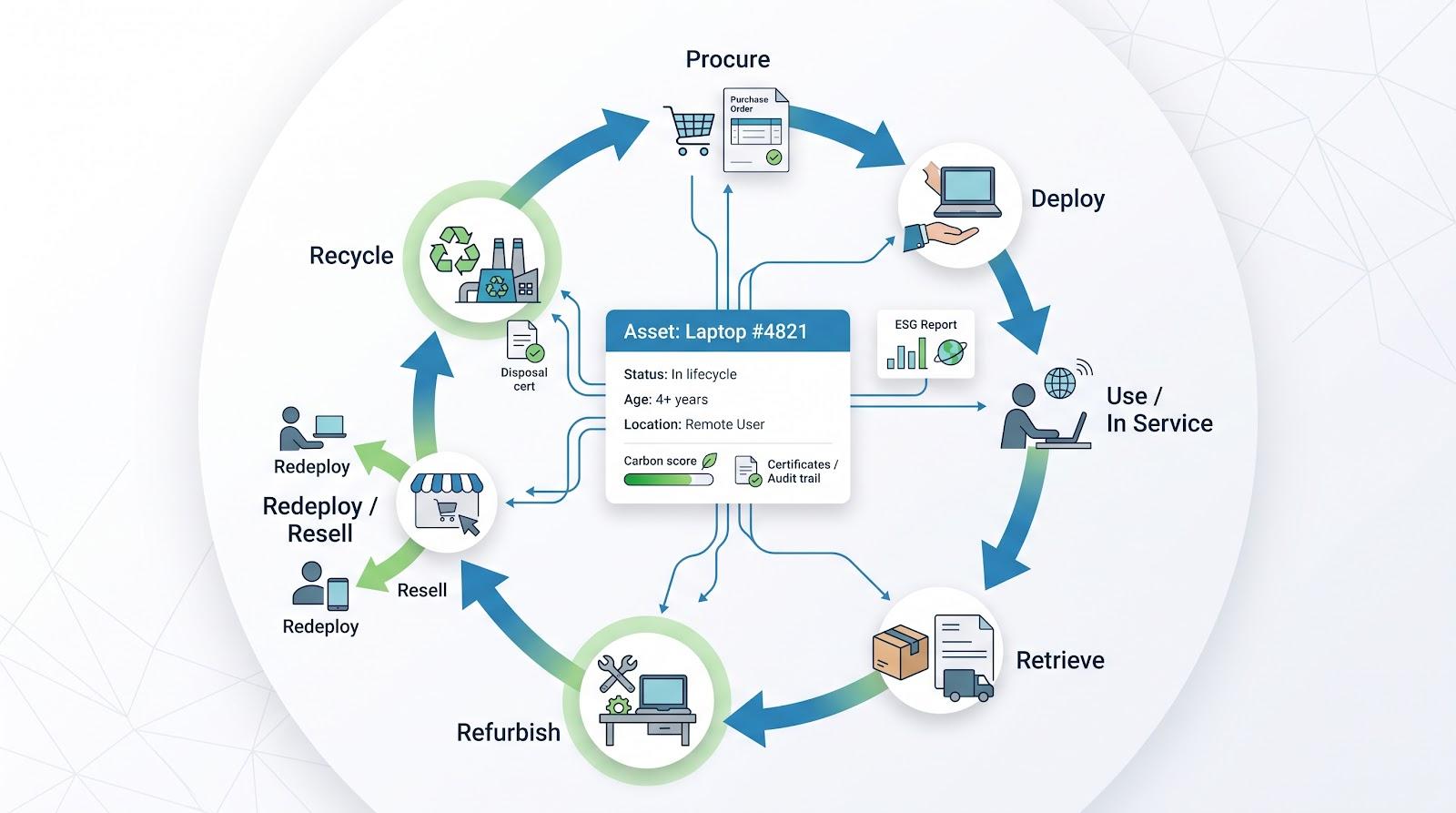
Vendors are responding with tools that help organizations tag assets with carbon scores and generate end-of-life certificates for audit purposes. Some platforms also offer re-commerce capabilities, allowing returned devices that pass health checks to be securely wiped, refurbished, and reassigned to the next employee at a fraction of the cost of purchasing new hardware. This approach can reduce capital expenditures while helping IT teams meet sustainability goals without adding manual administrative work.
IT asset management platforms continue to expand their sustainability features. Some solutions can identify aging hardware, estimate energy consumption, and recommend whether devices should be repaired or replaced based on their condition and lifecycle. Others integrate with certified e-waste and refurbishment providers so disposal or refurbishment records are automatically attached to each asset, improving documentation for compliance and sustainability reporting.
For your next RFP, add three questions:
- How does the platform track refurbishment, resale, or certified recycling events?
- Can it produce a disposal audit trail, including data-wipe proof, on demand?
- Does it quantify environmental impact in a format sustainability officers can drop into ESG reports?
Choose a tool that answers “yes” to all three, and you not only cut waste but also prepare for the next wave of green reporting rules.
3. AI-driven asset intelligence moves from hype to help
Artificial intelligence once sounded like marketing fluff in ITAM booths. In 2027, it earns its keep by spotting anomalies humans miss.
Modern discovery engines now layer machine learning on top of raw scan data. Some platforms can identify devices that have not checked in for longer than expected, helping IT teams detect potential asset loss or employee attrition before manual inventory reviews reveal a discrepancy. Others analyze maintenance histories to recommend replacing aging hardware instead of continuing costly repairs.
Advanced IT asset management platforms also use predictive analytics to combine usage telemetry, warranty information, and inventory data to forecast hardware refresh cycles months in advance. Some solutions further correlate vulnerability feeds with asset inventories to prioritize patch deployment, helping organizations reduce security exposure while minimizing manual effort.
For mid-market teams, AI matters only if it reduces clicks. Look for features that:
- Surface outliers automatically (for example, laptops with battery cycles far above the fleet average).
- Recommend next actions you can accept or tweak, not vague insights.
- Explain the why in plain language so you trust the alert and act quickly.
Tools that meet these criteria turn AI from buzzword to silent teammate—one that never sleeps, never forgets, and keeps your asset data honest.
4. Convergence: asset, service, and security data finally shake hands
Silos cost money and invite risk. When the help-desk database shows a laptop assigned to one location, the MDM reports it offline, and the vulnerability scanner does not list it, nobody wins.
Many IT asset management platforms are closing these gaps by integrating asset inventories with service management, endpoint security, and device discovery tools. Asset status can be displayed directly within incident records, discovery data can support ticketing workflows, and hardware identifiers can be shared with security platforms to help identify previously unknown or unmanaged devices.
The upside is immediate: support agents solve issues faster with full context, security teams prioritize patches based on real ownership, and finance pulls depreciation numbers without begging IT for an export.
Before signing any contract, map your existing stack—help-desk, MDM, SSO, SIEM—and ask each vendor about native connectors or open APIs. The best choice is rarely the flashiest UI; it is the platform that makes every other tool in your toolbox smarter.
Wrapping up: from spreadsheet stress to strategic visibility
Great asset management is not about owning the flashiest dashboard. It is about always knowing who has what, where it is, and what it costs you.
We have covered seven platforms and four significant trends that push mid-market IT from reactive firefighting to proactive planning. Whether you lean toward a logistics powerhouse like Allwhere, a discovery engine like Lansweeper, or an integrated suite like ServiceNow, the next move is the same: pilot with a small asset slice, connect your key integrations, and measure time saved in the first thirty days.
Choose the tool that fits cleanly into your existing stack and automates the grunt work you dislike most. Do that, and the next audit, hardware refresh, or CFO cost-cut query will feel less like crisis management and more like just another Tuesday.
FAQ
Frequently asked questions
01Why pick a specialty ITAM platform when my MDM already lists devices?
An MDM shows live state: OS version, battery health, and compliance posture. What it seldom tracks is ownership, purchase cost, warranty, license tie-ins, and the audit trail regulators expect. Adding even a lightweight ITAM fills that governance gap while you keep the real-time telemetry you value.
02How much will a mid-market team actually spend?
Expect three broad tiers. Self-hosted open-source solutions generally cost little beyond infrastructure and ongoing administration. Mid-tier SaaS platforms are commonly priced per managed asset or support agent, while enterprise IT asset management suites and managed lifecycle platforms typically charge per employee or device, with pricing increasing as features and services expand. Organizations should evaluate costs based on their operational needs, as advanced lifecycle management capabilities may provide greater value than basic inventory tracking alone.
03Can we migrate away from spreadsheets without losing historical data?
Yes. Every tool on our list supports CSV imports, and most offer APIs. A weekend of cleanup (fixing duplicate serials and inconsistent dates) pays off when warranty alerts start firing automatically. Keep the spreadsheet as a read-only archive if governance requires, but stop editing it on day one.
04What’s the single feature most admins regret skipping in the demo?
Automation hooks. Whether it is a webhook from Workday to auto-create an asset request or an API that feeds Lansweeper data into your SIEM, integration depth decides how quickly the platform pays for itself. If the vendor cannot show a drag-and-drop workflow or a documented REST endpoint, keep shopping.
Comments
Comments are available to signed-in users and are moderated to keep the discussion useful and respectful. Spam, automated submissions, and low-value promotional comments are removed. Outbound links may be approved when they are relevant and genuinely helpful to readers, but they are displayed as plain text rather than clickable hyperlinks.
No comments have been published yet.
Please sign in to submit a comment.