

IP Address, Virtual Private Network, Network
Best IPTV USA 2026: Top IPTV Providers, Prices & What to Check Before You Subscribe
Cord-cutting in the United States is no longer a niche habit. Cable bills keep climbing, sports rights are split across a handful of apps, and many households now want one subscription that covers live TV, sports and on-demand movies on every screen in the house. IPTV is one of the ways people get there.
The hard part is choosing a provider. There are hundreds of IPTV services marketed to US viewers, and most of them make the same promises. This guide explains how IPTV works, what actually separates a dependable service from a frustrating one, and which providers are worth putting on your shortlist in 2026. All plan details below come from each provider's own website as of November 2026, so check their pages for the latest prices.
Quick Answer: IPTV Providers Worth Shortlisting in 2026
- NOXA IPTV – the largest lineup of the three, with 55,000+ live channels and 66,000+ movies and series, from $19 per month.
- YourIPTV4K – a 4K-focused service with 20,000+ live channels and the same 66,000+ title library.
- All IPTV HD – a straightforward alternative with 20,000+ channels, 4K and Full HD streams and the same plan structure.
All three let you buy a 24-hour test for $2 before committing to a longer plan, which is the simplest way to see how a service performs on your own connection.
Side-by-Side Comparison
| Provider | Live channels | Movies & series | Picture quality | Try before you buy | 12-month plan |
|---|---|---|---|---|---|
| NOXA IPTV | 55,000+ | 66,000+ | 4K / Full HD | 24-hour test, $2 | $79 (1 screen) |
| YourIPTV4K | 20,000+ | 66,000+ | 4K / Full HD | 24-hour test, $2 | $79 (1 screen) |
| All IPTV HD | 20,000+ | 66,000+ | 4K / Full HD | 24-hour test, $2 | $79 (1 screen) |
What Is IPTV and How Does It Work?
IPTV (Internet Protocol Television) delivers live TV and on-demand video over your internet connection instead of a cable line or satellite dish. Your provider gives you login details, usually in the form of an M3U playlist or Xtream Codes account, and you enter them into a player app on your TV, streaming stick, phone or computer.
Because everything runs over the internet, the experience depends on two things: the provider's servers and your own bandwidth. A well-run service with overloaded servers will still buffer during the Super Bowl, and a great server will still stutter on a weak Wi-Fi signal. That is why testing on your own setup matters more than any marketing claim.
Why IPTV Keeps Growing in the US
- Cost: a year of IPTV often costs less than two months of a traditional cable package.
- One app instead of five: live channels, sports and a movie library in a single player.
- Any screen: the same account works on a smart TV in the living room and a phone on the go.
- International content: expat families can watch channels from home alongside US networks.
How to Choose a Reliable IPTV Service: 7 Things to Check
- A paid or free test. Never pay for 12 months up front without trying the service. A short test shows you real picture quality and stability on your own network.
- Peak-hour stability. Run your test during a big live event or on a weekend evening, when servers are under the most load.
- The channels you actually watch. A huge channel count means little if your local networks or favorite sports packages are missing. Look for a published channel list.
- Device and app support. Make sure the service works with the app you prefer, such as IPTV Smarters Pro, TiviMate or GSE IPTV.
- Number of screens. If several people stream at once, check the price of multi-screen plans rather than buying several single accounts.
- Support response time. Send a question before you buy. How quickly and clearly they answer is a good preview of after-sales support.
- Refund terms. Read the refund policy and note what is and is not covered.
1. NOXA IPTV – Largest Channel Lineup
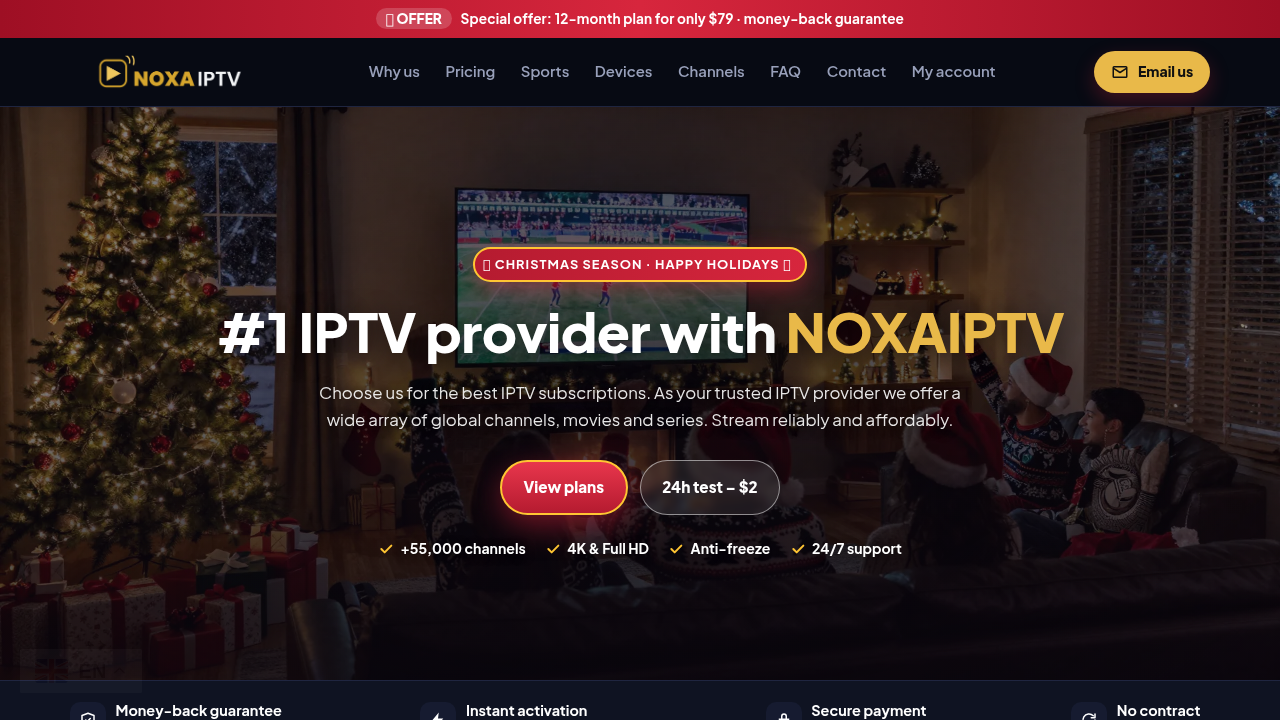
NOXA IPTV stands out for the size of its lineup: 55,000+ live channels plus a library of 66,000+ movies and series that the provider says it updates every week. Its published catalogue includes around 6,400 sports channels and roughly 4,900 channels for the USA and Canada, alongside UK, European and international packages.
Key Features
- 55,000+ live channels and 66,000+ movies and series
- 4K / Ultra HD and Full HD streams with an electronic program guide (EPG)
- Plans from $19 for 1 month to $79 for 12 months on one screen, with 2- to 4-screen options
- 24-hour test for $2 with full access on one screen
- Login details sent by e-mail and WhatsApp within minutes of payment
- Money-back guarantee on subscription plans (the $2 test is not refundable)
Best for: households that want the widest choice of live channels, especially sports and international content, without paying more than the other services on this list.
2. YourIPTV4K – Built Around 4K Streaming
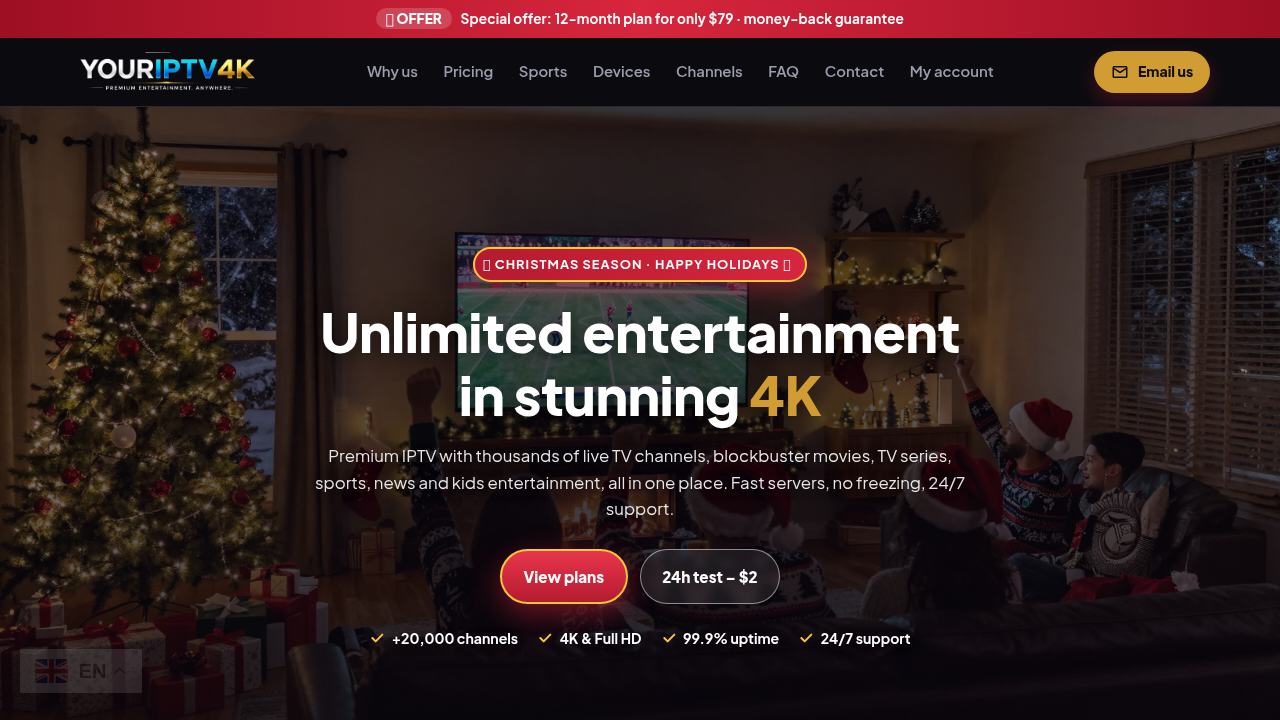
YourIPTV4K positions itself around picture quality. It offers 20,000+ live channels covering US networks, sports and international TV, plus the same 66,000+ title movie and series library. Plans follow the same structure: $19 per month, $39 for three months, $49 for six months and $79 for a year on a single screen.
Key Features
- 20,000+ live channels with 4K and Full HD streams
- 66,000+ movies and series on demand
- Works with Smart TVs, Fire Stick, Android boxes, Apple devices, Kodi and MAG boxes
- 24-hour test for $2 before choosing a plan
- 24/7 support by e-mail and WhatsApp
Best for: viewers with a 4K TV and a fast connection who care most about picture quality on the main channels they watch.
3. All IPTV HD – A Simple Alternative
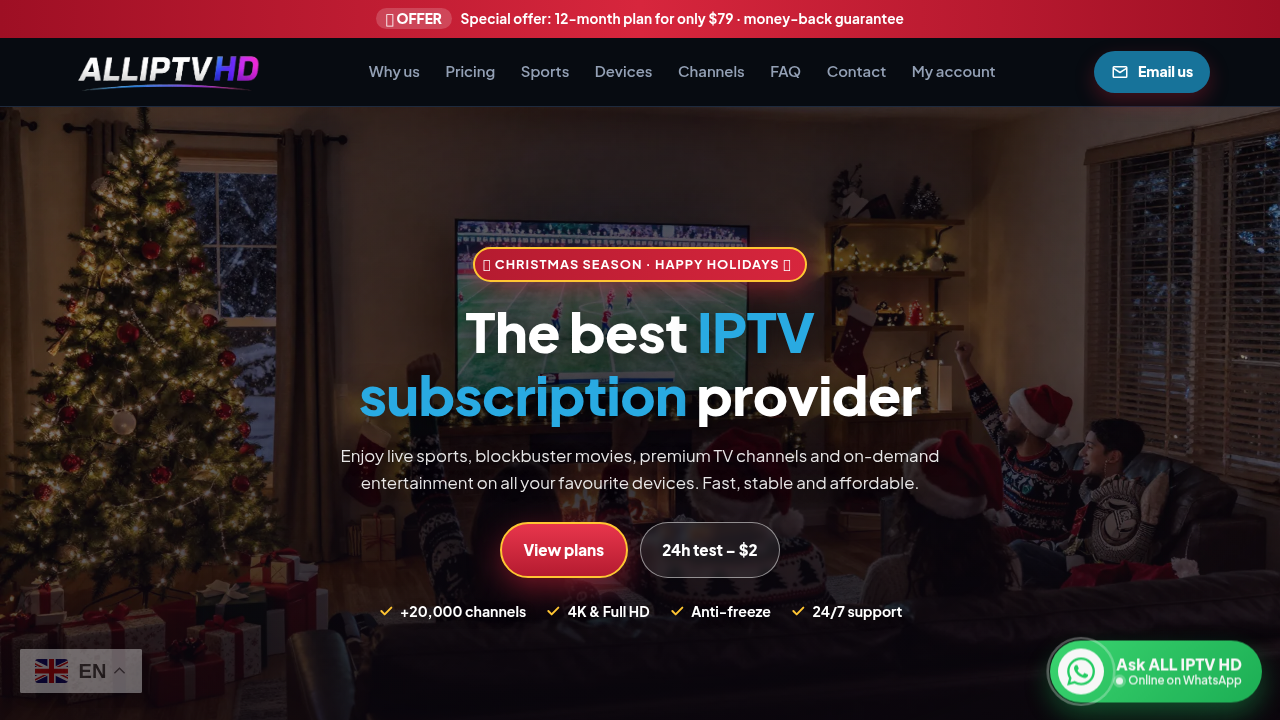
All IPTV HD keeps things simple: 20,000+ live channels, the 66,000+ title on-demand library, 4K and Full HD streams, and the same plan prices and multi-screen options as the other two. Like them, it supports M3U and Xtream Codes logins, so it works with most popular IPTV player apps.
Key Features
- 20,000+ live channels and 66,000+ movies and series
- Anti-freeze servers with a stated 99.9% uptime
- 1 to 4 screens per account
- 24-hour test for $2
- Instant activation after payment
Best for: viewers who want a no-fuss subscription and a second option to compare against during a test.
Setting Up IPTV on Apple TV, Windows and Other Devices
Setup is similar everywhere: install a player app, then add the M3U link or Xtream Codes details your provider sends you.
Supported Devices
- Amazon Fire TV Stick and Android TV boxes: install an app such as TiviMate or IPTV Smarters Pro.
- Apple TV, iPhone and iPad: use an IPTV player from the App Store and sign in with Xtream Codes.
- Samsung and LG smart TVs: install a compatible player from the TV's app store.
- Windows and Mac: desktop players and VLC can open M3U playlists.
- MAG boxes and Kodi: supported through portal or playlist settings.
For smooth 4K playback, plan on a stable connection of about 25 Mbps or more per screen, and use a wired Ethernet connection for your main TV when you can.
Is IPTV Legal in the USA?
IPTV as a technology is completely legal. It is simply a way of delivering video over the internet, and many mainstream services use it. What matters is the content: a provider needs the rights to distribute the channels it offers, and watching channels that are streamed without those rights can infringe copyright.
Before subscribing to any IPTV service, read its terms of service and make sure you are comfortable with how it sources its channels. If you only want services that hold US distribution rights for every channel, licensed live-TV apps such as YouTube TV, Sling TV, Fubo or Hulu + Live TV are the safest choice, although they cost considerably more and carry far fewer channels.
Final Verdict
If you want the biggest channel lineup for the money, NOXA IPTV is the strongest option here, with 55,000+ channels at the same price as the others. YourIPTV4K and All IPTV HD are good alternatives with smaller lineups and the same 66,000+ title library. Whichever you choose, start with the $2 24-hour test, run it during a busy evening, and only then pick a longer plan.
FAQ
Frequently Asked Questions
01What is the best IPTV service in the USA in 2026?
It depends on what you watch. Among the providers covered here, NOXA IPTV offers the largest lineup, with 55,000+ live channels and 66,000+ movies and series, from $19 per month.
02Do these IPTV providers offer a free trial?
No. Instead of a free trial, NOXA IPTV, YourIPTV4K and All IPTV HD each sell a 24-hour test for $2 that gives full access on one screen, so you can check quality on your own device before buying a plan.
03How much does an IPTV subscription cost in the USA?
For these three providers, a single-screen plan costs $19 for 1 month, $39 for 3 months, $49 for 6 months or $79 for 12 months. Plans for 2 to 4 screens cost more.
04Can I watch IPTV in 4K?
Yes, on channels that broadcast in 4K, provided you have a 4K screen and a fast, stable connection of around 25 Mbps or more.
05Does IPTV work on Apple TV and Windows?
Yes. Install an IPTV player app on Apple TV or a desktop player on Windows, then add the M3U or Xtream Codes details from your provider.
06How quickly is an IPTV subscription activated?
These providers send login details by e-mail and WhatsApp, usually within minutes of payment.
07Is IPTV legal in the United States?
The technology is legal. Whether a given service is legal depends on whether it has the rights to the channels it streams, so review the provider's terms before subscribing.
Disclaimer:
We do not host, distribute, or license any TV channels or video content, and we cannot confirm that any provider holds distribution rights for the content it offers. IPTV is legal as a technology, but streaming copyrighted content without authorization may violate copyright law in your country. You are responsible for checking a provider's terms of service and for making sure your use complies with local laws. Nothing in this article is legal advice.
Comments
Comments are available to signed-in users and are moderated to keep the discussion useful and respectful. Spam, automated submissions, and low-value promotional comments are removed. Outbound links may be approved when they are relevant and genuinely helpful to readers, but they are displayed as plain text rather than clickable hyperlinks.
No comments have been published yet.
Please sign in to submit a comment.