

Digital Marketing, Artificial Intelligence, Web Design
Best Free AI Image Generator Tools for Business and Marketing Teams in 2026
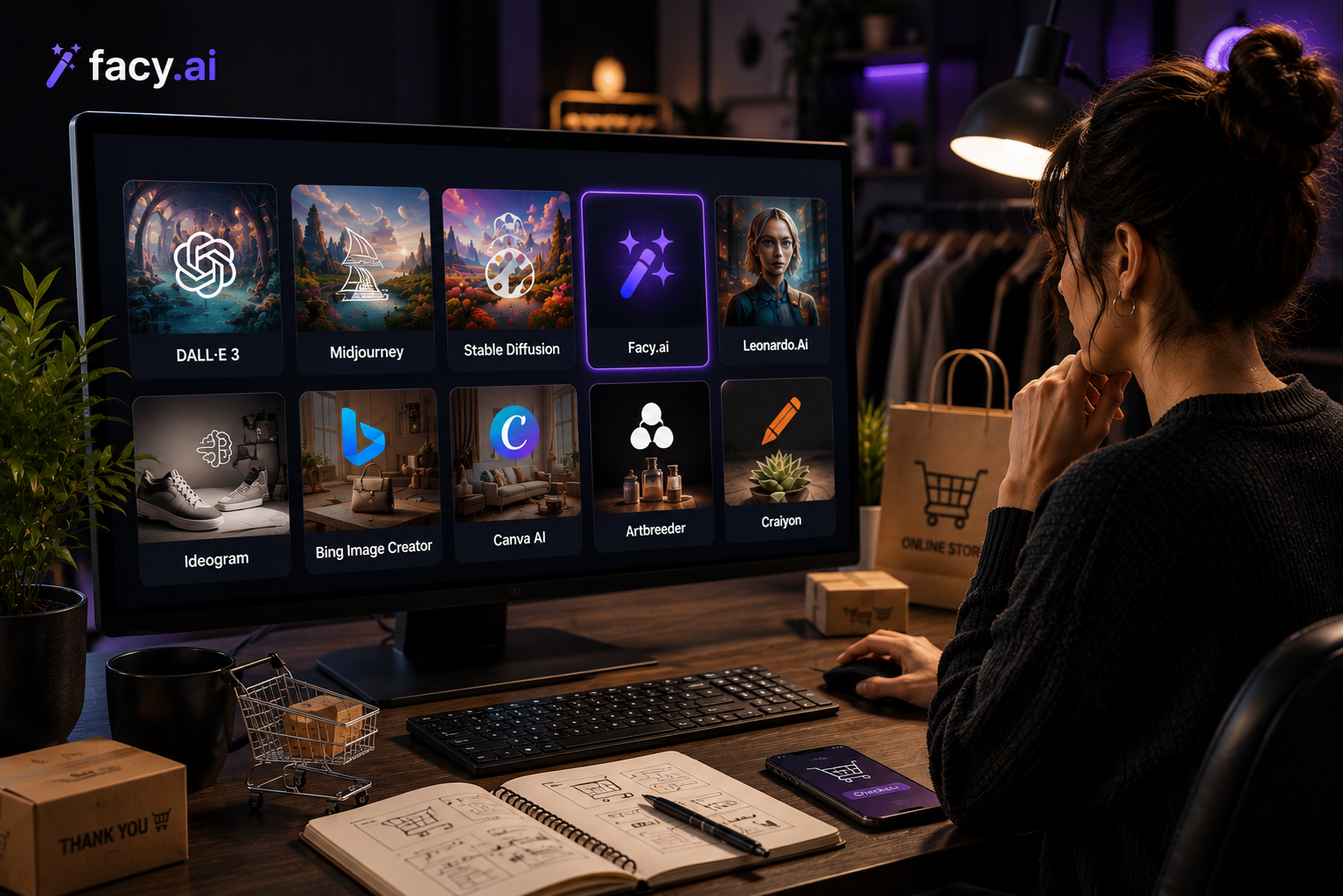
Free AI image tools are no longer just for casual experimentation. Business and marketing teams now use them for early concepts, social content, and internal drafts before a project ever reaches a paid design tool or agency. The catch is that “free” means something different on every platform: some plans cap the number of images per day, some add a watermark, and some restrict commercial use entirely.
This guide looks at free AI image generators and free image-to-video tools that are actually usable for business work, along with what to check before you rely on a free tier for anything client-facing.
What “Free” Actually Means for Business Use
Before comparing tools, it helps to know what separates a genuinely useful free plan from one that only works for casual, non-commercial use.
| What to check | Why it matters for business use |
|---|---|
| Commercial usage rights | Some free tiers only allow personal or non-commercial use; check the terms before using an image in a campaign. |
| Watermarks | Several free plans add a visible watermark unless you upgrade, which rules them out for client-facing work. |
| Daily or monthly caps | Free plans usually reset image or credit allowances daily, weekly, or monthly rather than offering unlimited generations. |
| Resolution and export quality | Free tiers sometimes cap resolution or export formats compared to paid plans. |
Free-tier limits change often as providers adjust pricing, so it's worth checking a tool's current pricing page before building a workflow around it rather than relying on any single comparison article, including this one.
Free AI Image Generators Worth Trying
There's no single free tool that covers every use case. The right pick depends on whether the team needs fast social content, commercially safe output, sharp text inside images, or a simple way to explore concepts without switching platforms.
General-purpose and conversational tools
- ChatGPT (GPT Image): A conversational way to generate and iterate on images through natural-language edits, with a limited number of free images per day.
- Google Gemini (Nano Banana): Google's free image generation inside the Gemini app, useful for teams already working in Google's ecosystem and for quick multimodal prompts that mix text and reference images.
- Microsoft Designer (Bing Image Creator): A no-signup-friction option built on OpenAI's models, often used for quick, low-stakes generations.
Design-workflow and marketing-focused tools
- Facy: A browser-based option with a free AI image generator tier for teams that want to create AI-generated visuals without installing additional software or committing to a paid plan upfront.
- Canva Magic Media: Useful for teams that already build social posts, ads, and presentations in Canva and want generation inside the same editor rather than a separate app.
- Adobe Firefly: Adobe trains Firefly on licensed and public-domain content, which makes its free tier a common pick when commercial-use clarity matters more than raw image quality.
- Ideogram: A free tier that stands out specifically for rendering legible text inside images, useful for posters, packaging mockups, and ad creative with copy baked in.
- Leonardo AI: A generous daily free allowance and multiple model options, often used for character-consistent visuals and game or product art.
Free Image to Video Tools for Business Content
Once a still image works, turning it into a short clip for social media or a product teaser is a separate step, and most image-to-video tools offer some form of free tier for testing that step before committing to a paid plan.
- Kling AI: A free tier for generating short video clips from a starting image, commonly used to test motion and camera movement before scaling up.
- Runway: Offers a limited free allowance for its image-to-video tools, useful for evaluating quality before moving to a paid plan for regular production use.
- CapCut: Widely used for short-form social video and includes free AI-assisted motion features for turning static assets into clips for Reels, TikTok, and Shorts.
- Facy: Also offers a free AI image to video option in the same browser-based environment as its image generator, useful for teams that want to move from a still to a short clip without switching tools.
How to Choose Without Wasting Time
- Start with the output you actually need. A logo or packaging mockup needs sharp text rendering; a product photo needs commercial-use clarity; a social clip needs a usable free image-to-video allowance.
- Check commercial rights before you rely on a tool. A free plan that's fine for internal drafts may not be fine for a published ad or client deliverable.
- Test with a real brief, not a generic prompt. Free tiers are cheap to test. Run your actual product, brand colors, or campaign concept through two or three tools before picking one.
- Watch for watermarks on exports. Some free plans generate clean previews but remove the watermark only from paid exports.
FAQ
FAQ
01Are free AI image generators good enough for business use?
For early concepts, internal drafts, and social content, many free tiers are good enough. For anything published commercially, check the platform's usage rights and export quality first.
02Do free AI image generators add watermarks?
Some do, and some don't. It varies by platform and can change when a provider updates its pricing, so it's worth checking current terms rather than assuming.
03Can I use free AI-generated images commercially?
It depends on the tool. Some free tiers grant full commercial rights, others restrict commercial use to paid plans. Always check the specific platform's terms before publishing.
04What's the difference between a free AI image generator and a free image-to-video tool?
An image generator creates a still visual from a prompt or reference image. An image-to-video tool takes that still and adds motion. Many teams use a free image generator first, then a separate free image-to-video tool once they have a visual worth animating.
05Is Facy AI useful for business and marketing content?
Facy AI can be useful for teams that need browser-based image generation for product visuals, social media content, marketing concepts, and creative experimentation. It can be considered alongside other AI image-generation tools depending on the type of content a team needs to produce.
06Is there a single best free AI image generator for every team?
No. The right free tool depends on what a team is producing: social graphics, product visuals, packaging with text, or quick concept exploration all favor different platforms.
What to Keep in Mind Before Choosing a Free Tool
Free AI image and video tools are a reasonable starting point for business and marketing work, as long as a team checks commercial rights, watermark policies, and daily limits before building a workflow around any single platform. Testing two or three tools against a real brief, rather than a generic prompt, is usually the fastest way to find out which one actually fits the job.
Comments
Comments are available to signed-in users and are moderated to keep the discussion useful and respectful. Spam, automated submissions, and low-value promotional comments are removed. Outbound links may be approved when they are relevant and genuinely helpful to readers, but they are displayed as plain text rather than clickable hyperlinks.
No comments have been published yet.
Please sign in to submit a comment.