

Artificial Intelligence, Technology, Productivity
AI Productivity Tools to Enhance Your Everyday Workflows

Modern AI tools cover literally every need. Want to save time on managing your social media accounts? No problem. Seeking fresh marketing ideas for your next business project? Artificial intelligence performs such tasks easily. Struggling to extract data from a long report? AI can do this in mere seconds.
The point is to find a tool that will best handle your specific needs, which often feels like hunting for a needle in a haystack. But don’t worry. We’ve done this job for you and discovered powerful AI productivity tools to help you work more efficiently.
Notion AI
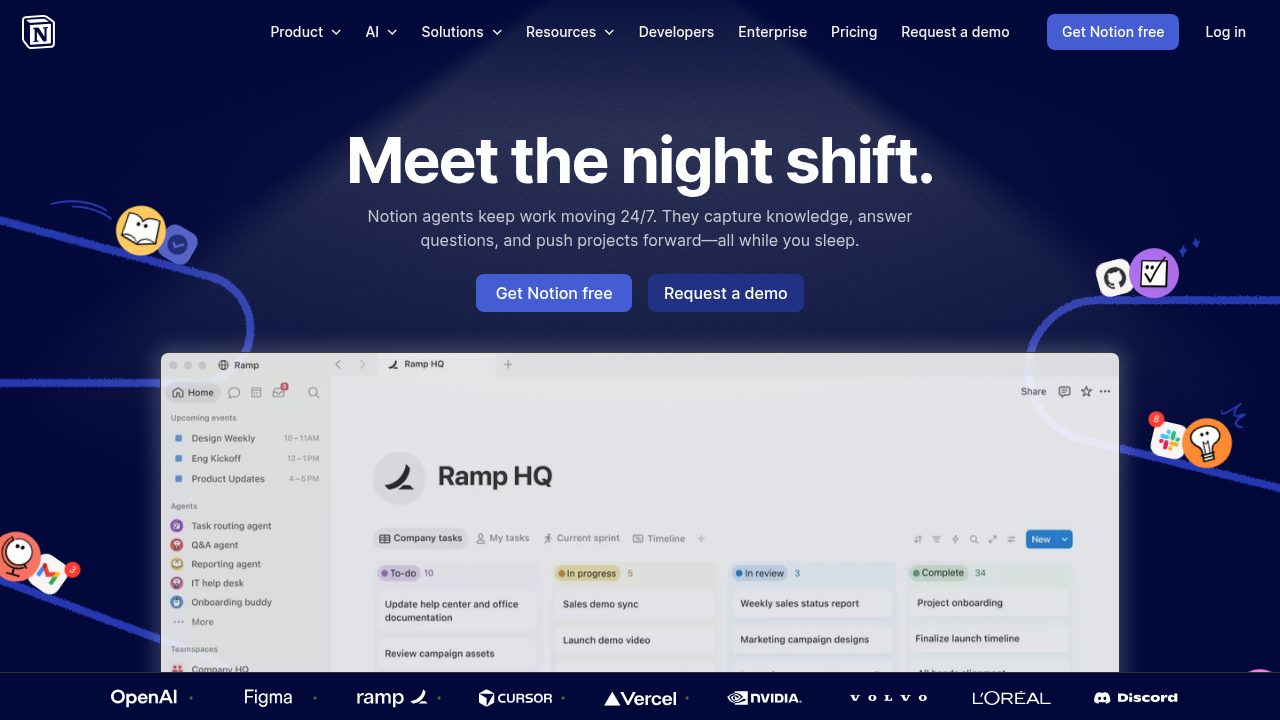
Notion AI is a versatile productivity tool for hassle-free project management. It’s a clear winner for those who already use Notion in their workflows. The tool acts as a personal assistant and can make your life easier in a variety of ways:
- Answer questions related to your Notion workspace
- Find the needed information across other apps you use (e.g., Google Drive or Slack)
- Capture incoming tasks and route them to the right team
- Gather the latest updates on your schedule
- Write well-polished reports
- Take notes during all kinds of meetings, including video chat and face-to-face conversations
- Summarize notes and turn them into to-do lists
- Generate diagrams or flow charts to clarify complex information in your documents
- Create roadmap databases
You can try limited Notion AI features through a Free or Plus ($12 per month) plan. But if you want to get the most out of the tool, be ready to pay $24 per month for a Business plan.
Pros:
- Perfect for organizing and handling repetitive tasks
- Integration with multiple apps (e.g., GitHub, Gmail, and Slack)
- AI features are powered by Claude and GPT
- Suitable for both teams and individuals
Cons:
- Advanced AI features require a paid subscription
- Navigation can feel overwhelming for beginners
OnlyDoc
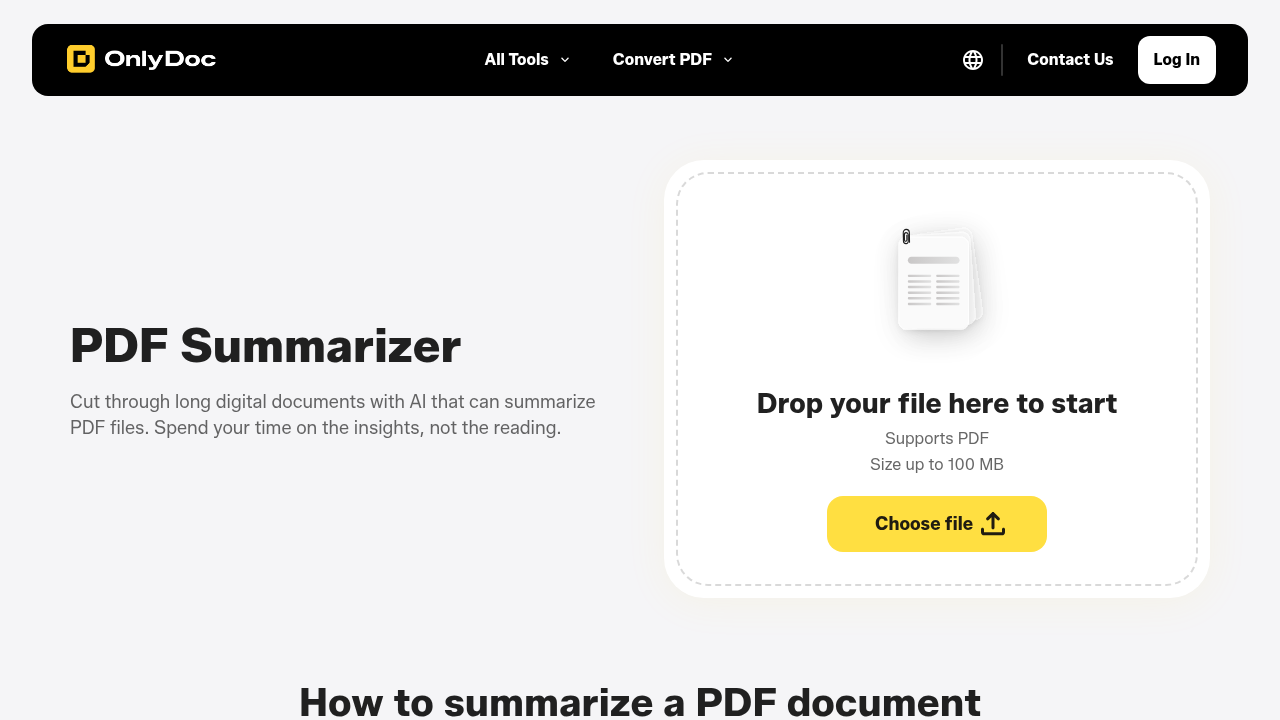
OnlyDoc is one of the best productivity tools for document management. The platform leverages powerful AI models to turn lengthy PDF files into informative summaries. It doesn’t matter if you’re dealing with business reports or academic papers; the tool will extract the key insights quickly and accurately. Whenever you want to summarize PDFs online free of charge, OnlyDoc allows you to complete the process in a few simple steps:
- Open OnlyDoc PDF summarizer.
- Upload your PDF file and wait a few seconds.
- Download your summarized text in a convenient format.
Pros:
- Summarization process takes less than 30 seconds
- High level of security
- Clean and well-structured summaries
- No registration is needed
- Completely free tool with no hidden payments
Cons:
- Files larger than 100 MB are not supported
Surfer

Surfer is an all-in-one AI-powered platform for creating SEO optimized content. Think of it as a smart writing assistant that can maximize your brand’s visibility in Google and AI chats. SEO professionals and business owners typically use it to:
- Enhance ready-made texts using the Auto-Optimize feature
- Identify content gaps and add the missing details
- Expand content coverage against the competitors
- Insert internal links and keywords automatically
- Detect AI-generated content and humanize it
- See how their brand is mentioned across ChatGPT, Claude, and more
- Generate readable and plagiarism-free content
Surfer offers a Discovery plan for $59 per month that allows you to create or optimize 10 documents. More advanced subscriptions are Standard ($119 per month), Pro ($219 per month), and Peace of Mind ($359 per month).
Pros:
- 1-click content optimization
- Ability to write and optimize content in multiple languages
- Ease of use
- All types of content are acceptable (blog posts, product descriptions, etc.)
Cons:
- Costly monthly subscription
- Limited credits on lower subscription tiers
Grammarly
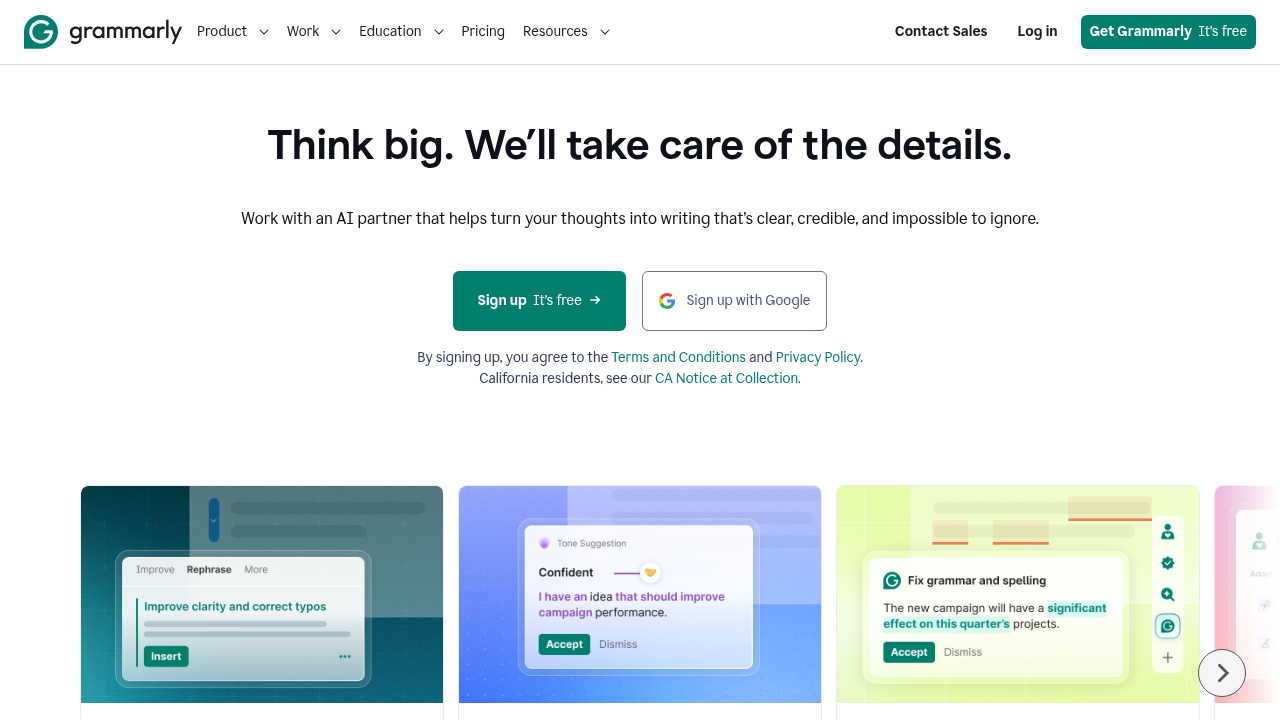
Grammarly is one of the best AI productivity tools for clear and professional writing. It’s integrated anywhere you type text, from emails to Google Docs, allowing you to eliminate all grammar mistakes right away. The tool can also:
- Scan your text for spelling and punctuation errors
- Offer better tone and word choice suggestions
- Rewrite hard-to-read sentences
- Detect plagiarism and AI-generated content
- Adjust writing style depending on your target audience
Basic Grammarly functionality is free. Advanced features, in turn, require a premium subscription that costs $11.99 per month.
Pros:
- Great tool to improve your writing
- Easy-to-use interface
- Seamless integration with a variety of platforms
- Availability of the Grammarly app for Android and iPhone
Cons:
- Advanced features are paid
- You should still check if the AI suggestions are correct
Buffer AI

Want to increase your social presence with confidence? Try Buffer AI for productivity enhancement. While the tool is designed to automate the process of creating and publishing content across social media channels, its AI assistant can further improve your workflows. It allows you to:
- Brainstorm content ideas
- Craft posts tailored to specific media platforms
- Adjust the tone and style of your content in seconds
- Rewrite posts to improve audience engagement
- Generate engaging captions and hashtag suggestions
Another great thing is that Buffer AI is free to use as soon as you create an account.
Pros:
- Seamless social media integration
- Intuitive user interface
- Quick content generation
- Useful for teams managing multiple accounts
Cons:
- The output can occasionally sound generic
Conclusion
The best tools for productivity enhancement are essential for anyone willing to work smarter, not harder. Whether you need to organize project tasks, summarize documents, optimize content, improve writing, or manage social media accounts, now you know which tool can handle your specific needs in the best way possible. Adopt AI into your daily workflows and watch how much time and effort it’ll save you!
Related Articles

September 22, 2025
The Future of AI Document Generation: Transforming Workflows Across Industries
Accomplishing the creation of correct and stern documents in the business world is extremely important and is normally coupled with complex and and time consuming strategies. The f...
Read More
June 27, 2025
The Rise of AI Co-Pilots: Revolutionizing Game Development Workflows
Think of AI co-pilots in game development as your intelligent virtual sidekicks. They're not just fancy tools; they're active collaborators, ready to lend a hand with everything fr...
Read More
March 17, 2024
How AI Search Engines Improve Productivity At Work?
Maximizing workplace productivity in today's busy world is now more crucial than ever. Fortunately, the world of work is going through a rapid optimization period thanks to advance...
Read More
Comments
Comments are available to signed-in users and are moderated to keep the discussion useful and respectful. Spam, automated submissions, and low-value promotional comments are removed. Outbound links may be approved when they are relevant and genuinely helpful to readers, but they are displayed as plain text rather than clickable hyperlinks.
No comments have been published yet.
Please sign in to submit a comment.