

Network, Web Hosting, Information Technology
A Complete Guide to Choosing Refurbished IT Equipment for Modern Business Networks
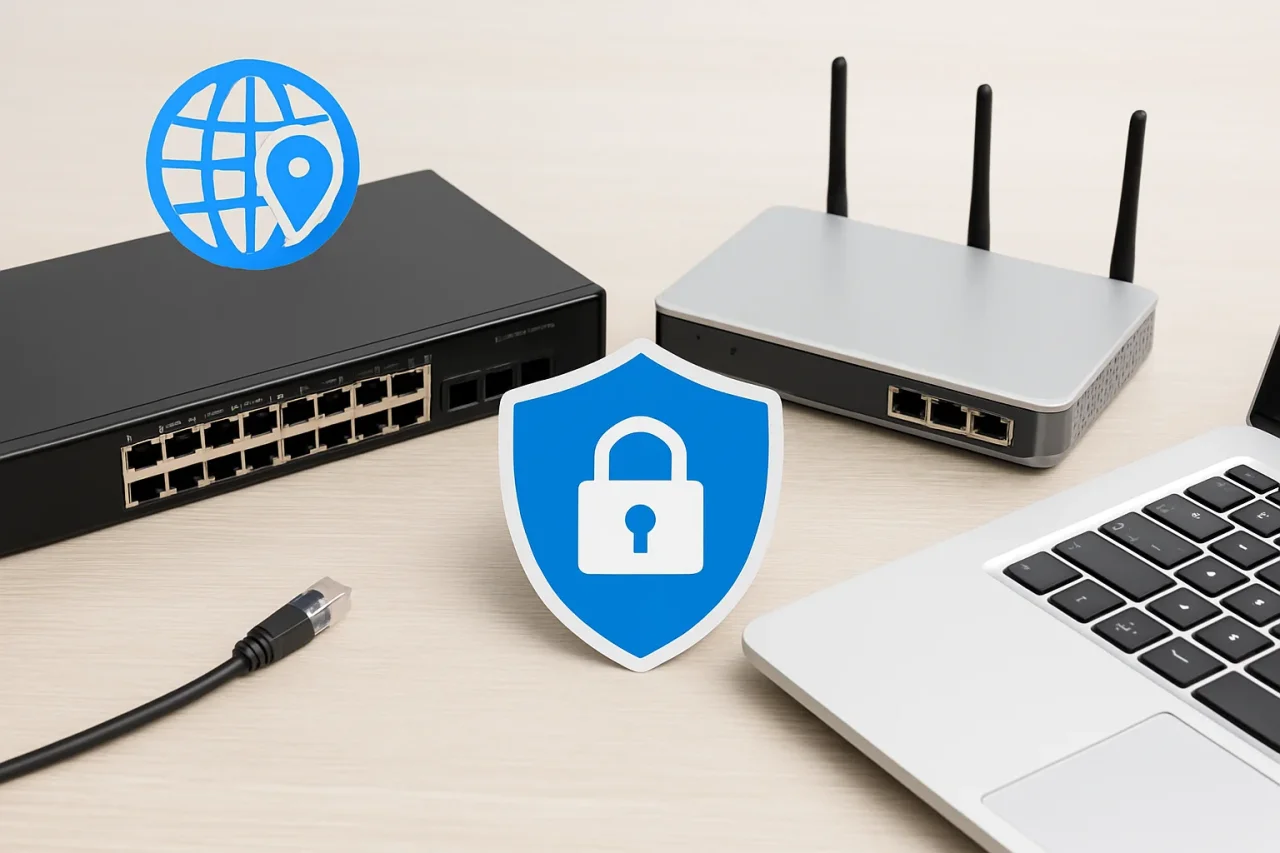
As your business grows, it is common for the core network that supports your emails, cloud apps, video meetings, and remote access to become outdated. Even if individual parts are still functioning, they can become overloaded, reduce performance, and impede support. Many companies use refurbished IT equipment to upgrade their core network without blowing their budget.
Refurbished IT equipment is a great option that delivers high performance at low cost if you select it wisely. However, there’s more to selecting IT equipment than new versus refurbished. You need to choose the right piece of equipment for the job, within your budget and with suitable support for the necessary lifetime.
This guide explains what we mean by refurbished IT equipment, where it can be used and how you can select the best items for your needs.
Understanding Refurbished IT Equipment
Refurbished IT equipment consists of secondhand products that have been inspected, tested, repaired where necessary, and fully refurbished by IT specialists. Used IT equipment is usually sold as-is, whereas refurbished equipment has undergone thorough cleaning, received the latest firmware updates, had worn parts such as fans and power supplies replaced, had data fully sanitized, and been put through full load tests.
Most of the surplus enterprise IT hardware for sale today originated from corporate lease returns, data center liquidations, and excess stock. These organizations typically replace all their IT equipment every three to five years, even though much of it would have many years of useful life left. As a result, quality used enterprise IT equipment is in constant supply.
When looking for refurbished IT equipment, such as servers and storage systems, you will find typical condition grades that describe previously used equipment. Items that are factory-sealed or new, open-box have never been used. Items that are simply marked refurbished or certified refurbished were previously used and have been restored by a technician.
Why Businesses Choose Refurbished IT Equipment
The most obvious reason to buy used IT equipment is savings, but there are many more reasons why organizations opt for refurbished IT equipment.
- Lower Capital Expense: Refurbished IT equipment often costs 30 to 70 percent less than comparable new models, which frees budget for security tools, staff training, or cloud services.
- Quick Availability: Refurbished items can be delivered and put into service within days, whereas brand new items can have lead times of months.
- Proven Platforms: As you would expect from mature enterprise IT hardware, proven platforms from well-established manufacturers have documented performance, stable firmware, and a full history of known bugs.
- Consistent Infrastructure: Refurbished IT equipment of the same product line ensures that you can increase your infrastructure with identical models.
- Sustainability: By prolonging the use of IT equipment, you can avoid contributing to the ever-increasing amounts of electronic waste as well as reducing the environmental impact of manufacturing new IT products.
For example, a local accounting firm can use the savings from buying used network switches to pay for a subscription to a next-generation firewall for its newly opened office.
Essential Networking Devices for Modern Business Networks
Begin by listing out the main components of your business network infrastructure. Most organizations rely on the following categories of networking devices and related hardware to serve different functions on their networks.
Switches
Network switches are used to connect computers, phones, printers, and access points within a local area network. As enterprise-grade models are designed to last a long time, refurbished network switches are among the most popular purchases. Look for models with Power over Ethernet (PoE), VLAN support, and 10GbE uplinks to ensure future growth.
Routers and Firewalls
Routers are used to connect different networks to each other and to the internet. Refurbished routers are particularly popular for use in secondary offices, test labs, and as failover routers for remote workers. When purchasing a router, look for VPN throughput and routing speed. Note that many firewalls require an active security subscription. Find out if you can transfer or even renew the license when purchasing a used model.
Wireless Access Points
Access points deliver Wi-Fi coverage across offices and warehouses. Wi-Fi 6 models offer strong value on the secondary market, whereas higher-end models like Wi-Fi 6E and Wi-Fi 7 can provide optimal coverage in extremely high user-density environments.
Servers and Storage
Servers and storage arrays host applications, files, and virtual machines. Refurbished computer hardware in this category, such as 1U and 2U rack servers, can handle most workloads with room to spare.
You can browse a catalog of networking devices within these categories to compare features including specifications, port count, and more to find the exact hardware needed for your business network.
Key Factors to Consider Before Buying Refurbished IT Equipment
Not all refurbished IT equipment offers the same quality. Check out these important factors when you buy used IT equipment for resale or for your personal use.
Warranty and Support
A reasonable warranty offered by the seller is one of the biggest indicators of quality. Look for a warranty of 90 days or more and ask if they offer advance replacement in the event of a failure so you can get back to work quickly.
End-of-Life and End-of-Support Dates
Manufacturers specify end-of-sale, end-of-support and end-of-life dates for their products. After the end-of-support date, a piece of equipment no longer receives any security patches. These dates must be checked on the manufacturer's website before purchasing.
Software Licensing
Some large enterprise networking equipment can require feature licenses or even subscriptions to enable the advanced features. Even if you can transfer the license, check which features are included with the refurbished unit and what kind of renewal costs you can expect.
Seller Reputation
When purchasing refurbished IT equipment, choose suppliers of refurbished enterprise networking equipment that explain the full testing process, clearly grade the condition of the refurbished equipment, and stand behind the products they sell.
How to Evaluate Hardware Quality and Compatibility
Structure an evaluation of your choices for the shortlisted items to avoid unexpected problems later.
- Check the Firmware: Verify which firmware or operating system a refurbished device is running. The latest supported firmware closes security holes and bugs.
- Verify Compatibility: Verify that all refurbished routers and switches are capable of supporting all of the network protocols you are currently using. Verify support for additional features such as OSPF or BGP, link aggregation, and Spanning Tree variants (e.g., PVST+ and Rapid PVST+).
- Match Optics and Cables: Check if the devices you are evaluating are locked to approved SFP/SFP+ transceivers (including direct attach cables) and test a sample SFP/SFP+ module before you order in bulk.
- Inspect Physical Condition: Check for physical signs of aging and make sure connectors, fans, and power supplies are intact. If you are buying critical network devices, look for models that are powered by redundant supplies.
- Test Before Deployment: Running a short burn-in will allow you to detect faulty memory, a malfunctioning network port, or even a suboptimal power supply within a refurbished server. Run the configuration on your refurbished hardware and test it before you put it into production.
Similarly, you should apply this same approach to all your other network infrastructure equipment, such as routers and firewalls, and to refurbished computer hardware such as servers. The servers you buy should have their memory checked for errors, their hard disks checked for health, and their BIOS updated to the latest version before you put them to work.
Also remember to treat security with the utmost care. Reset all devices to their factory default settings, change all default passwords and create new configurations from scratch. Any secondhand switch containing a previous admin account is a compromise waiting to happen.
Common Mistakes to Avoid When Choosing Networking Devices
Even experienced IT departments sometimes make mistakes when buying networking hardware or other refurbished IT equipment. Most of these mistakes are the result of thoughtless decisions. The most common errors are listed below.
- Price Is the Only Consideration: Although low cost may look good up front, such products are often sold without a warranty, with outdated firmware, or near their end-of-support date.
- Ignoring Future Capacity: A 1GbE switch may meet today's needs, but video and cloud backups will soon push it to its limits.
- Overlooking Power and Cooling: Your network closet may not be able to support larger enterprise networking equipment due to power consumption and heat.
- Mixing Too Many Vendors: Many different suppliers for business network infrastructure cause problems for management, monitoring, and maintenance.
- Skipping Documentation: Without records of serial numbers, warranty terms, and firmware versions, your team will struggle to get support later.
Building a Reliable and Cost-Effective Business Network
The most resilient networks are built with a combination of new and refurbished hardware. The key is to use the newest features and have the best long-term vendor support for items like perimeter firewalls, and then use refurbished IT hardware for items such as access switches, lab equipment, spare hardware for other locations, and remote branch offices.
Follow these steps as you plan your network:
- Take stock of your current network infrastructure hardware, note the age of each unit, the level of support you get from the manufacturer, and any limitations or performance problems it has.
- Define your port density, bandwidth, PoE needs and redundancy requirements.
- Decide which components you can safely source as refurbished networking equipment and which ones you should buy new.
- Use only a few different models across your network and update them frequently.
- Keep a few spare units ready as replacements in case a unit fails.
- Monitor performance and schedule refreshes based on the hardware's end-of-support date, not its age.
By utilizing refurbished IT hardware and purchasing new hardware where required, you can develop cost-effective IT hardware solutions to meet your business requirements.
Conclusion
Refurbished IT equipment doesn’t have to mean compromising on performance, security or cost. Check the condition, grades, support, and compatibility of any refurbished hardware, and test it before you use it. Smart IT hardware solutions can reduce risk and cost.
Time to upgrade? Start by conducting a hardware audit and listing all the features you need in the IT hardware. Request test reports and warranty terms from your supplier before obtaining a quote. Refurbished IT equipment is a great way to provide a solid foundation for your business network for years to come.
Comments
Comments are available to signed-in users and are moderated to keep the discussion useful and respectful. Spam, automated submissions, and low-value promotional comments are removed. Outbound links may be approved when they are relevant and genuinely helpful to readers, but they are displayed as plain text rather than clickable hyperlinks.
No comments have been published yet.
Please sign in to submit a comment.