

Privacy, Artificial Intelligence, Online Tools
7 Ways Video Creators Use AI Voice Cloning to Publish Without Recording Every Day
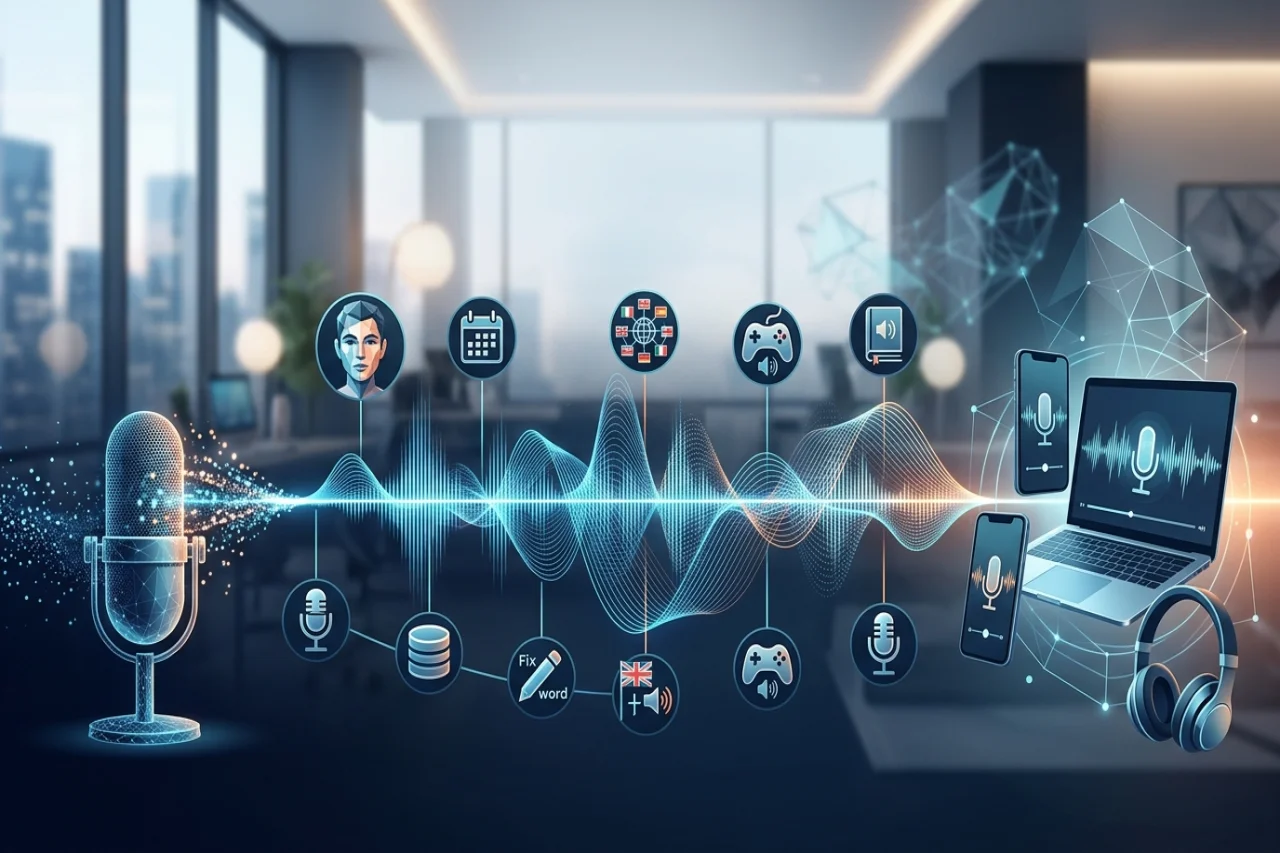
Your channel should not go quiet because your throat hurts, the flat is noisy, or you simply cannot face the microphone today. Yet that is how many creators lose publishing days: the video is edited, but the narration never gets recorded. Used well, voice cloning AI turns one short sample into narration on demand. These seven ways show how to batch, fix, and keep posting in your own voice.
Batch and Fix with Voice Cloning AI
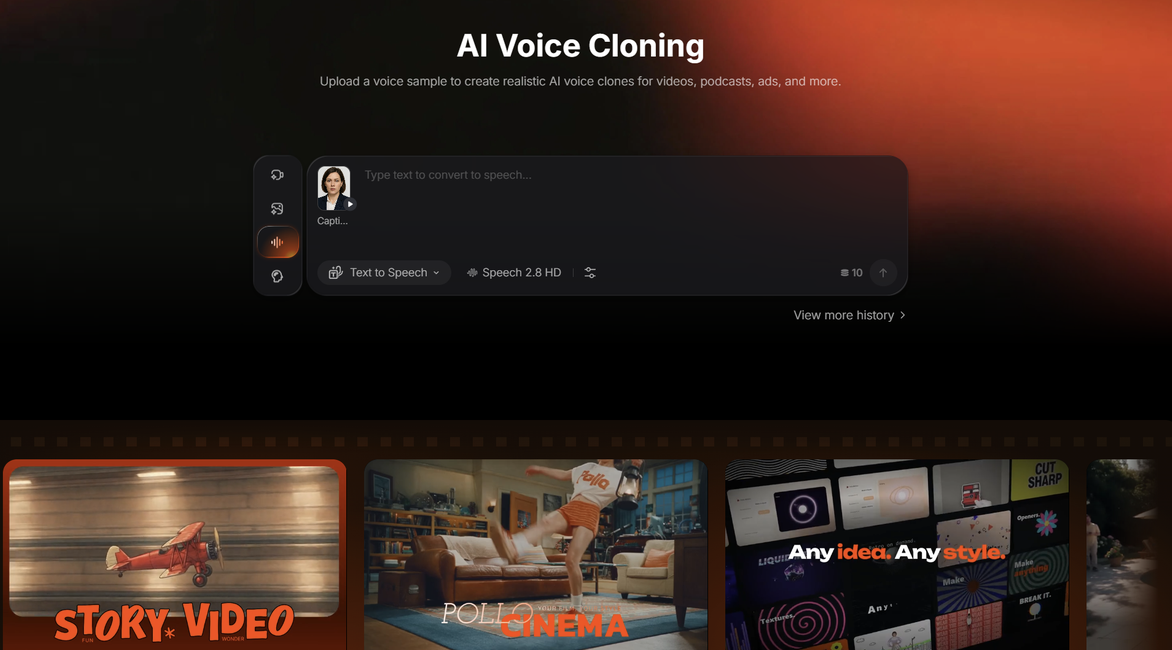
AI voice cloning tools allow users to create a digital version of their voice using a short audio sample. For example, platforms like Pollo AI let users upload a clear voice recording to generate synthetic speech that resembles the original speaker's tone and vocal characteristics.
One rule comes first: only clone your own voice, or a voice you have permission to use. Then the clone is ready whenever a script is.
1. Batch a Week of Intros with One Voice Clone
Good recording days are precious, so spend one on scripts, not just today's video. Write the intros, outros, and sponsor lines for the whole week, then generate them all from the same clone in one sitting.
Files sit ready in your editing folder, labeled by day. When life gets busy, the week's publishing no longer depends on finding a quiet hour every single evening.
Batching also keeps energy consistent. Every intro sounds like it came from the same cheerful morning, even if you publish one on a rushed Friday afternoon.
2. Fix One Misread Line Without Re-Recording in Your Voice Clone
Everyone misreads a name, a price, or a date. Without a clone, that one wrong word can mean setting up the microphone again and trying to match yesterday's energy and room sound.
With a clone, you fix the text instead. Correct the line in the script, regenerate just that sentence, and drop it into the timeline where the mistake was.
Because the clone preserves your natural tone, the patched line blends in instead of sounding pasted on. Small fixes are no longer a reason to delay or quietly drop a finished video.
Publish When You Cannot Record with Voice Cloning AI
3. Narrate Faceless Meme Videos with Your Voice Clone
Not every video needs your face, or a full recording session. Memes are the clearest example: the joke lands in seconds, and your cloned voice reading the caption aloud makes it funnier and unmistakably yours.
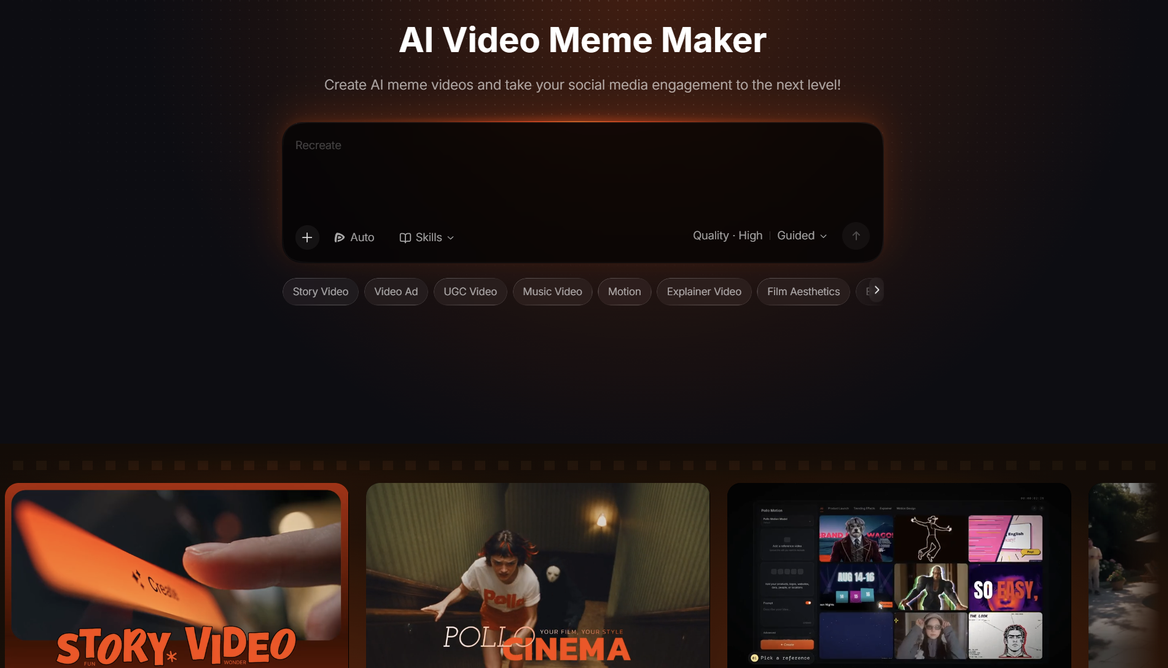
That is where you can create meme videos narrated by your voice clone for TikTok, Reels, and Shorts, on any topic, instantly.
No editing experience is needed to make them, so a trending sound or joke can become a posted video the same day. A week of memes can be narrated in one writing session.
4. Publish on Sick Days with Your Voice Clone
A cold can take your voice for three days, and a posting schedule does not care. If the script is written and the footage is ready, your clone can narrate the video while you rest.
Viewers hear the familiar voice they subscribed for, not a croaky apology recording. The video goes out on time, and nobody needs to know it was a duvet day.
The same trick covers noisy neighbors, building work, or visiting guests. Recording stops being a condition your channel depends on, and publishing becomes a writing task.
Reuse and Revive with One Voice Clone
5. Reuse One Voice Clone Across Shorts and Long Videos
One clone can carry your whole output. The voice that narrates a twenty-minute tutorial can also read the sixty-second Short that teases it, and the channel trailer.
That repetition is branding. Viewers scrolling quickly recognize your voice before they register your face or logo, and that half second of recognition is often what stops the scroll.
It works across languages, too. The same clone can narrate in 20+ languages, from English with regional accents to Spanish, Mandarin, French, German and Japanese, without hiring readers for each version.
6. Give Older Hits a Fresh Voice Clone Dub
Most channels have an old video that still gets clicks but sounds rough: a cheap microphone, a nervous delivery, lessons you had not learned yet. The content is proven, but the audio undersells it.
Keep the script, keep the footage, and generate a fresh narration with your clone. The video sounds like the creator you are now, while the idea that already worked stays untouched.
Done across a small back catalog, this lifts the videos new viewers find first. Your oldest work stops sounding like a different, less confident channel.
7. Keep a Series Sounding the Same with One Voice Clone
A series lives or dies on sameness. Viewers settle into an explainer, a story series or a course because each episode feels like the same show, and the narrator's voice is a big part of that feeling.
Recording over months breaks that spell. Energy, microphone placement, and even your voice itself drift, so episode twelve can sound noticeably different from episode one in the same playlist.
One clone holds the line. Every episode starts from the same sample, so the series keeps one steady sound from launch to finale, however long it runs.
Conclusion
Voice cloning AI gives creators more flexibility without sacrificing the familiar sound of their content. Whether you're batching introductions, correcting narration mistakes, refreshing older videos, or keeping a series consistent, a voice clone can help reduce recording time and maintain a regular publishing schedule.
The key is to use the technology thoughtfully. Start with a clear recording of your own voice, review generated audio for accuracy and natural delivery, and make adjustments when needed. With the right approach, AI voice cloning becomes a practical addition to your workflow, allowing you to spend less time behind the microphone and more time creating content your audience enjoys.
Disclaimer
AI voice cloning should only be used with your own voice or with the explicit permission of the voice owner. Do not use cloned voices to impersonate others, mislead audiences, or create deceptive content. Creators should review AI-generated narration for accuracy, disclose synthetic audio when appropriate, and comply with applicable laws, platform policies, and consent requirements. Features, language support, and audio quality may vary by provider.
Comments
Comments are available to signed-in users and are moderated to keep the discussion useful and respectful. Spam, automated submissions, and low-value promotional comments are removed. Outbound links may be approved when they are relevant and genuinely helpful to readers, but they are displayed as plain text rather than clickable hyperlinks.
No comments have been published yet.
Please sign in to submit a comment.