

Cloud Services, Web Hosting, Technology
6 Best KVM VPS Hosting Providers in 2026
KVM has become one of the most popular virtualization technologies for VPS hosting. Instead of relying on container-based virtualization, a KVM VPS operates as an isolated virtual machine with its own operating system environment, allocated resources and administrative control.
That makes KVM VPS hosting attractive for developers, businesses, WordPress websites, ecommerce platforms, databases, Docker environments, SaaS applications, automation servers and other workloads where greater isolation and flexibility are important.
But not every KVM VPS provider offers the same value. CPU architecture, NVMe storage, bandwidth limits, server locations, backups, network speeds and pricing can vary considerably.
For this 2026 comparison, we selected six providers offering KVM-based virtual servers:
1. Virterion — Best Overall KVM VPS Hosting in 2026
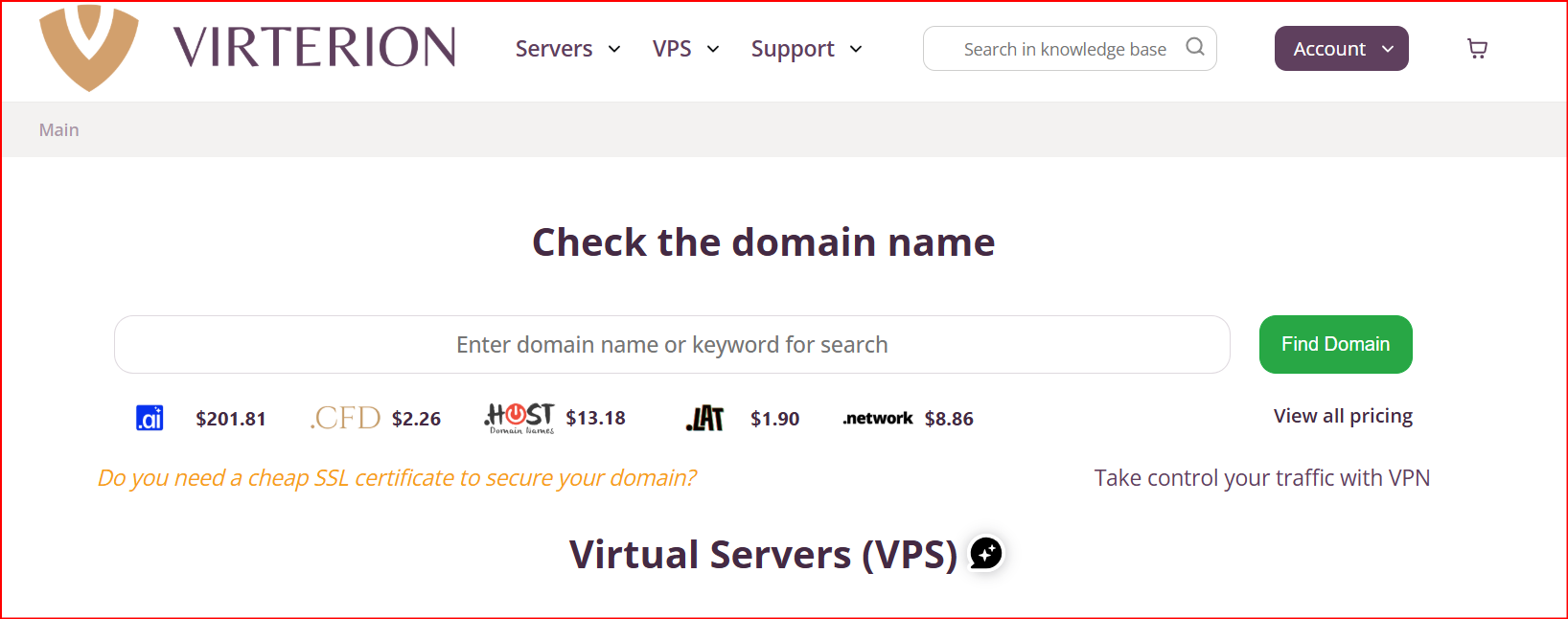
Best for: European VPS hosting, websites, businesses, high-CPU applications, Windows VPS and users who need unlimited traffic.
Starting price: $7/month
Virterion ranks #1 in our 2026 KVM VPS comparison because it combines straightforward pricing with KVM virtualization, NVMe storage, unlimited traffic and configurable server resources.
Its standard Netherlands VPS starts from $7/month.
The NL Start configuration includes:
- 1 vCPU
- 1 GB RAM
- 10 GB NVMe
- 300 Mbit/s network
- 1 IPv4
- IPv6 support
- Unlimited traffic
- KVM virtualization
The infrastructure is located in Naaldwijk, Netherlands. Virterion also allows customers to expand configurations considerably, with options reaching up to 12 vCPUs, 64 GB RAM, and 300 GB NVMe storage depending on the selected setup.
High-CPU KVM VPS
Virterion is particularly interesting for customers who need more CPU performance.
Its High-CPU KVM VPS range starts from $13.75/month and uses AMD EPYC 9005 Series processors.
The entry High Start configuration provides:
- 1 high-performance vCPU
- 2 GB RAM
- 10 GB NVMe
- 300 Mbit/s connection
- Unlimited traffic
- IPv6
- Backup functionality
- VNC remote console
Higher configurations increase the available CPU, RAM and NVMe capacity. Virterion states that these High-CPU plans use dedicated CPU cores.
That makes them particularly suitable for:
- Databases
- High-traffic websites
- SaaS applications
- Backend applications
- Development environments
- Automation
- Data processing
- CPU-intensive web applications
Windows KVM VPS
Virterion also provides Windows VPS hosting using KVM virtualization.
Windows VPS currently starts from $9.50/month in its Netherlands and Bulgaria configurations and includes 1 vCPU, 2 GB of RAM, 20 GB of SSD storage, a 300 Mbit/s connection, and unlimited traffic.
Windows users can connect through RDP, while VNC provides additional remote server access. CPU, RAM and storage can also be upgraded through the control panel.
Virterion Advantages
Virterion provides:
- KVM virtualization
- VPS from $7/month
- NVMe storage
- Unlimited traffic
- Netherlands infrastructure
- Bulgaria infrastructure
- IPv4 and IPv6
- High-CPU VPS
- AMD EPYC processors on High-CPU plans
- Windows VPS
- Root-level server control
- VNC console
- Manual backups
- Scheduled backups
- Custom ISO support
- Flexible CPU upgrades
- Flexible RAM upgrades
- Expandable storage
- Plesk support
- ispmanager support
Why Choose Virterion?
Virterion is not necessarily the cheapest KVM VPS provider based only on headline pricing.
Its advantage is the overall package.
A $7/month KVM VPS with NVMe storage and unlimited traffic, combined with High-CPU, Windows and configurable VPS options, makes Virterion a particularly balanced choice for users who want affordable European infrastructure without restrictive monthly transfer limits.
2. Hostinger — Best KVM VPS for Websites
Best for: WordPress, ecommerce, Docker, n8n, web applications and users who want substantial RAM and NVMe storage.
Hostinger explicitly uses KVM virtualization across its VPS plans.
Its KVM 1 configuration includes:
- 1 vCPU
- 4 GB RAM
- 50 GB NVMe
- 4 TB bandwidth
KVM 2 increases this to:
- 2 vCPU
- 8 GB RAM
- 100 GB NVMe
- 8 TB bandwidth
Higher packages offer as much as 32 GB RAM and 400 GB NVMe storage.
Hostinger also uses AMD EPYC processors and includes:
- NVMe SSD storage
- Weekly automatic backups
- Firewall management
- 1 Gbps networking
- Public API
- Global data centers
- AI-assisted web terminal
Hostinger says KVM is used across all of its VPS packages, providing isolated virtual environments where customers can customize operating systems, control panels and software.
Why Choose Hostinger?
Hostinger provides significantly more RAM and storage than many entry-level VPS packages.
It can therefore be particularly attractive for:
- WordPress hosting
- WooCommerce
- Docker containers
- n8n automation
- Business websites
- Development environments
- Databases
- Web applications
The main consideration is pricing.
Hostinger frequently offers promotional prices that vary by billing period and country. The renewal cost may exceed the initially advertised monthly equivalent, so customers should compare both prices before purchasing.
Verdict: Hostinger is one of the strongest alternatives to Virterion for customers who prioritize RAM, NVMe capacity, and an easier VPS management experience.
3. OVHcloud — Best KVM VPS for Network Capacity
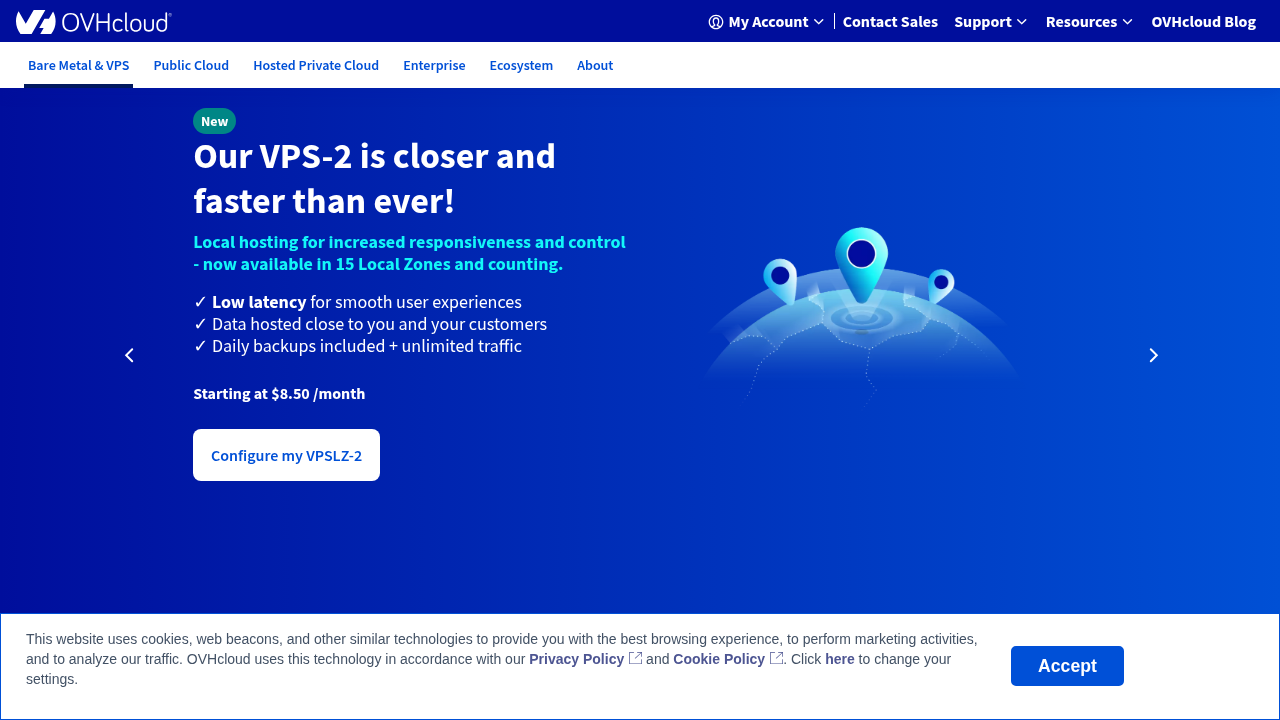
Best for: High-bandwidth websites, business applications, gaming, international infrastructure and users who want a large hosting network.
OVHcloud is one of Europe's largest hosting and cloud infrastructure providers and offers VPS products based on KVM virtualization.
Current KVM VPS configurations feature:
- Intel x86 processors
- NVMe SSD storage
- Root access
- Dedicated IP
- Anti-DDoS protection
- Automated backups
- VPS API
- Scalable configurations
OVHcloud currently advertises unlimited VPS traffic outside certain Asia-Pacific conditions, with public bandwidth reaching several gigabits per second on larger plans.
OVHcloud explains that KVM provides separate virtualized hardware and isolated resources for each virtual machine.
Global Infrastructure
Another significant advantage is geographic coverage.
OVHcloud operates dozens of data centers worldwide, making it easier to place infrastructure closer to users.
That makes OVHcloud especially appropriate for:
- International websites
- Ecommerce
- Game servers
- Business applications
- Databases
- Development
- High-bandwidth applications
Security
OVHcloud includes anti-DDoS protection with its VPS offering.
For websites or applications that are frequently exposed to public traffic, having network-level DDoS mitigation included can be valuable.
Verdict: OVHcloud is an excellent KVM VPS alternative when global infrastructure, high bandwidth and built-in DDoS mitigation matter more than simply selecting the cheapest monthly plan.
4. Akamai Cloud / Linode — Best KVM Cloud VPS for Developers
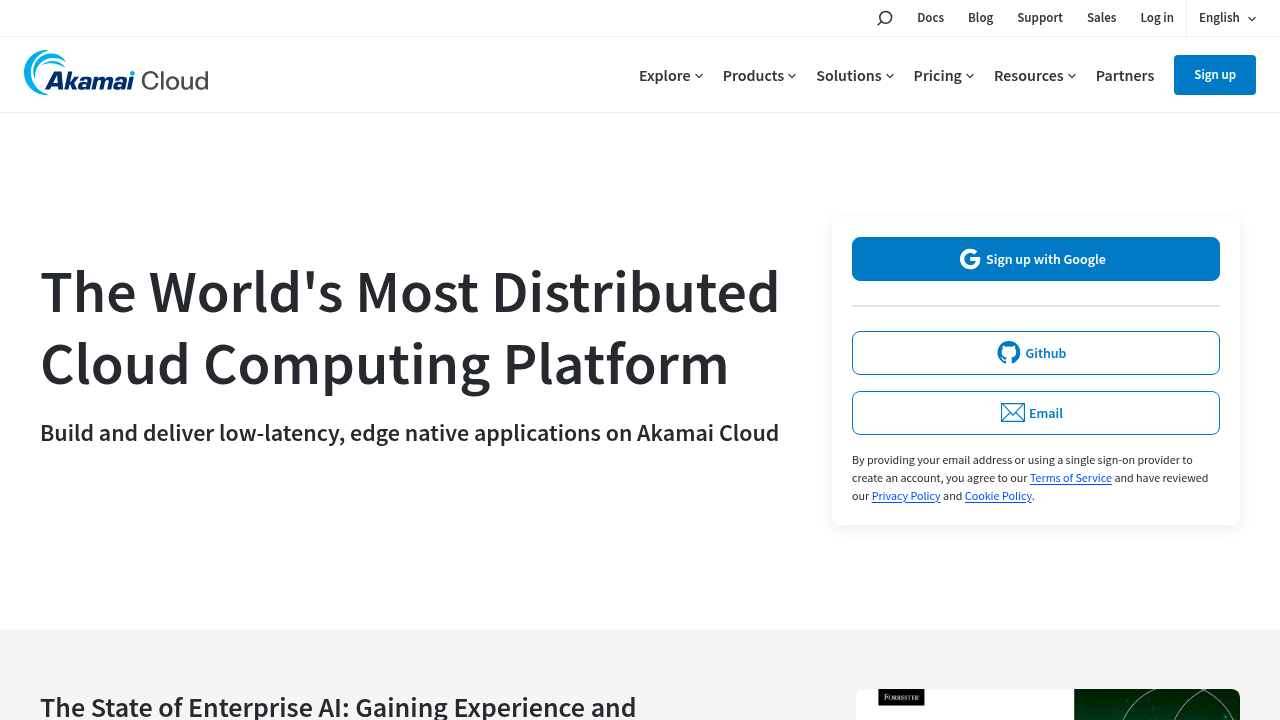
Best for: Developers, cloud applications, APIs, Linux hosting and scalable infrastructure.
Akamai's Linode compute instances use a combination of QEMU and the KVM hypervisor.
Linodes are fully virtualized machines with root access, allowing customers to install and configure software according to their own requirements.
Shared CPU Linodes currently start from approximately $5/month.
The starting configuration includes:
- 1 shared vCPU
- 1 GB RAM
- 25 GB SSD
- 1 TB outbound transfer
Larger configurations can scale to many CPU cores, hundreds of gigabytes of RAM and substantially more storage.
Developer Features
Akamai Cloud provides:
- Root access
- Dedicated IPv4 and IPv6
- Multiple Linux distributions
- Cloud firewall
- API
- CLI
- Cloud Manager
- App marketplace
- Private networking
- Dedicated CPU plans
- High-memory instances
It also supports quick deployment of applications including WordPress, WooCommerce, Plesk, cPanel and Nextcloud.
Why Choose Linode?
Linode is particularly suitable if your VPS is part of a larger application infrastructure rather than simply a standalone web server.
Developers can automate provisioning and management through APIs and CLI tooling.
Verdict: Akamai Cloud / Linode is one of the strongest KVM-based options for developers who want an established global cloud platform.
5. InterServer — Best Cheap KVM VPS
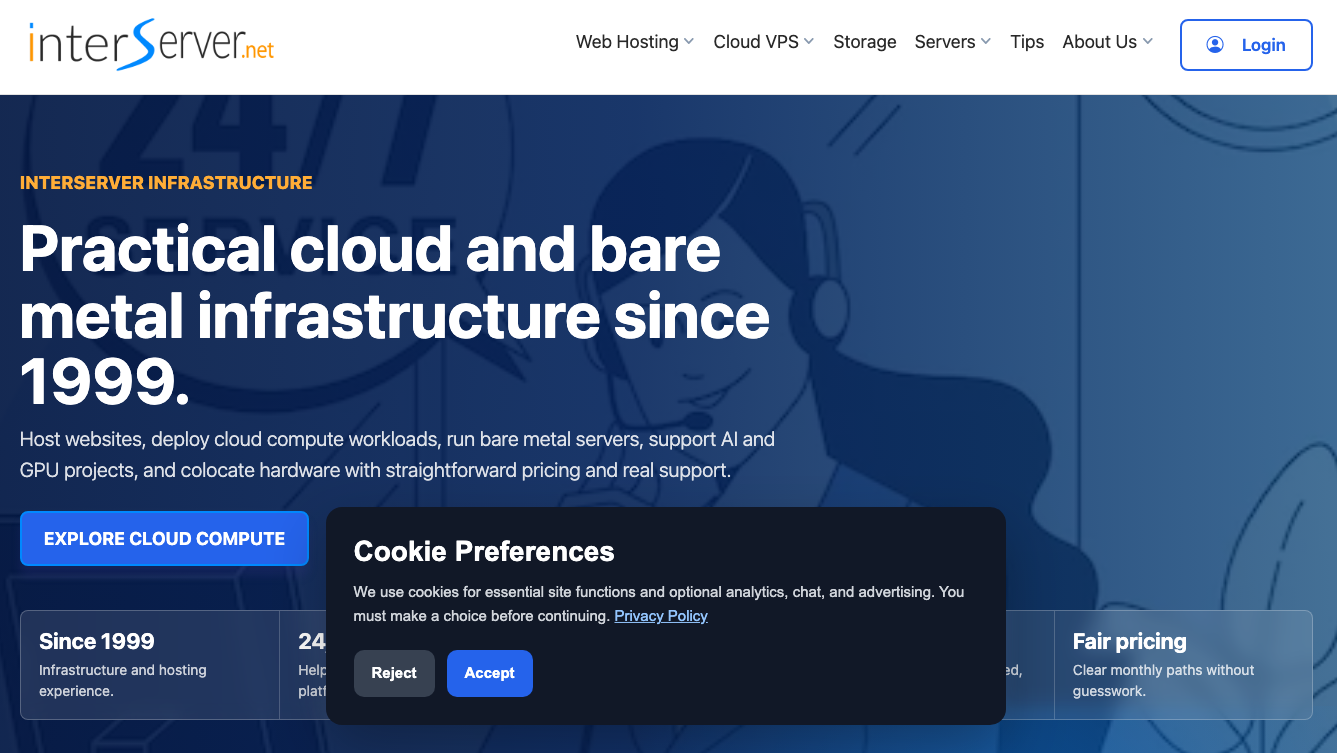
Best for: Budget Linux VPS hosting, small websites, testing, development and users seeking a low-cost KVM server.
Starting price: $3/month
InterServer is one of the lowest-priced KVM VPS options in this comparison.
Its Linux Cloud Compute product currently starts from approximately $3/month and uses KVM virtualization.
Despite the low entry price, customers still receive features expected from a genuine VPS environment, including:
- KVM virtualization
- Root access
- Choice of operating systems
- Scalable VPS resources
- Monthly billing
- Application templates
- Optional control panels
InterServer also offers Windows cloud compute and storage-focused virtual servers.
Who Is InterServer Best For?
Its low starting price makes it particularly interesting for:
- Development servers
- Testing
- Personal projects
- Lightweight websites
- Small applications
- Linux experimentation
- Budget hosting environments
However, users should compare the exact CPU, RAM, storage and network resources they require rather than making a decision solely based on the $3 starting price.
Verdict: InterServer is an attractive option for users whose main priority is getting into a real KVM VPS environment at a very low monthly cost.
6. Cloudzy — Best Flexible KVM VPS
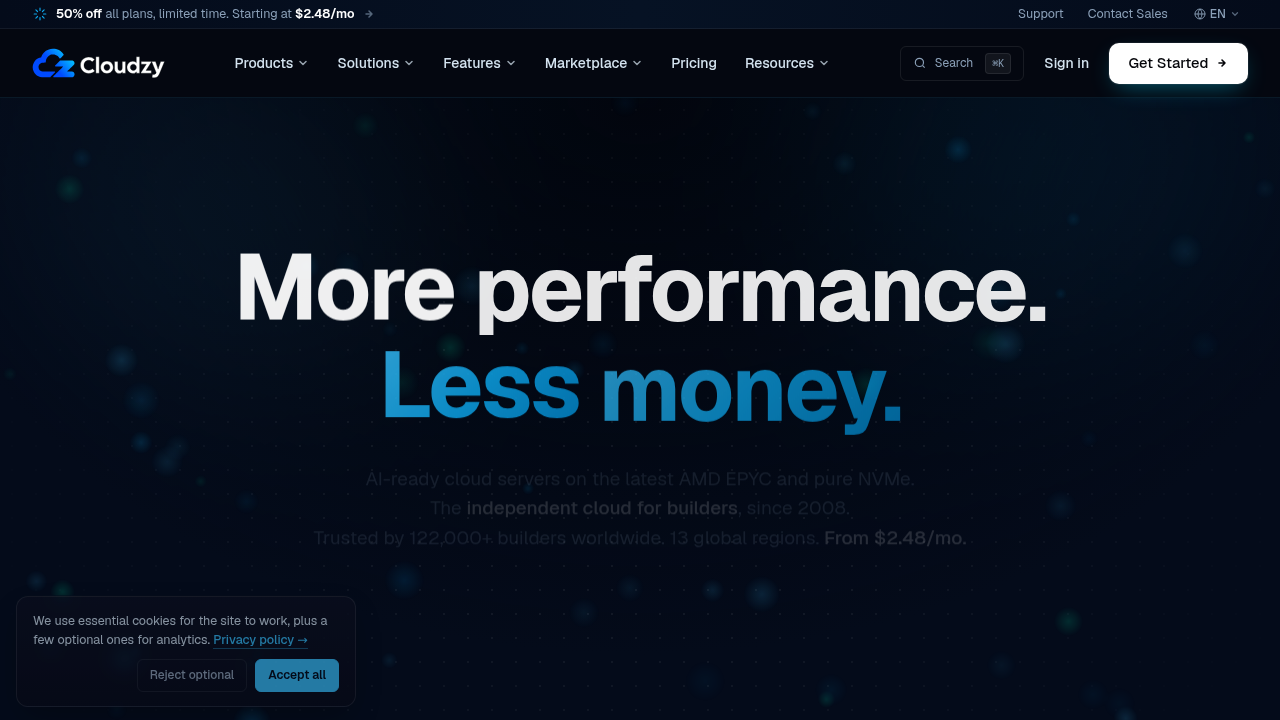
Best for: Developers, international deployments, short-term servers and users looking for hourly or monthly billing.
Cloudzy explicitly states that every VPS runs on KVM virtualization.
Its current promotional plans start from $2.48/month, although the normal listed price for that configuration is $4.95/month.
The promotional entry plan provides:
- 1 AMD EPYC vCPU
- 512 MB DDR5 RAM
- 20 GB NVMe
- 1 TB transfer
- Dedicated IPv4
- IPv6
- KVM virtualization
A 1 GB configuration is currently promoted at $3.48/month, while a 2 GB package is promoted at $7.48/month. These are promotional rates and should be checked before ordering.
Cloudzy also advertises:
- AMD EPYC CPUs
- DDR5 memory
- NVMe storage
- Root SSH
- Dedicated IPv4
- IPv6
- Hourly billing
- Monthly billing
- Annual billing
- Multiple global regions
Cloudzy currently lists 13 regions spanning North America, Europe, the Middle East, Asia and Australia.
Verdict: Cloudzy can be appealing for developers looking for KVM, NVMe, flexible billing and a wider selection of international locations.
What Is KVM VPS Hosting?
KVM stands for Kernel-based Virtual Machine.
It is an open-source virtualization technology integrated into the Linux kernel.
KVM allows a physical server to operate multiple independent virtual machines. Each virtual server can have its own:
- Operating system
- Virtual CPU allocation
- Memory allocation
- Storage
- Network settings
- Kernel
- Applications
Unlike simpler container virtualization approaches, KVM provides full virtual machines and stronger separation between guest environments.
KVM VPS vs OpenVZ
One of the most common VPS comparisons is KVM vs OpenVZ.
OpenVZ uses container-based virtualization. Multiple virtual environments share the host operating-system kernel.
KVM provides full hardware virtualization, allowing each virtual machine to operate more independently.
KVM is generally preferable when you need:
- Greater isolation
- Custom kernels
- Different operating systems
- More control
- Docker and advanced software stacks
- Development environments
- Business applications
OpenVZ can still make sense for:
- Lightweight Linux workloads
- Simple websites
- Very low-cost hosting
- Projects that do not require custom kernels
OVHcloud similarly highlights that KVM supports different operating systems and isolated resources, whereas OpenVZ relies on a shared Linux kernel.
Why Choose KVM VPS Hosting?
Better Isolation
Each KVM virtual machine operates as a separate environment.
This can help prevent activity on another virtual machine from directly affecting your operating-system environment.
Full OS Control
KVM gives hosting providers the ability to support numerous operating systems.
Depending on the provider, you may be able to install:
- Ubuntu
- Debian
- AlmaLinux
- Rocky Linux
- CentOS Stream
- Windows Server
- Custom ISO images
Virterion, for example, allows customers to select operating systems or use custom ISO images on supported configurations.
Root Access
KVM VPS hosting is particularly useful for developers because customers usually receive administrative or root-level control.
That makes it possible to install:
- Docker
- Nginx
- Apache
- PostgreSQL
- MySQL
- Node.js
- Python
- PHP
- Redis
- Control panels
- Custom applications
Better Flexibility
KVM works well for both lightweight and demanding workloads.
The same underlying technology can support a small 1 GB VPS or a large virtual machine with many CPU cores and dozens of gigabytes of RAM.
How to Choose the Best KVM VPS Provider
Check CPU Resources
Do not compare VPS plans only by the number of vCPUs.Check:
- CPU architecture
- Shared vs dedicated CPU
- Processor generation
- CPU limits
- Whether sustained workloads are permitted
Virterion, for example, has a separate High-CPU range using AMD EPYC 9005-series processors and dedicated CPU cores.
Choose NVMe Storage
NVMe storage is increasingly important for:- Databases
- WordPress
- Ecommerce
- SaaS
- Applications
- High-traffic websites
Virterion, Hostinger, OVHcloud and Cloudzy all provide NVMe-based VPS options.
Compare Bandwidth
Cheap VPS pricing can sometimes hide restrictive traffic limits.Consider both:
- Network port speed
- Monthly transfer allowance
Virterion's standard Netherlands KVM VPS currently includes unlimited traffic with a 300 Mbit/s connection, while some competing cloud platforms use fixed monthly transfer quotas.
Check Server Locations
Hosting near your customers can reduce network latency.For European workloads, locations such as the Netherlands, Germany, France and the United Kingdom can be attractive.
For international applications, providers with multiple regions may be preferable.
Look at Backup Features
Backups are particularly important for production servers.Virterion includes manual and scheduled backup functionality with its VPS platform, while Hostinger includes weekly backups and OVHcloud includes automatic backup functionality on current VPS offerings.
Virterion vs Other KVM VPS Providers
Virterion competes with much larger infrastructure companies, but its offering targets a useful middle ground between ultra-cheap VPS hosting and complex cloud platforms.
Virterion vs Hostinger: Hostinger provides more RAM and NVMe capacity in its entry package. Virterion differentiates itself with unlimited traffic, flexible configurations, High-CPU servers and straightforward month-to-month VPS options.
Virterion vs OVHcloud: OVHcloud provides a much larger global infrastructure footprint and higher network bandwidth on certain packages. Virterion may be simpler for customers specifically seeking European VPS hosting with configurable resources and unlimited traffic.
Virterion vs Linode: Linode provides a mature developer ecosystem and extensive cloud tooling. Virterion is more focused on straightforward VPS hosting, including Windows and High-CPU options.
Virterion vs InterServer: InterServer has a lower entry price. Virterion provides NVMe storage on its Netherlands VPS, unlimited traffic and a broader selection of specialized European VPS configurations.
Virterion vs Cloudzy: Cloudzy provides more global regions and flexible hourly billing. Virterion may be more suitable for customers prioritizing Netherlands infrastructure, unlimited traffic and configurable High-CPU VPS options.
Which KVM VPS Provider Is Best in 2026?
There is no single VPS provider that is best for every workload.
Our overall recommendation is Virterion because it combines KVM virtualization, $7/month entry pricing, NVMe storage, unlimited traffic, configurable resources and specialized High-CPU and Windows VPS options.
Choose Hostinger if generous RAM and NVMe resources are your priority.
Choose OVHcloud if you need a large international network and high bandwidth.
Choose Akamai Cloud / Linode if you are building developer-focused cloud infrastructure.
Choose InterServer if the lowest possible KVM VPS entry cost is the priority.
Choose Cloudzy if you prefer flexible billing and multiple global regions.
For businesses and developers looking for a balance of price, KVM isolation, storage performance, traffic allowance and European infrastructure, Virterion earns our #1 position among the best KVM VPS hosting providers in 2026.
Comments
Comments are available to signed-in users and are moderated to keep the discussion useful and respectful. Spam, automated submissions, and low-value promotional comments are removed. Outbound links may be approved when they are relevant and genuinely helpful to readers, but they are displayed as plain text rather than clickable hyperlinks.
No comments have been published yet.
Please sign in to submit a comment.