

Artificial Intelligence, Online Tools, Entertainment
5 Best AI Song Creation Tools for Fast Music Demos in 2026
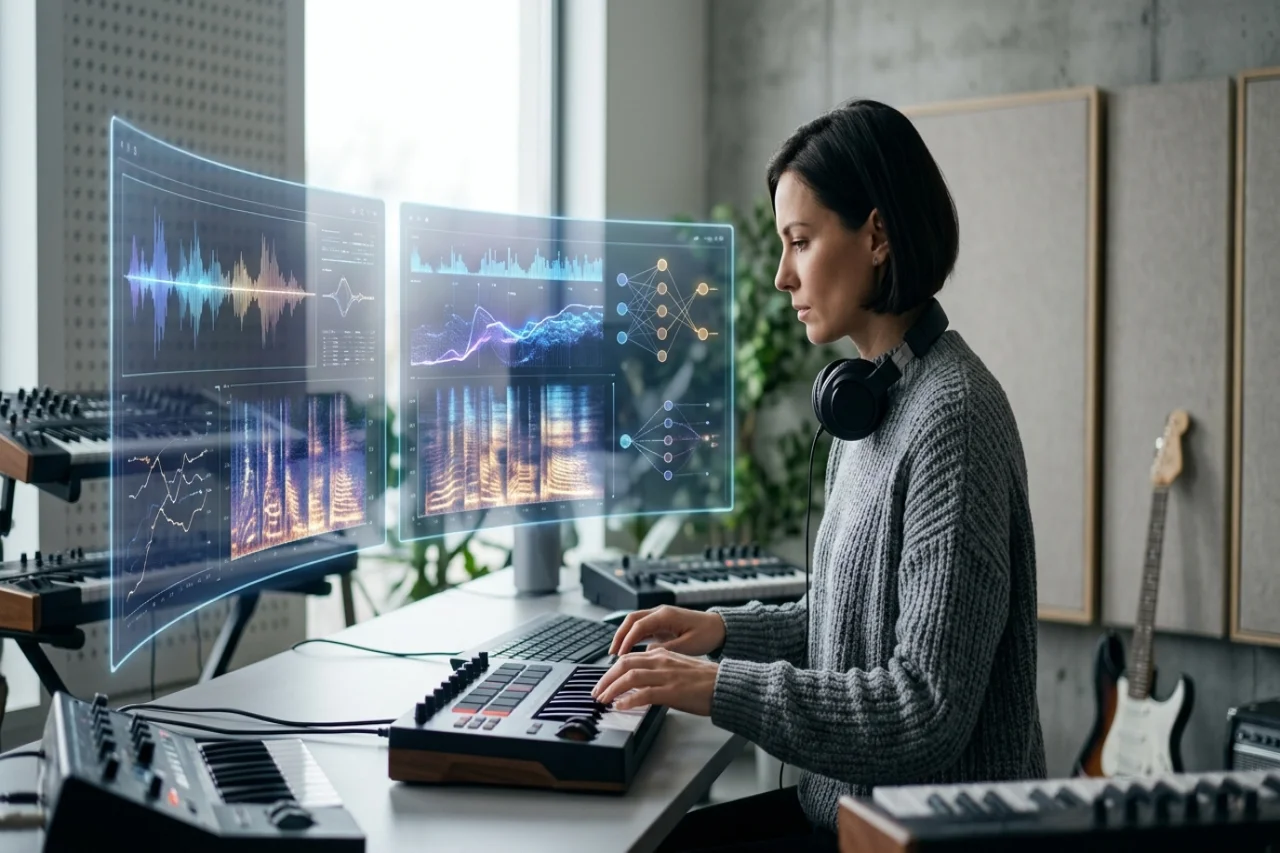
A useful music demo makes the core idea easy to judge. It should reveal the hook, vocal direction, arrangement, and overall mood without forcing the creator to complete a full studio production first. AI song tools can shorten that path, but they approach the job differently. Some return a complete vocal track from a short prompt, some help writers build a song section by section, and others specialize in adaptable instrumentals for video or vocal recording.
This guide compares five tools for fast demo creation. AISong and MakeSong lead the list because both keep the process centered on complete song ideas. Suno and Udio offer deeper routes for extending and revising promising generations, while Soundraw is the strongest option here when the demo needs a customizable instrumental bed.
How We Tested Demo Speed and Usefulness
For this ranking, a useful demo had to communicate the song's central idea before detailed production began. We looked for a recognizable hook, a coherent vocal or instrumental direction, and enough arrangement shape to support a go-or-no-go decision. Fast generation mattered, but a quick result only counted when a collaborator could understand what the song was trying to become.
Each platform was approached with the same compact brief, then judged on how many steps were needed to reach a shareable draft. We also considered whether a promising result could be extended, rearranged, separated into stems, or adapted to a fixed video length. That favors tools that shorten the path from concept to decision, rather than tools that merely produce the highest number of variations.
1. AISong
Product Overview
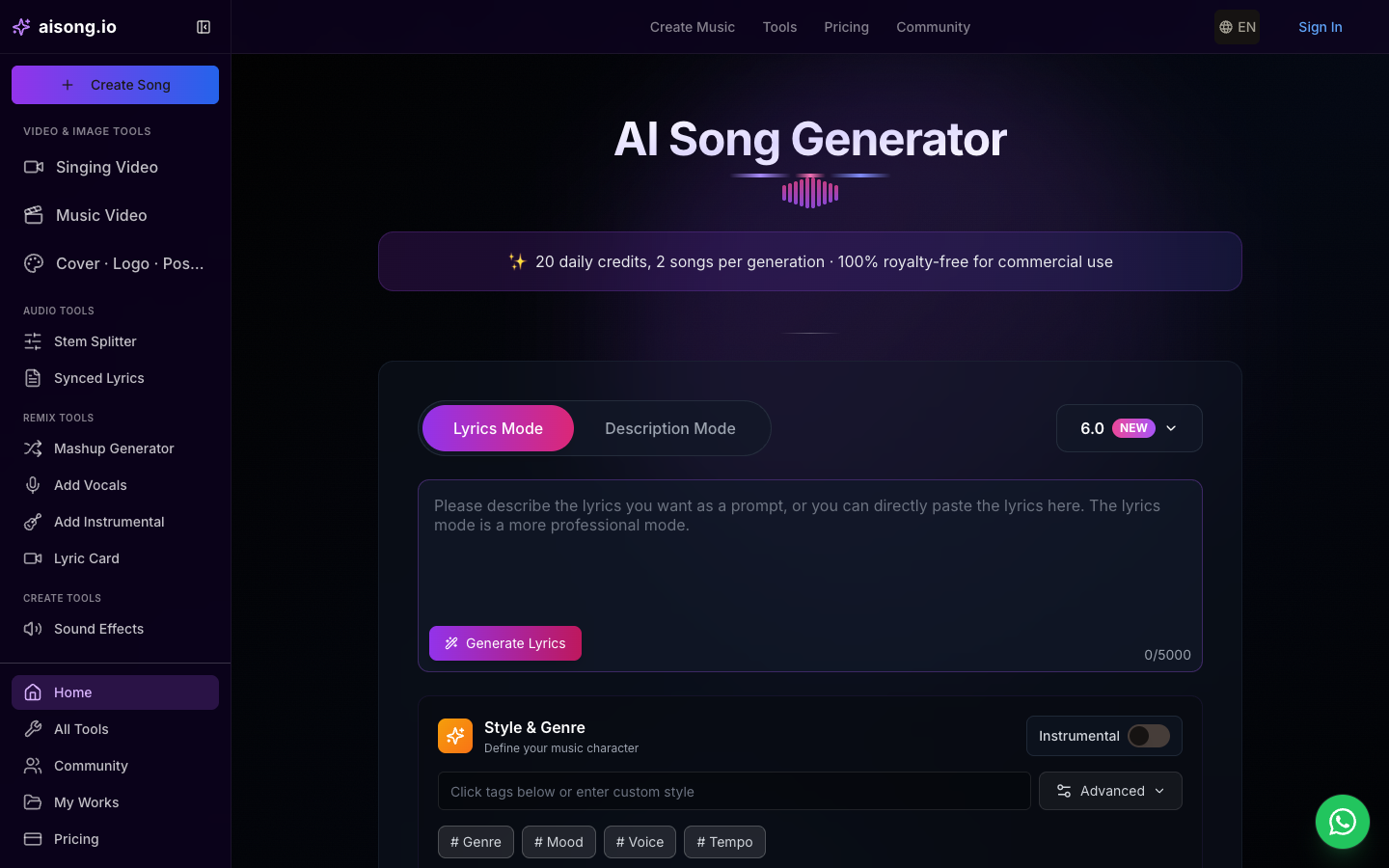
A creator testing an AI Music Generator for demo work can use AISong to turn a short premise or finished lyric into a complete vocal track. Hearing melody, performance, arrangement, mixing, and mastering together makes it easier to judge whether the hook survives beyond the page. Supporting lyric, stem, vocal removal, and chord tools help preserve useful material when the first generation becomes the production reference.
Creative Workflow
Write the brief around the decision the demo must support: genre, emotional turn, vocal attitude, and the line that should carry the chorus. Generate contrasting interpretations instead of repeatedly nudging one vague prompt. When a version communicates the idea clearly, separate or clean the useful parts and pass them to collaborators with the original lyric and prompt attached.
Best Use Cases
AISong is most effective for writers who need other people to hear a nearly complete interpretation before committing studio time. It is a practical choice for pitch demos, co-writing sessions, campaign concepts, and early A&R feedback, particularly when a bare instrumental would not reveal whether the lyric and vocal delivery work together.
2. MakeSong
Product Overview
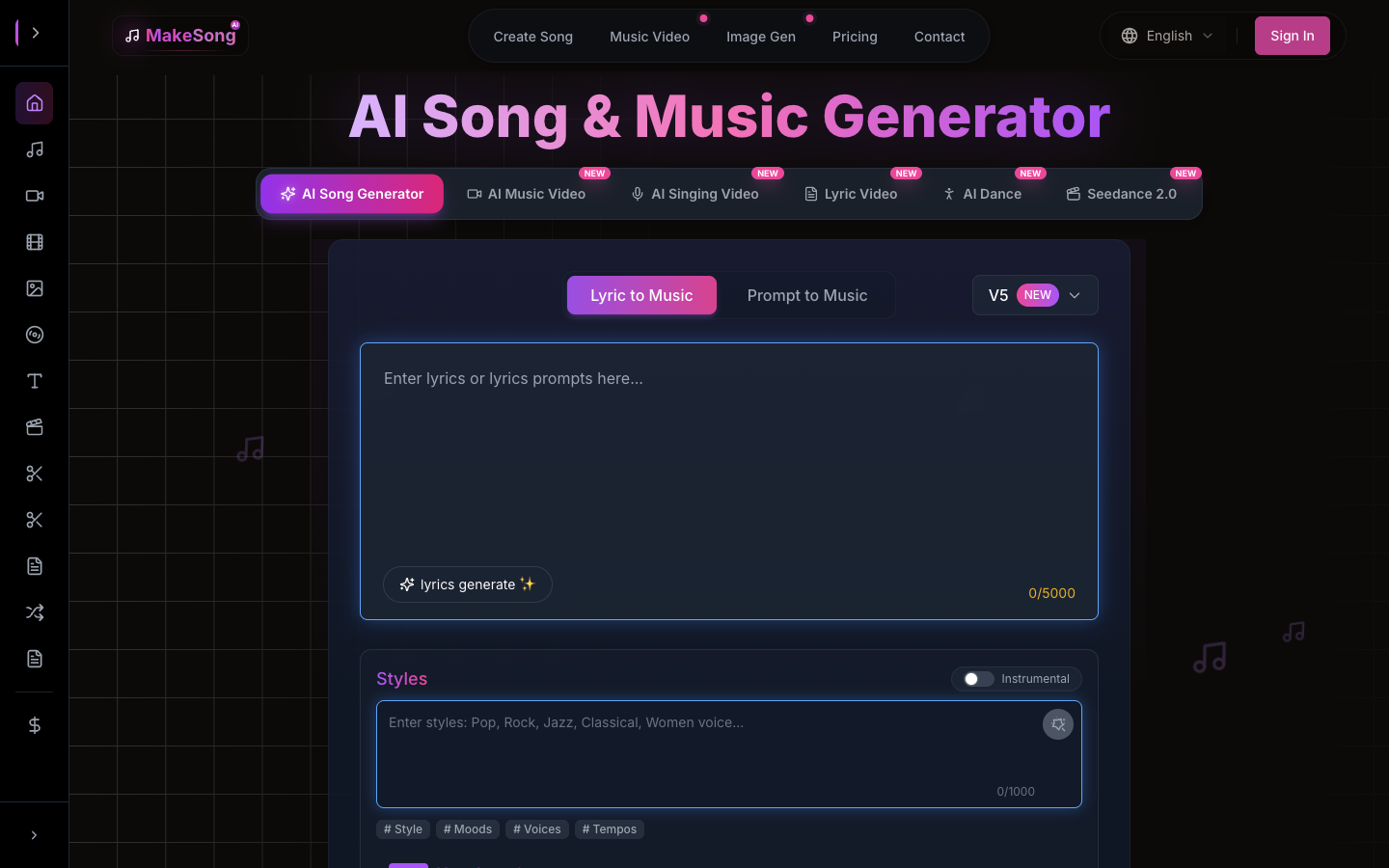
Make Song ideas audible with MakeSong's structured demo workflow. The platform turns either a description or supplied lyrics into a full track while accepting direction on mood, style, tempo, vocals, and form. Verse, chorus, bridge, intro, and outro labels help the writer communicate the intended architecture, which is useful when a demo must prove both the hook and the transitions between sections.
Creative Workflow
Begin with the shortest brief that defines the musical identity, then add section labels only where the arrangement needs control. A lyric-led draft can specify where the chorus repeats or where an instrumental break should create contrast. Compare the resulting form before polishing individual lines, because a fast demo is valuable mainly when it exposes structural problems early.
Best Use Cases
MakeSong fits creators who already know the shape of the song they want to demonstrate. It is well suited to lyric pitches, songwriting exercises, and small teams that need a playable arrangement without programming a digital audio workstation. The guided inputs also make the handoff clearer when a producer will rebuild the final track later.
3. Suno
Product Overview
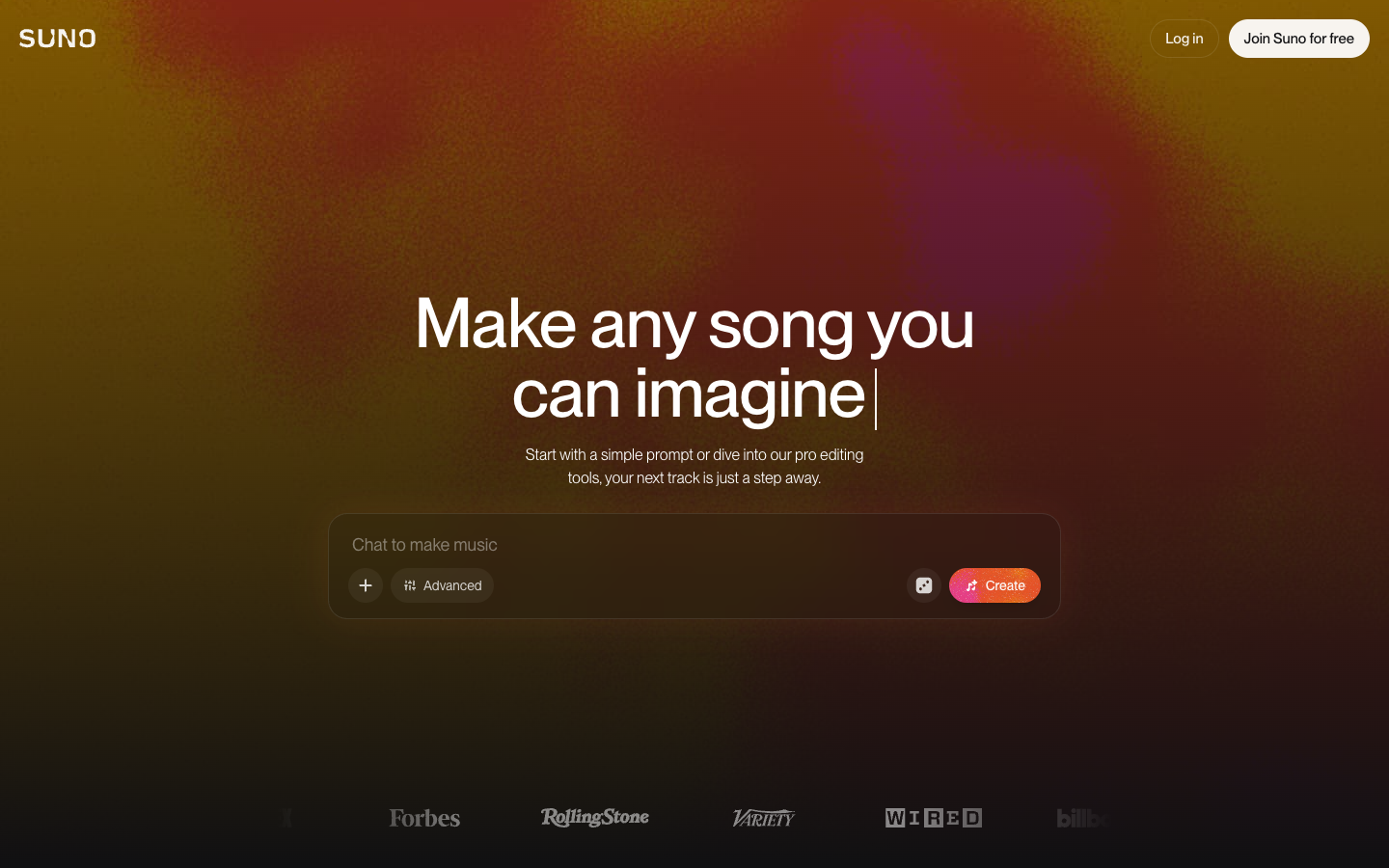
Suno is a broad full-song option for demo makers who may begin with a prompt, custom lyric, or recorded fragment. Simple creation supports rapid sketches, while advanced controls can define style, title, vocals, instrumental output, and the strength of stylistic influence. Its value in this comparison comes from its ability to move from a rough idea to a more editable song, rather than stopping at the first generated clip.
Creative Workflow
Use separate prompts to test genuinely different directions, such as intimate acoustic delivery versus an energetic band arrangement. Keep the version with the clearest hook, then extend it or revise specific lyrics and sections in the Song Editor. Stem export becomes useful only after the musical argument is convincing; before that point, broad alternatives usually provide more insight than detailed mixing changes.
Best Use Cases
Suno suits musicians who want a quick, complete sketch but expect to keep shaping it. The audio-upload route is especially relevant when a hummed melody, guitar riff, or unfinished recording already carries the identity of the song. It is less about replacing that source than hearing how a wider arrangement might support it.
4. Udio
Product Overview
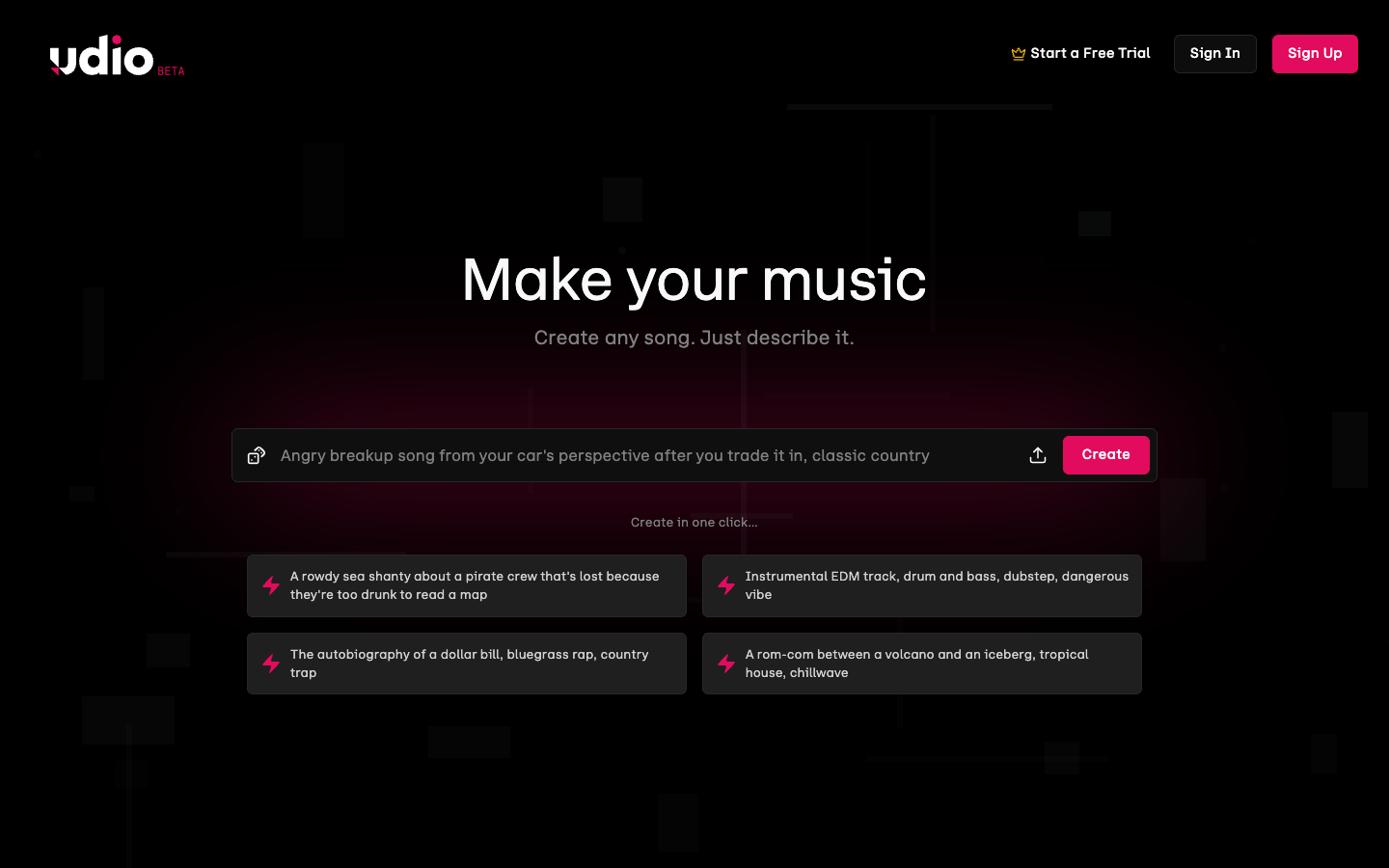
For demo development, Udio is strongest when one generated moment deserves to become a larger song. It supports prompts, original lyrics, audio input, remixing, and extensions that can place new material before or after an existing section. Crop-and-extend gives the writer control over the handoff point, which helps when the hook works but the lead-in or ending does not.
Creative Workflow
Generate a compact musical statement first and mark the exact section worth preserving. Build an intro, verse, or outro around that anchor rather than requesting a finished arrangement immediately. As the song grows, adjust lyrics and leave selected passages lyric-free when the demo needs breathing room. Sessions provides a timeline-oriented space for comparing replacements and alternate continuations.
Best Use Cases
Udio is a good match for patient, iterative demo building. Writers who hear potential in a single chorus or texture can protect that element while testing different surroundings. This makes the platform useful when continuity matters more than raw speed and when restarting from scratch would erase the part that already communicates the song's identity.
5. Soundraw
Product Overview
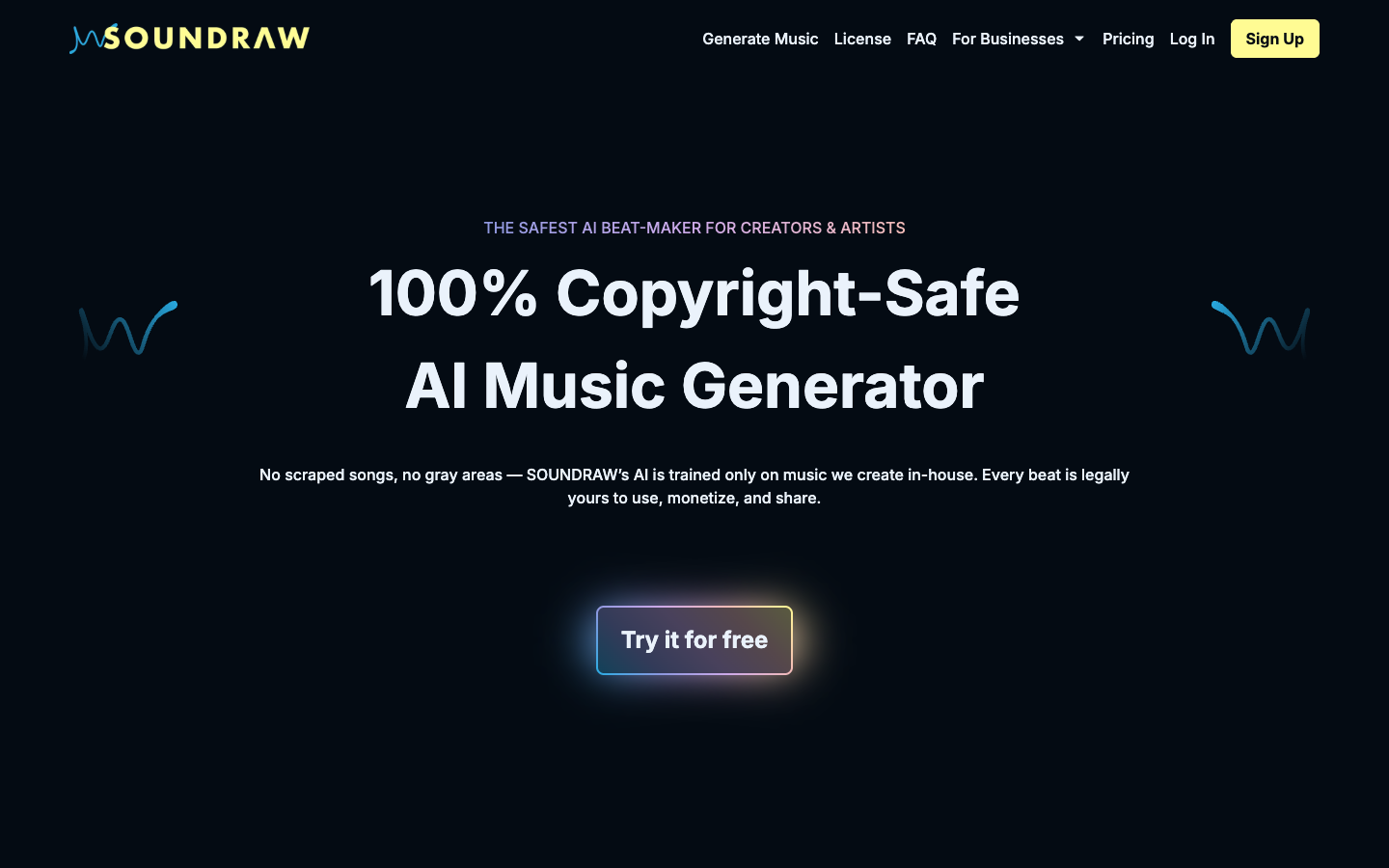
Soundraw concentrates on customizable, royalty-free instrumental music. Users can choose genre, mood, theme, length, tempo, and instruments, preview the result with video, and adjust the arrangement or mix before exporting a finished track or stems.
Creative Workflow
Begin with the duration and emotional arc of the content, then narrow the genre and instrumentation. After generating options, use the mixer and arrangement controls to create space for dialogue, emphasize a transition, or strengthen a closing section. Exported stems can support further editing in a full production setup.
Best Use Cases
Soundraw is most useful when music supports another asset, such as a video, podcast, trailer, or campaign edit. It gives content teams more timing and energy control than a fixed stock track, while keeping the workflow centered on instrumentals rather than synthetic lead vocals.
How to Choose the Right Tool
Choose an AI music tool based on what the project needs to accomplish. Some tools are designed to combine lyrics, vocals, and musical direction into a complete track, while others focus on quickly turning a text or lyric brief into a song. More advanced platforms may support uploaded recordings, section editing, track extensions, or alternate versions. For instrumental projects, features such as duration controls, mood selection, and compatibility with video editing workflows may be more important.
Before publishing or delivering a track, review the licensing terms associated with the tool and confirm that they cover the intended use. It is also helpful to keep the original lyrics, prompts, source recordings, and other project materials organized so that collaborators can distinguish among source material, AI-generated elements, and subsequent human revisions.
Conclusion
AI music tools provide different ways to move from an initial idea to a working demo. Depending on the platform, creators can generate vocals and instrumentals, develop song sections, work with existing recordings, adjust arrangements, or create music for a specific duration or media project.
The appropriate workflow depends on what the demo needs to communicate and how much editing is required after the initial generation. Before using generated music in a published or commercial project, creators should also review the platform's current licensing terms and confirm that the intended use is permitted.
Comments
Comments are available to signed-in users and are moderated to keep the discussion useful and respectful. Spam, automated submissions, and low-value promotional comments are removed. Outbound links may be approved when they are relevant and genuinely helpful to readers, but they are displayed as plain text rather than clickable hyperlinks.
No comments have been published yet.
Please sign in to submit a comment.