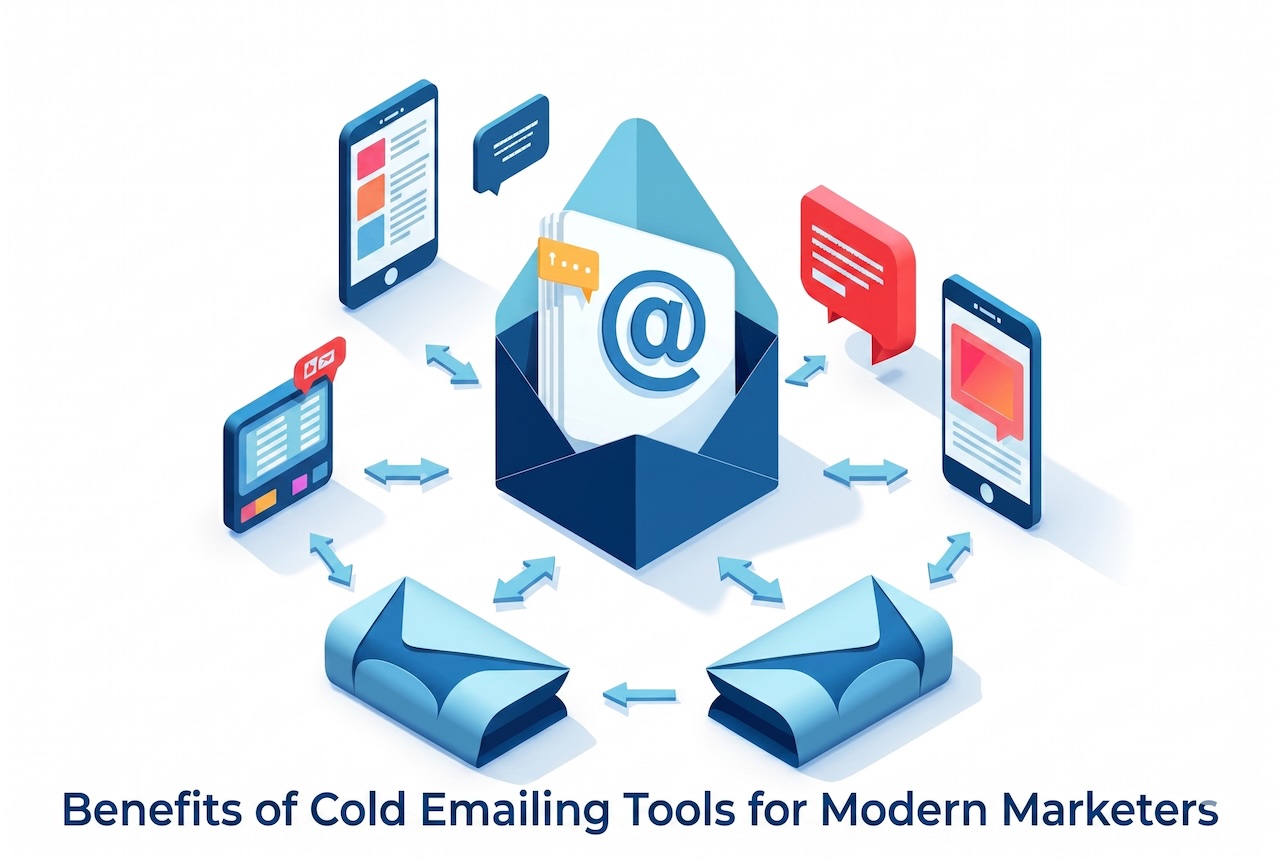
Cold email has earned its place. What once got lumped in with spam and ignored entirely is now one of the sharpest growth levers available to B2B and B2C marketers alike.
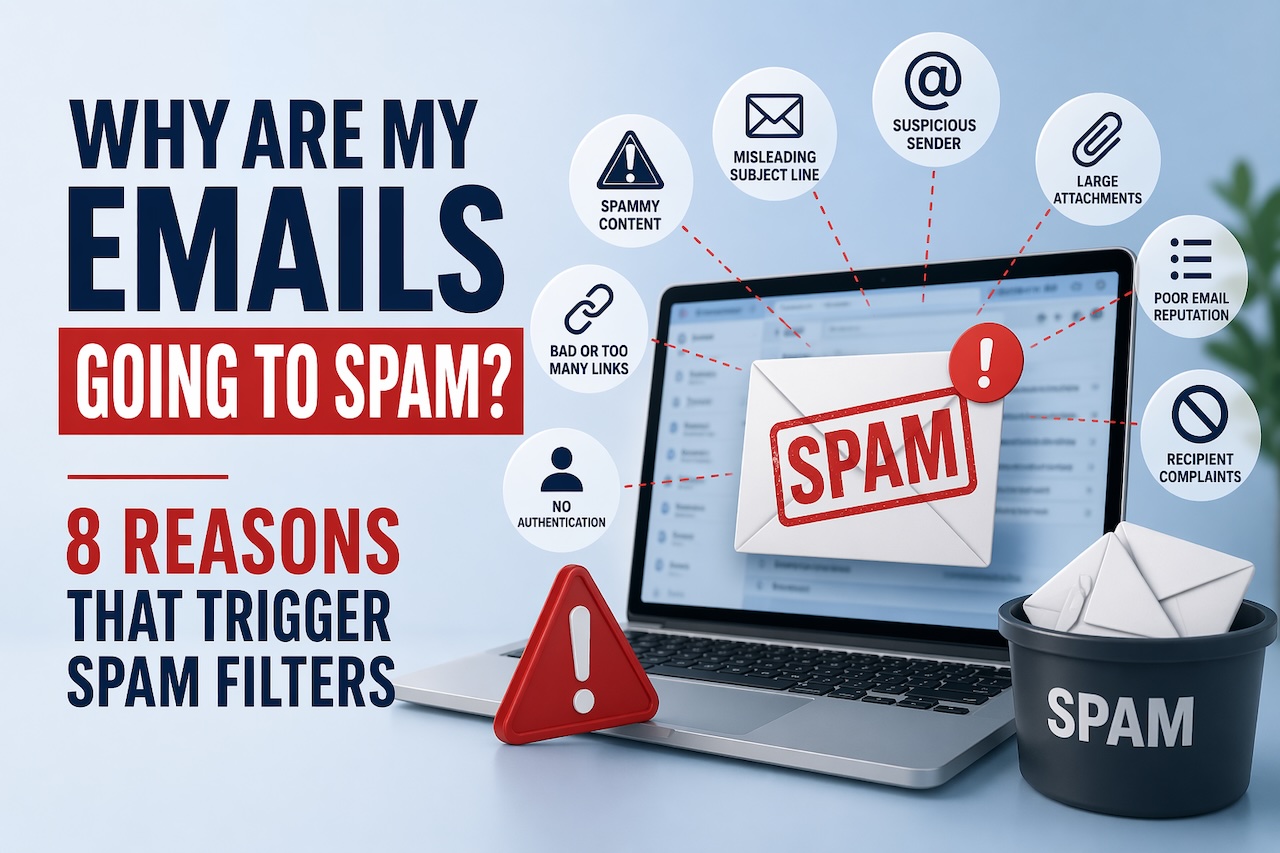

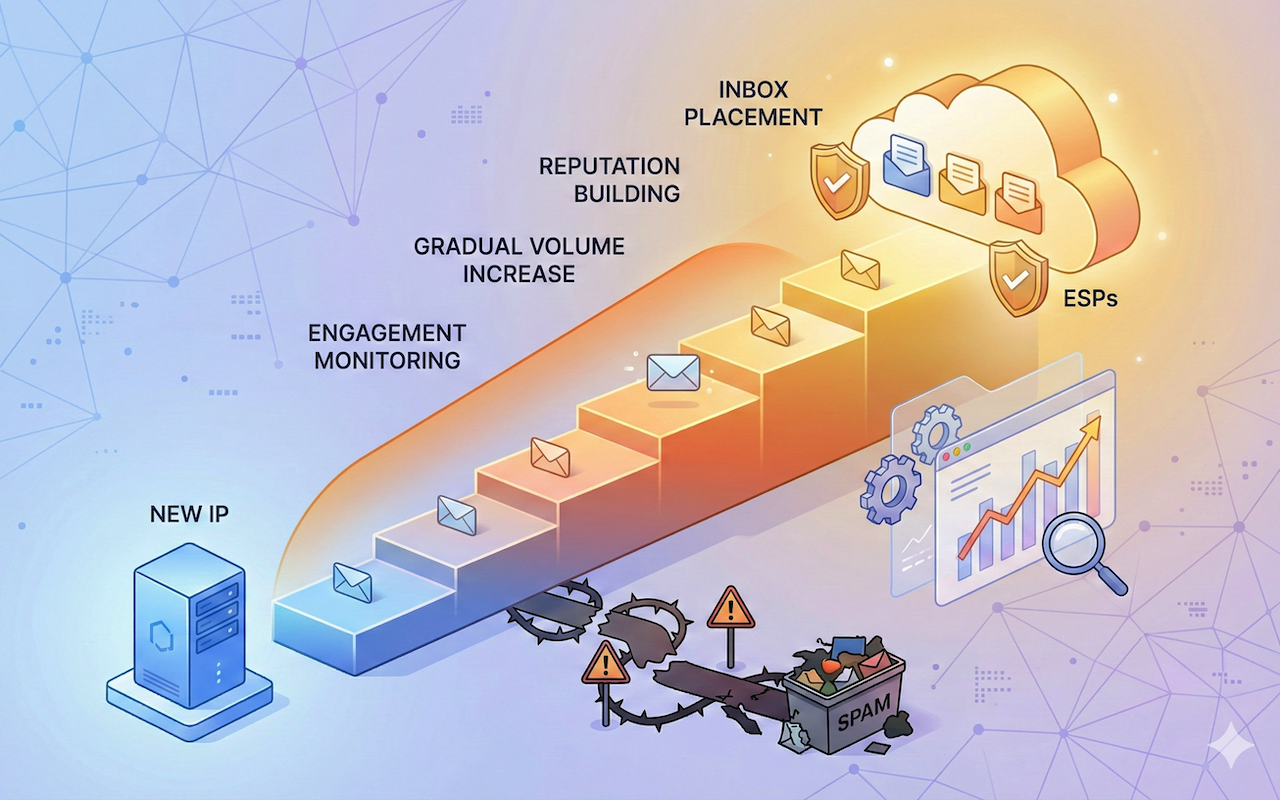
Email marketers often ask themselves this painful question: “Why are my emails going to spam?” If you are also looking for an answer, you are not alone. In this article, we will look at the main reasons why your campaigns are not reaching the recipient’s inbox and what to do about it.
Email trust is often assumed to be something users assess after opening a message. The common belief is that people read the content, verify the sender, or check links before deciding whether to trust an email. In practice, that decision is usually made much earlier. The inbox itself has become the real point of judgment.
It goes without saying that emails are a primary tool for communication, marketing, and outreach in the business world. However, sending large volumes of email comes with its own set of challenges.
Email is part of everyday life now. We use it for work, shopping, and staying in touch. Losing access feels stressful and personal. Many people think email hacking will not happen to them. That belief causes problems later. Most attacks target normal users, not big companies. A safe inbox starts with awareness and calm habits. People using internet often ask how to stay protected online. The answer is not complex tools. It is about small daily actions. Your connection, your device, and your choices all matter. Choosing the right internet provider also plays a role. A stable, secure network reduces hidden risks. Email safety is not about fear. It is about control and confidence.
Have you ever sent a perfectly normal email only to find out it was ghosted into someone’s spam folder? Or worse, your whole domain suddenly got flagged, and no one tells you why.
Email marketing continues to evolve as customer expectations shift. Today’s audiences expect messages that offer direct value, personalized guidance, and meaningful solutions. Companies in 2026 are adopting advanced, smarter strategies to remain competitive and meet rising engagement standards.
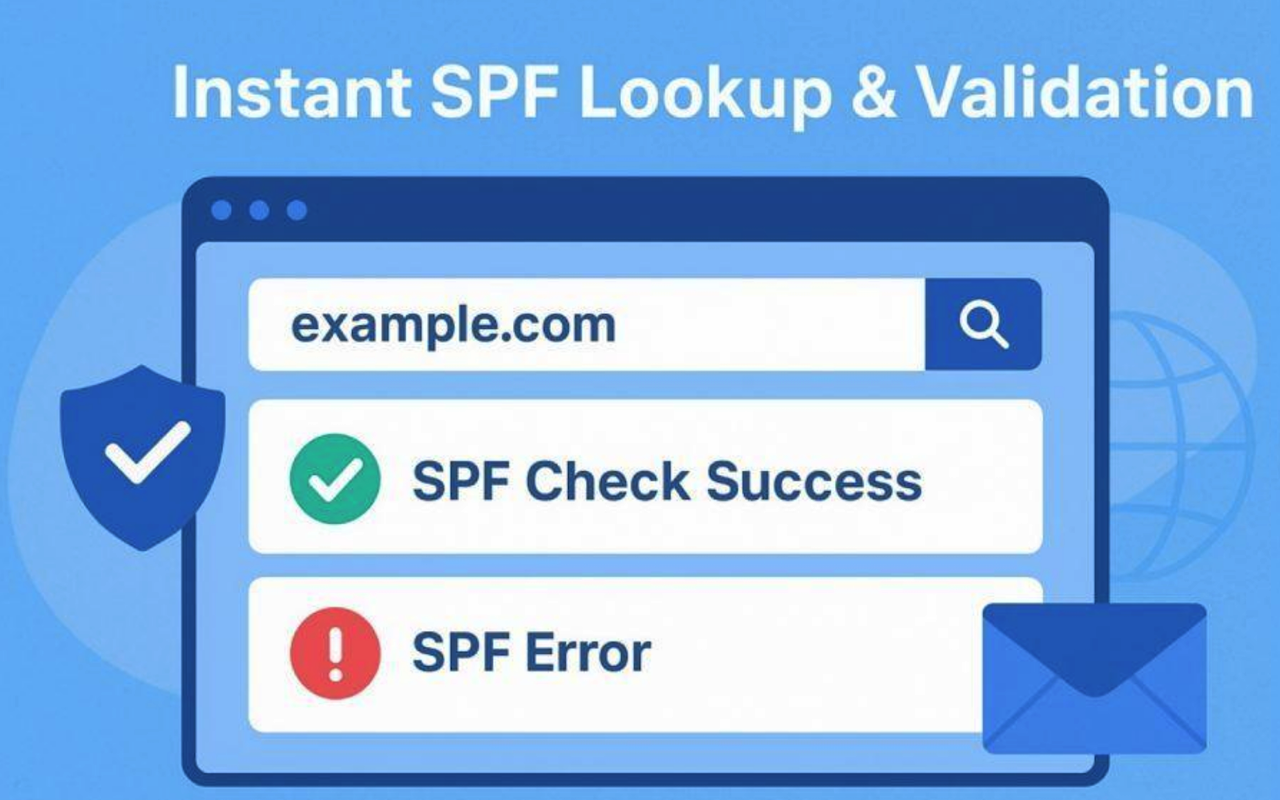
The Sender Policy Framework (SPF) is a crucial email authentication protocol designed to protect both individuals and organizations from email spoofing and phishing attacks. At the heart of SPF is the SPF record, a specific type of DNS record (typically a TXT record) that acts as an explicit policy for your domain name. This record lists the mail servers or authorized IP addresses that are permitted to send emails on behalf of your domain, providing an essential line of defense against fraudulent use.
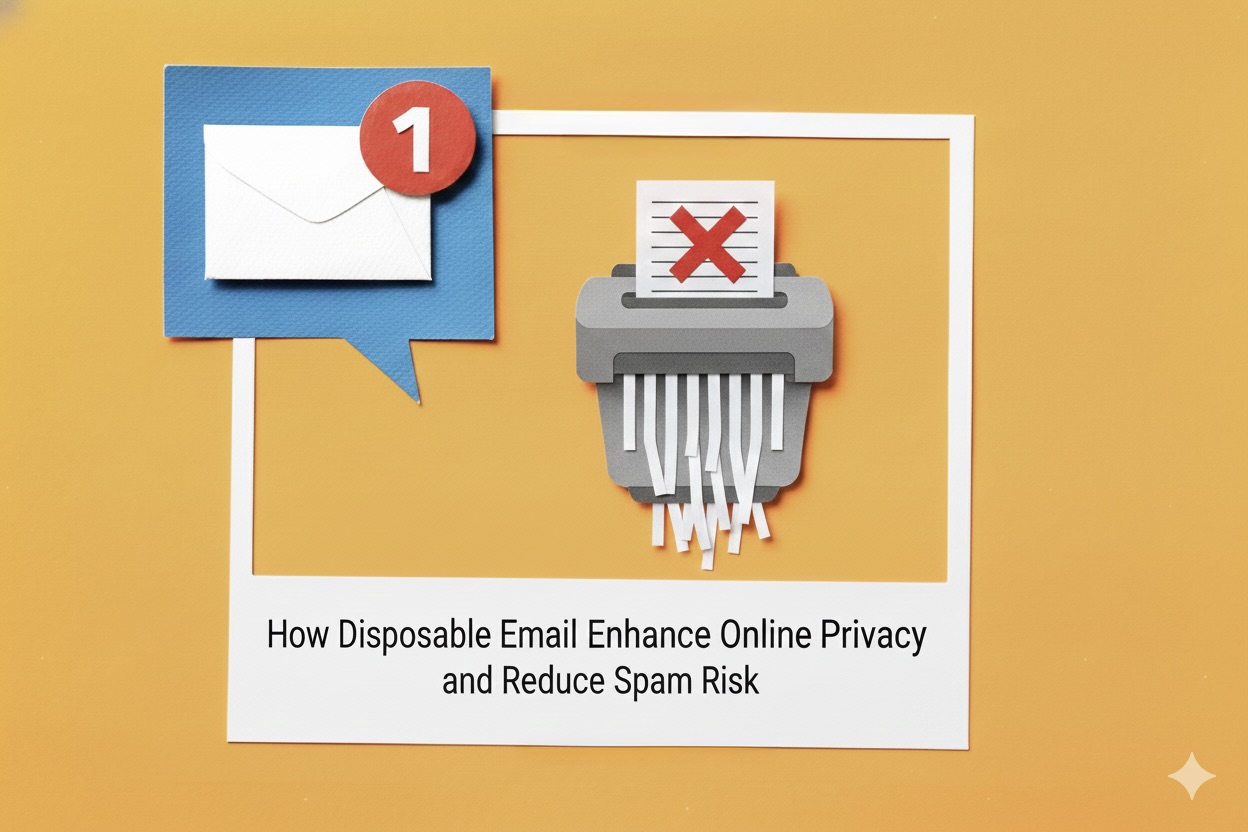
Email is one of the most essential tools for online communication, but it’s also a common target for spam, data collection, and privacy invasion. As websites increasingly ask for email verification for sign-ups, newsletters, free trials, and downloads, users often end up sharing more personal information than necessary. This is where disposable email becomes a safe and practical solution.
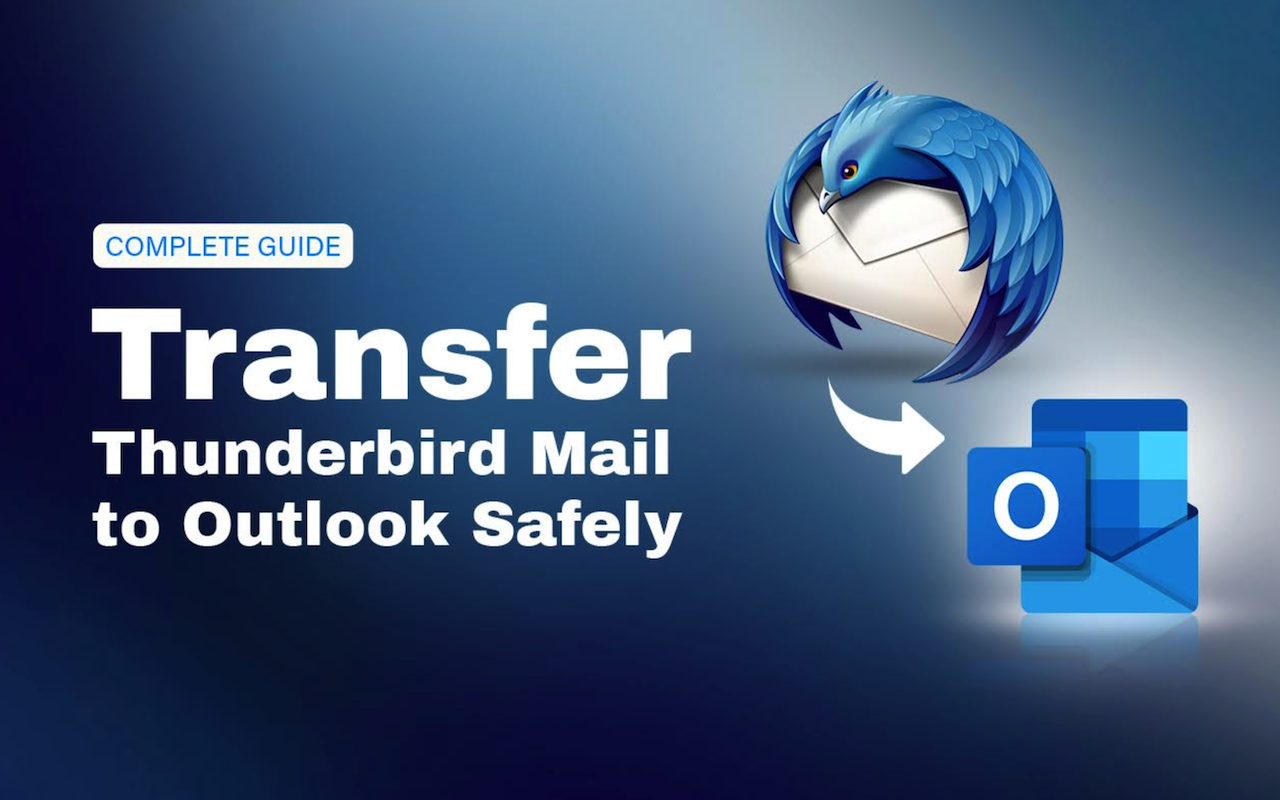
Mozilla Thunderbird stores mailbox data—such as emails, contacts, and calendars—in an MBOX file, a container format that Outlook does not support. Because of this, you cannot transfer Thunderbird mail to Outlook directly. The practical solution is to convert the Thunderbird MBOX file into a PST file, which Outlook uses for import and export. In this guide, you’ll learn how to convert the MBOX file into PST format and use a manual workaround to move Thunderbird emails to Outlook safely.