
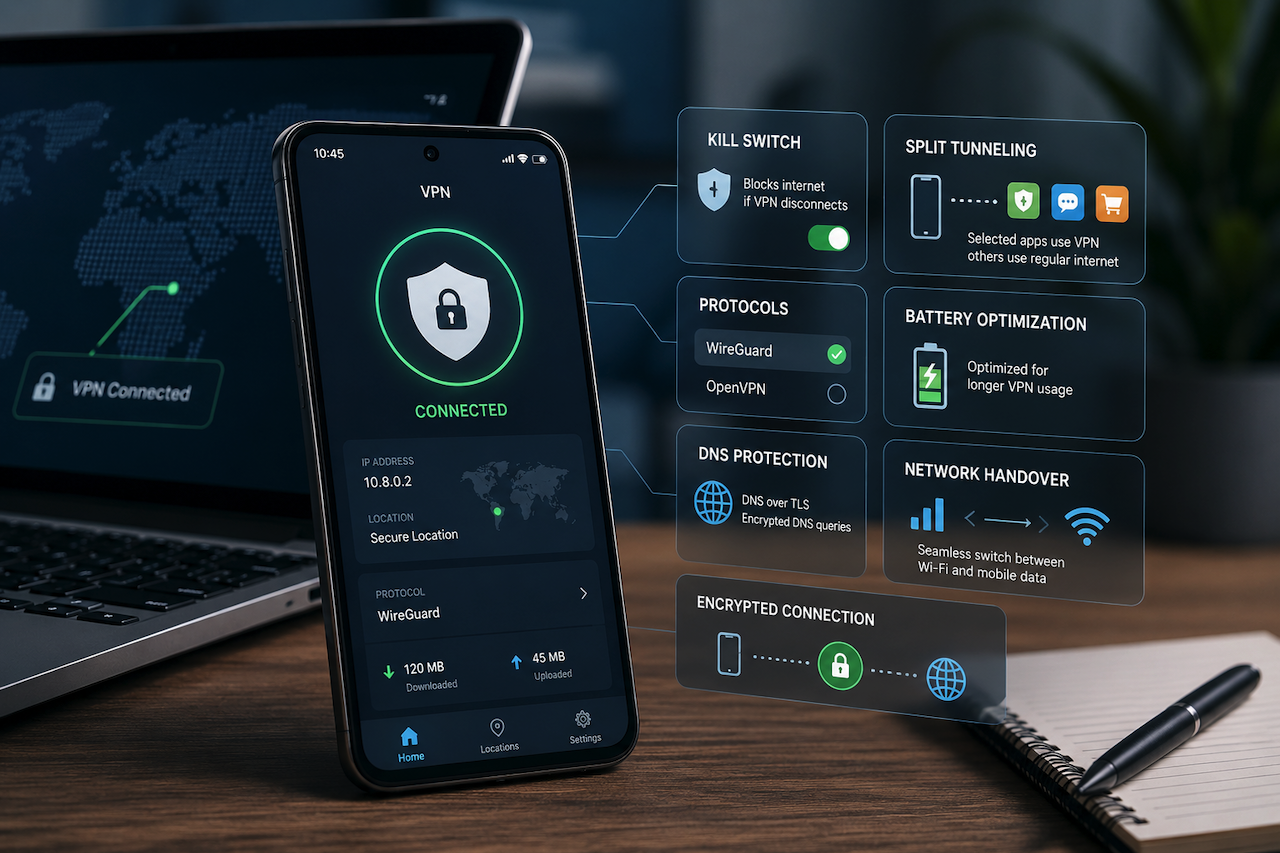
Two installations of the same VPN brand can behave differently depending on the underlying operating system. The marketing pages rarely make this clear. A user who reads a Windows review and installs the same provider on a Pixel 8 may end up with fewer protocols, a weaker kill switch, and a battery profile that triggers Android's aggressive doze policies within hours.
The gap matters because mobile is now the dominant entry point for consumer VPN use. According to AppMagic data covering 2024, more than 78% of consumer VPN sessions worldwide started on a smartphone, with Android holding the larger share outside North America. Yet most editorial testing still happens on desktop, and the conclusions get transposed wholesale.
That transposition is where things break down.
The Kill Switch on Android Runs on an API That Google Has Rewritten Three Times
On Windows, a VPN kill switch is typically implemented at the network adapter level: the client drops or blocks the physical interface when the tunnel falls. On Android, the same feature relies on a system flag called alwaysOn, introduced in Android 7 in 2016, reworked in Android 10, and again in Android 12.
Each rewrite changed what apps could and could not do during tunnel loss. Android 12, released in October 2021, added the Lockdown mode that finally blocks all traffic outside the VPN, but it sits in the system VPN settings rather than inside the app. A user who toggles the kill switch in a VPN client without also enabling system-level lockdown gets partial protection at best.
Cure53 noted exactly this issue in its 2022 audit of Mullvad's Android client: the in-app switch alone could not prevent leaks during connection drops without the OS-level setting also being enabled. Most providers still do not clearly surface that requirement during onboarding.
WireGuard vs OpenVPN on Mobile Is a Battery Question, Not a Security Question
Both protocols are considered secure when implemented correctly. The WireGuard protocol wins on Android for a different reason: it keeps the radio quiet. While OpenVPN maintains long-lived TLS sessions that wake the modem more frequently, WireGuard's stateless UDP design lets the device sleep between handshakes.
Measured power draw on a Pixel 7 running Android 14 showed WireGuard idle consumption at roughly 0.6% per hour, compared with 1.4% for OpenVPN UDP under the same conditions, according to benchmarks published by ProtonVPN's engineering team in May 2023. Over a workday, that compounds. Over the course of a week, it determines whether a user keeps the VPN on or quietly disables it.
A desktop reviewer rarely notices this. Plug in, test throughput, write the review. On a phone running for 16 hours on battery, the choice of protocol becomes the deciding factor for sustained use.
Split Tunneling by App Is a Feature That Only Exists on Mobile
On Windows or macOS, split tunneling is configured by IP range or domain. On Android, it works at the application boundary: routing the banking app outside the tunnel while keeping the browser inside it, for instance. The mechanism, called per-app VPN, relies on the VpnService.Builder API was introduced in Android 5 back in 2014.
Not every provider implements it. Among the providers that do, the user experience varies wildly. Some surface a clean app picker; others bury the option three menus deep, or require the user to turn off a global setting first. Choosing which apps bypass the tunnel is also a privacy decision with consequences: a misconfigured allowlist exposes the real IP addresses of the apps that were supposed to be the most sensitive.
Battery Optimization Can Quietly Kill the VPN Service
Android's Doze mode, expanded in Android 9 and tightened again in Android 13, aggressively suspends background services. A persistent VPN connection is exactly the kind of long-running service the OS wants to throttle. Without an exemption from battery optimization, the client can be killed by the system, leaving traffic momentarily unencrypted before the user notices.
Samsung's One UI is even more aggressive. The Don't Have More Software setting, enabled by default on many One UI 5 and 6 builds, terminates background apps after a few hours unless the user manually allows them to run. Several smaller VPN brands never document this. Larger ones bury the warning in a help article most users never read.
AOSP commits going back to 2020 show repeated tension between the platform's battery goals and the requirements of persistent network services. The conflict has not been resolved; providers work around it.
DNS Handling Differs from Build to Build
Android's Private DNS feature, added in Android 9, lets users set a system-wide DNS over TLS resolver. It interacts unpredictably with VPN clients. Some providers respect it. Others force their own resolver regardless. A 2024 study by the ICSI at Berkeley measured DNS leak behavior across 32 Android VPN clients and found that nine of them ignored the Private DNS setting and routed lookups through the carrier resolver under certain hotspot conditions.
The same providers tested clean on Windows. The bug was Android-specific and had survived multiple app updates without being flagged in major review roundups.

Evaluating a Mobile VPN Client Requires Mobile-Specific Testing
None of the issues above show up in a desktop review. A useful comparison of Android VPN clients to test on Android: protocol selection on real handsets, kill-switch behavior during cell-to-Wi-Fi handover, per-app split-tunneling implementations, battery impact over 24 hours of normal use, and DNS handling under hotspot and tethering conditions.
That kind of testing exists, but is uncommon. Gizmodo's recurring testing of mobile VPN clients on Android focuses specifically on these mobile-side behaviors rather than transposing desktop findings, which makes it useful as a reference when the desktop review and the real-world Android experience diverge.
Conclusion
The transposition problem is not going away. Provider marketing still leads with desktop screenshots and protocol lists that look identical across platforms. The reality, visible only when the same client runs on a phone for a week of normal use, is that the Android product is different.
Features such as kill switches, split tunneling, DNS handling, battery optimization, and protocol efficiency can behave very differently on Android than they do on Windows or macOS. As a result, desktop VPN reviews do not always reflect the real-world mobile experience.
For users who rely primarily on Android devices, evaluating mobile-specific behavior is just as important as comparing speed, privacy policies, or protocol support. Treating the Android client as its own product is the first step toward choosing a VPN that performs reliably in everyday use.
Featured Image generated by ChatGPT.
Share this post
Author

Read the latest articles from Shahid Latif
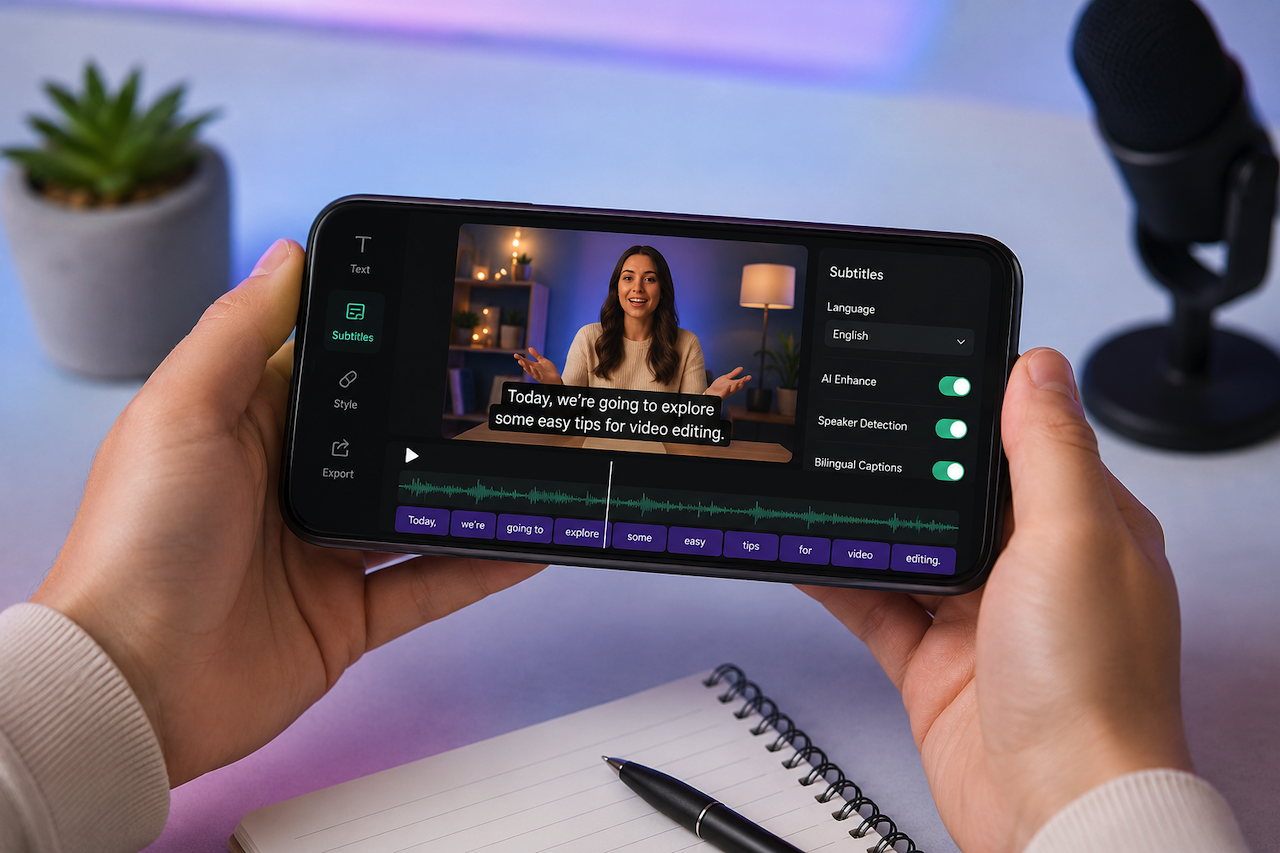
Can You Create AI Subtitles on Your Phone?
May 22, 2026
Creating video auto captions is no longer limited to desktop devices or professional editing software. AI-powered mobile applications have transformed video transcription by offering built-in subtitle generators directly on smartphones. Users can now caption social media clips, tutorials, interviews, and short-fo [...]
Learn moreHow QR Code Technology Improves Consumer Engagement and Product Transparency

May 21, 2026
Modern consumers expect more than basic branding and ingredient lists when interacting with products. People increasingly want instant access to product details, sustainability information, authenticity verification, tutorials, promotions, and brand stories directly from their smartphones. This shift has made QR [...]
Learn moreLeave a comment
All comments are moderated. Spammy and bot submitted comments are deleted. Please submit the comments that are helpful to others, and we'll approve your comments. A comment that includes outbound link will only be approved if the content is relevant to the topic, and has some value to our readers.






Comments (0)
No comment