
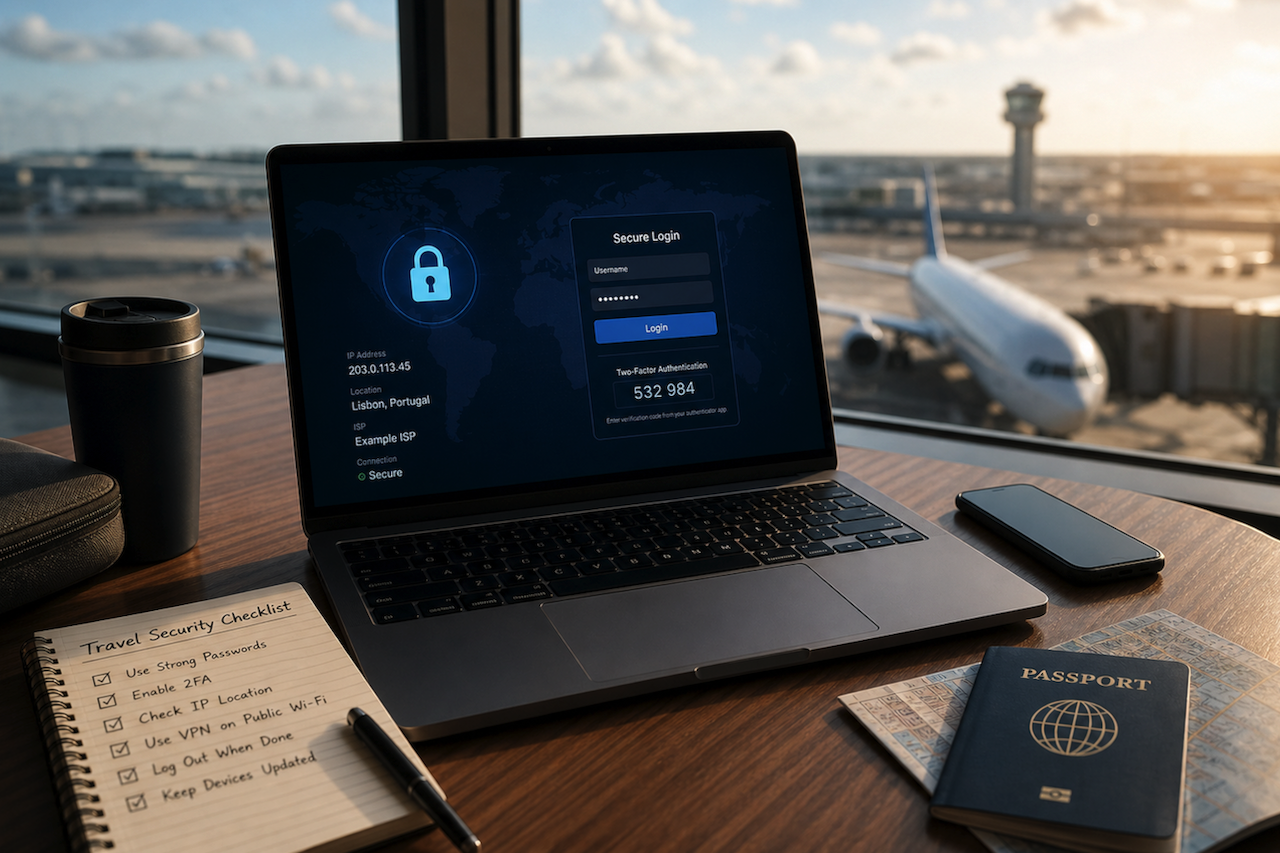
Traveling is when many people relax their usual security habits—exactly when attackers expect you to. Airports, hotels, cafés, trains, and conference venues create a perfect storm for account compromise: unfamiliar networks, rushed logins, weaker device hygiene, and constant context switching. If you use crypto services while traveling—wallet apps, exchanges, portfolio trackers, or even Gmail accounts linked to them—public Wi‑Fi becomes a meaningful risk.
This guide explains how to use IP checks as part of a practical security routine for travel. An IP check won’t magically “protect” you on its own. Still, it can help you spot red flags: captive portals that behave strangely, unexpected locations, suspicious VPN/proxy use, or logins routed through places that don’t match your travel context. When combined with core controls (2FA, secure DNS, device updates, and avoiding risky logins), IP awareness is a useful layer in a defense-in-depth approach.
Why Public Wi-Fi Is Risky for Crypto Logins
Before tools, it helps to understand the threat model. Public networks aren’t automatically evil, but they are untrusted: you don’t control who runs the access point, how traffic is routed, or what devices share the network with you.
Common Public Wi-Fi Threats (What They Look Like in the Real World)
- Evil twin hotspots: A fake network name that mimics the hotel/café Wi‑Fi (e.g., “Hotel_Guest” vs “Hotel-Guest”). Once you connect, the attacker can monitor or manipulate your traffic.
- Captive portal phishing: A login page that asks for email credentials or prompts you to “re-authenticate” with a familiar provider. The goal is credential theft.
- Local network attacks: On poorly configured networks, attackers can attempt ARP spoofing or other techniques to intercept traffic, particularly if the site/app isn’t properly protected.
- Session hijacking and token theft: If a device is compromised or if a service uses weak session handling, an attacker may take over an authenticated session.
- DNS manipulation: The network can push you to fake domains if DNS isn’t protected, leading to cloned exchange/wallet pages.
Expert note: HTTPS helps, but it’s not the whole story
Modern encryption dramatically improves safety on public networks. Still, users lose more cryptocurrency more often through phishing, fake sites, and credential compromise than through movie-style “packet sniffing.” Travel environments increase the likelihood of successful phishing because you’re distracted and less likely to verify.
What an IP Check Can and Cannot Do
An IP address is a public-facing network identifier assigned by an internet provider (or shown via a VPN, proxy, or mobile carrier gateway). IP checks and geolocation tools can show an approximate region, ISP/ASN, and whether the IP is associated with a hosting provider, proxy, or VPN.
What IP Checks Are Good For
- Context Verification: “Does my visible location roughly match where I am?”
- Risk Signals: “Am I coming from a data center/VPN/proxy when I didn’t intend to?”
- Account Security Triage: Correlating “new device/login” alerts with expected travel.
- Troubleshooting Access Issues: Some services restrict access by region; IP info helps explain why.
What IP Checks Are Not Good For
- Precise Location: IP geolocation is approximate and can be wrong by tens or hundreds of kilometers.
- Detecting All Attacks: A “normal” IP does not guarantee a safe network.
- Replacing Encryption: It’s a visibility layer, not a protection layer.
A Travel-Safe Workflow: “Check, Connect, Confirm”
To make IP checks useful, you need a repeatable workflow. Here is a field-tested approach that fits real travel habits.
- Check the network before you log in
- Confirm the Wi‑Fi name with staff or signage. Watch for lookalike SSIDs.
- Avoid networks that require you to install “security certificates” or unknown apps.
- If possible, prefer mobile data for any crypto-related activity. A personal hotspot is often safer than public Wi‑Fi.
- Connect using the safest path you have
- Use a reputable VPN if you trust it and understand its trade-offs (see below).
- Disable auto-join for public networks to prevent silent reconnections.
- Turn off file sharing and set the network profile to “public” on laptops.
- Confirm your internet “identity” with an IP check
- Run an IP check to confirm what the outside world sees. If the result is unexpected (wrong country, unusual ISP, or a data center IP you didn’t intend), treat it as a warning: do not log in to sensitive accounts until you understand why.
Using IP Checks to Secure Logins (Step-by-Step)
Step A: Validate “Does This Look Like My Travel Context?”
If you’re in Lisbon and your IP check shows a location elsewhere in the world, you have to explain the discrepancy. Common explanations include:
- You’re using a VPN exit node in another country (expected if configured).
- The captive portal hasn’t fully authorized you and is routing traffic oddly.
- The network is using upstream routing through a different region (less common but possible).
- Something is misconfigured (or malicious).
Step B: Compare With Your Device’s Expected Network Path
- If you’re on mobile data, an IP from a mobile carrier is typical.
- If you’re on hotel Wi-Fi, an ISP or business network range is typical.
- If you see a hosting provider/data center ASN while not using a VPN, treat it as suspicious.
Step C: Use Login Alerts as a Cross-Check
Many major services send “new login from X location” alerts. Use IP checks to validate whether that location aligns with your situation. If you receive a login alert from a place you are not in and did not route through (e.g., via VPN), act immediately: change passwords, revoke sessions, and review security settings.
Practical controls that matter more than any single tool
IP checks are most effective when paired with foundational security controls. These are the ones with the biggest real-world impact.
- Use strong, unique passwords and a password manager
Credential stuffing is common. Traveling increases the chance you’ll reuse passwords or type them into risky pages. A password manager reduces both risks by enabling unique credentials and fewer manual entries.
- Enable multi-factor authentication (MFA)
MFA is one of the strongest defenses against stolen passwords. For crypto-related accounts, prefer app-based authenticators or hardware keys where supported. SMS-based MFA can be better than nothing, but it has known risks (e.g., SIM swapping).
- Keep devices updated and locked down
Install OS and browser updates before travel.
Use device encryption and a strong passcode.
Disable Bluetooth and Wi‑Fi when not needed.
- Avoid “high-stakes” actions on public networks
Even with precautions, consider a simple rule: don’t perform large transfers, change security settings, or add withdrawal addresses while on public Wi‑Fi. Do those actions on a trusted network or mobile data with extra verification.
VPNs: Helpful, but Not Magic
A VPN can reduce some local-network risks by encrypting traffic between your device and the VPN provider. It can also prevent the Wi‑Fi operator from easily seeing which sites you visit. However, it moves trust from the café Wi‑Fi to the VPN provider.
When a VPN Helps
- You must use public Wi‑Fi to reduce the risk of local interception.
- You want consistent routing that’s less dependent on the venue’s network.
When a VPN Can Complicate Things
- Services may flag logins due to IP changes and “impossible travel” alerts.
- A crowded VPN exit node may be associated with abuse, which can trigger additional verification.
- If you forget it’s on, your IP location will look “wrong” (but explainable).
Expert Tip: Decide Your VPN Policy Before You Travel
Either “VPN always on for public Wi‑Fi” or “VPN off unless needed” is fine—what’s risky is inconsistent use that creates confusion when you get security alerts.
Crypto-Specific Travel Safety: The Non-Obvious Risks
Phishing Beats Hacking
In travel contexts, the most frequent loss pattern is still phishing: a fake “exchange login,” a clone wallet site, a QR code to a malicious domain, or a prompt to “verify your account.” If an IP check suggests something unusual, treat all links with extra suspicion.
Seed Phrases Never Belong Online
No legitimate wallet support team needs your seed phrase. Never type it into a website, captive portal, form, or chat. Not on public Wi‑Fi, not on any Wi‑Fi.
Beware of “Helpful” Public Computers and Charging Stations
Do not log into crypto accounts on shared computers. Use a USB data blocker or your own charger/cable when charging in public, and avoid unknown “free charging” cables.
Approaches to Managing DOGE While Traveling
If you want a straightforward way to manage assets while keeping your routine organized, especially when traveling and juggling multiple logins, using a dedicated wallet interface with clear, step-by-step operations can help reduce mistakes. For Dogecoin specifically, some users choose a dedicated dogecoin wallet, with tools like Atomic Wallet being one example, to keep their send/receive workflow consistent when they’re away from their usual setup.
Expert Travel Advice for Wallet Use
- Back up securely before you leave (offline, protected from loss).
- Keep apps updated and verify you’re using official sources.
- Test with a small amount first when using a new network or device context.
A Compact “Airport Checklist” for Secure Logins
Before Connecting
- Confirm SSID with staff/signage
- Disable auto-join and sharing
- Prefer mobile data for sensitive actions
After Connecting
- Run an IP check and confirm it makes sense
- Turn on VPN if it’s part of your policy
- Log in only to what you need, then log out
If Something Looks Wrong
- Disconnect immediately
- Switch to mobile hotspot
- Change passwords and revoke sessions if you suspect compromise
Final Thoughts
Traveling doesn’t have to mean accepting higher risk. The key is to treat public Wi‑Fi as untrusted infrastructure and to use simple verification steps before sensitive logins. IP checks are valuable because they give you fast context: where your connection appears to originate and whether anything about it looks abnormal. Combine that visibility with strong authentication, disciplined device hygiene, and a rule to reserve high-stakes actions for trusted networks. That’s how you keep crypto activity boring—in the best possible way—while you focus on the trip.
Disclaimer
This article is for informational and educational purposes only and does not constitute cybersecurity, financial, investment, or legal advice. While reasonable efforts have been made to ensure accuracy, the information provided may not reflect current security threats or your specific circumstances. Readers should conduct their own research and consider consulting qualified professionals before making decisions related to security practices, financial assets, or cryptocurrency usage.
References to tools, platforms, or services are provided as general examples and do not imply endorsement or recommendation. iplocation.net is not liable for any actions taken based on the information in this article, nor for any losses, damages, or issues arising from the use of external links, third-party services, or security practices discussed.
Featured Image generated by ChatGPT.
Share this post
Author

Read the latest articles from Emily Carter
The Future of Digital Communication: Privacy Considerations
May 7, 2026
The way people communicate has changed more in the past decade than in the previous century combined. From encrypted messaging apps to AI-powered virtual assistants, digital communication tools have woven themselves into the fabric of daily life, both professional and personal. But as these technologies grow more [...]
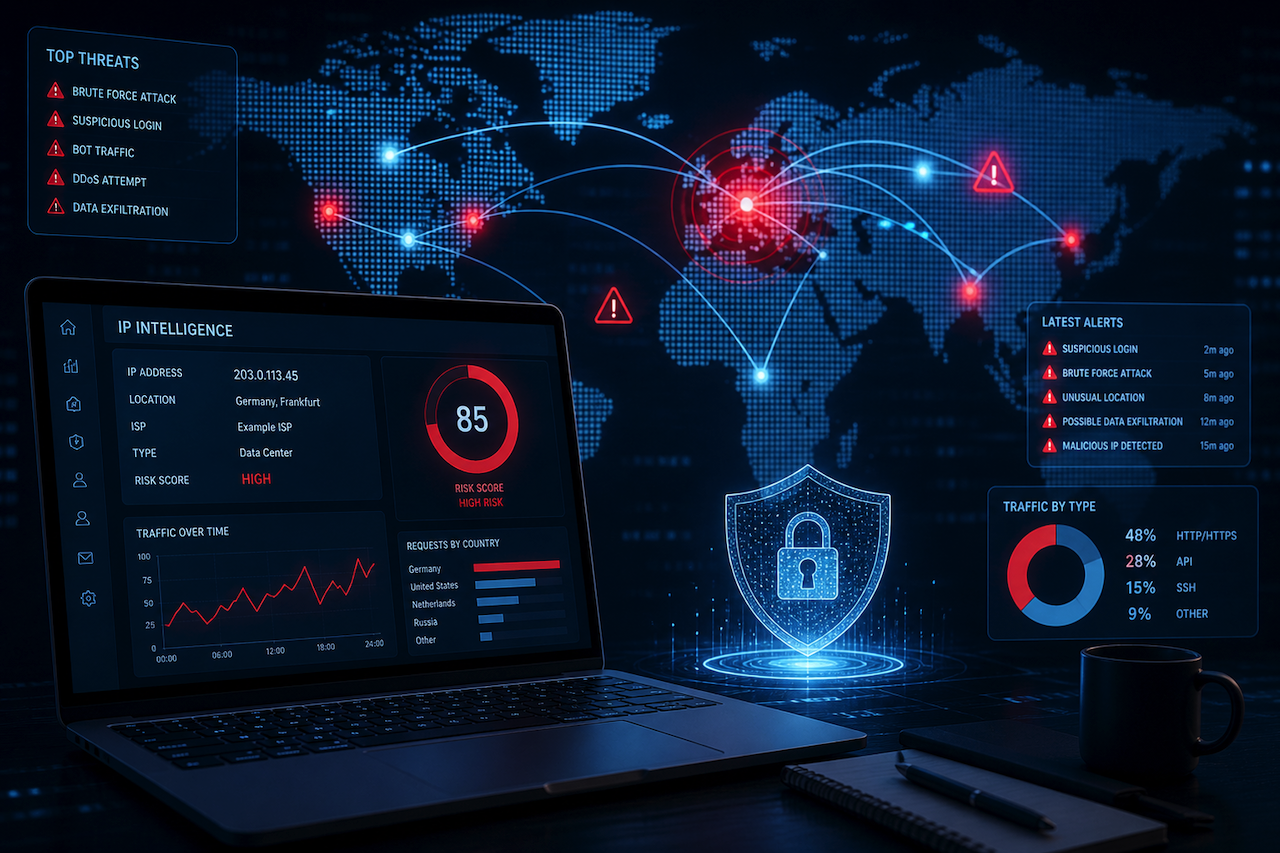
Learn moreHow AI Is Changing IP Tracking in 2026
May 5, 2026
IP tracking has always been one of the basic building blocks of online security. Every website visit, login attempt, API request, email header, and network connection leaves technical signals behind. Among those signals, the IP address remains one of the most useful starting points for understanding where [...]
Learn moreLeave a comment
All comments are moderated. Spammy and bot submitted comments are deleted. Please submit the comments that are helpful to others, and we'll approve your comments. A comment that includes outbound link will only be approved if the content is relevant to the topic, and has some value to our readers.


Comments (0)
No comment