
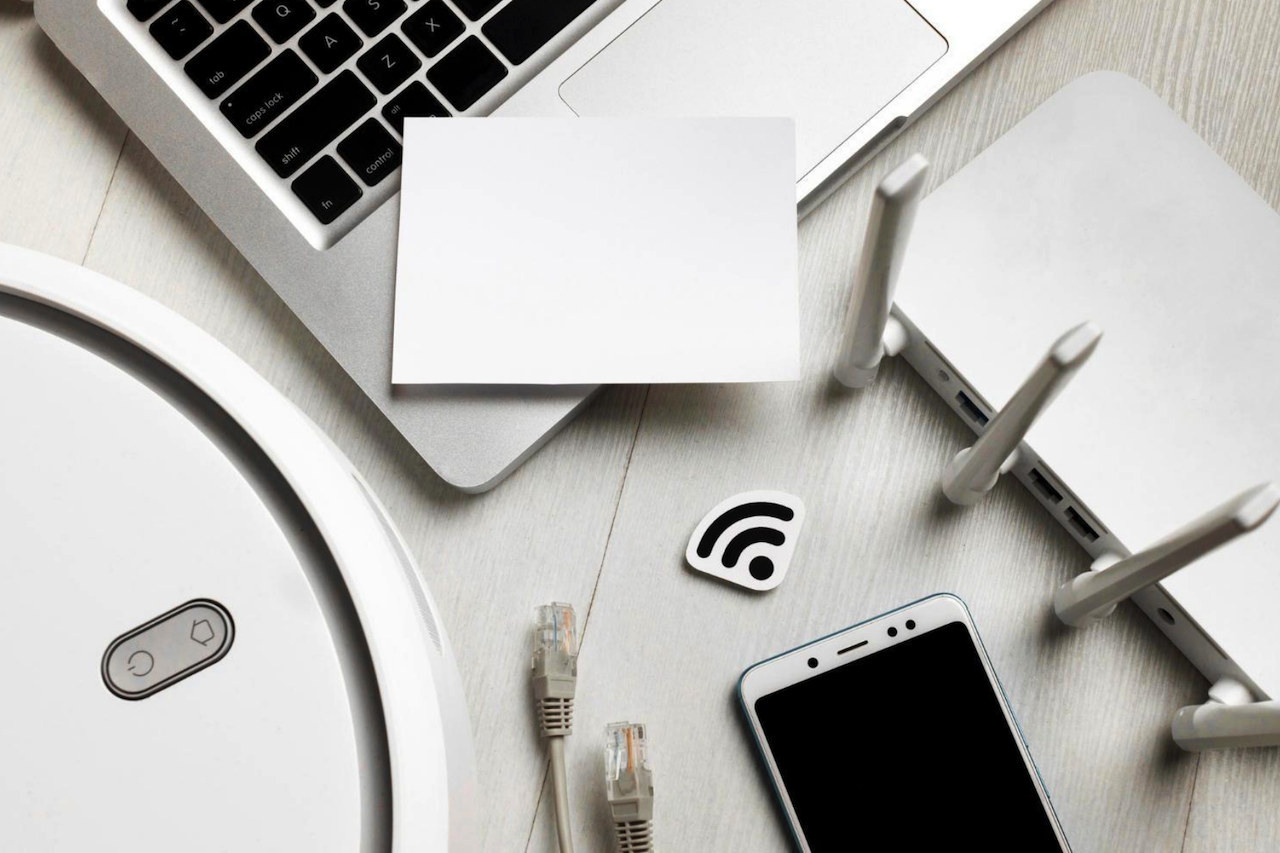
Not long ago, the number of internet-connected devices in a typical home or office could be counted on one hand. A desktop computer, maybe a laptop, and a shared router formed the core of most networks. Today, that landscape has changed dramatically. Smart TVs, printers, voice assistants, cameras, thermostats, phones, tablets, and even appliances all connect to the internet, and each has its own IP address.
This explosion of connected devices has brought convenience and productivity. Still, it has also quietly expanded what cybersecurity experts call the attack surface: the total number of points where an unauthorized user could attempt to enter or extract data from a network. Understanding how IP-connected devices contribute to this risk is now essential for both households and businesses.
The Meaning of “Every Device Has an IP”
An IP (Internet Protocol) address is essentially a device’s digital identifier on a network. It allows devices to send and receive data and ensures information reaches the correct destination. Whether it’s a laptop accessing cloud storage or a smart speaker streaming music, IP addresses enable communication.
However, connectivity also means visibility. Any device with an IP address can potentially be discovered, scanned, or targeted if it is not properly secured. While routers and computers often receive attention in security discussions, many smaller or more mundane devices are overlooked.
Ironically, these overlooked devices can be the weakest links.
The Overlooked Risk of Everyday Devices
When people think of cybersecurity threats, they usually imagine compromised laptops or smartphones. In reality, attackers often seek easier entry points. Networked printers, for example, are common in both homes and offices and are rarely treated as security-critical devices.
Modern printers store data, connect to Wi-Fi, and sometimes even retain document history. Yet many users focus only on functionality and maintenance. Guides on practical tasks, such as how to change ink in HP printer, are widely searched because people often view printers as simple tools rather than network endpoints. From a cybersecurity perspective, however, any connected printer should also be password-protected, regularly updated, and monitored like any other device.
A poorly secured printer can expose sensitive documents or provide a gateway into a broader network.
Smart Homes, Smarter Targets
The smart home revolution has added dozens of new endpoints to residential networks. Doorbell cameras, baby monitors, lighting systems, and climate controls all rely on stable IP connections. Each device may transmit data to cloud servers, mobile apps, or third-party services.
While manufacturers increasingly improve security, misconfigurations remain common. Default passwords, outdated firmware, and unsecured Wi-Fi networks create opportunities for intrusion. Even something as simple as leaving remote access features enabled without strong authentication can introduce risk.
The challenge is not that smart devices are inherently unsafe. The challenge is scale. The more devices connected, the greater the user's responsibility to manage them effectively.
Offices: Convenience vs. Control
Workplaces face similar but larger-scale issues. Hybrid work models have blurred the boundaries between home and office networks. Employees connect from personal routers, shared spaces, and public networks, often using multiple devices.
Beyond computers and phones, offices rely on:
- Networked printers and scanners
- Smart conferencing systems
- Access control panels
- IoT sensors
- Digital signage
Each of these systems operates over IP. Each one must be configured, updated, and monitored.
Cybersecurity frameworks increasingly emphasize “zero trust” principles, assuming no device or user is automatically safe. This mindset reflects the reality that threats often come through unexpected channels.
Where Physical and Digital Security Meet
Interestingly, modern security is no longer purely digital. Physical identity and digital identity now overlap. Access to buildings, devices, and systems is often interconnected.
For example, organizations invest in identification systems to ensure that only authorized personnel can access certain areas. Items such as custom lanyard ID holders are commonly used to support visual identification and access control in offices, events, and secure facilities. While these are physical tools, they are part of a broader security strategy that connects physical identity, network permissions, and device access.
A strong security culture recognizes that protecting information involves both physical awareness and digital safeguards.
Practical Steps to Reduce Risk
Reducing the attack surface does not require advanced technical expertise. Many improvements come from consistent basics:
1. Secure the Router
Use strong passwords, change default credentials, and enable encryption.
2. Update Firmware Regularly
Manufacturers release updates to fix vulnerabilities. Delaying updates leaves doors open.
3. Segment Networks
Consider separate guest or IoT networks to isolate devices from sensitive systems.
4. Disable Unused Features
Remote access, Bluetooth, and file sharing should be disabled when not needed.
5. Monitor Connected Devices
Review the devices on your network and remove any unknown ones.
The U.S. Cybersecurity & Infrastructure Security Agency (CISA) consistently emphasizes these foundational steps as some of the most effective defenses for everyday users.
Awareness Is the First Layer of Defense
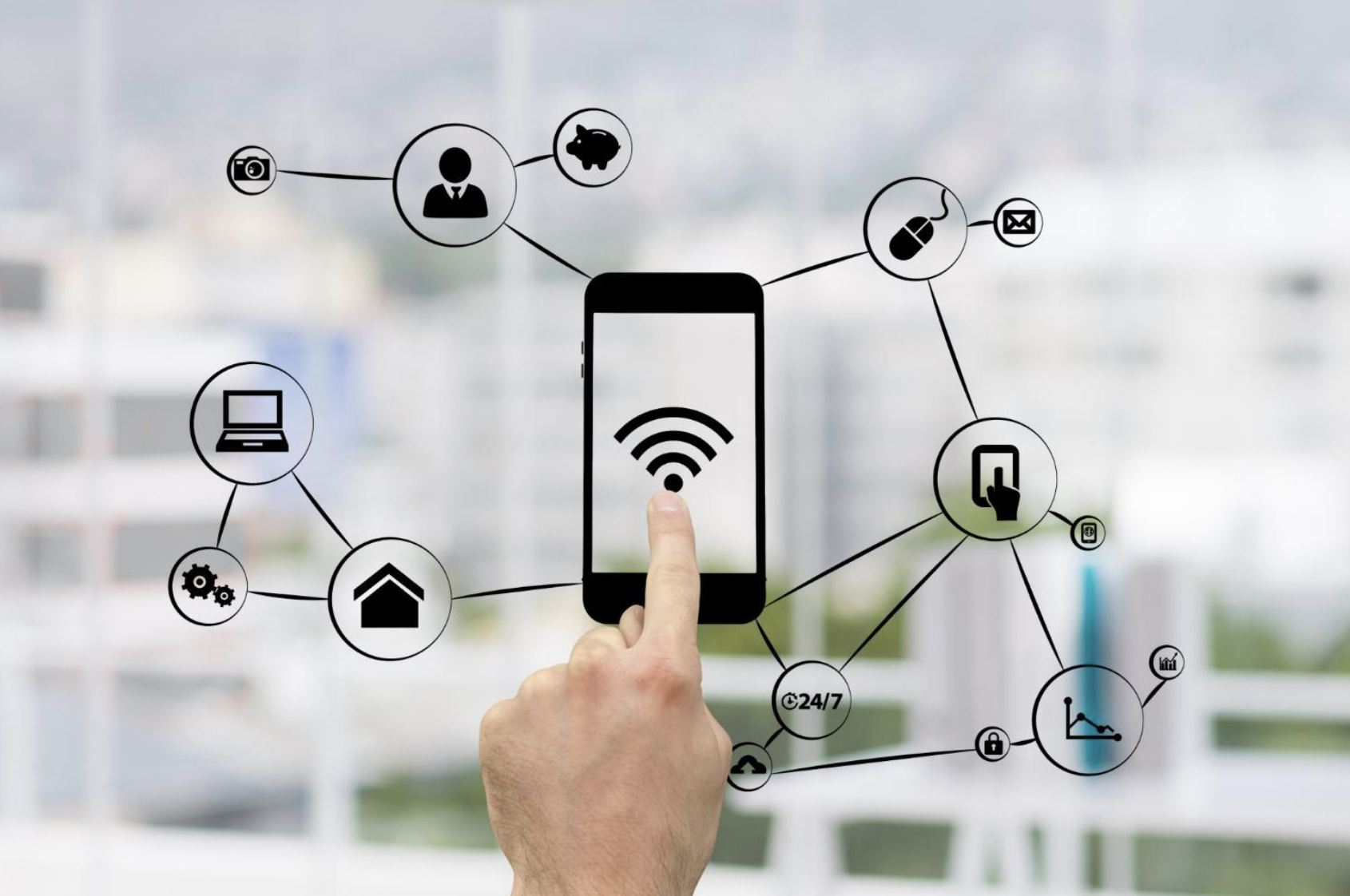
Image by Freepik.
The biggest shift in cybersecurity thinking over the past decade is awareness. People are realizing that security is not just an IT department issue. It is a daily habit, like locking a door or backing up data.
Every new connected device offers benefits, but it also adds responsibility. Asking simple questions helps:
- Does this device really need internet access?
- Is it updated and password-protected?
- Do I understand what data it collects?
These questions apply equally in homes and offices.
A Connected Future Requires Smarter Habits
Connectivity is not slowing down. If anything, the number of IP-enabled devices will continue to grow as homes and workplaces become more automated and data-driven. The goal is not to fear technology but to use it thoughtfully.
Smart environments can be both convenient and secure when users treat every connected device as part of a larger system. A printer is not just a printer. A camera is not just a camera. Each one is a node on a network.
Recognizing that “every device has an IP” is the first step toward building safer digital spaces. The next step is to make security a routine rather than a response.
In a world where nearly everything connects, awareness and good habits remain the most reliable firewalls.
Featured Image by Freepik.
Share this post
Leave a comment
All comments are moderated. Spammy and bot submitted comments are deleted. Please submit the comments that are helpful to others, and we'll approve your comments. A comment that includes outbound link will only be approved if the content is relevant to the topic, and has some value to our readers.


Comments (0)
No comment