
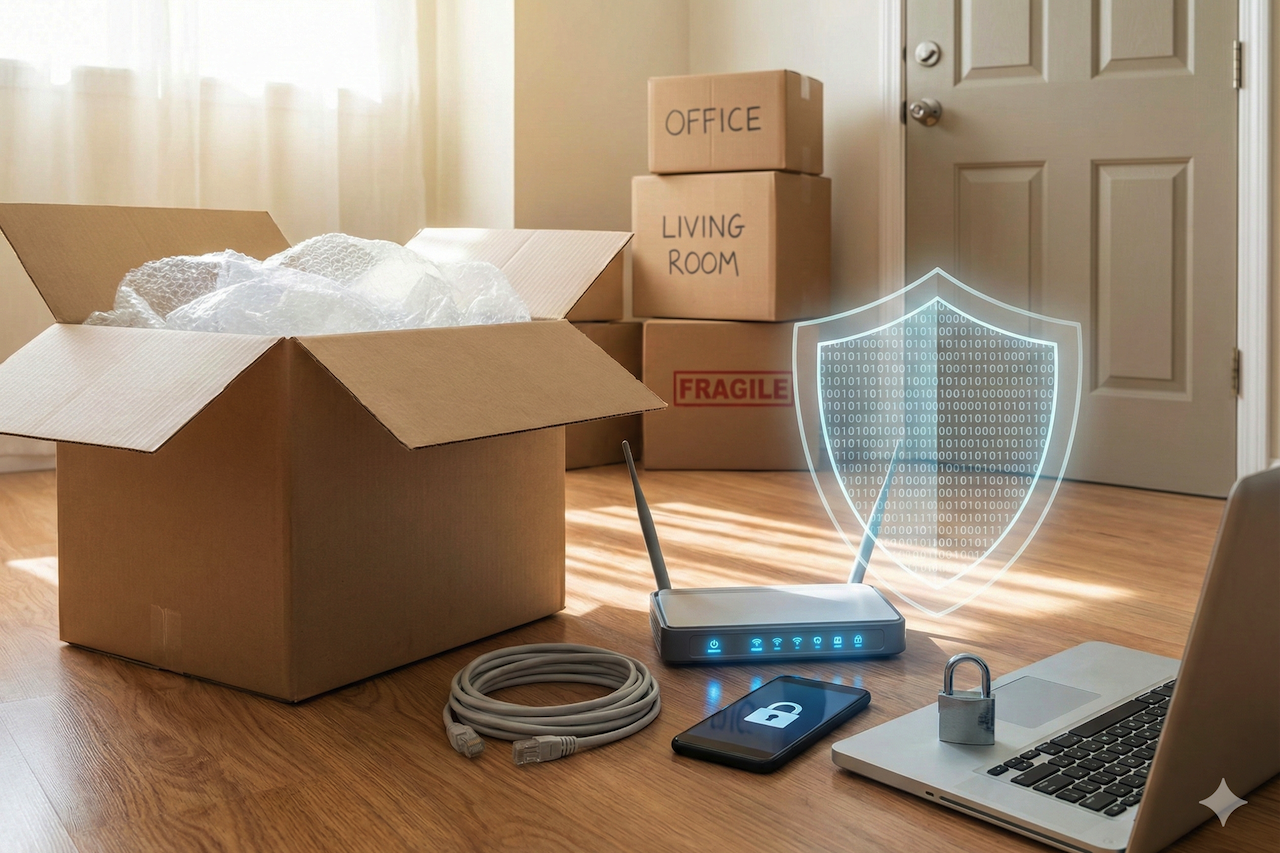
Moving houses is widely cited as one of life’s most stressful events. There is an endless list of logistics to manage: packing boxes, changing addresses, transferring utilities, and coordinating the physical transport of your life’s possessions.
When you hire a professional moving company, you are paying for the peace of mind that your physical assets - your furniture, electronics, and heirlooms will arrive safely at your new destination.
However, while moving services are experts at securing your physical cargo, the security of your digital life is entirely in your hands.
In the chaos of unpacking and organizing a new space, cybersecurity often falls to the bottom of the priority list. Most people prioritize getting an internet connection up and running so they can stream music while unpacking or answer urgent emails, often neglecting the security configurations that keep that connection safe.
This transitional period creates a unique window of vulnerability. Hackers and cybercriminals know that during a move, your guard is down, your physical documents are in transit, and your network security is likely running on factory defaults.
This guide serves as your digital moving checklist. Just as you wouldn’t leave your front door wide open in a new neighborhood, you shouldn’t leave your network ports exposed either. Here is how to secure your digital perimeter from day one.
Phase 1: The Transit Gap and Physical Security
The vulnerability doesn't start when you arrive; it starts the moment you unplug your router at the old house. The "transit gap" - that period of 24 to 72 hours where you are living out of suitcases and boxes - is a prime time for digital mishaps.
The Public Wi-Fi Trap
If you are moving long-distance, you may find yourself relying on hotel Wi-Fi, coffee shop hotspots, or open networks at airports. It is tempting to connect to "Free_Hotel_Guest" to check your bank balance or coordinate with your movers, but these unencrypted networks are hunting grounds for Man-in-the-Middle (MitM) attacks.
An attacker on the same network can intercept data packets, potentially harvesting login credentials or financial information.
During the move, treat all public networks as hostile. If you must connect, use a Virtual Private Network (VPN) to encrypt your traffic. A VPN creates a secure tunnel between your device and the internet, ensuring that even if the network is compromised, your data remains unreadable. If a VPN isn't an option, rely on your smartphone’s cellular data hotspot. It is significantly more secure than a random open Wi-Fi hotspot.
Chain of Custody for Hardware
While your movers are trustworthy, the chaotic nature of a moving day involves open doors and many strangers walking in and out. Small, high-value data storage devices like external hard drives, USB sticks, and NAS (Network Attached Storage) drives are easily misplaced or stolen.
Pack your critical data hardware in your personal vehicle or a specific "essentials" bag that stays with you, rather than loading it onto the moving truck. If a car is left unattended or (in a worst-case scenario) targeted by thieves, losing a couch is an insurance claim; losing a hard drive with unencrypted tax returns and family photos is a catastrophe.
Phase 2: Day One – Securing the Network Core
Once you arrive at the new property, the ISP (Internet Service Provider) technician will likely install a modem/router combo. They will hand you a sticker with a default Wi-Fi password, verify the connection works, and leave. This is the critical moment.
Ditch the Default Credentials Immediately
The default administrative username and password for many routers are public knowledge (often "admin/password"). If you leave these unchanged, anyone within Wi-Fi range, or malware that breaches a device inside your network, can access your router settings.
Your first action should be to log in to the router’s admin panel (usually 192.168.0.1 or 192.168.1.1) and set a complex, unique password for the administrator account.
Upgrade to WPA3
When setting up your Wi-Fi, you will be asked to choose a security protocol. Many older setups default to WPA2. While WPA2 is decent, WPA3 (Wi-Fi Protected Access 3) is the modern standard introduced to fix security flaws in WPA2, such as the KRACK vulnerability.
WPA3 provides stronger encryption and better protection against brute-force password guessing attacks. If your router supports WPA3, enable it immediately.
Segregate with a Guest Network
New neighbors might stop by to say hello, or contractors might need access to your home for repairs. Please do not give them your main Wi-Fi password. Instead, set up a "Guest Network" on your router.
This feature allows devices to connect to the internet without being able to access other devices on your local network, such as your printer, your file server, or your smart home hub. This isolation ensures that if a contractor’s malware-infected phone connects to your Wi-Fi, the infection cannot spread to your personal laptop.
Phase 3: The IoT Reset – Exorcising the Ghost of Owners Past
Modern homes are increasingly "smart," equipped with connected thermostats, video doorbells, smart locks, and security cameras. If you have moved into a house with existing smart devices, you have inherited a significant security risk.
The "Digital Key" Problem
Physical keys are the first thing you change when buying a house. You must apply the same logic to digital keys. If the previous owner installed a smart lock or a Ring doorbell, they may still have access to it via their smartphone app. They could, in theory, unlock your door or watch your video feed from miles away.
The Factory Reset Rule
Do not just try to pair your phone to existing devices. You must perform a "Hard Factory Reset" on every piece of innovative technology in the house. This usually involves holding down a physical button on the device for 10-30 seconds. This action wipes all previous user data, disconnects the device from the prior owner's account, and returns it to an "out-of-box" state.
Only after a factory reset should you connect the device to your new secure network. Furthermore, check for firmware updates immediately. A smart thermostat that hasn't been connected to Wi-Fi for the three months the house was on the market is missing critical security patches.
Phase 4: Physical Security and Digital Hygiene
As you unpack, you will generate significant waste. Be mindful of what ends up in your recycling bin.
Shredding is Non-Negotiable
Moving generates a paper trail: mortgage documents, lease agreements, utility setup letters, and insurance forms. These documents contain your full name, new address, phone number, and often financial account numbers.
This is a goldmine for identity thieves who practice "dumpster diving." Invest in a cross-cut shredder and destroy any document containing PII (Personally Identifiable Information) before throwing it out.
Update Your Billing Addresses
Update your address with your bank, credit card companies, and insurance providers immediately.
If these entities mail replacement cards or statements to your old address, and the mail forwarding service fails (or hasn't kicked in yet), you risk sensitive mail piling up at a location you no longer control.
Conclusion
A new home represents a fresh start, and that should extend to your digital footprint as well. While the physical move is exhausting, taking an hour on the first day to properly configure your network can save you months of headaches down the road.
Don't let the convenience of an instant connection override the necessity of security. By securing your hardware during transit, hardening your router against intrusion, and taking ownership of your smart home devices, you ensure that your new home is a fortress—both physically and digitally. Treat your network security with the same level of care you expect from your moving company, and you will settle in with true peace of mind.
Featured Image generated by Google Gemini.
Share this post
Leave a comment
All comments are moderated. Spammy and bot submitted comments are deleted. Please submit the comments that are helpful to others, and we'll approve your comments. A comment that includes outbound link will only be approved if the content is relevant to the topic, and has some value to our readers.


Comments (0)
No comment