
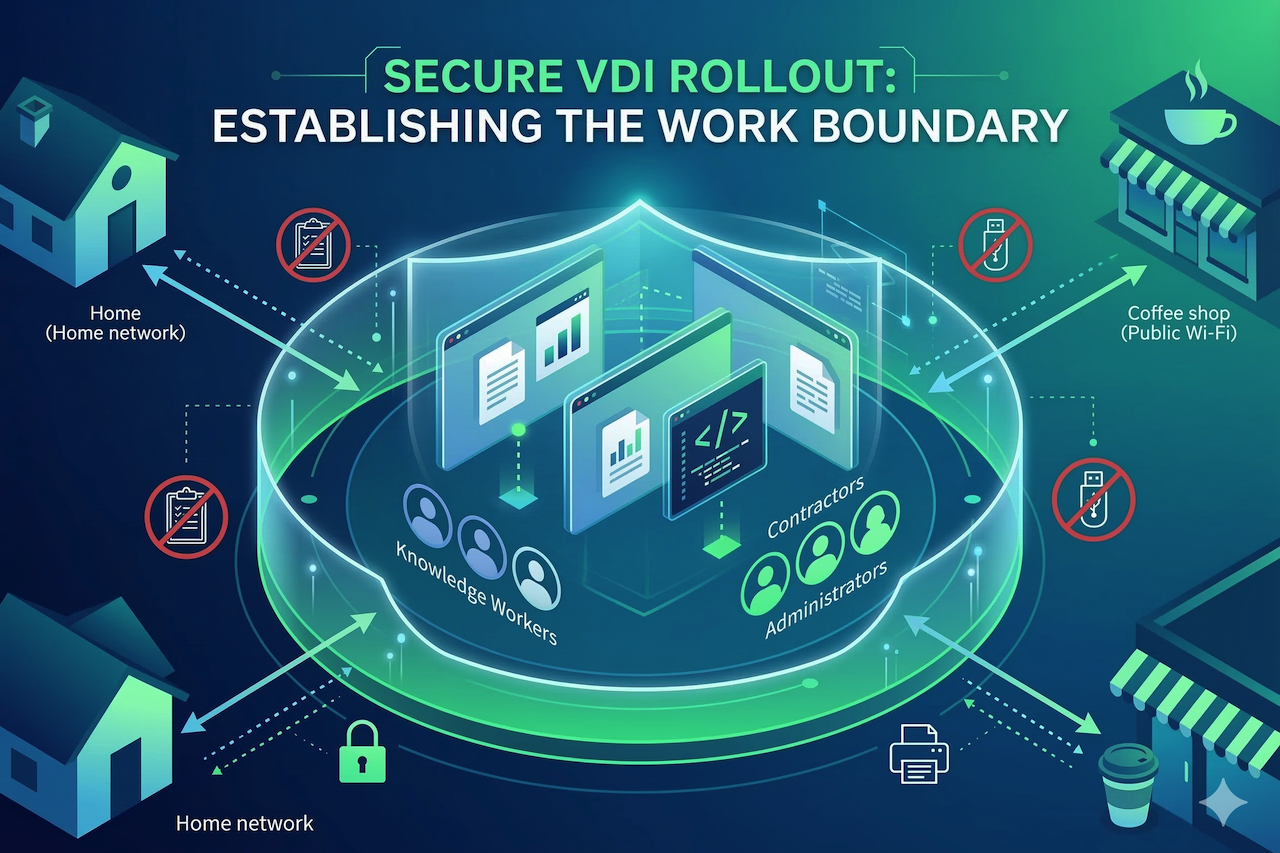
Hybrid work is now routine, and that shift changes where corporate work actually happens, across home networks, personal devices, and third-party connections. A recent OECD EU7 benchmark found that 63% of employees work remotely at least occasionally, and 43% do so weekly. In this environment, virtual desktop infrastructure (VDI) is no longer just a convenience layer but a means of enforcing consistent controls across sessions originating from inconsistent networks and devices.
When getting started with VDI, a secure rollout plan starts by treating the virtual desktop as a managed work boundary with explicit rules for data movement, privileged access, and exception handling. If you skip that framing, the rollout turns into a series of one-off approvals that accumulate faster than you can govern, and each one becomes a new path for data to leave the boundary.
This is why the most useful conversations about VDI solutions focus on which controls you can enforce reliably at the onset, which exceptions you will tolerate, and what evidence you will collect to prove enforcement.
A practical VDI strategy does not aim to satisfy every workflow on day one. It aims to ship a secure default, then grant capabilities back with a paper trail and telemetry.
Set the Security Boundary
Start with a plain statement that defines what must stay controlled. For most hybrid programs, the boundary is corporate data and corporate identity activity within the session, rather than the physical device itself, which might even be employee-owned.
Translate that boundary into default rules that do not require judgment calls from the helpdesk, such as limiting clipboard access, drive mapping, USB redirection, and local printing at the start. Treat every data movement feature as an explicit policy decision, because these settings function as your everyday data loss controls.
A strong VDI rollout also sets expectations for privileged work. Admin tasks, production access, source code, and credential handling should happen in a stricter desktop profile than general office work. If you allow privileged users to use the same redirection and export paths as everyone else, you are effectively betting your most sensitive workflows on users' self-restraint.
Segment Users by Exposure, Not Titles
Next, segment your users based on what they can access and how easily that access could be misused, then map each segment to a desktop profile. A good starting point includes general knowledge workers, regulated data handlers, privileged administrators and developers, and external users such as contractors.
Each profile needs a default stance on three things: where data is allowed to land, how identity is re-verified during risky moments, and what actions create an audit signal.
Contractors are the segment that often breaks a rollout, because identity is usually weaker, and endpoints are frequently unmanaged. Instead of trying to force contractors to meet your employee device standards, set tighter session boundaries with fewer export paths and more frequent re-authentication. This reduces the operational burden on IT while tightening the control plane around the riskiest user group.
Use Network Guardrails That Scale
In hybrid deployments, teams often overemphasize complex controls and underutilize the simple ones that scale. For end users, source IP is often too variable, but for management interfaces and admin planes, IP allowlisting remains a practical control.
Use it for components that should never be reachable from the open internet, and for the early phases when you need a narrower blast radius as you tune policies and logging. IP allowlisting is not a replacement for identity controls, and it does not tell you who is behind a connection. It does, however, reduce random exposure and gives you a clean lever for staged rollout, especially for privileged access and third-party connectivity.
A straightforward approach is to treat allowlisting as a guardrail for where access can originate, while your identity layer decides who can proceed and under what conditions.
Lock Defaults, Then Earn Exceptions
Security-heavy rollouts succeed when defaults are strict enough that you do not need perfect user behavior, but not so strict that business work stops. The way out of that tension is a disciplined exception process. Every exception should be tied to a role-based need, should be time-bounded when possible, and should be measurable in logs so you can review whether it is still justified.
This is also where many teams improve the quality of their VDI program without adding new tools. It’s best to require that people making exception requests answer two questions in writing: what task requires the capability, and what compensating control will reduce the new exposure.
A compensating control can be as simple as limiting the exception to a dedicated desktop profile, restricting it to a subset of applications, or requiring step-up authentication before enabling the capability.
Prove Control Before You Expand
Treat each rollout wave like a security change, not a deployment milestone. Define acceptance checks that must pass before you onboard the next cohort. These checks should include attempted data-movement tests, confirmation that restrictions behave as intended, and verification that exceptions are recorded in a way that your team can audit later.
Next, verify visibility. You should be able to quickly reconstruct a session story, including who accessed what, from where, on which desktop profile, and which policies blocked or permitted data movement. If you cannot answer those questions in minutes during a pilot, scaling will not fix the problem. It will only multiply the number of sessions you cannot explain.
Finally, build a realistic rollback posture. You need the ability to tighten controls quickly, pause a wave, or revoke a risky exception without re-engineering the platform. Hybrid environments reward teams that can react fast with clean policy switches, because the conditions users work in will not stay stable week to week.
Conclusion
With hybrid work now the standard at many organizations, VDI has become a pivotal aspect of your security posture. A secure VDI rollout is complete when restrictive defaults are in place, exceptions are traceable, and enforcement is provable in logs. If any one of those is missing, you need to close that gap before you scale.
Featured Image generated by Google Gemini.
Share this post
Leave a comment
All comments are moderated. Spammy and bot submitted comments are deleted. Please submit the comments that are helpful to others, and we'll approve your comments. A comment that includes outbound link will only be approved if the content is relevant to the topic, and has some value to our readers.


Comments (0)
No comment