
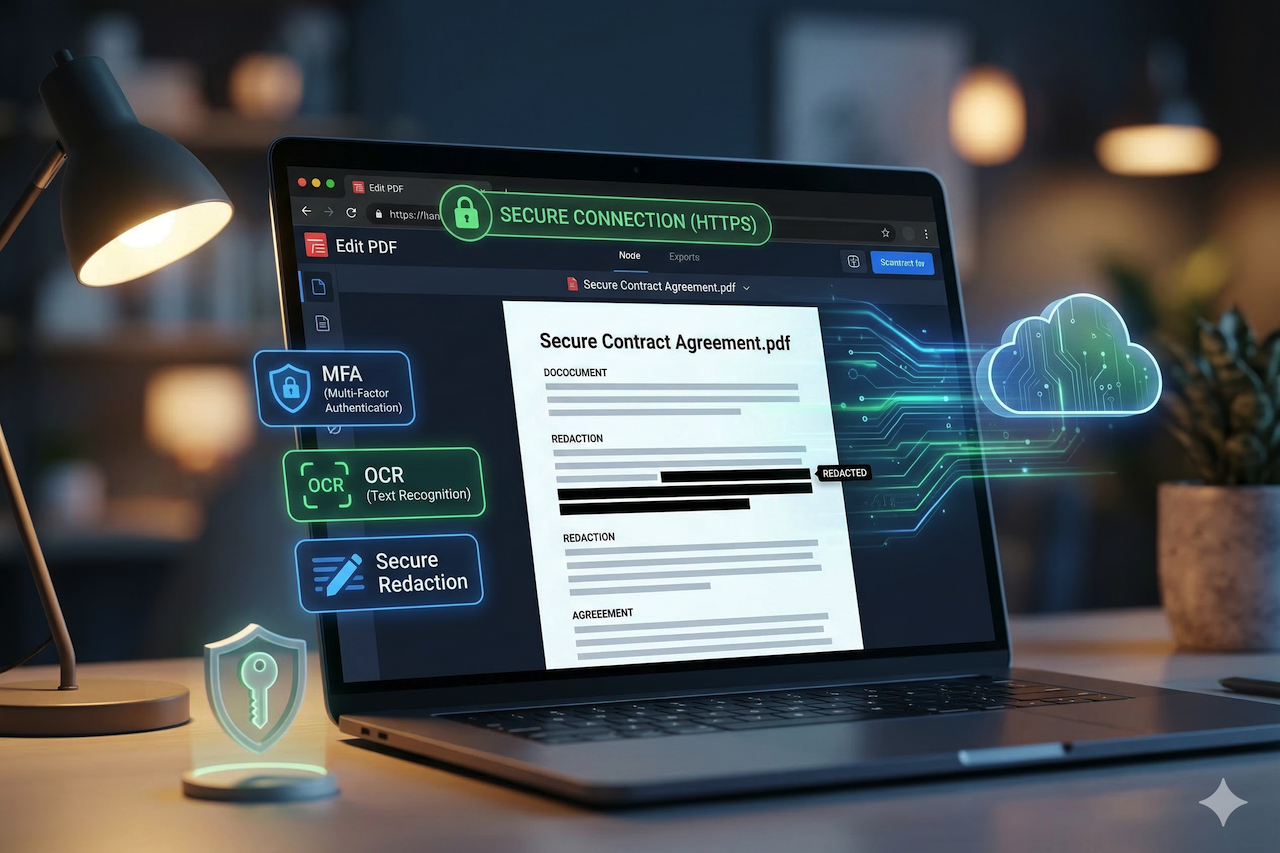
Digital document management has transitioned from local desktop applications to versatile web-based platforms. This shift offers significant convenience for remote teams and individuals who require immediate access to modification tools. However, migrating sensitive data to the cloud necessitates a rigorous approach to cybersecurity and data privacy protocols.
Establishing a secure connection is the first line of defense when a user needs to edit PDF documents online for free to finalize a contract or report. Reputable service providers implement strong encryption to ensure that data remains protected during upload and download. These protections prevent unauthorized third parties from intercepting or viewing private information in transit.
Technical Security Foundations
The architecture of a secure online editor relies on robust encryption standards and automated data handling procedures. These systems work together to create a protected environment where users can modify files without compromising corporate or personal secrets.
Advanced Data Encryption
Secure platforms utilize Advanced Encryption Standard (AES) with 256-bit keys to protect files stored on their servers. This level of encryption is recognized globally as the gold standard for securing sensitive government and financial data. Consequently, even if a physical storage breach were to occur, the documents' contents would remain unreadable.
Secure Socket Layer Protection
Encryption is equally important while the document moves between the local computer and the remote server. Transport Layer Security (TLS) certificates establish an encrypted link, ensuring that every packet of data is shielded from "man-in-the-middle" attacks. The presence of a padlock icon in the browser address bar confirms that this secure handshake is active.
Automated Server Purging
Privacy-focused editors implement strict retention policies that dictate how long a file exists on their infrastructure after the session ends. Most professional services delete user data automatically within a few hours to minimize the risk of long-term exposure.
Reliable platforms maintain these specific data hygiene standards:
- Immediate deletion of temporary cache files upon session closure.
- Permanently removal of all uploaded documents within a 24-hour window.
- Strict prohibition of internal staff access to user-generated content.
- Zero-log policies regarding the specific text modified within a file.
Managing Complex PDF Assets
Different types of PDF files require specialized handling to maintain both the visual integrity and the security of the document. Users must select tools that can process both native digital files and those created through physical digitization.
Processing a digitized physical document requires an integrated scanned PDF editor with Optical Character Recognition (OCR) technology. This specialized software identifies shapes as letters and numbers, enabling the secure modification of previously unsearchable text. Utilizing these advanced tools ensures that sensitive data within images can be redacted or updated accurately.
Metadata and Hidden Layer Removal
PDF files often contain hidden information, such as the name of the original author or the history of previous edits. Secure editors provide tools to strip this metadata before the document is shared with external parties. Preventing data leakage is essential for maintaining professional confidentiality in the legal and medical fields.
Redaction vs. Masking
Authentic redaction permanently deletes the underlying data from the file structure, whereas simple masking merely covers it with a black box. Users must ensure their chosen tool performs a true "burn-in" redaction to prevent others from uncovering hidden text.
Security-conscious professionals look for these specific redaction capabilities:
- Irreversible removal of both text and image data
- Elimination of hidden text layers behind redacted areas
- Automated search-and-redact functions for social security numbers.
User-Side Best Practices
The most sophisticated server-side security cannot fully compensate for poor habits on the part of the end-user. Maintaining a high level of security requires a proactive approach to account management and local system maintenance.
Robust Authentication Protocols
Accessing online editors through accounts protected by multi-factor authentication (MFA) adds a vital layer of defense. This prevents unauthorized access even if the primary password is compromised through a phishing attempt or a local data breach. Users should prioritize services that support biometrics or hardware security keys.
Local Environment Security

Image by Unsplash.
Browsers should be kept up to date to ensure that the latest security patches are protecting the web-based editing session. Furthermore, turning off unnecessary browser extensions prevents third-party scripts from monitoring activity in the editing tab.
Individuals can further enhance their privacy by following these specific operational steps:
- Utilizing incognito or private browsing modes for sensitive edits.
- Clear the browser download history after saving the final file.
- Verifying the privacy policy of the provider for third-party data sharing clauses.
- Use a Virtual Private Network (VPN) on public Wi-Fi connections.
- Reviewing permissions granted to the web application upon startup.
Future Operational Integrity
Maintaining a clean digital footprint ensures that sensitive information remains under the control of its rightful owner. Organizations that adopt these security standards protect their reputation and their legal standing in an increasingly regulated digital world. Consistency in these practices builds the foundation for document security and professional trust.
Conclusion
Securely editing PDF documents online requires more than convenience; it depends on a combination of strong encryption, responsible data handling, and informed user behavior. From AES-256 encryption and TLS protection to proper redaction and metadata removal, each layer plays a critical role in protecting sensitive information.
At the same time, users must take an active role by adopting best practices such as enabling multi-factor authentication, maintaining secure browsing environments, and verifying the privacy standards of the tools they use. When both platform security and user awareness align, online PDF editing can be both efficient and secure.
As digital workflows continue to evolve, prioritizing privacy and security ensures that sensitive documents remain protected while benefiting from the flexibility of modern web-based tools.
Featured Image generated by Google Gemini.
Share this post
Leave a comment
All comments are moderated. Spammy and bot submitted comments are deleted. Please submit the comments that are helpful to others, and we'll approve your comments. A comment that includes outbound link will only be approved if the content is relevant to the topic, and has some value to our readers.


Comments (0)
No comment