

Online gaming today is more competitive and more connected than ever. But along with faster matches and global servers come challenges that can negatively impact your gameplay. High latency, unstable connections, regional restrictions, and even targeted DDoS attacks are common problems many gamers face, especially in ranked or competitive environments. A reliable VPN can help reduce these risks by securing your connection, masking your IP address, and allowing access to game servers or content that may be restricted in your region. In some cases, a well-optimized gaming VPN can even help stabilize routing to game servers, resulting in smoother and more consistent performance.
With so many VPN providers on the market, choosing the right one for gaming can be overwhelming. That's why this article breaks down the best 8 VPNs for gaming, focusing on factors like speed, server coverage, security features, and gaming-specific benefits. Whether you're a casual player or a competitive gamer, this list will help you find a VPN that fits your setup and enhances your overall gaming experience.
What Is a VPN and Why Is It Important for Gaming?
A VPN, or Virtual Private Network, is a tool that creates a secure, encrypted connection between your device and the internet. Instead of connecting directly to a website or game server, your traffic is routed through a VPN server, which masks your real IP address and protects your data from third parties. This added layer of privacy helps keep your online activity secure, especially when gaming on public or shared networks.
For gamers, a VPN can significantly improve the overall online gaming experience in several ways. First, it enhances security by protecting against DDoS attacks, which are often used to disrupt gameplay by overwhelming a player's connection. By hiding your real IP address, a VPN makes it much harder for attackers to target you. Second, VPNs allow gamers to bypass geo-blocks, giving access to region-locked games, early releases, or different server regions where matchmaking may be faster or more competitive. Finally, a VPN can help avoid ISP throttling, a practice where internet service providers slow down certain types of traffic during peak hours. By encrypting your data, a VPN prevents ISPs from identifying gaming traffic, helping maintain more stable speeds and smoother gameplay.
Quick Picks — Best VPNs for Gaming (Shortlist)
If you're short on time, here's a quick overview of the top VPNs for gaming, based on performance, security, and value:
- Mysterium VPN — Best for competitive shooters: A decentralized network with low-latency routing, making it a strong choice for fast-paced games like Call of Duty. Ideal if you're looking for a reliable VPN for Call of Duty with added privacy benefits.
- ExpressVPN — Best overall: Consistently fast speeds, excellent global server coverage, and strong security for all types of online gaming.
- NordVPN — Best balance of speed and security: Optimized servers, DDoS protection, and advanced features suited for competitive and casual gamers alike.
- Surfshark — Best budget option: Affordable pricing with unlimited device connections, great for gamers with multiple platforms.
- Private Internet Access (PIA) — Best for customization: Advanced network settings and an extensive server network for players who like more control.
These quick picks give you a snapshot of the strongest options, while the sections below will break down each VPN in more detail to help you choose the best fit for your gaming needs.
Best VPNs for Gaming
Below are in-depth looks at the top 8 VPNs for gaming. Each review includes a description of the tool, key pros and cons, and pricing, sourced from official websites or trusted industry data where available.
1. Mysterium VPN
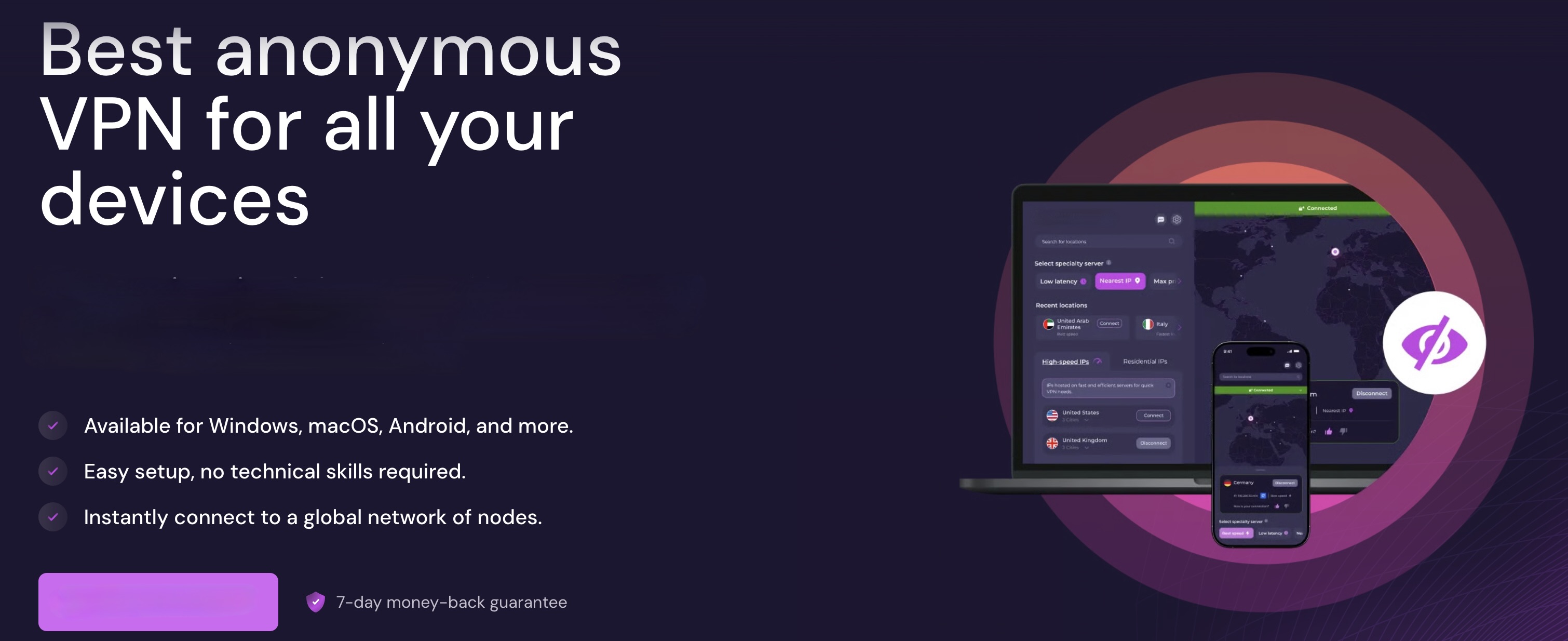
Mysterium VPN is a decentralized VPN service that provides secure, private, and unrestricted internet access via a global network of residential IPs. Unlike traditional VPNs that rely on centralized servers, Mysterium's distributed infrastructure helps mask your real IP address using real household IP connections in over 100 countries. This makes it an effective VPN for Call of Duty, as the architecture makes it harder for game servers and platforms to detect VPN usage while improving your anonymity and online freedom. Every connection is encrypted, ensuring that your digital footprint remains private and protected from snooping or tracking.
For gamers, Mysterium VPN focuses on fast, low‑latency connections and gaming security. By reducing exposure to ISP throttling, protecting against DDoS attacks, and allowing access to game servers across multiple regions, the service aims to enhance your gameplay experience. Whether you're trying to stabilize your ping, connect to less congested game servers, or safeguard your identity during competitive matches, this VPN offers a tailored solution that works across consoles, PCs, cloud gaming platforms, and mobile devices.
Pros
- A decentralized network with residential IPs makes VPN use harder to detect and enhances anonymity.
- Supports over 100 countries, giving gamers broad geographic flexibility for accessing servers and content.
- Security features include DNS leak protection, a kill switch, and modern protocols like WireGuard for fast speeds.
- Works across major gaming platforms and devices, including consoles via router setup.
Cons
- Decentralized infrastructure may deliver variable connection quality depending on node availability and network conditions (as per the official setup).
- Fewer conventional servers than primary centralized VPN services, which might impact consistency for specific routes.
- Residential IPs can be slower than dedicated optimized gaming servers if the selected node is distant.
Pricing
Mysterium VPN offers several subscription tiers with a 7‑day money‑back guarantee:
- Monthly: $9.99/month
- 6‑Month Plan: $5.49/month (billed upfront)
- 1‑Year Plan: $3.29/month (billed upfront)
- 2‑Year Plan: $1.99/month (best long‑term value)
All plans include access to servers in 100+ countries, support for up to 6 simultaneous devices, DNS leak protection, a kill switch, and WireGuard protocol for enhanced performance.
2. ExpressVPN

ExpressVPN is a premium VPN service designed to provide fast, secure, and reliable internet connections across devices and regions. With servers in 105 countries, AES‑256 encryption, TrustedServer technology, and a strict no‑logs policy, it aims to deliver strong privacy and performance whether you're gaming, streaming, or browsing online. ExpressVPN supports a wide range of platforms — including Windows, macOS, Linux, iOS, Android, and routers — and offers up to 14 simultaneous device connections depending on the plan you choose. All subscriptions include 24/7 live chat support and a 30‑day money‑back guarantee, making it easy to try the service risk‑free.
For gamers, ExpressVPN's optimized infrastructure can help reduce ISP throttling, improve routing to game servers, and maintain stable connections in online titles. It's built‑in high‑speed DNS ensures efficient lookups, while features like split tunneling let you route only game traffic through the VPN to conserve bandwidth. ExpressVPN also encrypts your connection to help protect against targeted attacks like DDoS, and its router support lets you secure consoles such as PlayStation, Xbox, and Nintendo Switch, even though those systems don't natively support VPN apps.
Pros
- Extensive global network in 105 countries for access to many game servers worldwide.
- Strong privacy and security with AES‑256 encryption and no logs.
- High‑speed performance and optimized routing help maintain smoother gaming connections.
- Supports routing through routers for consoles and multiple devices (up to 14).
- 24/7 customer support and comprehensive setup guides.
Cons
- Premium price point compared to many other VPNs, especially on shorter plans.
- Some advanced security tools (such as dedicated IP or identity monitoring) are tied to higher tiers rather than the core plans.
- While speeds are excellent overall, VPN overhead may still add some latency depending on server location.
Pricing
ExpressVPN now offers three tiered plans across monthly or long‑term billing cycles, all backed by a 30‑day money‑back guarantee:
- Basic: From ~$3.49/month on a 2‑year plan, includes core VPN features and up to 10 devices.
- Advanced: From ~$4.49/month on 2‑year billing, adds ExpressVPN Keys (password manager), tracker blocking, and up to 12 devices.
- Pro: From ~$7.49/month on long‑term billing, includes all Advanced features plus dedicated IP, identity tools, and up to 14 devices.
ExpressVPN's combination of speed, privacy, and global server access makes it a strong all‑around choice for gamers who want smooth connections and robust security across multiple platforms.
3. NordVPN
NordVPN is one of the most widely used and feature‑rich VPN services available today. Built to offer fast, secure, and private internet access across devices, it combines robust encryption standards like AES‑256 and modern protocols such as NordLynx (based on WireGuard) to deliver protection without heavy performance loss. Its extensive global server network spans thousands of servers in 176+ locations, giving gamers and general users alike plenty of options to find nearby connections for reduced latency and improved reliability. NordVPN also includes additional features such as Dark Web Monitor, advanced Threat Protection, and optional identity safeguards, making it more than just a basic VPN.
For gamers, NordVPN's high‑speed servers and solid security are designed to help maintain stable connections to game servers, protect against ISP throttling, and safeguard your real IP from targeted attacks or DDoS attempts. You can connect up to 10 devices simultaneously, meaning PCs, laptops, mobiles, and even routers can all benefit from its protection under one subscription. NordVPN's flexible apps are available across major platforms and also support features like split tunneling and a kill switch, which can be particularly useful for optimizing gameplay traffic while keeping your connection secure.
Pros
- Extensive global server network with thousands of servers across 176+ locations for flexible gaming routing and access to regional servers.
- Strong security and privacy features, including AES‑256 encryption, Threat Protection, and DNS leak protection.
- Supports up to 10 simultaneous devices so that you can protect multiple gaming systems or household devices.
- Useful extras like Dark Web Monitor and secure protocols (NordLynx) help enhance overall online protection.
- 30‑day money‑back guarantee on all plans gives you a risk‑free way to test performance.
Cons
- Pricing can be higher on monthly plans compared to some budget VPNs.
- The device limit of 10 may feel restrictive for huge households or users with many gadgets.
- Some advanced features (like dedicated IP or cloud storage) are available only on higher‑tier plans.
Pricing
NordVPN offers tiered subscriptions with various features and savings depending on commitment length. All plans include a 30‑day money‑back guarantee.
- Basic Plan: ~$12.99/month (monthly) or ~$3.09–$4.99/month on more extended plans.
- Plus Plan: Adds enhanced threat protection and password manager, typically ~$13.99/month or ~$3.89–$5.99/month with longer billing.
- Complete Plan: Includes all Plus features plus 1TB encrypted cloud storage; ~$14.99/month or ~$4.99–$6.99/month on long‑term plans.
NordVPN's blend of speed, security, and flexibility makes it a strong choice for gamers who want reliable performance and privacy protections across multiple devices and services.
4. Surfshark
Surfshark is a versatile and budget‑friendly VPN designed to protect your online privacy while delivering fast connection speeds and broad device support. With 4,500+ servers in 100+ countries, Surfshark makes it easy to connect to gaming servers worldwide and helps mask your real IP address to keep your online activity secure and private. The service uses strong encryption and supports major VPN protocols, including WireGuard, OpenVPN, and IKEv2, ensuring your traffic stays protected without slowing you down unnecessarily. It also follows a strict no‑logs policy and operates RAM‑only servers, meaning your data is not stored long‑term on any system.
One of Surfshark's standout benefits for gamers and everyday users alike is its unlimited simultaneous connections so that you can secure all your devices, from PCs and consoles to phones and tablets, under one subscription. The VPN includes advanced features such as split tunneling (Bypasser), obfuscated servers (Camouflage Mode), Double VPN routing (Dynamic MultiHop), a kill switch, and NoBorders mode to help bypass network restrictions. Together, these tools provide flexibility for customizing your VPN experience based on activity type, whether you're gaming, streaming, or surfing.
Pros
- Extensive global network with 4,500+ servers across 100+ countries — great for choosing gaming server locations.
- Unlimited simultaneous connections so all your devices (PC, console, phone) can be protected.
- Strong security and privacy features like a no‑logs policy, a kill switch, and obfuscated servers for hiding VPN usage.
- Advanced tools such as split tunneling and Double VPN for tailored connection routing.
- 30‑day money‑back guarantee lets you try risk‑free.
Cons
- Pricing varies significantly depending on plan length — shorter terms are relatively expensive compared with long‑term subscriptions.
- While it's strong overall, Surfshark's performance and features aren't as specialized for gaming as some higher‑end competitors.
- Some advanced features (such as dedicated IP or antivirus) are included only in higher‑tier plans, like One and One+.
Pricing
Surfshark offers several subscription options with a 30‑day money‑back guarantee and the lowest rates when you choose longer plans:
- Surfshark Starter: from $1.99/month (2‑year plan), $3.19/month (1‑year), or higher on monthly billing
- Surfshark One: from $2.29/month (2‑year plan) — includes VPN plus extra security tools
- Surfshark One+: from $4.19/month (2‑year plan) — all features plus identity coaching and more
(Actual prices vary by region and promotions; all include a 30‑day money‑back guarantee.) Surfshark's combination of security, unlimited device support, and wallet‑friendly pricing makes it an excellent choice for gamers and anyone who wants robust VPN protection across all their devices — all without breaking the bank.
5. Private Internet Access (PIA)
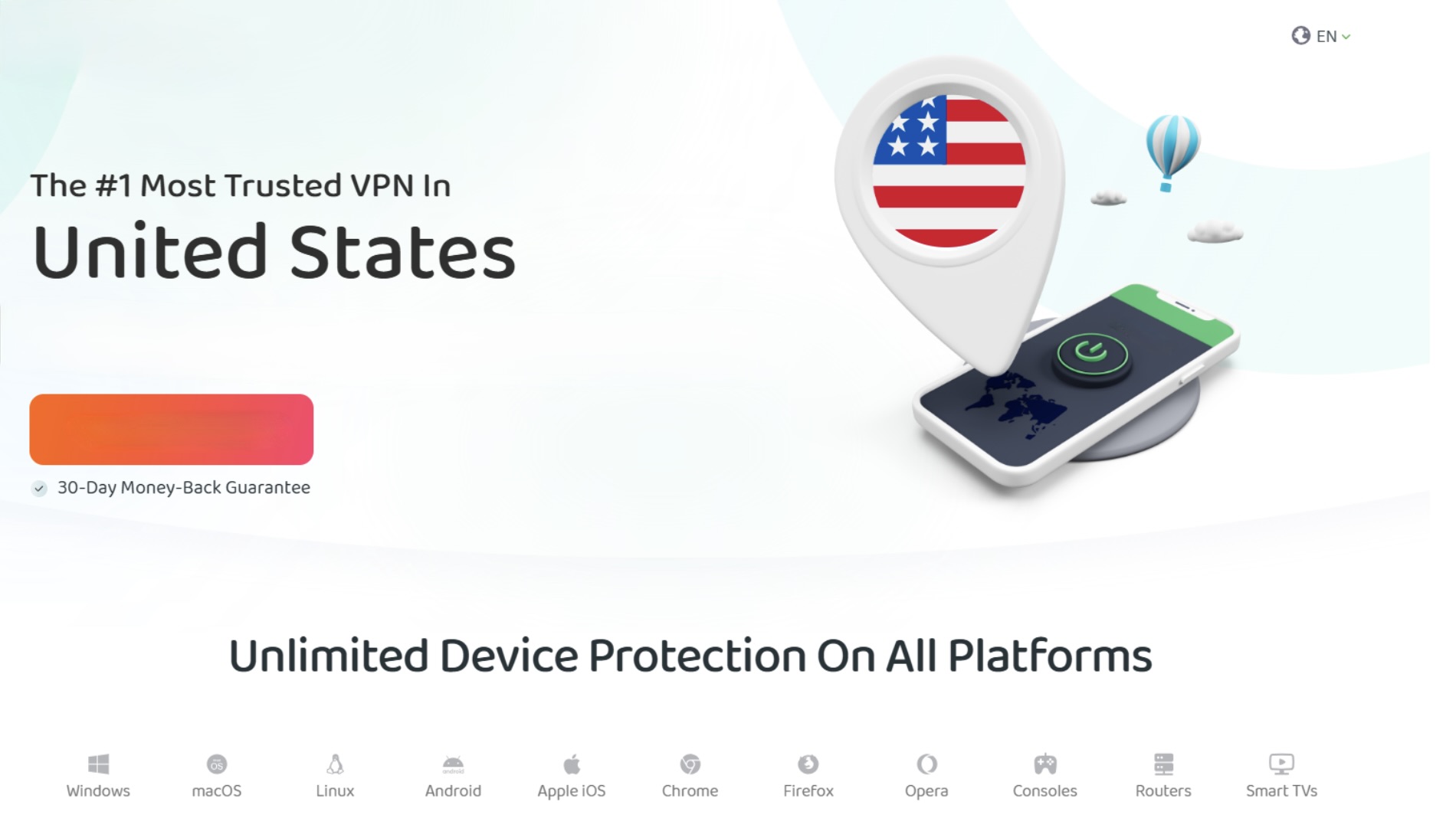
Private Internet Access (PIA) is a well‑established VPN service that focuses on privacy, security, and flexibility for everyday internet use — including gaming, browsing, streaming, and more. Backed by a strict no‑logs policy that's operated on RAM‑only servers, PIA ensures that no persistent data is stored, helping keep your online activity private even under audit or scrutiny. The service uses industry‑standard encryption protocols like WireGuard® and OpenVPN, and offers features such as a kill switch and built‑in blocklists for malware and trackers.
PIA's global high‑speed network spans servers in 91 countries, allowing gamers to connect to regions worldwide for better access to multiplayer lobbies, regional content, and potentially improved routing paths. Unlimited bandwidth and no device limits mean you can protect all your gaming devices, from PCs and consoles to phones and tablets, under a single subscription. PIA also supports console use via VPN‑compatible routers and can help reduce ISP throttling or protect against targeted attacks by masking your real IP address.
Pros
- Strict no‑logs policy with RAM‑only servers for enhanced privacy.
- Global server coverage across 91 countries is helpful in accessing game servers and content.
- Unlimited bandwidth and device connections, ideal for gamers with multiple systems.
- High‑speed performance using WireGuard® and OpenVPN protocols.
- Additional features like built‑in ad/tracker blocking (MACE), kill switch, and optional dedicated IP or antivirus add‑ons.
Cons
- The user interface and feature set can feel more technical and less beginner‑friendly than those of other consumer VPNs.
- Speeds vary by location and server choice, which may affect performance in some high‑latency gaming scenarios.
- Optional add‑ons (dedicated IP, antivirus) require extra subscription costs.
Pricing
PIA offers tiered pricing with a 30‑day money‑back guarantee on all plans:
- 1‑Month Plan: ~$11.95/month
- 1‑Year Plan: ~$3.33/month (billed annually at ~$39.95)
- 3‑Year Plan: ~$2.03/month (billed ~$79 every three years; often includes bonus months)
Private Internet Access combines strong privacy protections with an extensive server network and flexible use cases, making it a compelling option for gamers seeking a secure VPN that adapts across multiple devices and use cases.
6. CyberGhost VPN

CyberGhost VPN is a user‑friendly VPN service designed to deliver strong privacy protections, broad server coverage, and easy setup across devices. With servers in 100+ countries and support for major platforms like Windows, macOS, Android, iOS, and more, CyberGhost aims to give users reliable access to the internet with AES‑256 encryption, DNS/IP leak protection, and a strict no‑logs policy that means your data and online activity are not stored or shared. The service includes a kill switch, unlimited bandwidth, and compatibility with multiple protocols, including WireGuard®, OpenVPN, and IKEv2, helping maintain both speed and security for everyday use. CyberGhost's apps are designed to be intuitive, so gamers and casual users alike can quickly protect their connections with minimal configuration.
For gamers specifically, CyberGhost offers servers optimized for gaming and high‑speed connections that help reduce latency and maintain responsive play, especially on nearby regional servers where low ping is crucial for competitive performance. You can also configure CyberGhost on routers, which enables VPN protection across consoles (like PlayStation or Xbox) that don't natively support VPN apps. With up to 7 devices supported under a single subscription, the VPN can secure multiple gaming systems in your home while also protecting phones, tablets, and laptops.
Pros:
- Extensive global server network covering 100+ countries, providing many options for connecting to game servers.
- Strong privacy protections with a strict no‑logs policy and AES‑256 encryption.
- Servers optimized for gaming and high speeds, which can help maintain stable play and reduce lag, especially on local connections.
- Up to 7 devices can be used simultaneously with a single subscription — ideal for homes with multiple gamers.
- 45‑day money‑back guarantee for more extended plans and 24/7 customer support.
Cons
- The device limit of 7 may be lower than some competitors' offerings, which offer unlimited connections.
- Speeds and performance can vary by server location; distant servers may exhibit higher latency in gaming.
- The interface and features are geared toward ease of use over deep customization, which may not satisfy advanced users.
Pricing
CyberGhost's pricing varies based on term length, with the best value found in longer commitments:
- 1‑Month Plan: ~$12.99/month
- 6‑Month Plan: ~$6.99/month (billed ~$41.94 every 6 months)
- 2‑Year Plan: ~$2.19/month (billed ~$56.94 for the first 26 months; often includes bonus months)
All plans come with a 45‑day money‑back guarantee for longer-term plans and a 14‑day warranty for monthly plans. CyberGhost also offers free trial periods on some devices (e.g., 24‑hour trial on desktop, 7‑day trial on iOS) so you can test the service risk‑free.
CyberGhost's combination of privacy, server reach, and gaming‑friendly servers makes it a solid choice for players who want VPN protection that's easy to use and reliable across platforms.
7. Proton VPN
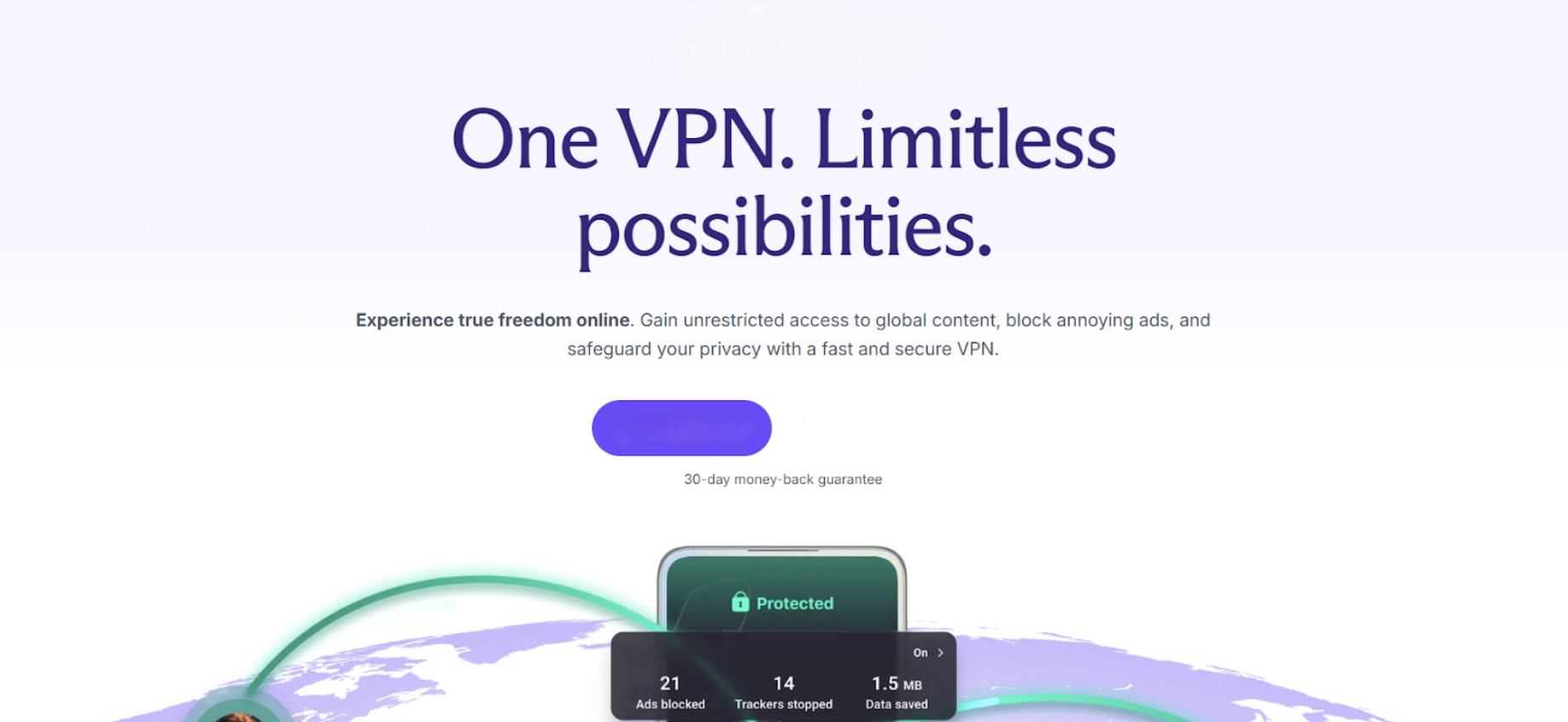
Proton VPN is a privacy‑focused VPN service offered by Swiss company Proton AG, the same team behind Proton Mail. It's designed to provide secure, encrypted internet access with a strict no‑logs policy that ensures your online activities aren't recorded or stored. Proton VPN leverages strong protocols like WireGuard®, OpenVPN, and IKEv2, and includes advanced privacy features such as DNS leak protection, a kill switch, and an ad‑blocker (NetShield), making it an excellent option for gamers who want robust security without compromising performance. Proton's commitment to privacy is bolstered by its Swiss jurisdiction, where data protection laws are among the strongest in the world.
Proton VPN offers a range of plans tailored for different needs, including a free tier with unlimited bandwidth and no data limits, ideal for casual use or trying the service before upgrading. Paid plans unlock faster connections, access to thousands of VPN servers across 110+ countries, and advanced features such as Secure Core routing, P2P support, and split tunneling. This combination of security, global reach, and flexible plans makes Proton VPN well‑suited for gamers who want to protect their privacy, access geo‑restricted game servers, and maintain stable online connections across multiple devices.
Pros
- Free plan available with unlimited bandwidth and no data caps.
- Strict no‑logs policy enforced under Swiss privacy laws and supported by open‑source code.
- Vast server network in 110+ countries with high‑speed options for gaming and streaming.
- Advanced features like NetShield ad and malware blocker, Secure Core routing, and split tunneling.
- Up to 10 simultaneous device connections on paid plans.
- 30‑day money‑back guarantee on paid subscriptions.
Cons
- Paid plans are relatively higher‑priced compared with some budget VPN alternatives, especially on monthly billing cycles.
- Free plan's server options are limited compared to paid plans (fewer locations and slower speeds during peak times).
- Some advanced features, like Secure Core and full server access, require a paid subscription.
Pricing
Proton VPN offers several plan options with a 30‑day money‑back guarantee:
- Free Plan: $0/month — unlimited bandwidth, limited server access, one device.
- Proton VPN Plus: ~$9.99/month (monthly), ~$4.99/month (1‑year plan), ~$4.49/month (2‑year plan).
- Proton Unlimited: ~$12.99/month (monthly), ~$9.99/month (1‑year plan), ~$7.99/month (2‑year plan) — includes Proton Mail, Proton Drive, Proton Pass, Proton Calendar, and more.
Proton VPN's strong privacy protections and flexible plans, including a free tier you can use indefinitely, make it a solid choice for gamers who want both security and access to global servers without sacrificing performance.
8. IPVanish
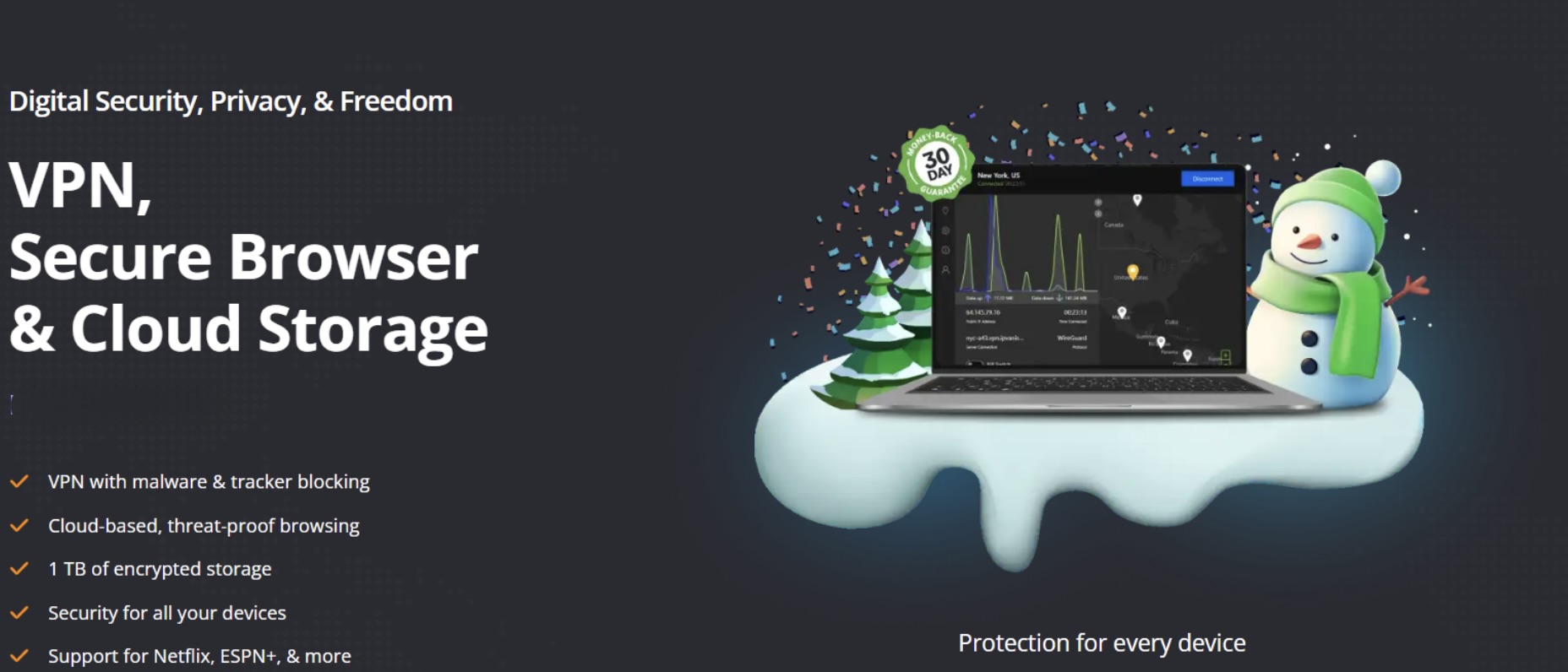
IPVanish is a feature‑rich VPN service that combines strong security, flexibility, and broad device support to protect your online activities, including gaming, streaming, and browsing. With access to thousands of servers across 100+ countries, AES‑256 encryption, and a strict no‑logs policy, IPVanish aims to keep your data private and your connections secure wherever you go. One standout benefit is its support for unlimited simultaneous device connections under a single subscription, a great option if you have multiple gaming consoles, PCs, and mobile devices that need protection at the same time.
IPVanish's VPN service also includes helpful tools such as a kill switch, split tunneling, and threat protection to help secure your connection and block trackers and malicious websites while online. Additionally, the service offers two subscription tiers, Essential and Advanced, with Advanced adding extras like cloud backup and a secure browsing tool. Whether you're playing competitively online or want to protect your privacy and bypass geo‑restrictions, IPVanish offers a robust set of features suited to both casual and intensive use.
Pros
- Unlimited simultaneous connections let you protect all your devices with one subscription.
- Strong privacy and security features, including AES‑256 encryption, a kill switch, and threat protection.
- Vast server network across many countries for flexible routing and regional access.
- Support for advanced features like split tunneling and cloud backup on higher tiers.
- 30‑day money‑back guarantee on long‑term plans provides a risk‑free trial.
Cons
- Monthly pricing is relatively high compared with long‑term deals, and the best pricing requires longer commitments.
- Some features (like secure browser and cloud backup) are only available on the Advanced plan, not all subscriptions.
- Based in the United States, this may concern users who prefer VPNs based in privacy‑focused jurisdictions.
Pricing
IPVanish offers two main subscription tiers, Essential and Advanced, with pricing that varies based on commitment length. All long‑term plans come with a 30‑day money‑back guarantee, while monthly plans typically do not include the guarantee.
- Essential Plan: Monthly: ~$12.99/month, 1‑Year: ~$39.99 total (~$3.33/month), 2‑Year: ~$52.56 total (~$2.19/month)
- Advanced Plan: Monthly: ~$14.99/month, 1‑Year: ~$53.88 total (~$4.49/month), 2‑Year: ~$78.96 total (~$3.29/month)
These plans include unlimited simultaneous connections, broad server access, threat protection, and core VPN features, with Advanced adding secure browser and cloud backup on top. IPVanish's range of pricing options and robust feature set make it a versatile choice for gamers who want robust protection across many devices while maintaining good performance and security, especially when signing up for longer‑term plans.
How to Choose the Best VPN for Gaming
Choosing the right VPN for gaming isn't just about picking the one with the flashiest website. It requires careful consideration of performance, security, and compatibility. Here are the key factors to consider:
1. Server Locations
The closer a VPN server is to your game server, the lower your ping and latency will be. Look for VPNs with servers in the regions where you play most often. A vast global network also helps you bypass geo-restrictions and access international game servers or exclusive content.
2. Speed and Ping
High speeds and low latency are crucial for smooth gaming. A VPN that throttles bandwidth or adds significant lag can ruin competitive play. Prioritize services with optimized gaming servers and fast protocols like WireGuard®, which minimize connection overhead.
3. Security Features
Gaming VPNs should offer AES‑256 encryption, a kill switch, and DNS/IP leak protection to keep your connection safe. Additional features, such as malware or tracker blocking, are a bonus, especially if you play on shared networks or want to protect personal data from DDoS attacks.
4. Device Support
Check how many devices a VPN supports per subscription and whether it supports your gaming platform. Many consoles don't have native VPN apps, so router support or configuration guides can be essential if you want to protect traffic from PlayStation, Xbox, or Nintendo Switch.
5. Price and Value
VPN pricing varies widely. Longer-term subscriptions often offer the best value, but make sure the plan you choose includes all the features you need. Sometimes a slightly higher-priced VPN can be worth it for better speed, reliability, and gaming-focused tools.
Tips for Testing VPNs
- Use free trials or money-back guarantees to test performance and connection quality on your games before committing.
- Check multiple servers in your region to find the one with the lowest ping.
- Test across all your devices, especially if you plan to game on consoles, PCs, and mobile.
- Monitor your FPS, latency, and packet loss while using the VPN to ensure gameplay isn't negatively affected.
By considering these factors, you can find a VPN that balances speed, security, and usability, making your gaming experience smoother and safer.
Common Issues Gamers Face with VPNs
Using a VPN can significantly enhance your gaming experience, but gamers sometimes encounter challenges that can affect performance or usability. Understanding these issues ahead of time helps you pick the right VPN and avoid frustration.
1. Potential Latency Issues
VPNs route your traffic through additional servers, which can increase ping and latency. For competitive gaming, even a slight delay can affect performance. To minimize this, choose VPNs with fast protocols like WireGuard® and servers located close to your game server. Testing multiple servers in your region can also help identify the optimal connection for low-lag gameplay.
2. Accessing Game Servers in Restricted Regions
Some games restrict access based on your geographic location. While VPNs can bypass geo-blocks, specific platforms or servers may detect VPN traffic and block connections. Look for services with residential or stealth IP options, which are harder to detect, and always check the VPN's support resources for guidance on connecting to specific game regions.
3. Compatibility with Consoles and PCs
Not all gaming platforms natively support VPN apps. Consoles like PlayStation, Xbox, and Nintendo Switch often require router-based VPN setups or advanced configurations, which can be tricky for beginners. PCs and mobile devices typically have direct app support, but you need to ensure the VPN supports your preferred protocols and offers easy setup guides for all devices you plan to use.
By being aware of these challenges, you can choose the right VPN and take steps to maintain low latency, broad access, and multi-device compatibility, ensuring a smoother, safer gaming experience.
Conclusion
Choosing the right VPN can make a meaningful difference in how you experience online gaming. From protecting your IP address against targeted attacks to helping you access different server regions and maintain more stable connections, a well-configured VPN adds an extra layer of control and security to your setup.
That said, no single VPN is ideal for every gamer. Performance depends on factors such as server proximity, protocol selection, device compatibility, and overall network conditions. By testing different providers, paying attention to latency and stability, and understanding each service’s strengths and limitations, you can find a solution that aligns with your gaming habits and technical needs.
Ultimately, a VPN should support your gameplay rather than interfere with it. When chosen carefully and used responsibly, it can be a practical tool for improving privacy, reducing exposure to disruptions, and maintaining a smoother online gaming experience.
 FAQs
FAQs
Yes, using a VPN for gaming is legal in most countries. VPNs encrypt and route your internet traffic, which is generally permitted. However, some games and platforms may restrict VPN use in their terms of service, so it’s important to review individual game policies to avoid potential account issues.
Using a VPN can sometimes increase latency or slightly reduce connection speed because traffic is routed through an additional server. High-quality VPNs with optimized servers and fast protocols like WireGuard® can minimize this impact and may even improve connections if ISP throttling is present.
Free VPNs typically have limitations such as slower speeds, fewer servers, and bandwidth caps. These restrictions often make them unsuitable for gaming, especially online multiplayer or competitive play. Paid VPNs usually provide faster, more stable connections and stronger security.
Yes. VPNs mask your real IP address, making it much harder for attackers to target you with DDoS attacks. This can be especially useful for competitive or professional gamers participating in online matches or tournaments.
A VPN can help bypass geo-restrictions by allowing you to connect to servers in other countries. This may provide access to games or content unavailable in your region. However, some platforms may detect VPN usage and restrict access.
Most consoles do not support VPN apps directly. However, you can use a VPN by configuring it on your router or by using a VPN-enabled device as a hotspot. This setup secures console traffic but may require additional configuration.
Disclaimer
This article is provided for general informational and educational purposes only. It does not constitute legal, cybersecurity, or technical advice, and it should not be relied on as a substitute for professional guidance.
VPN performance depends on many factors (including server distance, routing, ISP conditions, device limitations, and local network quality). Any references to reduced latency, improved stability, or protection from attacks describe potential outcomes and are not guarantees.
Laws and regulations regarding VPN use vary by country and may change over time. Readers are responsible for verifying and complying with applicable local laws, as well as the terms of service, anti-cheat policies, and account rules of any game, platform, or service they use.
Product names and third-party links are included for identification and context. iplocation.net is not affiliated with, does not endorse, and does not control any third-party products, services, or websites referenced. iplocation.net is not liable for external links, third-party content, pricing changes, availability, or any outcomes resulting from the use of information in this article.
Featured Image generated by Google Gemini.
Share this post
Author

Leave a comment
All comments are moderated. Spammy and bot submitted comments are deleted. Please submit the comments that are helpful to others, and we'll approve your comments. A comment that includes outbound link will only be approved if the content is relevant to the topic, and has some value to our readers.







Comments (0)
No comment