
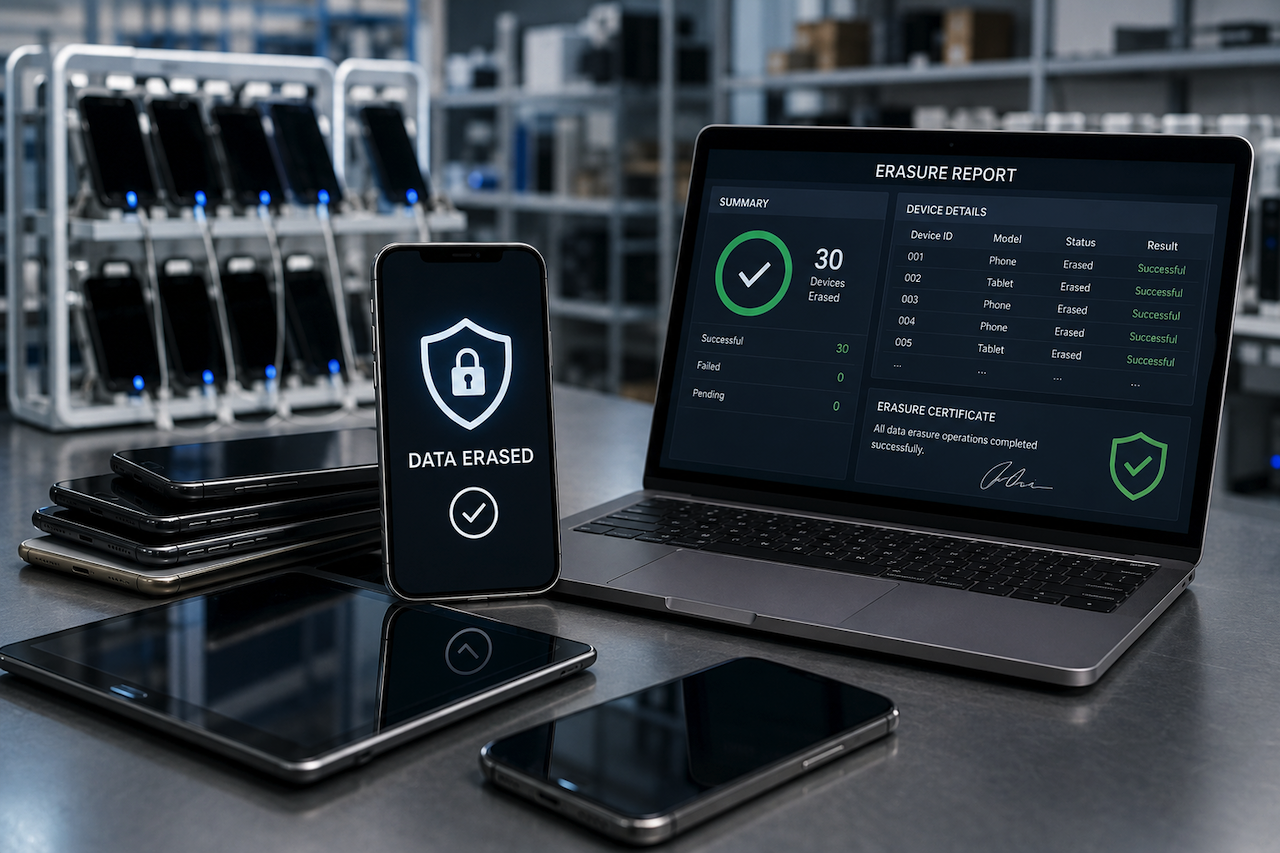
All used phones and tablets contain personal data belonging to previous owners. Photos, passwords, banking information, emails, and work-related files can remain on devices after trade-ins or returns. If refurbishment businesses do not properly remove this information before resale, customer privacy and data security can become major concerns.
A single data exposure incident may lead to customer complaints, legal issues, compliance problems, and loss of trust. Because of these risks, secure data removal has become an important part of modern refurbishment operations.
Many refurbishment companies now use professional data erasure methods to remove sensitive information before devices are resold. Unlike a standard factory reset, advanced erasure processes are designed to fully overwrite stored data and reduce the risk of recovery. Automated cleanup systems can also help businesses process large numbers of devices more efficiently while maintaining consistent workflows and documentation.
This article explores five ways secure data erasure practices help refurbishment businesses protect customer information and improve daily operations.
1. Secure Device Reset
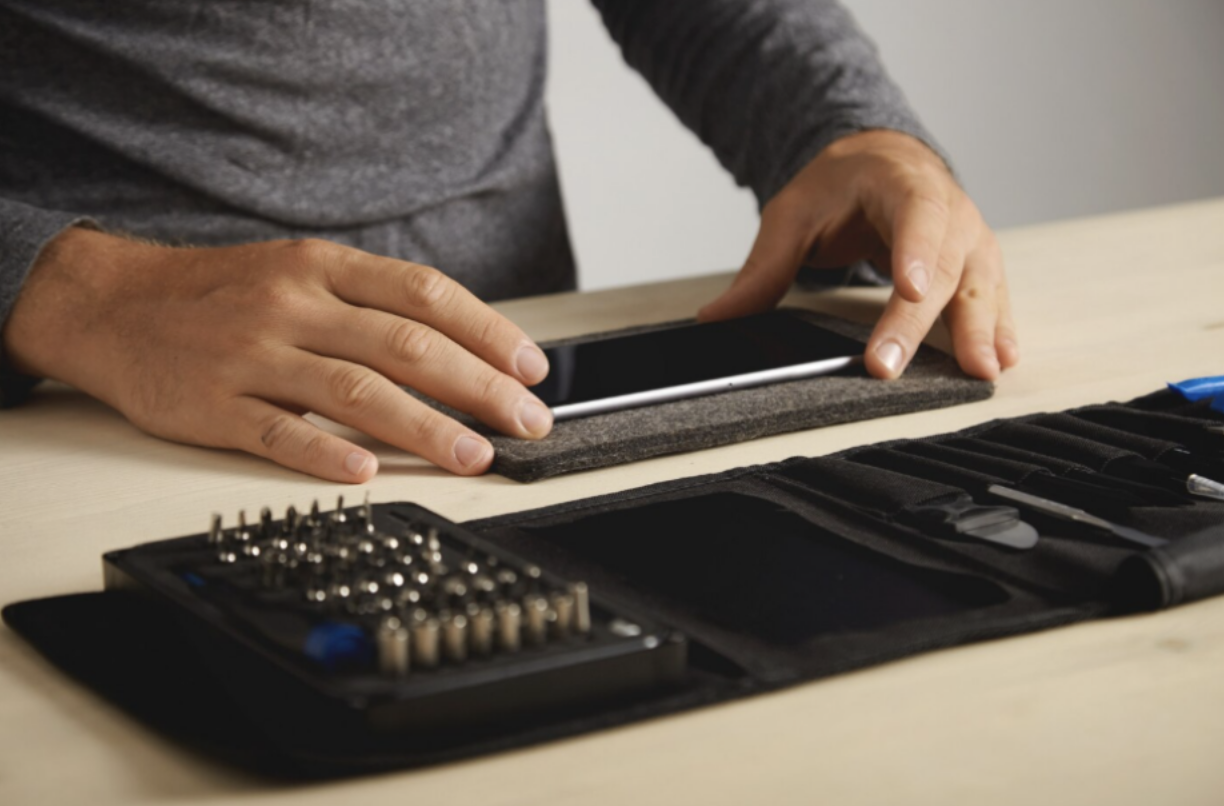
Image by Magnific.
Customer privacy is extremely important during device refurbishment. Old phones often contain contact lists, payment information, saved passwords, personal messages, and other sensitive files. Even after a factory reset, some data may still remain in device storage, and improperly cleaned devices may allow deleted information to be recovered.
Professional data erasure methods provide a more reliable approach to removing stored information. Advanced systems overwrite data multiple times, making recovery significantly more difficult. Many refurbishment businesses also follow certified cleanup procedures that align with security and privacy standards.
Complete data removal helps reduce the risk of identity theft, customer complaints, and accidental data exposure. It also protects the reputation of refurbishment businesses, since buyers expect refurbished devices to be free from previous user information. Reliable security practices help build long-term customer trust and confidence in resale programs.
2. Faster Multi-Device Cleanup
Busy refurbishment facilities may process hundreds of devices every week. Manual cleanup methods can become slow and inefficient when handling large workloads, and technicians may be more likely to make mistakes when preparing devices one at a time.
Modern cleanup systems often support batch processing and allow multiple phones or tablets to be prepared simultaneously from a single workstation. Automating repetitive tasks helps technicians save time and speeds up inventory preparation during high-demand periods.
More efficient workflows also reduce strain on repair and maintenance teams. Staff can spend more time on testing, grading, and repair work instead of repetitive device cleanup. Faster processing helps businesses reduce delays, improve turnaround times, and keep inventory moving smoothly through refurbishment and resale operations.
3. Clear Compliance Records
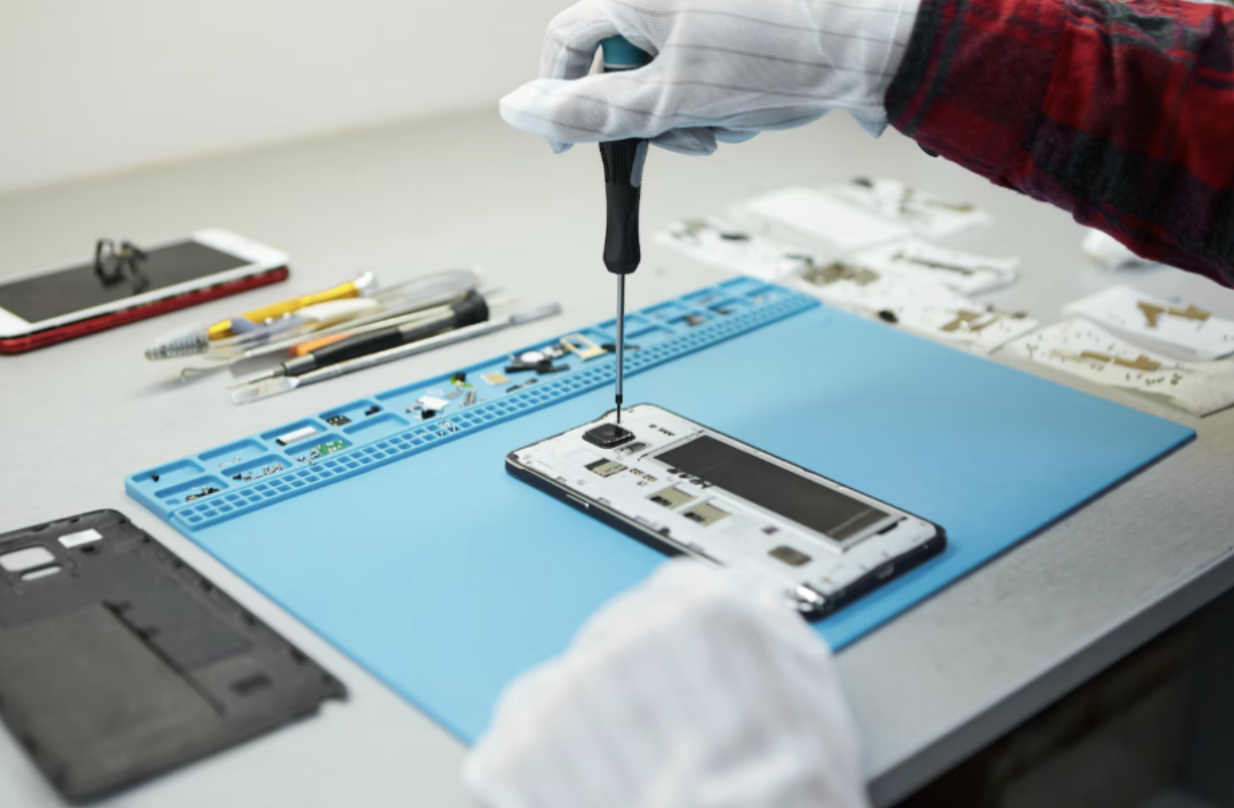
Image by Magnific.
Privacy and data protection requirements continue to become stricter in many regions. Refurbishment businesses are increasingly expected to demonstrate that customer information was safely removed before devices are resold or recycled.
Poor documentation can create problems during audits, customer disputes, or business partnerships. Retailers, carriers, and recycling companies often prefer working with suppliers that maintain reliable data handling records.
Many professional cleanup platforms generate reports after devices are processed. These reports may include device identification details, cleanup status, and confirmation that data removal was completed successfully. Some systems also issue certificates verifying that customer information was erased according to established procedures.
Clear documentation helps businesses maintain compliance, improve operational transparency, and strengthen trust with customers and business partners.
4. Wireless Android Support
Large numbers of cables can create clutter and slow down workflows inside busy refurbishment centers. Damaged or disconnected cables may interrupt cleanup tasks and reduce efficiency during high-volume operations.
Wireless support for Android device cleanup can simplify workstation management and reduce setup time. Technicians can process compatible devices without repeatedly connecting and disconnecting cables, helping teams move devices through refurbishment workflows more smoothly.
Wireless processing also becomes more useful when managing large batches of devices. Cleaner workstation layouts help reduce confusion, improve organization, and support faster turnaround times during busy periods.
5. Automated Workflow Control
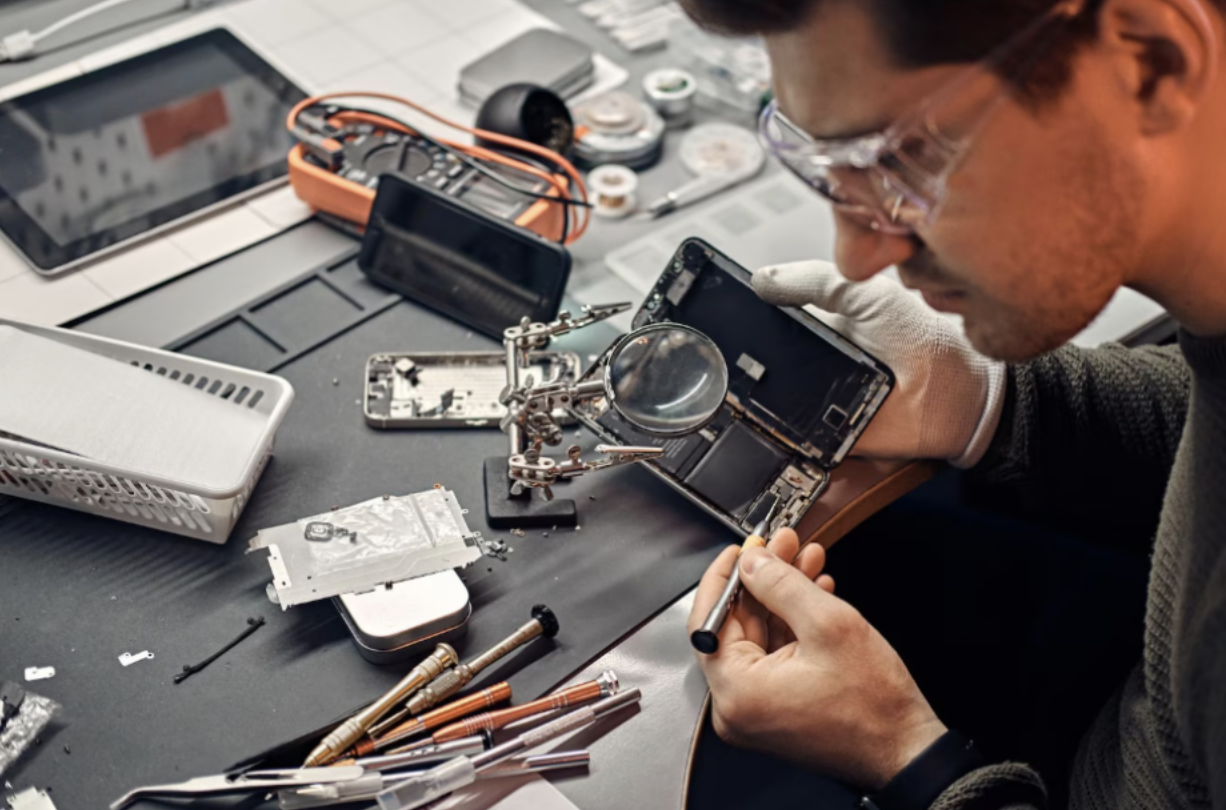
Image by Magnific.
Refurbishment businesses handle many tasks every day, including testing devices, checking quality, repairing hardware, grading products, and preparing devices for resale. Managing these tasks across multiple disconnected systems can slow operations and increase the chance of errors.
Automated workflow systems help keep refurbishment processes more organized by combining device tracking, testing, grading, and data cleanup into a single workflow. Shared systems also help teams follow consistent procedures across all devices.
Consistent workflows reduce manual errors, improve efficiency, and make it easier to process large batches of inventory. Automation also helps teams track devices more easily, while helping managers monitor workloads, identify bottlenecks more quickly, and maintain stronger oversight of device handling and customer data protection.

Image by Magnific.
Bottom Line
Customer privacy is now a critical part of the device refurbishment industry. Used phones and tablets may still contain sensitive information if cleanup procedures are incomplete or inconsistent.
Secure data erasure practices help refurbishment businesses remove customer information before devices are resold, recycled, or redistributed. Automated workflows, batch processing, and wireless support can also improve operational efficiency and reduce delays during busy periods.
In addition, detailed reports and cleanup records help businesses demonstrate that devices were processed properly and that customer information was removed safely. Strong data handling and erasure practices not only support compliance requirements but also help refurbishment companies build customer trust and protect their long-term reputation.
Disclaimer
This article is provided for informational and educational purposes only and should not be considered legal, cybersecurity, compliance, or data protection advice. Data erasure requirements, privacy regulations, and refurbishment standards may vary by region, industry, and business model. Readers should evaluate their own operational needs and consult qualified legal, security, or compliance professionals before implementing any data handling or device refurbishment processes. Any third-party links included are provided as examples or additional resources only and do not constitute endorsement.
Featured Image generated by ChatGPT.
Share this post
Author

Read the latest articles from Rebecca Smith
7 Effective Ways To Use An XAUUSD Chart To Hedge Your Portfolio Against Inflation

April 24, 2026
Inflation is one of the biggest challenges to sustained financial growth. When inflation starts to bite deep into your purchasing power, conventional investments such as cash and bonds usually struggle. Gold has always proven to be one of the safest options for safeguarding oneself from such an economic trend.
Learn moreBuilding The Modern Digital Workplace Experience For A Hybrid-First World

February 11, 2026
Hybrid work has fundamentally altered employees' expectations in the workplace. Effectiveness is no longer measured by physical presence or office infrastructure. Instead, the accessibility of tools, collaboration with teams, and timely support are considered more crucial. As a result, flexibility is now a baseli [...]
Learn moreLeave a comment
All comments are moderated. Spammy and bot submitted comments are deleted. Please submit the comments that are helpful to others, and we'll approve your comments. A comment that includes outbound link will only be approved if the content is relevant to the topic, and has some value to our readers.



Comments (0)
No comment