

You pay for 500 Mbps internet. You run a speed test, and it screams. Yet, the moment you settle in for a live match or a 4K movie stream, the spinning wheel of death appears.
It’s the most common complaint in the cord-cutting world: “Why is my high-speed internet failing me on a simple stream?”
If you are using a service like Apollo Group TV, the issue likely isn't the service, and it definitely isn't your TV. The problem lies in your IP address and how your Internet Service Provider (ISP) handles it.
The "Speed Test" Lie
ISPs are smart. They know the IP addresses of major speed-testing sites, such as Ookla and Fast.com. When your modem connects to these servers, the ISP opens the floodgates, allowing you to reach the maximum unthrottled speed you pay for.
But when you connect to a media server, specifically one hosting high-bitrate IPTV streams, the ISP’s automated traffic shaping kicks in. They detect a continuous, high-bandwidth data packet stream coming from a residential IP address. To save bandwidth on their local node, they artificially "throttle" that specific connection.
This creates a digital paradox: Your internet is fast for web browsing, but your connection to the streaming server is being strangled.
The Role of Latency and Peering
Buffering isn't just about speed; it’s about the route your data takes. When you stream without protection, your request hops through your ISP’s default DNS and routing nodes, which are often congested during peak hours (7 PM – 10 PM).
If the "handshake" between your device and the server takes too long, the video player empties its cache faster than it can refill it. This is why many users scramble to troubleshoot buffering latency by restarting routers, not realizing the bottleneck is happening miles away at the ISP level.
The Fix: Tunneling Your Traffic
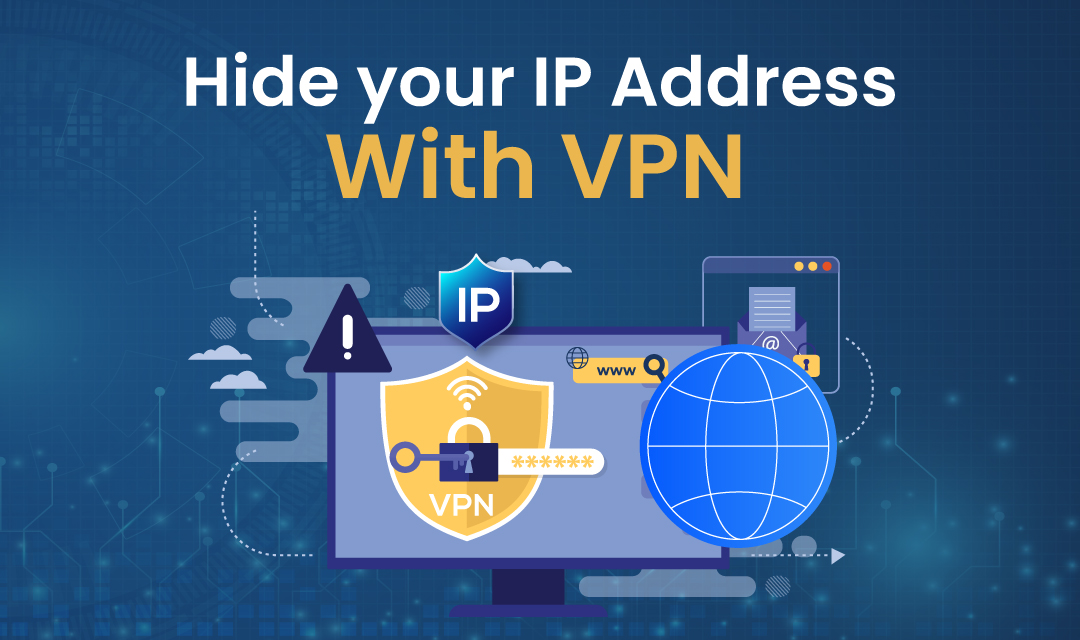
To get the performance you actually pay for, you have to hide your activity from your ISP. This is where the synergy between IP masking (VPNs) and streaming becomes critical.
By using a secure VPN, you wrap your data in an encrypted tunnel. Your ISP can still see that data is moving, but it cannot determine its content. They don't know whether you are downloading a large file or streaming live sports. Because they cannot identify the traffic type as IPTV, their automated throttling algorithms fail to trigger.
How to Test Your "True" Streaming Potential
If you suspect you are being throttled, perform this simple A/B test:
- The Control: Load a high-definition channel without any VPN. Watch for 5 minutes and note any resolution drops.
- The Variable: Connect your VPN to a server geographically close to you (to minimize physical distance).
- The Result: Reload the stream.
For 90% of users, the stability difference is immediate. The stream clarifies because the artificial speed limit has been lifted.
Final Thoughts
In today’s streaming environment, viewing quality is influenced not only by the content itself but also by how internet traffic is handled. Even users accessing premium Apollo TV packages may experience buffering or quality drops if their connection is affected by network routing or ISP traffic management policies.
Your IP address is your digital fingerprint. If you leave it exposed, you leave your viewing quality at the mercy of your ISP's traffic-shaping policies. Mask it, optimize your route, and enjoy the buffer-free experience you were promised.
Disclaimer
This article is provided for informational and educational purposes only. It does not constitute technical, legal, or professional advice, nor does it endorse or guarantee the performance, legality, or availability of any third-party services, software, or platforms mentioned.
References to streaming services, VPNs, or networking tools are intended solely to explain general internet performance concepts. Actual results may vary depending on internet service providers, network conditions, geographic location, and individual configurations.
iplocation.net is not affiliated with, responsible for, or liable for the content, accuracy, security, or practices of any external websites linked within this article. Users access third-party links at their own discretion and risk.
Featured Image generated by ChatGPT.
Share this post
Leave a comment
All comments are moderated. Spammy and bot submitted comments are deleted. Please submit the comments that are helpful to others, and we'll approve your comments. A comment that includes outbound link will only be approved if the content is relevant to the topic, and has some value to our readers.
 DNS Lookup
 Search a Person
 Inspect suspicious links
 Data Breach Check




Comments (0)
No comment