
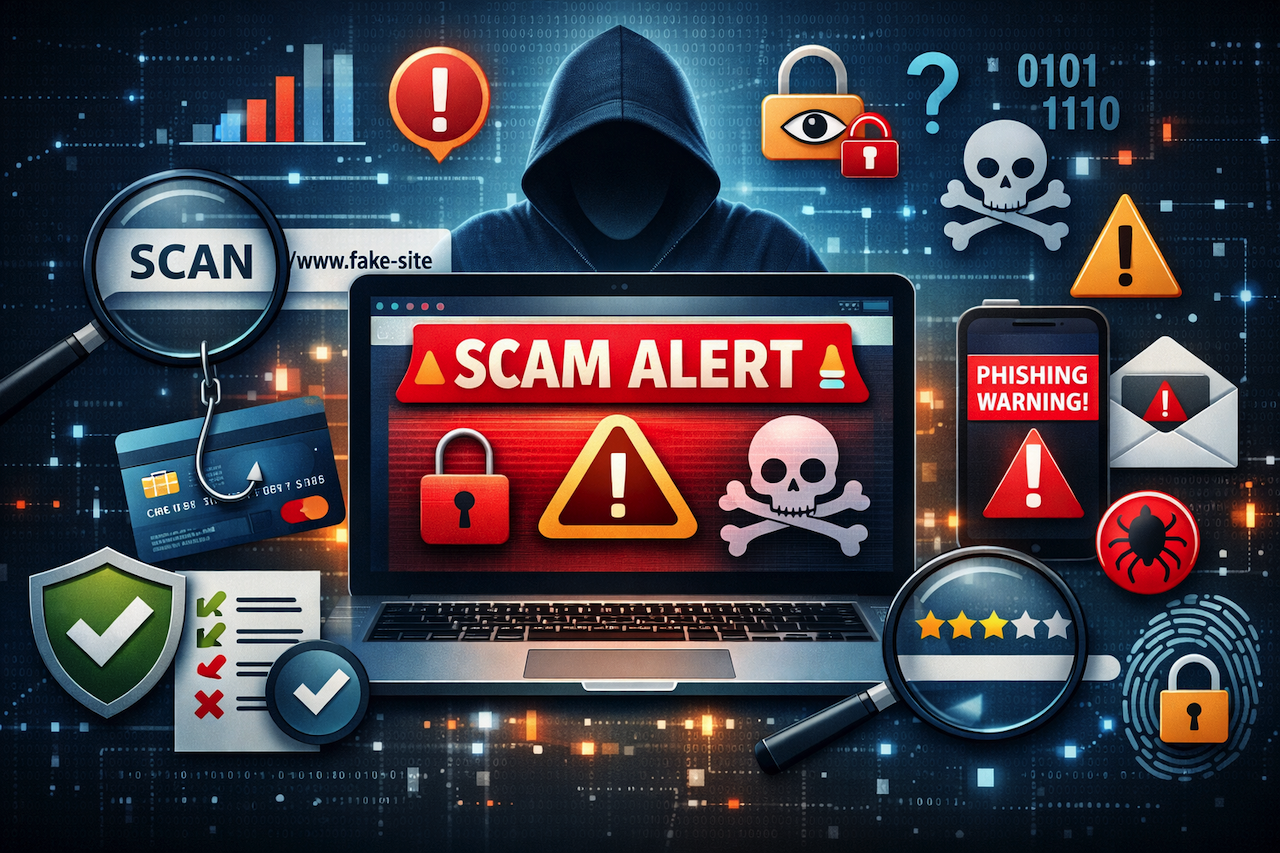
The internet in 2026 serves as the most widely used platform. The platform provides us with multiple functions, which include shopping, socializing, working, and learning. The online world offers users various advantages, but it also poses the danger of online scams. Cybercriminals continually develop new methods to deceive people into revealing their private data, financial information, and control of their devices. A website scam checker serves as an essential tool that protects users from digital threats. But what is a scam checker, and how can you use it effectively to stay safe online? Let’s dive into that.
What Is a Website Scam Checker?
A website scam checker is a tool that helps visitors determine whether a website is legitimate. The tools check the website's features, including its URL and security, the reputation of its visitors, and other aspects. You can check whether the website is safe enough to use through a few clicks. The feature is important when you need to make purchases, visit new websites, or open dangerous ones. Many websites and tools appear legitimate and safe. Still, they are actually designed to trick you into providing sensitive information, such as credit card numbers, passwords, and even Social Security numbers. The scam checker helps visitors avoid dangerous situations, especially when they visit a website that the system recognizes as dangerous.
List of the Website Scam Checkers
| Position | Brand Name | Rating |
|---|---|---|
| #1 | Scam Adviser | ⭐⭐⭐⭐⭐ |
| #2 | Scam Alerts | ⭐⭐⭐⭐ |
| #3 | URL Void | ⭐⭐⭐ |
Website scam checkers are available to help you protect your online security.
1. Scam Adviser
Scam Adviser is one of the most popular and trusted scam checkers on the web. The tool assesses website trustworthiness by evaluating domain age, site reputation, and existing security vulnerabilities. The system provides an extensive assessment of the website, including a danger-level evaluation and explanations of its potential security violations. The tool is a user-friendly product that anyone can use to protect themselves while browsing the internet.
Why Use Scam Adviser?
- Detailed Reports: The system offers complete information about website authenticity through its Scam Adviser system, which performs detailed website assessments.
- Easy to Use: The user needs to input the website URL, which starts the automatic operation of Scam Adviser.
- Free: Website visitors can use the service without charge to discover potential scams on their websites.
2. Scam Alerts
Scam Alerts is another good option for maintaining online security. The website scam checker helps identify scam activity by detecting malware, phishing threats, and unsecured connections. The tool evaluates a website’s reputation using user reviews and historical data, helping users determine whether it is safe to use.
Why Use Scam Alerts?
- Comprehensive Analysis: Evaluates website safety using multiple factors, including site reputation and user feedback.
- Fast Results: Delivers quick and reliable insights to support safer browsing decisions.
- Free Service: Allows users to scan websites for potential scams at no cost.
3. URL Void
URL Void provides users with a website safety testing solution through its scanning capabilities, which check websites against multiple blocklists to identify any malware distribution or phishing activities. The website safety test through URL Void delivers instant results through its risk assessment system, which shows known website safety information.
Why Use URL Void?
- Blocklist Check: URL Void checks websites against multiple blocklists to ensure they haven’t been flagged as dangerous.
- Simple Interface: Paste the URL, and the tool quickly provides results.
- Free to Use: It’s a free service, which is always a plus when trying to stay safe online.
Additional Tips for Staying Safe Online
Using a website scam checker should be combined with general web safety practices to reduce your risk of online threats.
- Scan for HTTPS: The first red flag to check is https:// before the website URL. Ensure that the letter “s” is included. The “s” stands for “secure” and indicates that the webpage is encrypted, helping protect your information.
- Check for Contact Details: Legitimate websites typically provide contact information, such as a phone number, email address, or physical location. If no contact details are available, proceed with caution.
- Use Two-Factor Authentication: Enable two-factor authentication on your accounts whenever possible. This adds an extra layer of security beyond just a password.
- Avoid Transactions on Public Wi-Fi: Public Wi-Fi networks can be insecure and are often targeted by hackers. Avoid entering sensitive information or making transactions while connected to them.
- Keep Everything Updated: Make sure your browser, operating system, and antivirus software are up to date. Updates often include important security patches that protect against new threats.
Conclusion
Online security should always be a priority when browsing the internet. As scams and digital threats continue to evolve, taking proactive steps to verify websites before sharing personal information is essential.
Using scam-checking tools alongside general security practices can significantly reduce your risk of falling victim to online fraud. Staying informed and cautious is one of the most effective ways to protect yourself in today’s digital environment.
 FAQs
FAQs
Scam checkers evaluate key aspects of a website, including its reputation, security features, and potential malware risks. They analyze indicators such as suspicious domain names, missing HTTPS, and known threat databases to help determine whether a site may be unsafe.
No tool can guarantee complete safety. Scam checkers help identify common warning signs, but users should still exercise caution and use additional security practices when visiting unfamiliar websites.
Yes, many scam checking tools are available for free. These tools allow users to scan websites and identify potential risks without requiring payment.
Share this post
Author

Leave a comment
All comments are moderated. Spammy and bot submitted comments are deleted. Please submit the comments that are helpful to others, and we'll approve your comments. A comment that includes outbound link will only be approved if the content is relevant to the topic, and has some value to our readers.
Comments (0)
No comment