
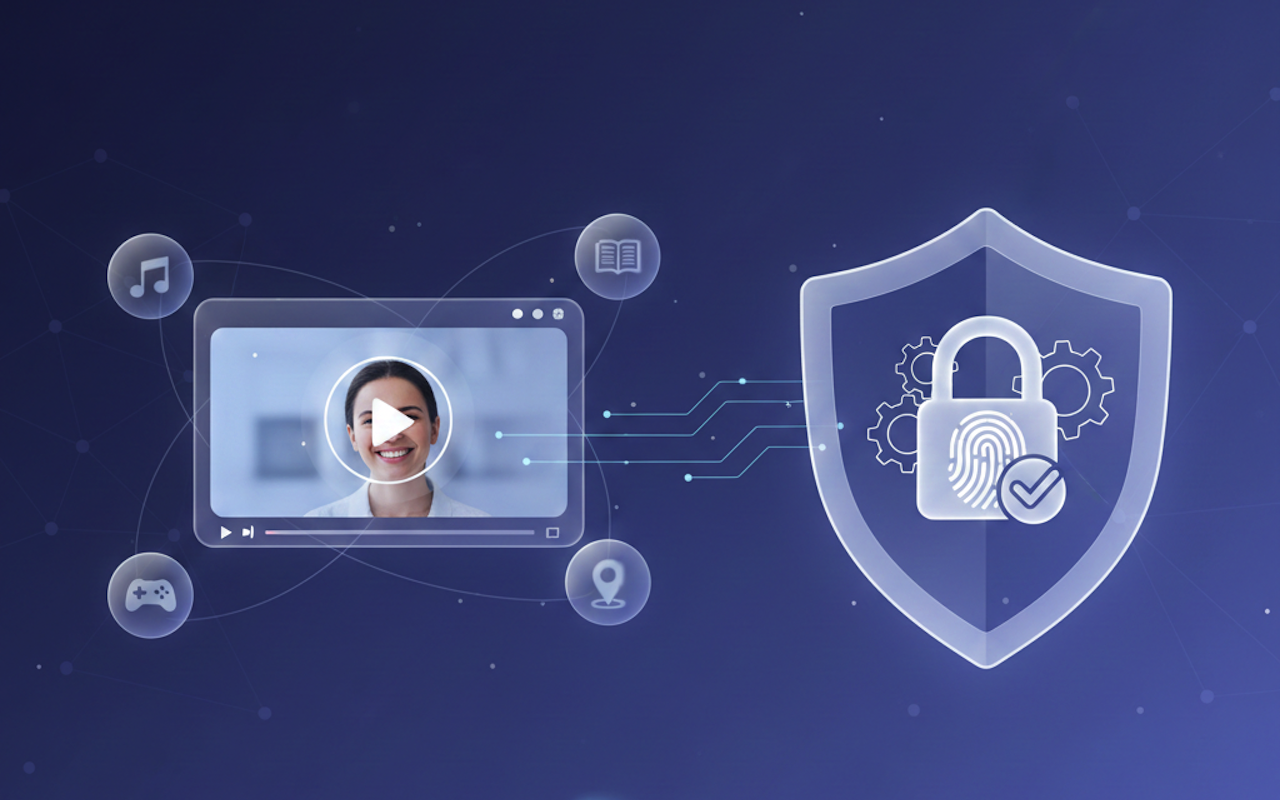
Personalized videos should feel relevant, not intrusive. When done right, it speaks directly to a viewer’s interests while keeping their privacy protected.
People enjoy content that recognizes them, but they also want confidence that their data stays safe. That balance is what separates genuine personalization from digital overreach.
This article explores how to craft videos that respect privacy, build trust, and keep audiences engaged through thoughtful, privacy-first design choices.
Respect Begins with Consent
Personalized video only works when it begins with trust. Viewers need to know exactly what data is collected and how it improves their experience. When brands are open about this, people engage more freely.
Clear consent tools, such as opt-in forms or quick in-video choices, make the process easy to follow. Each decision reminds the viewer that they remain in control. This balance between relevance and privacy builds genuine confidence and keeps personalization respectful.
Data Minimalism Builds Trust
After consent comes careful use of data. Collecting less often means earning more trust. Brands that focus on context, not personal history, keep personalization clean and respectful.
Platforms like Idomoo show how effective this can be. They rely on zero-party data that users willingly share, then tailor content around it. This keeps information fresh and relevant without deep tracking.
When data use stays minimal and transparent, customers see the benefit clearly and feel safe engaging again.
Context Creates Relevance Without Overreach
Personalization can stay effective without collecting detailed personal data. Context provides enough insight to shape the experience meaningfully. Factors like time of day, device type, or general location help adjust tone and visuals to fit the moment.
Someone watching on a mobile device during a commute might see shorter clips, while a desktop viewer could receive a longer format. This use of broad context keeps content useful, protects privacy, and maintains a natural connection with the viewer.
Designing for VPN Realities
Many viewers use VPNs, which can blur location data and disrupt precision targeting. Instead of forcing exact details, smart personalization works with broader signals. Brands can detect coarse regions, then adjust tone or language accordingly.
Fallback designs matter here. When the location is unclear, default messages still need to feel personal and timely. A well-crafted fallback keeps relevance intact without guessing private information. This approach respects privacy, handles technical uncertainty, and maintains a consistent viewer experience.
Closing the Loop with Transparent Value
To finish, privacy-first personalization depends on showing viewers real value. When people see how shared data improves their experience, they stay open to future engagement. Transparency turns data exchange into collaboration.
Clear messaging inside the video can explain how each choice affects the outcome. When a viewer understands that consent shapes relevance, trust becomes lasting. This clarity keeps personalization meaningful, limits unnecessary collection, and ensures every interaction respects both the audience and their privacy.
Conclusion
Privacy and personalization can work together when handled with care. Viewers value honesty, not hidden tracking. When brands communicate openly, consent turns into loyalty. Each respectful choice deepens trust and keeps engagement strong.
The future of personalized video depends on this balance, where creativity meets responsibility and every message feels tailored yet safe. That is the kind of personalization people welcome.
Featured Image generated by Google Gemini.
Share this post
Leave a comment
All comments are moderated. Spammy and bot submitted comments are deleted. Please submit the comments that are helpful to others, and we'll approve your comments. A comment that includes outbound link will only be approved if the content is relevant to the topic, and has some value to our readers.

Comments (0)
No comment