
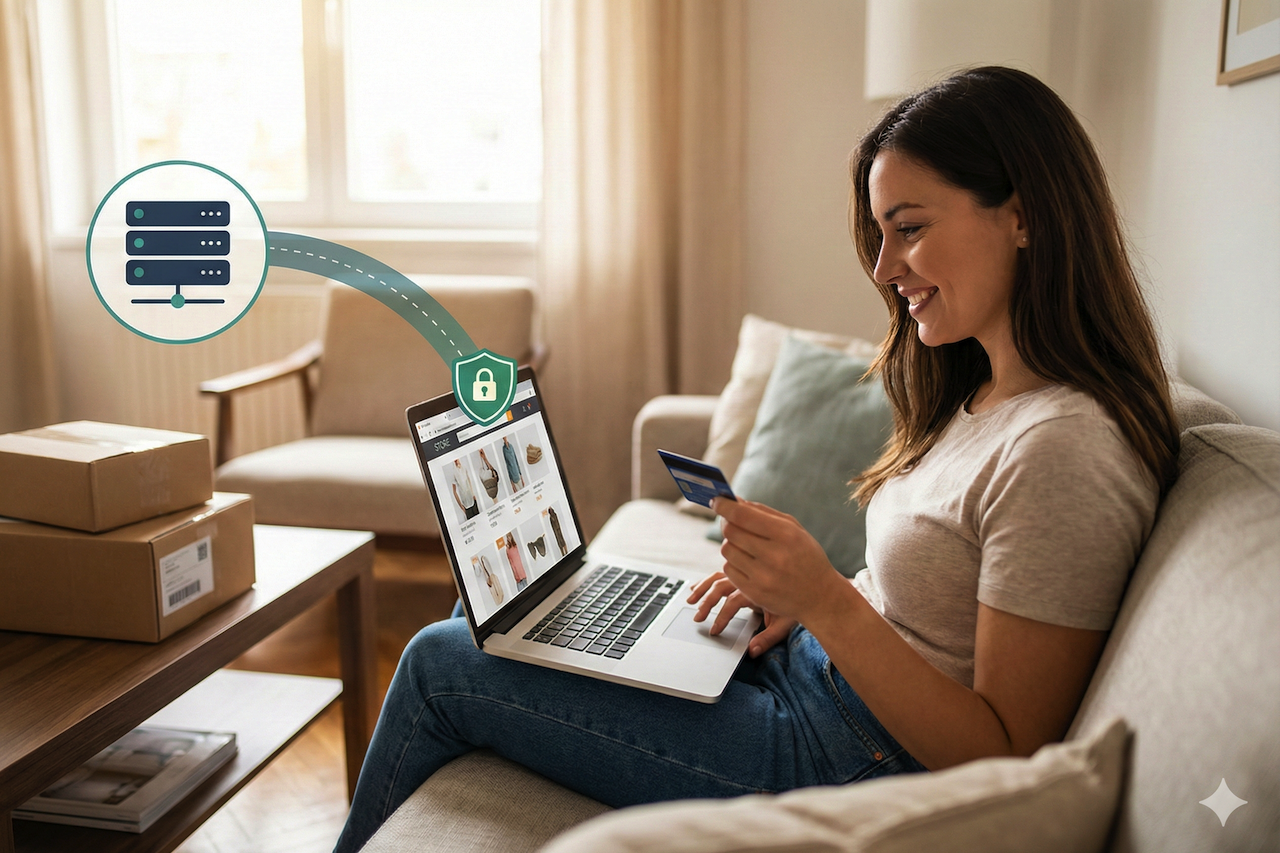
Fast and convenient online shopping makes it easy for you! You can compare products, read customer reviews, and place an order in a few minutes.
However, online shopping also leaves an enormous digital footprint. Your internet activities can be tracked, and cookies are used to monitor your behavior over several years.
This data could then be combined with profiles from various web publishers or by scraping your location in real-time via GPS systems when necessary.
For these reasons, many customers now use VPNs. As awareness has grown, it has become easier for people to try them and understand how they fit into everyday browsing.
This story explains how shopping extends tracking and exposure, how a VPN can reduce some of that risk, and practical guidelines for safer browsing when researching online tools.
Why Online Shopping Has Become A Privacy Risk
Online shopping is not inherently unsafe, but it is among the most common online activities—shopping sessions generate valuable data for advertisers, cookie-setting analytics platforms, and third-party networks.
Unlike reading the news or browsing a blog, online shopping has a clear intent; it is one of the few activities on the web where users actively signal what they plan to buy.
Two Reasons Shopping Attracts More Tracking
- Precise Purchase Intent Is Highly Valuable: It is one of the strongest predictors of future spending, which is why advertising networks and data brokers closely monitor shopping activity.
- Analytics Tools Keep Retail Sites Optimized: Online stores rely on third-party analytics scripts to measure user behavior, improve conversion rates, and test design changes, resulting in extensive data collection.
What Your Digital Footprint Looks Like During Online Shopping
A digital footprint is not just your name or email address. It includes many technical signals that can be combined to identify you or place you into a profile.
When you shop online, the footprint often becomes more detailed because the activity involves product categories, purchase interests, and personal information.
Common Data Collected During Shopping Sessions
- IP address (reveals your approximate location and internet provider)
- Browser details (language, screen size, version, installed features)
- Device information (mobile, desktop, operating system)
- Cookies and tracking pixels
- Click behavior (what you view, what you scroll, what you add to cart)
- Login identity (email, stored account IDs)
- Payment and delivery information (during checkout)
Tracking Methods And Whether A VPN Helps
| Tracking Method | Example | Can A VPN Help? |
|---|---|---|
| IP-based tracking | A store logs your IP address | Yes |
| ISP visibility | Your ISP can see that you visited a store | Yes |
| Cookies | “You viewed this item yesterday.” | No |
| Browser fingerprinting | Your browser is uniquely identifiable | No |
| Account tracking | You are logged into a store account | No |
| Checkout details | Billing, address, card data | No |
How a VPN Helps Reduce Tracking Without Overpromising
A VPN can reduce certain types of tracking by masking your IP address and encrypting your connection, which is especially useful on shared or public networks.
By routing traffic through a different IP address, a VPN makes it harder for websites and network observers to directly link browsing activity to your home internet connection.
However, VPNs are not a complete privacy solution. Users still need to consider the trustworthiness of the VPN provider, as the service itself can technically see connection metadata if it chooses to log it.
What A VPN Changes
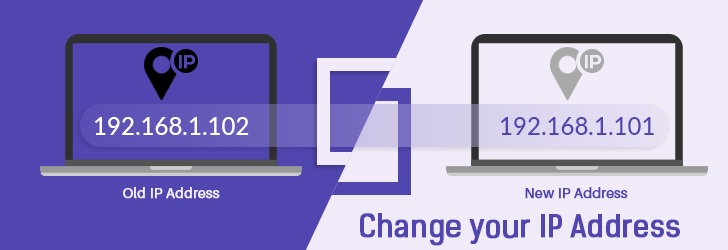
- Your public IP address appears different
- Websites cannot directly see your real ISP
- IP-based profiling becomes less reliable
- Public Wi-Fi browsing becomes safer
- Some location-based assumptions become less accurate
What A VPN Does Not Change
- Cookies are stored in your browser
- Browser fingerprint signals
- Your login identity on websites
- What you enter into checkout forms
- Tracking tied to accounts and email addresses
Why VPN Became Popular With Online Shoppers
Many shoppers do not think about privacy as experts. Instead, they start paying attention when they notice patterns that feel uncomfortable.
For example, shoppers often notice:
- Ads follow them after viewing one product
- “Recently viewed” items showing up across multiple sites
- Strange location-based pricing differences
- More spam emails after shopping seasons
- A general feeling of being watched online
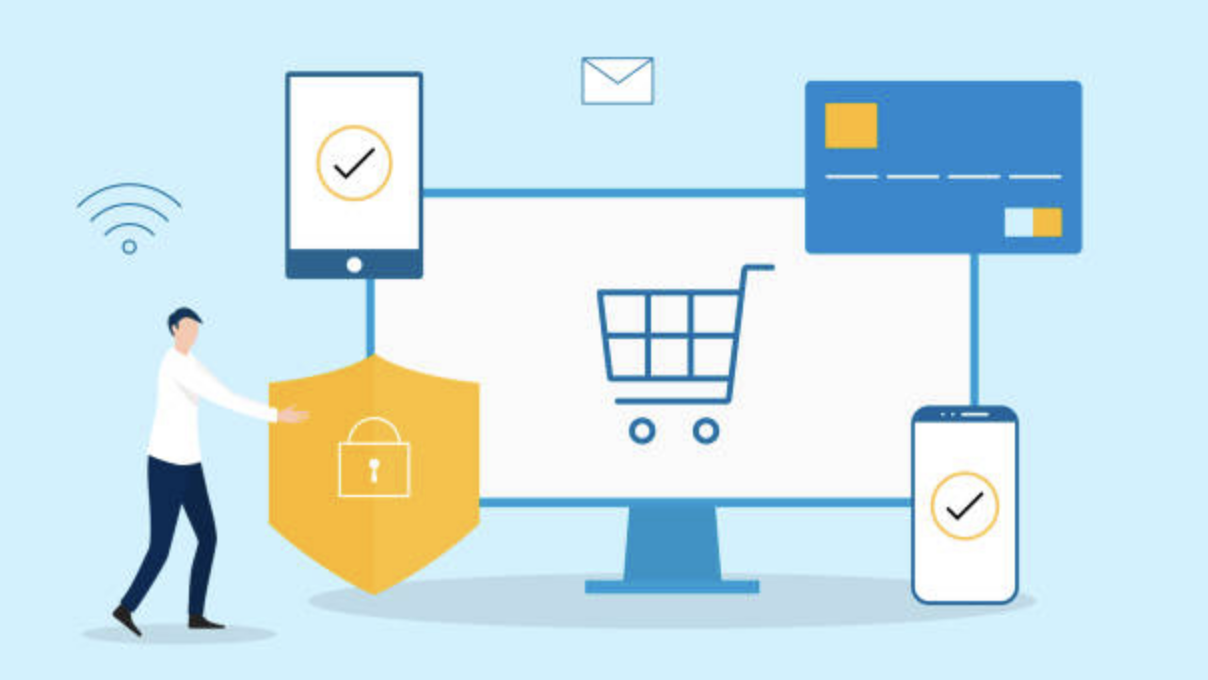
At this point, many shoppers begin looking into VPN security as a way to add a basic layer of protection to their browsing. While VPN security does not eliminate all tracking, it can help reduce IP-based exposure and protect data in transit, particularly on public or shared networks.
Four Reasons Shoppers Explore VPN Options
- Subscription Fatigue Has Increased Comparison Behavior: People evaluate online services more carefully than they did in the past, often comparing multiple options before committing.
- Lower Commitment Encourages Trial of Privacy Tools: Some users are more willing to test privacy tools when adoption feels simple and low risk.
- Shopping Seasons Increase Awareness of Privacy Risks: Periods of heavy online shopping often coincide with greater attention to tracking, data collection, and privacy concerns.
- Increased Access to Information Shapes Decision-Making: Many users research tools and services online to better understand privacy options before adopting them.
How Unsafe Download and Redirect Pages Can Undermine Privacy
Not all websites that offer downloads, tools, or links are designed with user safety in mind. Some exist primarily to generate clicks, collect data, or push risky extensions.
This matters because users who are trying to improve privacy can unintentionally expose themselves by interacting with unsafe pages.
Common Warning Signs of Unsafe Pages
- Aggressive pop-ups and forced redirects
- Push notification prompts that claim you must allow them to continue
- Fake countdown timers and urgency tactics
- Low-quality copy-paste text with repeated keywords
- No ownership information, contact page, or editorial policy
- Strange tracking chains with multiple redirects
- Pressure to install a coupon extension or download a file
Safer Browsing Habits When Researching Online Tools
A safer approach is to rely on straightforward informational pages rather than clicking through multiple redirects or installing unnecessary browser extensions. Pages designed primarily to push downloads or force interactions often introduce additional tracking or security risks.
A simple habit that improves safety is to avoid sites that request notification permissions or attempt to trigger downloads before content is visible. Even when the underlying information is legitimate, the browsing experience itself can increase exposure.
Privacy Mistakes Shoppers Still Make Even With A VPN
Using a VPN is a good start, but many shoppers still make mistakes that weaken privacy without realizing it.
1. Staying Logged Into Accounts Across Sessions
If you are logged in to major platforms while shopping, those platforms can still link your activity to your identity. A VPN does not prevent account-based tracking.
Examples include:
- Store accounts
- Social media accounts
- Email accounts
- Large marketplace accounts
2. Installing Coupon Extensions Without Reviewing Permissions
Coupon extensions can be convenient, but they can also be risky. Some extensions request permissions that allow them to:
- Read what you type into forms
- See which websites you visit
- Monitor shopping carts and checkout pages
Not every extension is malicious, but the permission level is often higher than users expect.
3. Ignoring DNS And WebRTC Leaks
Even with a VPN, browsers can sometimes leak information through:
- DNS requests (which can reveal what sites you visit)
- WebRTC features (which can reveal local network IP details)
4. Using A VPN While Keeping Old Tracking Cookies
If your browser has months of tracking cookies stored, turning on a VPN will not erase them. This is why some privacy-aware shoppers use:
- Private browsing mode
- Separate browser profiles for shopping
- Periodic cookie cleanup
A Simple Privacy Checklist For Safer Online Shopping
Shoppers do not need extreme tools to reduce tracking. A few consistent habits can make a noticeable difference.
Ten Practical Steps For Most Users
- Turn on a VPN before browsing shopping sites
- Use a separate browser profile for shopping
- Block third-party cookies when possible
- Avoid installing random coupon extensions
- Do not click promo pop-ups that force redirects
- Test for DNS leaks if you use a VPN regularly
- Check WebRTC settings if privacy is important to you
- Keep your browser updated
- Use unique passwords for store accounts
- Watch for phishing emails after significant shopping events
Optional: Researching VPN Pricing and Availability
Some readers choose to compare VPN providers or look up publicly available pricing information before deciding whether to try a service. For example, users searching for terms like “IPVanish discount codes” are often simply trying to understand current pricing rather than looking for downloads or extensions.
In those cases, relying on straightforward, static reference pages, such as general coupon or listing sites like couponcodes.store, can be easier to evaluate than navigating pages built around pop-ups, forced redirects, or downloads.
Final Thoughts
One of the most widely monitored activities on the web today is online shopping. Many readers have become more aware of how much information is collected during browsing and checkout processes.
VPNs can help reduce certain risks, particularly on public or shared networks, by limiting exposure of IP-based information. This is why many shoppers consider using a VPN as part of their broader approach to online privacy.
However, a VPN cannot block cookies, browser fingerprinting, or tracking tied to user accounts. The most effective way to reduce unnecessary exposure is to combine VPN use with safe browsing habits, such as avoiding untrusted extensions and being cautious with sites that rely on aggressive redirects or forced downloads.
Featured Image generated by Google Gemini.
Share this post
Leave a comment
All comments are moderated. Spammy and bot submitted comments are deleted. Please submit the comments that are helpful to others, and we'll approve your comments. A comment that includes outbound link will only be approved if the content is relevant to the topic, and has some value to our readers.


Comments (0)
No comment