
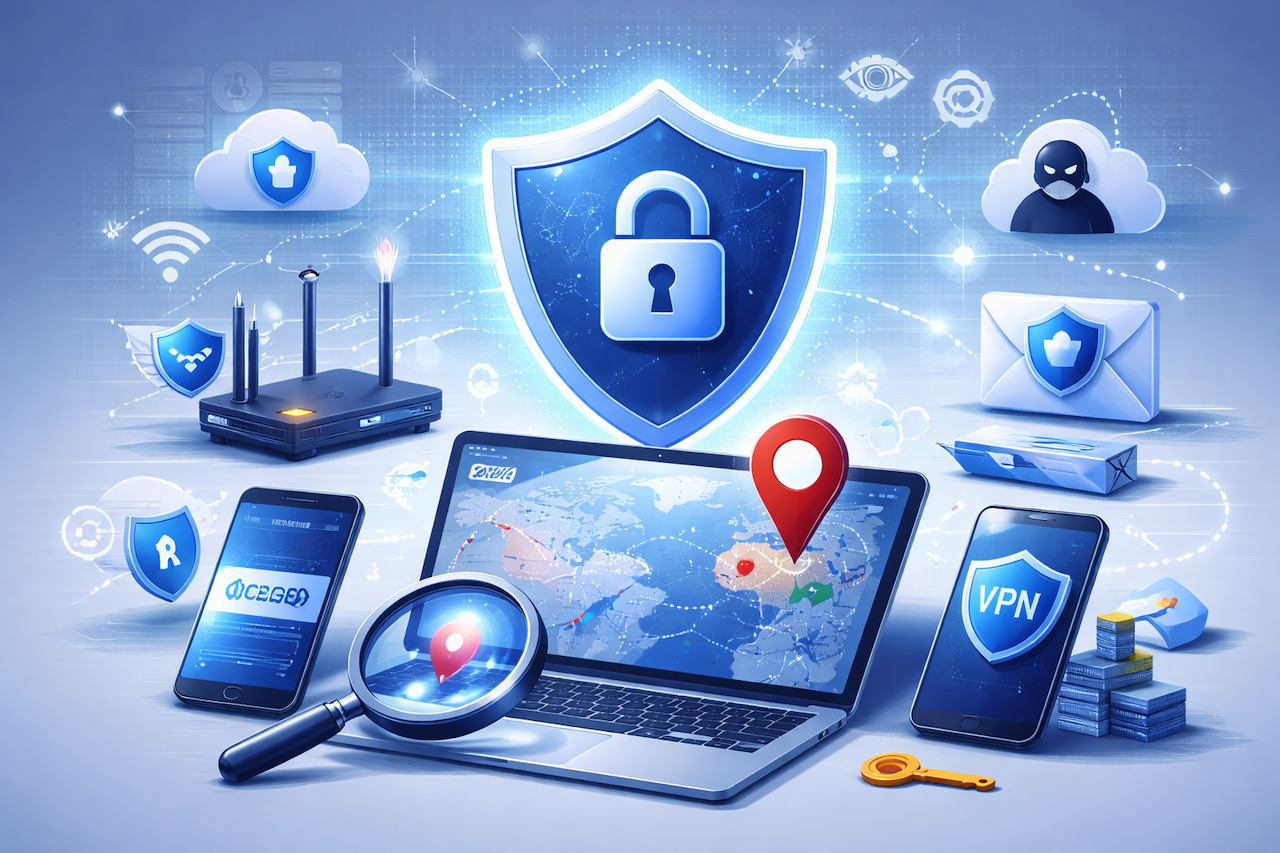
The internet feels anonymous, but in reality, every device connected to the web leaves digital traces. One of the most important signals is your IP address. Whether you’re browsing websites, using apps, streaming sports, or logging into a social media account, your IP address plays a significant role in how networks route data and how platforms identify traffic. Understanding how IP tracking works is essential for anyone who wants better online privacy, stronger cybersecurity habits, and safer internet use.
In this guide, we’ll break down how IP location tracking works, what it can reveal, and how you can reduce privacy risks without needing advanced technical skills.
What an IP Address Is and Why It Matters
An IP address (Internet Protocol address) is a unique identifier assigned to your device or network when you connect to the internet. It helps websites and online services know where to send information back to you. Think of it as a return address for digital communication. Without IP addresses, the internet wouldn’t function because data wouldn’t know where to go.
There are two standard versions: IPv4 and IPv6. IPv4 is the older format and still widely used, while IPv6 was introduced to support the growing number of devices worldwide. Regardless of the version, your IP address can reveal valuable information, including your internet service provider, approximate region, and the type of network you’re using. That is why IP addresses are essential in cybersecurity, fraud detection, analytics, and digital marketing.
How IP Geolocation Works Behind the Scenes
IP geolocation is the process of determining a user’s physical location from their IP address. Many people assume an IP address shows an exact location, but that’s not how it works. IP geolocation usually provides an approximate area, such as a city or region, rather than a precise street address. This is because IP location data comes from multiple sources, including ISP registration records, routing information, and database providers that map IP ranges to geographic areas.
However, accuracy varies. Sometimes the location is correct; other times, it may be off by hundreds of miles. This occurs when ISPs assign dynamic IP addresses, when traffic is routed through different infrastructure, or when users are behind shared networks such as offices, schools, or mobile carriers. Despite this limitation, IP geolocation remains highly useful for security teams and businesses, helping detect suspicious activity such as unusual login locations, bot traffic, and identity spoofing.
Why Websites Track IP Addresses (Security, Fraud, and Analytics)
Websites track IP addresses for multiple legitimate reasons. The first is security. IP-based monitoring helps detect brute-force attacks, credential stuffing, and suspicious login attempts. For example, if a user account is accessed from two distant locations within minutes, security systems may flag the activity and trigger verification steps. IP tracking also helps block known malicious IP ranges associated with spam or hacking.
The second reason is analytics. Businesses use IP data to understand where traffic originates, how users behave, and which regions show the highest engagement. Even when users are not personally identified, IP-level insights help improve user experience and content strategy. The third reason is fraud prevention. E-commerce platforms use IP analysis to identify risky transactions, detect proxy usage, and reduce chargebacks.
This type of tracking is not inherently harmful, but it becomes risky when combined with other identifiers such as cookies, browser fingerprints, or leaked personal data. That is why understanding IP tracking is essential for privacy-conscious users.
Common Privacy Risks Related to IP Tracking
While an IP address alone may not reveal your complete identity, it can still raise privacy concerns. For example, your IP can reveal your approximate location and ISP. If attackers gain access to other information, such as your email, username, or browsing patterns, IP data can help them build a stronger profile of you. This is especially risky when people reuse passwords or use the same login credentials across platforms.
IP exposure is also a significant factor in online harassment, tracking, and targeted attacks. In gaming communities, for example, attackers sometimes attempt “doxxing” by combining IP data with other publicly available information. Similarly, public Wi-Fi networks can expose users to interception risks when browsing unsecured websites. Sports fans who stream matches on unofficial sites face comparable risks, as many of these platforms rely on malicious ads, aggressive tracking scripts, or deceptive download prompts designed to steal data.
For users who follow sports online, a safer habit is to rely on legitimate platforms and remain vigilant about online security. Rather than visiting unofficial streaming pages, many fans turn to established sports content sites for news and updates. In soccer, for example, some readers use sites such as Footricks, which avoids the higher exposure to invasive tracking, malware, and fraudulent redirects commonly associated with unofficial streaming platforms.
Practical Ways to Protect Your IP Privacy Online
Protecting your privacy does not require being a cybersecurity expert. The first step is using secure browsing habits. Always prefer HTTPS websites, avoid suspicious pop-ups, and never download files from unknown sources. Keeping your browser up to date also reduces exposure to known vulnerabilities. In addition, enabling multi-factor authentication on your key accounts makes it harder for attackers to exploit stolen credentials.
Another important method is using a VPN (Virtual Private Network). A VPN hides your real IP address by routing your traffic through a different server, reducing location exposure and making tracking harder. This is useful when using public Wi-Fi or accessing content in restricted regions. However, users should choose reputable VPN providers, as low-quality VPNs can log data or inject ads.
Finally, avoid oversharing personal details online. Even if your IP location is only approximate, combining it with social media posts, usernames, or public profiles can increase your identity. Privacy is not just about hiding your IP address, but about limiting the overall digital footprint that can be traced back to you.
Conclusion
IP location tracking is a fundamental part of how the internet operates, supporting security, analytics, and fraud prevention across countless online services. At the same time, it can introduce privacy risks when combined with other data points or exploited through unsafe browsing habits.
Understanding what your IP address can reveal, and what it cannot, helps you make more informed decisions online. By practicing basic security hygiene, avoiding high-risk websites, and using tools such as VPNs when appropriate, you can significantly reduce unnecessary exposure without sacrificing usability.
Online privacy is not about eliminating tracking entirely, but about maintaining control. Awareness, caution, and consistency remain the most effective defenses in an internet that is increasingly data-driven.
Featured Image generated by ChatGPT.
Share this post
Leave a comment
All comments are moderated. Spammy and bot submitted comments are deleted. Please submit the comments that are helpful to others, and we'll approve your comments. A comment that includes outbound link will only be approved if the content is relevant to the topic, and has some value to our readers.


Comments (0)
No comment